
This page is not an official page of the app or its developer, but an independent editorial publication created for informational and commentary purposes. Unless expressly stated otherwise, neither the app nor its developer is affiliated with, endorsed by, sponsored by, authorized by, or otherwise officially connected with MWM, Apple, Google Play, the app publisher, or the app's developer, and nothing on this page implies that the app was developed using MWM's services. Any trademarks, logos, screenshots, and other content remain the property of their respective owners.


Today - Memory Notebook
Step away from the noise of social media into a private, themed sanctuary. Capture spontaneous laughter, small triumphs, and major milestones in an intimate memoir designed to last a lifetime.
Downloads
600User Rating
Total Ratings
0Publisher
Category
LifestyleLocales
1Latest Version
1.7Size
0.6 MBFirst Released
Apr 24, 2024Your Story, Preserved Forever
Move beyond the camera roll. Today is your private sanctuary to document milestones, small wins, and the beautiful everyday moments that define your journey.
Private Reflection
Escape the noise of social media. Record your honest thoughts and spontaneous laughter in a secure space designed for intentional living.
Aesthetic Personalization
Express your unique style with customizable themes that turn your digital entries into a beautifully curated visual memoir.
Frequently Asked Questions
Everything you need to know about Today - Memory Notebook
What is Today - Memory Notebook app?
Today - Memory Notebook is a diary app designed for users to capture and relive their cherished memories. It provides an intimate space to journal important life moments and create an interactive memoir.
How can users create new entries in Today - Memory Notebook app?
Users can create new entries in the Today - Memory Notebook app by tapping the "+" button, located at the top right corner of the screen. This action initiates the process to add new memories.
Can I search for specific memories within the Today - Memory Notebook app?
Yes, Today - Memory Notebook includes a search bar on its main screens. Users can utilize this function to efficiently locate specific memories or journal entries within the app.
Does Today - Memory Notebook allow personalization of entries?
Yes, the Today - Memory Notebook app allows users to personalize their entries with themes. This feature helps in customizing the appearance of individual memories to enhance the interactive memoir.
How does Today - Memory Notebook help users revisit past memories?
Today - Memory Notebook helps users revisit past memories through its "Memories" and "Bookmarked" sections. Users can browse entries chronologically or access specially marked memories at any time.
Is it possible to manage or delete memories in Today - Memory Notebook?
Yes, users can manage memories in Today - Memory Notebook. The app provides options like "Select Memories" and "Show Recently Deleted" through the "..." menu, enabling organization and retrieval.
Can I bookmark specific entries in the Today - Memory Notebook app?
Yes, the Today - Memory Notebook app allows users to bookmark specific entries. These marked memories are conveniently accessible through a dedicated "Bookmarked" tab in the app's navigation.
What is the purpose of the "Today" screen in the Today - Memory Notebook app?
The "Today" screen in Today - Memory Notebook serves as the primary interface for daily interactions. It displays the current date and allows users to initiate new memory entries for the day.
The following screenshots and description are sourced directly from the app's official store listing and are the property of the app developer.
App Store
Screenshots
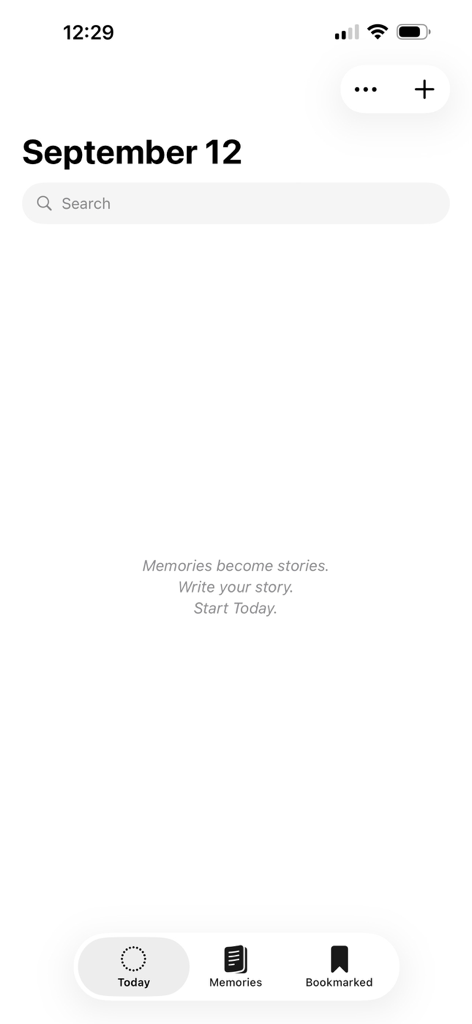
Empty journal screen of the Today Memory Notebook app with a minimalist interface for September 12
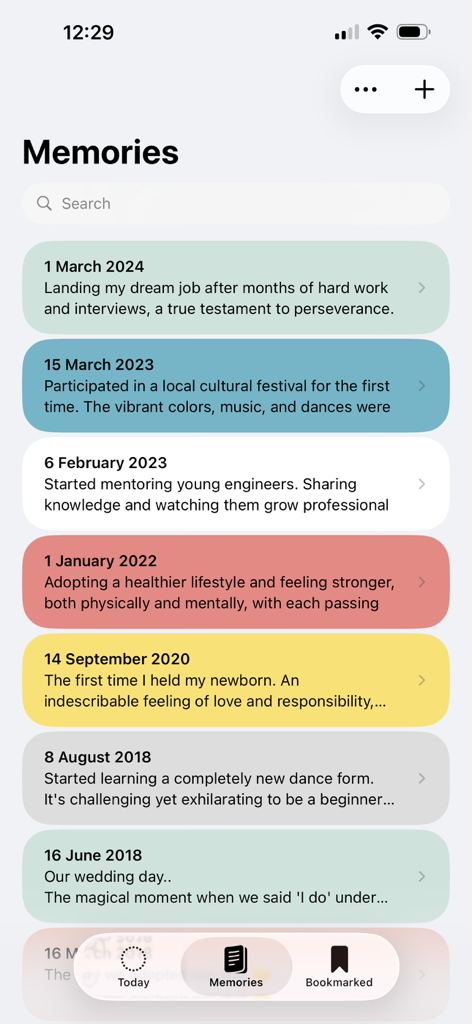
A chronological list of personal memories and milestones shown in colorful cards within the Today app interface
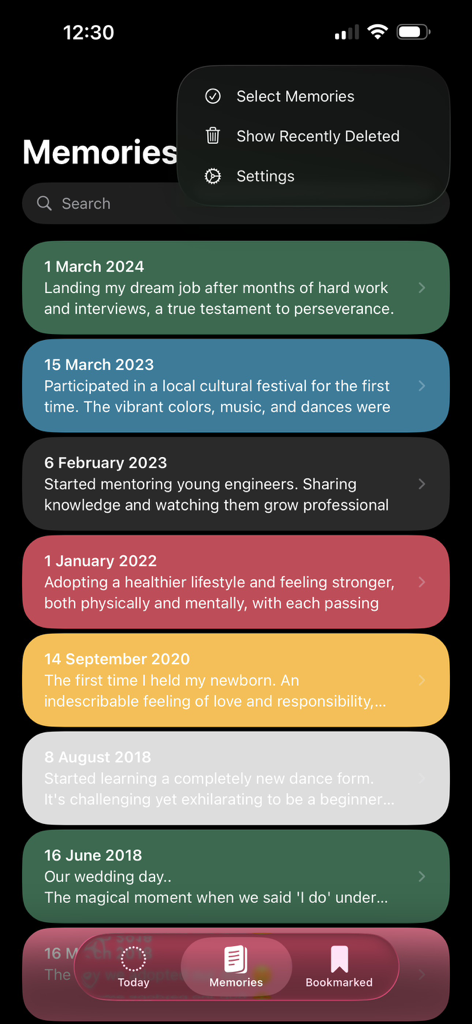
Interface of Today - Memory Notebook app showing a list of colorful diary entries with dates and personal milestones
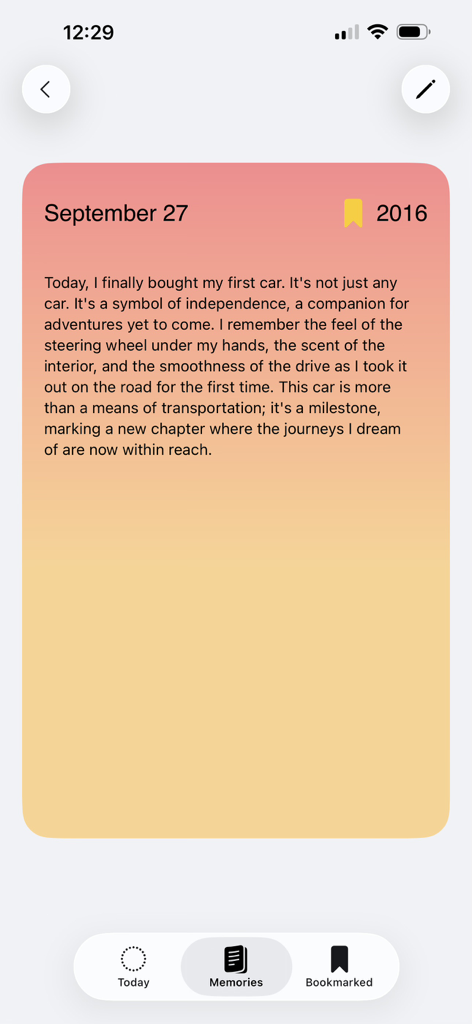
A personal diary entry in the Today app describing a first car milestone.
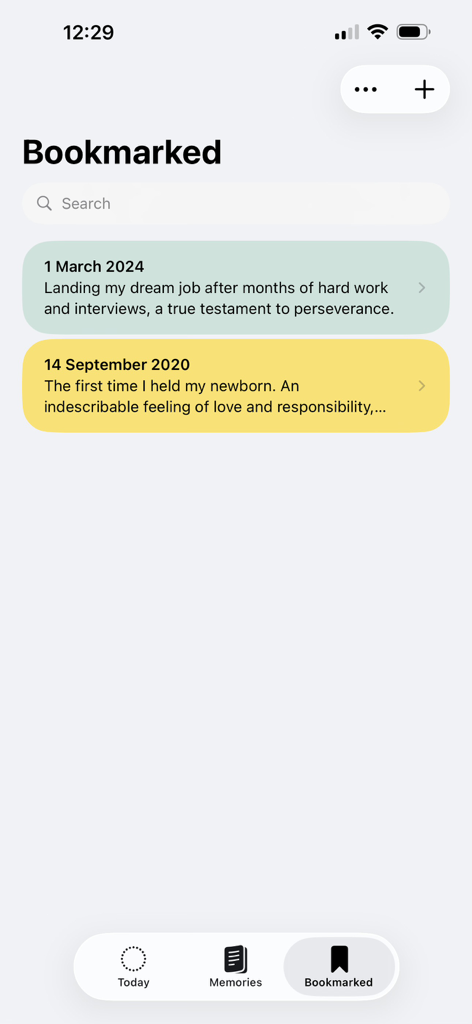
A list of bookmarked diary entries in the Today Memory Notebook app showing life milestones
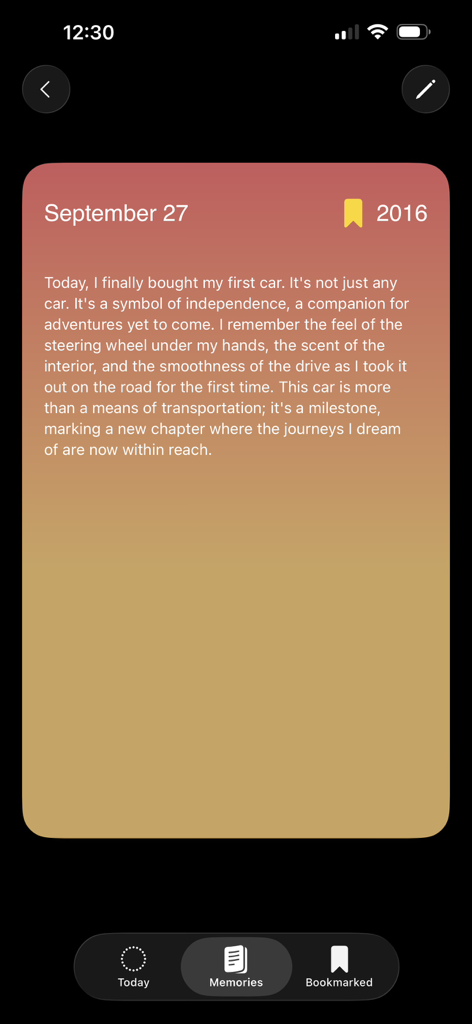
A personalized digital diary entry about a life milestone with a warm colorful theme
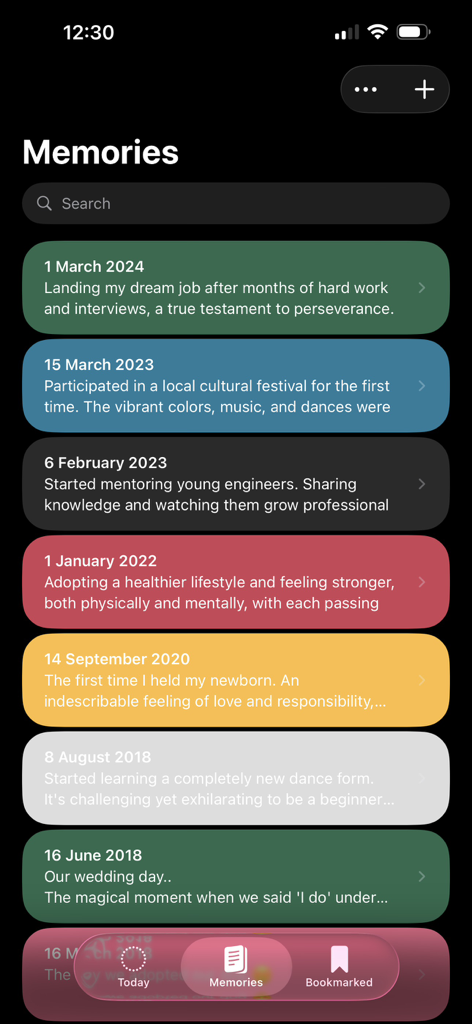
A chronological list of colorful journal entries in the Today Memory Notebook app showing personal milestones and memories.
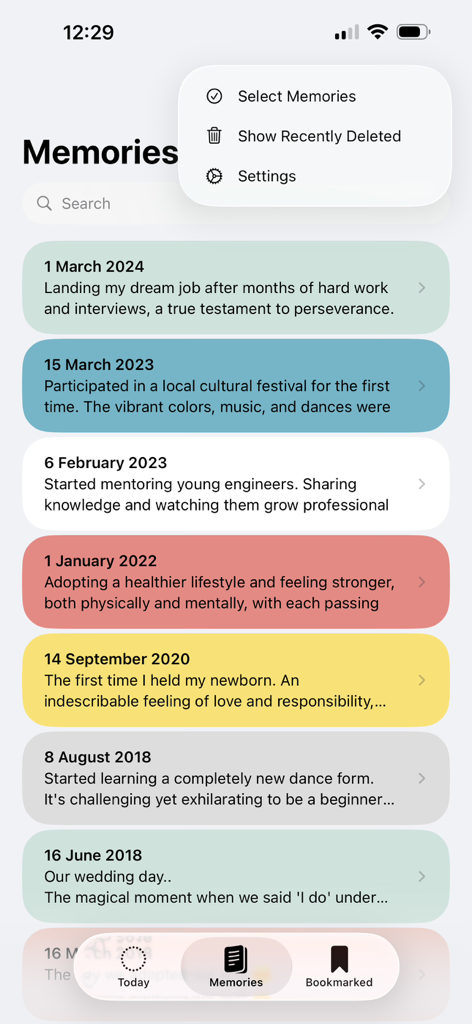
A colorful list of journal entries displaying life milestones in the Memories section of the Today Memory Notebook app.
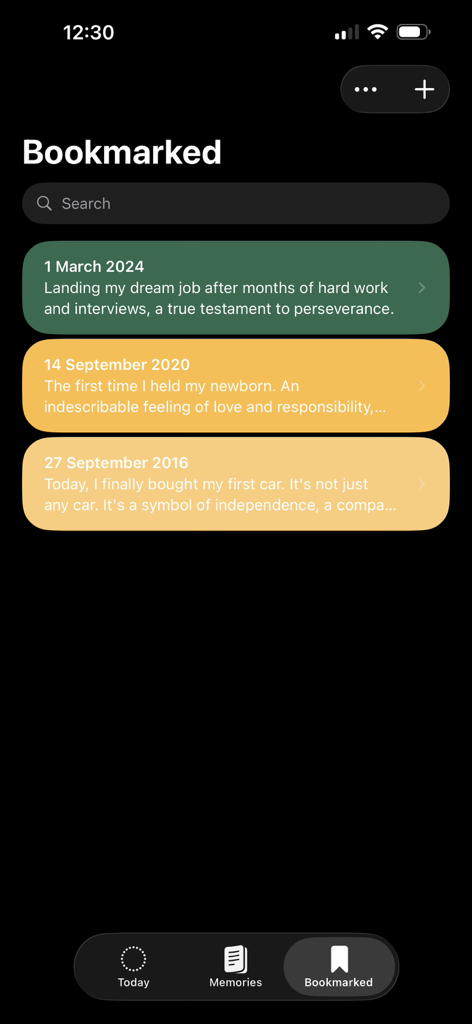
The Bookmarked screen of the Today Memory Notebook app displaying saved life milestones on green and yellow cards.
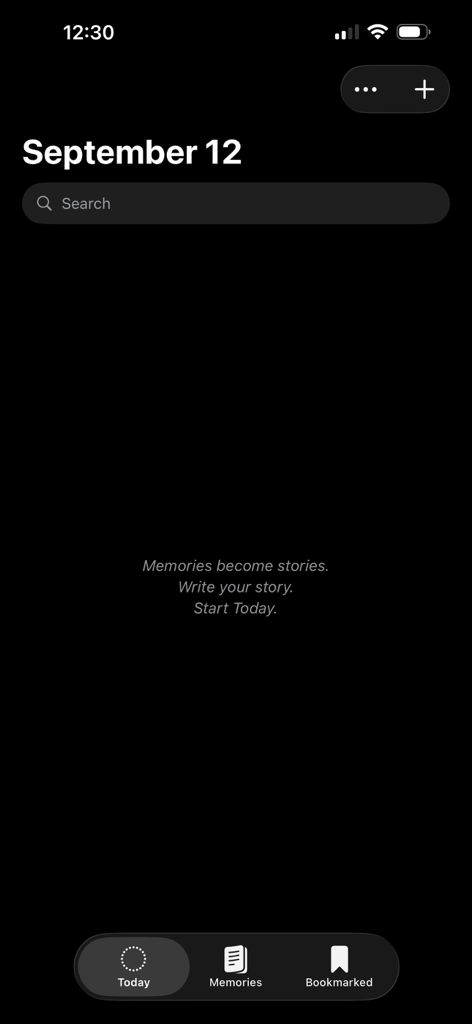
The minimalist dark mode home screen of the Today Memory Notebook app with a search bar and a journaling prompt
Description
Download
More Like This
Top-ranked apps in the same category

Pinterest, Inc.

Alipay - Simplify Your Life
Alipay (Hangzhou) Technology Co., Ltd.

Dianping: Discover Good Places
Hanhai Information Technology (Shanghai) Co.Ltd

美团-美好生活小帮手
Sankuai Technology Co., Ltd.

Lemon8 - Lifestyle Community
TIKTOK PTE. LTD.

Xiaomi Home
Beijing Xiaomi Co., Ltd

Tinder Dating App: Date & Chat
Tinder LLC

SmartThings
Samsung Electronics Co., Ltd.

VNeTraffic
GLOBAL TECHNOLOGY - TELECOMMUNICATIONS CORPORATION
This page is not an official page of the app or its developer, but an independent editorial publication created for informational and commentary purposes. Unless expressly stated otherwise, neither the app nor its developer is affiliated with, endorsed by, sponsored by, authorized by, or otherwise officially connected with MWM, Apple, Google Play, the app publisher, or the app's developer, and nothing on this page implies that the app was developed using MWM's services. Any trademarks, logos, screenshots, and other content remain the property of their respective owners.