
ToDo List - Task manager list


Declutter your mind with the world’s most simple task manager. Designed for digital minimalists who want a fast, aesthetic way to manage daily errands without the noise.
Publisher
Category
ProductivityDownloads
1M+User Rating
Total Ratings
62K+Locales
35Discover the interface used by 1M+ users.
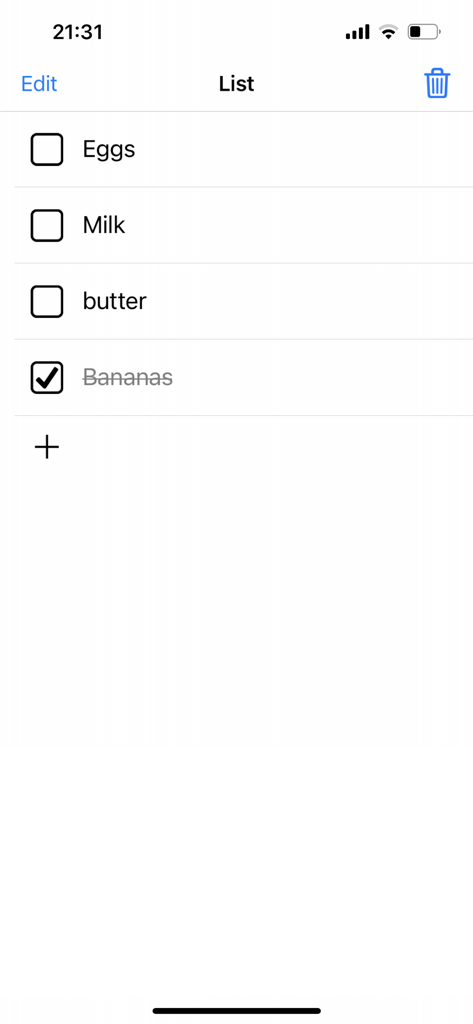
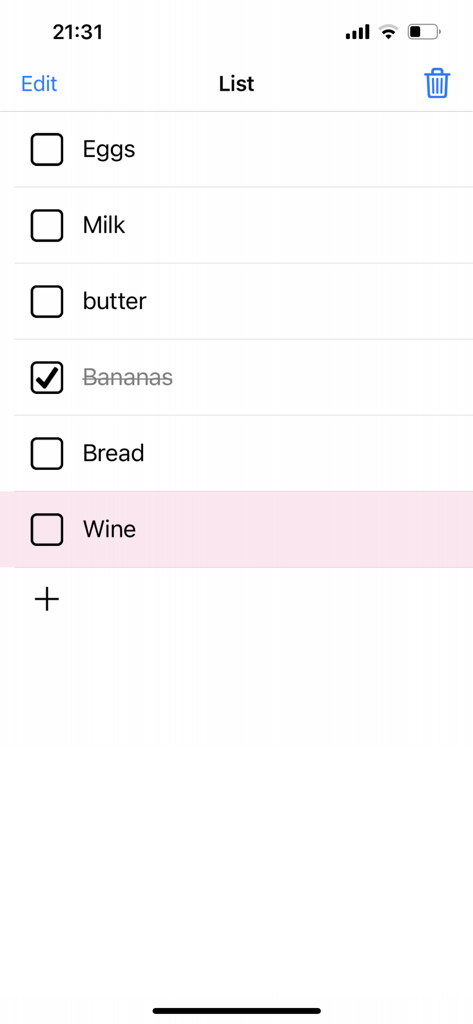
The tools that make this app stand out, trusted by 1M+ users.
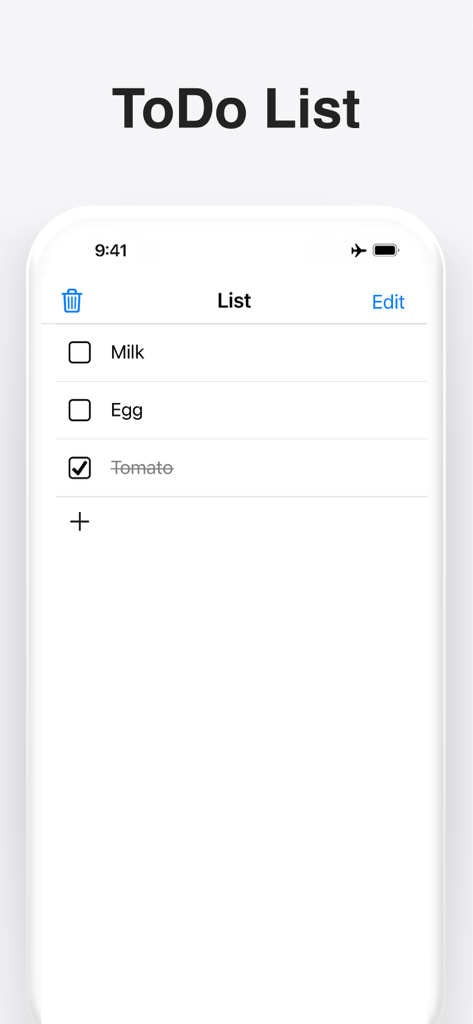
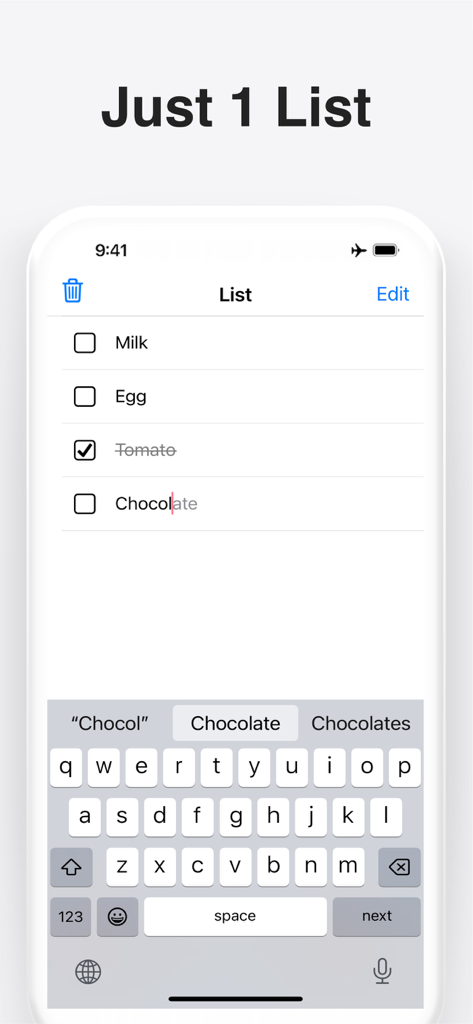
Capture thoughts the moment they happen. Our ultra-fast interface lets you add tasks in a single tap without any friction or setup.
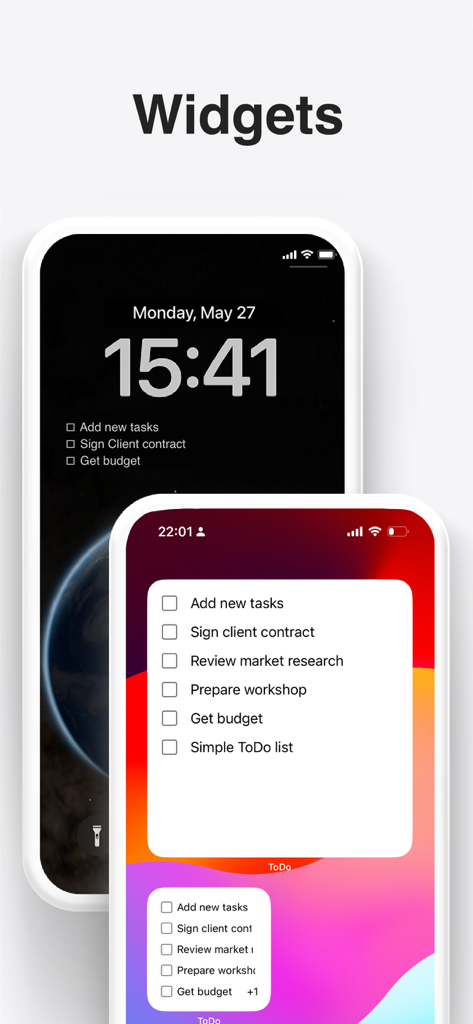
Stay on track without unlocking your phone. Beautiful Lock Screen and Home Screen widgets keep your priorities front and center.
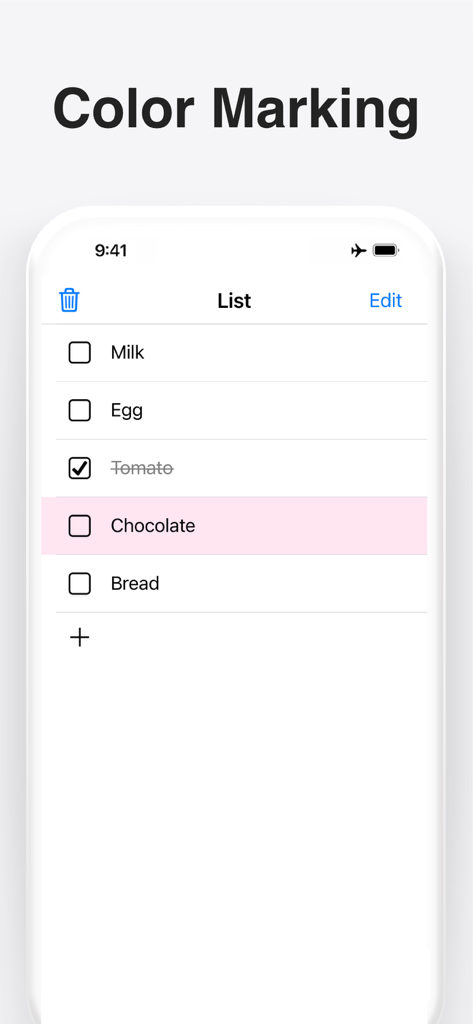
Stop juggling complex categories. Manage everything on a single, clean list with satisfying gestures to color-code or delete tasks instantly.
Everything you need to know about ToDo List - Task manager list.
Description
Latest Version
5.0.0
Size
24.8 MB
First Released
Jun 16, 2016
Join over 1 million digital minimalists who prefer one simple list over complex apps. Download now and reclaim your focus in a single tap.
Everything you need to know about ToDo List - Task manager list
Users add tasks in the ToDo List - Task manager list app by tapping the plus icon. This action reveals a text input field to enter the task name, enabling quick task entry.
Yes, the ToDo List - Task manager list app supports both lock screen and home screen widgets. Users can view and manage their tasks directly from their device's home or lock screen interfaces.
To delete a task in the ToDo List - Task manager list app, swipe left on the specific task. The app also features a trashbox button to clean finished tasks from the list efficiently.
Yes, the ToDo List - Task manager list app allows users to add color to tasks. Swipe right on a task to apply a distinct color marking, aiding in visual organization and task differentiation.
The ToDo List - Task manager list app's primary focus is extreme simplicity, featuring only one list. It allows users to manage all their tasks and errands efficiently on a single, uncluttered screen.
Yes, the ToDo List - Task manager list app fully supports Dark mode. This feature provides an alternative visual theme, offering enhanced viewing comfort, especially in low-light environments.
Users clean finished tasks in the ToDo List - Task manager list app by tapping the trashbox button. This action efficiently removes all completed tasks, maintaining a tidy and focused list.
Apps with similar features and user experience

BeomJoon Kim

EMMO Corp.

Markus Liebschner

Thomas Tsopanakis

TAPUNIVERSE LLC

Konstantin Bolgar

SEOLHEE LEE
WEBDIA INC.

App Palette LLC
App information, icons, screenshots, and descriptions displayed on this page are sourced from the Apple App Store and are the property of their respective developers. Download estimates and rankings are based on MWM's proprietary models and may not reflect actual figures. This page is provided for informational and analytical purposes only.
Believe this page infringes your intellectual property? File a dispute