
TOTP Authenticator


Master two-factor authentication with over 100 step-by-step tutorials and seamless access to your 2FA codes on iPhone, Mac, and Apple Watch.
Publisher
Category
UtilitiesDownloads
592K+User Rating
Total Ratings
4K+Locales
36Discover the interface used by 592K+ users.
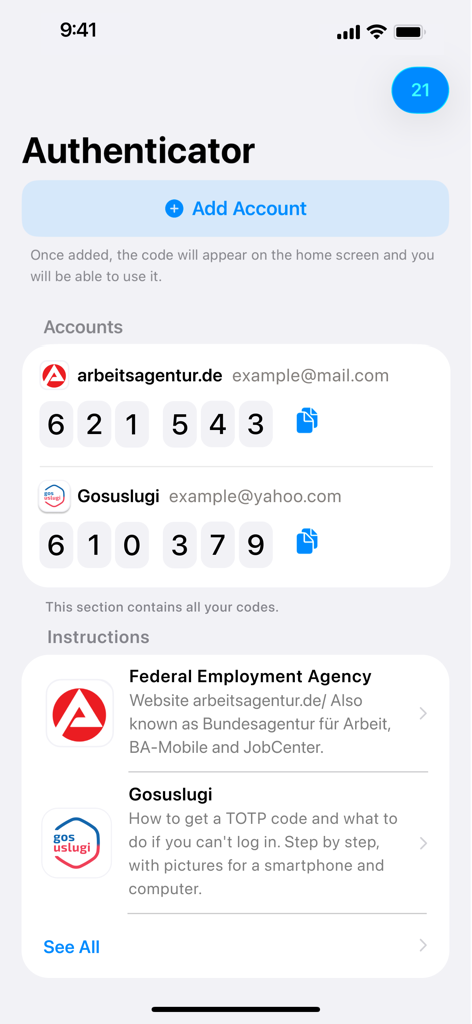
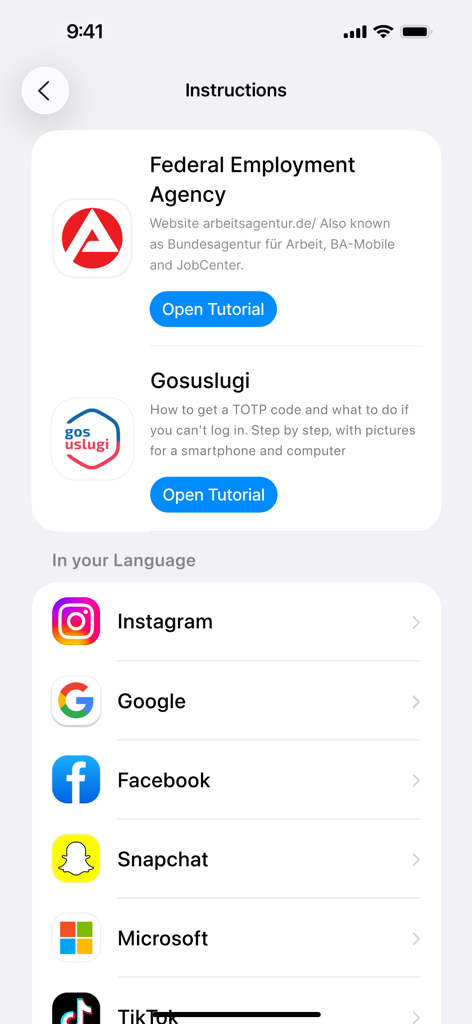
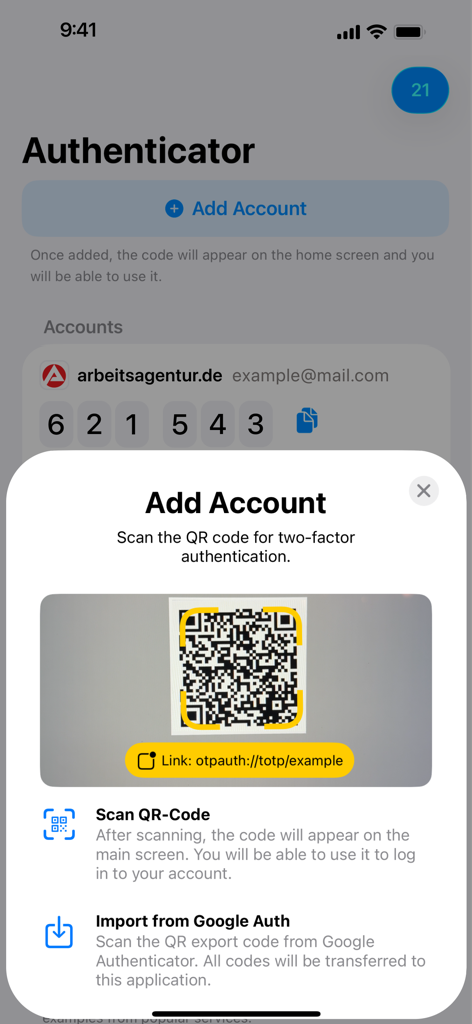
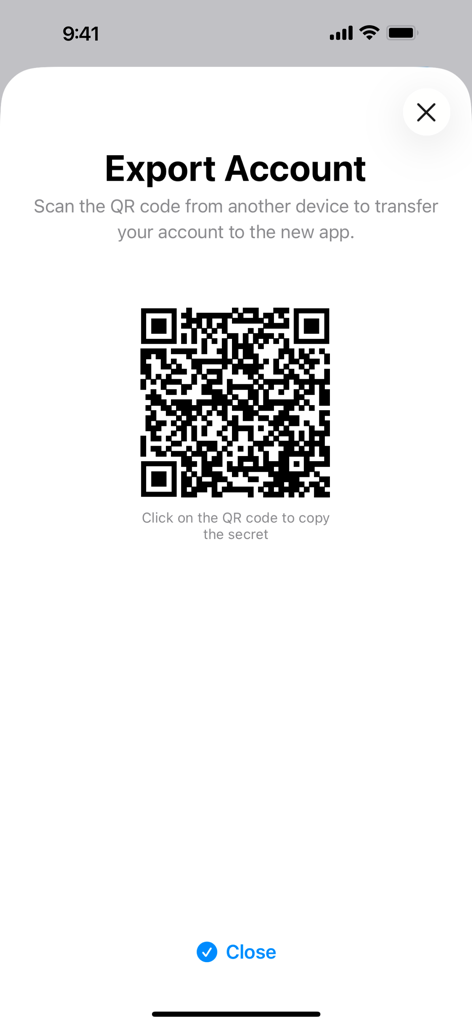
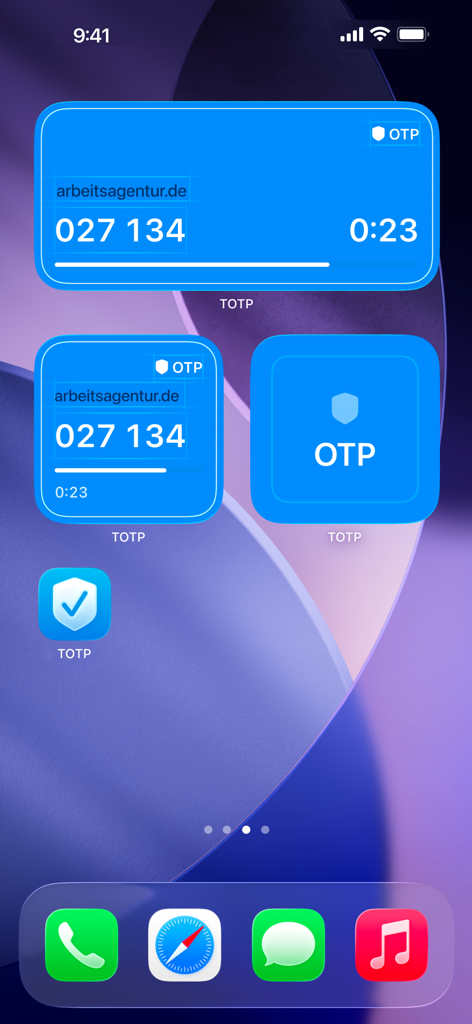
The tools that make this app stand out, trusted by 592K+ users.
Eliminate setup anxiety with step-by-step screenshots. We guide you through enabling 2FA for every service, from crypto exchanges to work portals.
Get your codes instantly on your iPhone, iPad, Mac, or Apple Watch. Tap your wrist to log in without ever reaching for your phone.
Your security data belongs to you. Keep your authentication separate from big tech giants with our dedicated, offline-first utility.
Everything you need to know about TOTP Authenticator.
Description
Latest Version
2.7.81
Size
29.0 MB
First Released
Jun 17, 2022
Join over 500,000 professionals who trust TOTP Authenticator for seamless, guided 2FA across your iPhone, Mac, and Apple Watch.
Everything you need to know about TOTP Authenticator
The TOTP Authenticator app generates 6-digit Time-based One-Time Password (TOTP) codes. It enables two-factor authentication (2FA) to secure online accounts.
Set up 2FA by enabling TOTP login in your website's security settings. Scan the provided QR code or copy the secret key into the TOTP Authenticator app to activate it.
The TOTP Authenticator app supports any website requesting TOTP codes for 2FA, such as Arbeitsagentur and NextCloud. It includes tutorials for over 100 services, including Instagram and Google.
Yes, TOTP Authenticator is secure. It implements standard 2FA using 6-digit TOTP codes to protect accounts. The app also provides a detailed Privacy Policy for user information.
To add an account, tap "Add Account" in the app. Then, scan the QR code for two-factor authentication provided by the service or import codes from Google Authenticator.
Yes, TOTP Authenticator offers home screen widgets. These widgets display your 6-digit TOTP codes directly, providing convenient and quick access without opening the app.
Yes, you can export accounts. The TOTP Authenticator app includes an "Export Account" feature. This generates a QR code, allowing secure transfer of your secret key to a new device or app.
Apps with similar features and user experience

Google LLC

Duo Security LLC

APPLY DIJITAL HIZMETLER TICARET LIMITED SIRKETI

Mustafa Uz

Thales DIS (Singapore) Pte Ltd

Tatra banka, a.s.

Brilliant App Limited

UNIVERSE DIJITAL HIZMETLER LIMITED SIRKETI

XSOFT GLOBAL LIMITED
App information, icons, screenshots, and descriptions displayed on this page are sourced from the Apple App Store and are the property of their respective developers. Download estimates and rankings are based on MWM's proprietary models and may not reflect actual figures. This page is provided for informational and analytical purposes only.
Believe this page infringes your intellectual property? File a dispute