
This page is not an official page of the app or its developer, but an independent editorial publication created for informational and commentary purposes. Unless expressly stated otherwise, neither the app nor its developer is affiliated with, endorsed by, sponsored by, authorized by, or otherwise officially connected with MWM, Apple, Google Play, the app publisher, or the app's developer, and nothing on this page implies that the app was developed using MWM's services. Any trademarks, logos, screenshots, and other content remain the property of their respective owners.


TransKey: Text Translator Chat
Stop switching to Google Translate. Chat fluently in 100+ languages directly inside iMessage, WhatsApp, and Tinder using the keyboard you already love.
Downloads
755K+User Rating
Total Ratings
31K+Publisher
Category
ReferenceLocales
1Latest Version
1.19.0Size
18.3 MBFirst Released
Sep 14, 2015Break Every Language Barrier
The smartest way to chat globally. TransKey integrates directly into your keyboard, delivering real-time translations inside your favorite messaging apps.
Real-Time In-App Translation
Translate your thoughts as you type. No more app-switching—just seamless conversations in over 100 languages.
Effortless Two-Way Chat
Don't just send; understand. Copy any incoming message to see its meaning instantly, keeping the conversation flowing naturally.
The following screenshots and description are sourced directly from the app's official store listing and are the property of the app developer.
App Store
Screenshots
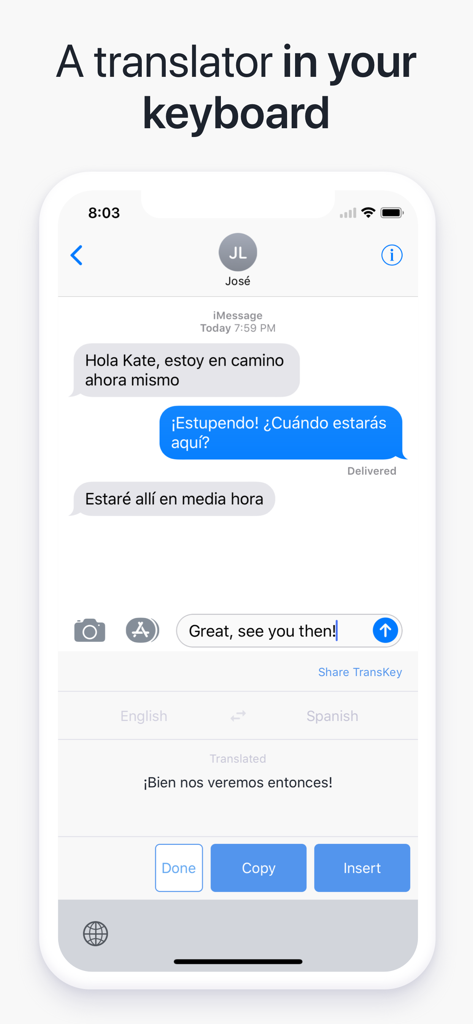
TransKey keyboard extension translating English text to Spanish inside a chat app.
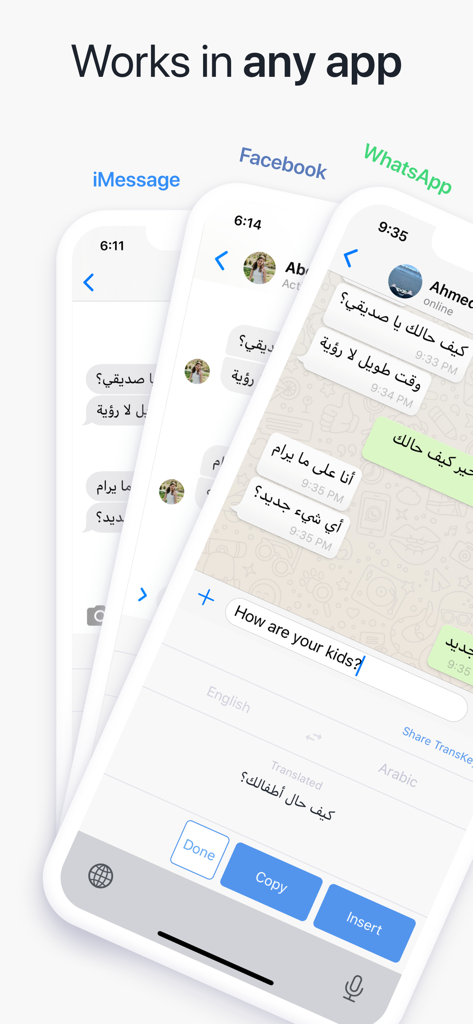
TransKey app interface showing real-time translation inside iMessage Facebook and WhatsApp chats
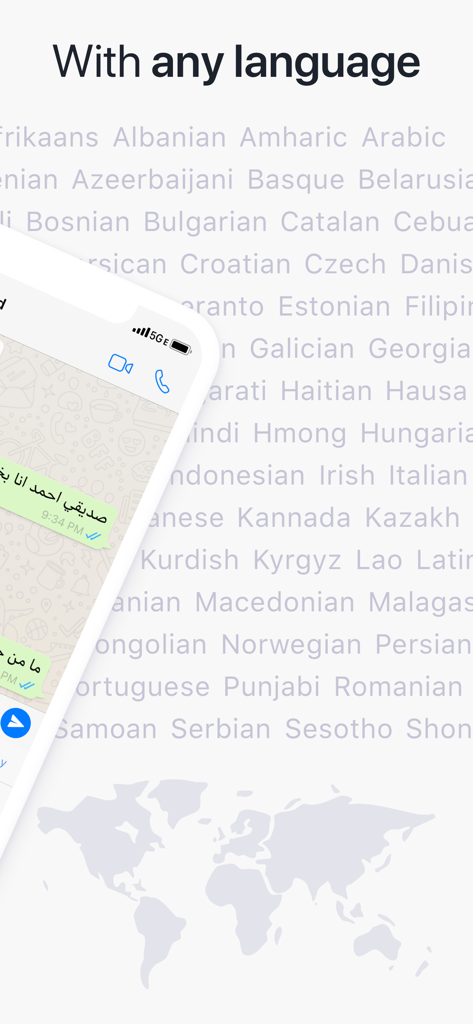
TransKey app showing chat interface and a background list of supported global languages
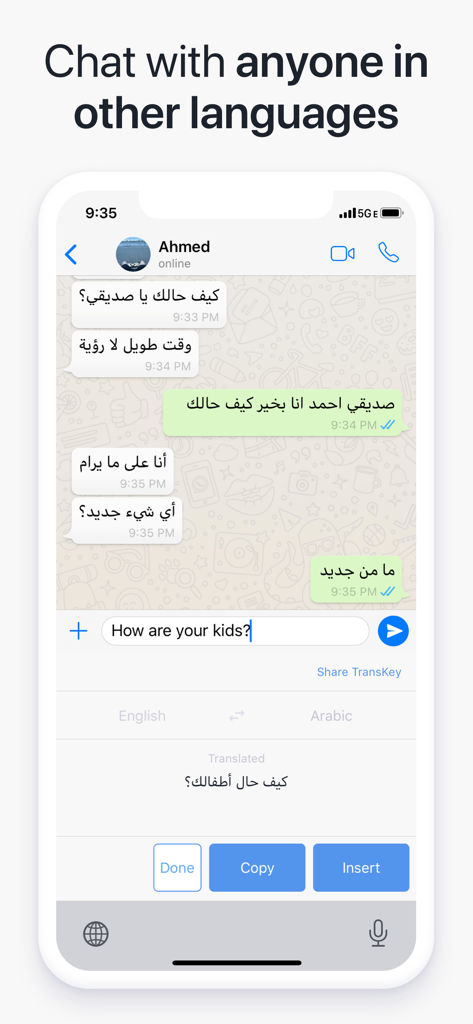
TransKey chat translator keyboard translating English text to Arabic in a messaging app

Screenshot of TransKey user reviews showing a 4.5 star rating and testimonials about easy communication in different languages
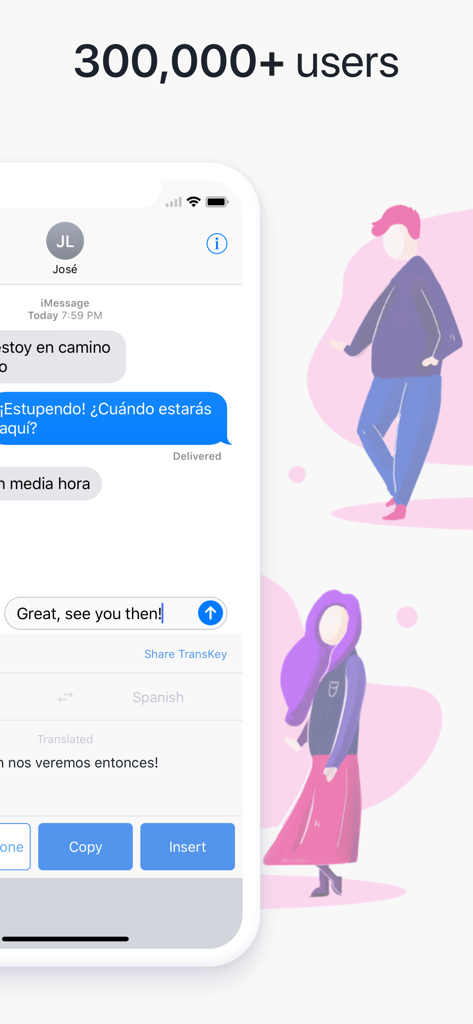
TransKey keyboard interface translating English to Spanish within a messaging app
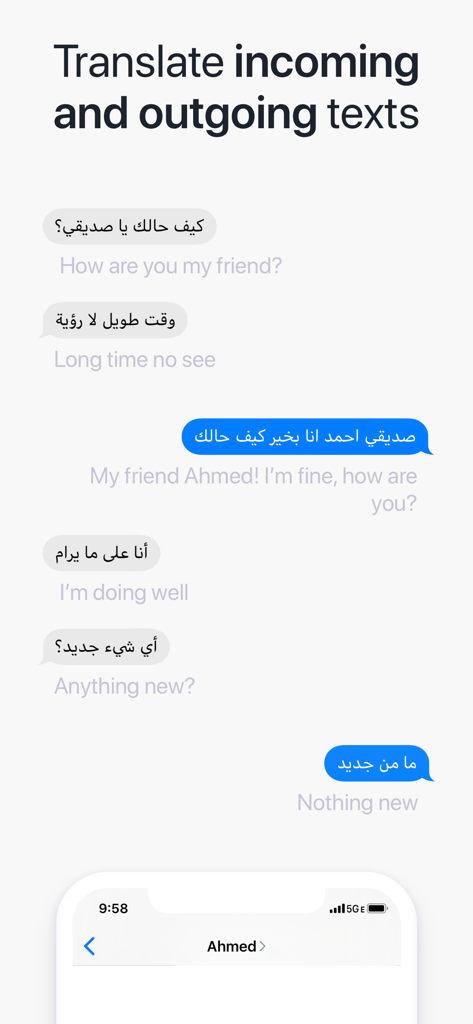
A chat interface showing real-time translation of incoming and outgoing messages between Arabic and English
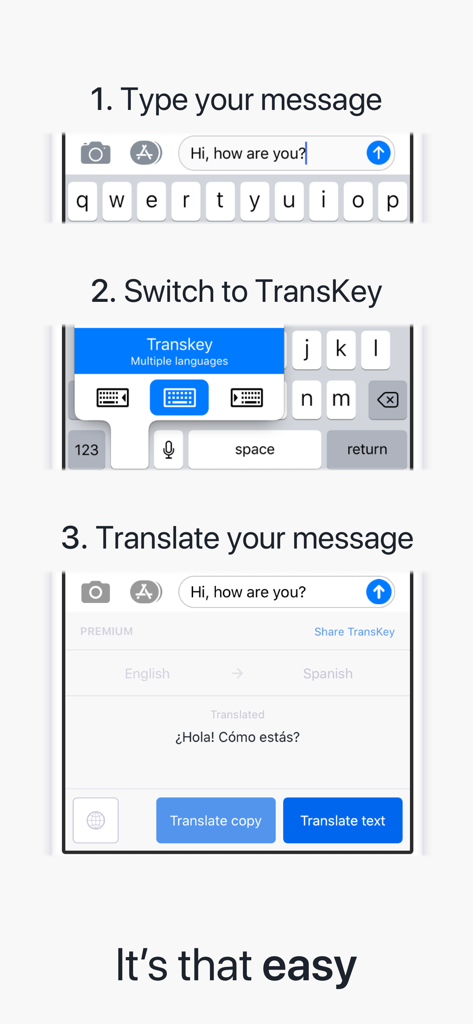
A three-step guide showing how to type a message, switch to the TransKey keyboard, and translate text instantly from English to Spanish
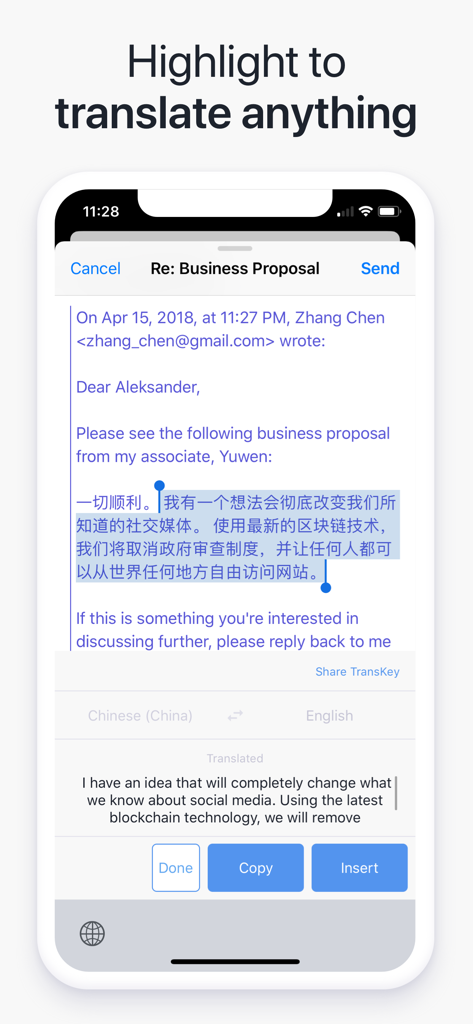
TransKey keyboard extension translating highlighted text in a mobile email app
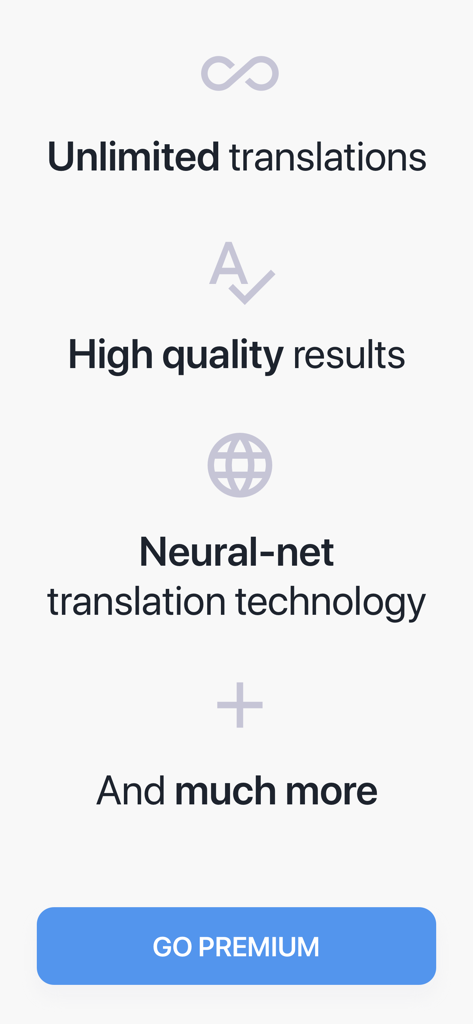
TransKey app screen displaying premium features like unlimited translations and neural-net technology with a Go Premium button
Description
Download
More Like This
Apps with similar features and user experience
Translator Keyboard - Language
AIR APPS SYSTEMS, UNIPESSOAL, LDA

TypeOn: Ai Keyboard Translator
Pro Media Now Inc

Translatify: Chat Translator
Twinkle Makwana

Translate Mate - Translator
YourApps Ltd.

Translator Keyboard : Lingo
MWM

Translate Keyboard for Chat
Appqe LLC

OkTalk Keyboard Translator
Zapps Mobi Ltd

Kate • Keyboard Translator
Denk Alexandru

AI Translator : Voice & Scan
RED HISTORY NETWORK TECHNOLOGY LIMITED
This page is not an official page of the app or its developer, but an independent editorial publication created for informational and commentary purposes. Unless expressly stated otherwise, neither the app nor its developer is affiliated with, endorsed by, sponsored by, authorized by, or otherwise officially connected with MWM, Apple, Google Play, the app publisher, or the app's developer, and nothing on this page implies that the app was developed using MWM's services. Any trademarks, logos, screenshots, and other content remain the property of their respective owners.