
This page is not an official page of the app or its developer, but an independent editorial publication created for informational and commentary purposes. Unless expressly stated otherwise, neither the app nor its developer is affiliated with, endorsed by, sponsored by, authorized by, or otherwise officially connected with MWM, Apple, Google Play, the app publisher, or the app's developer, and nothing on this page implies that the app was developed using MWM's services. Any trademarks, logos, screenshots, and other content remain the property of their respective owners.

Transkriptor Voice To Text
Empowering the deaf and hard of hearing with instant, 99% accurate speech-to-text. Designed for simplicity and independence during doctor's appointments, family gatherings, and daily life—even without an internet connection.
Downloads
18K+User Rating
Total Ratings
100Publisher
Category
MedicalLocales
25Latest Version
1.5Size
8.2 MBFirst Released
May 26, 2022Stay Connected to Every Word
Empowering you with real-time, high-accuracy speech recognition designed for independence and clarity in every conversation.
One-Touch Simplicity
Start transcribing instantly with a single tap. No complex menus or tech-fatigue—just clear, real-time text when you need it most.
Confident Medical Visits
Follow every detail at the doctor's office. Save transcripts directly to your notes to review later or share accurately with your family.
The following screenshots and description are sourced directly from the app's official store listing and are the property of the app developer.
App Store
Screenshots
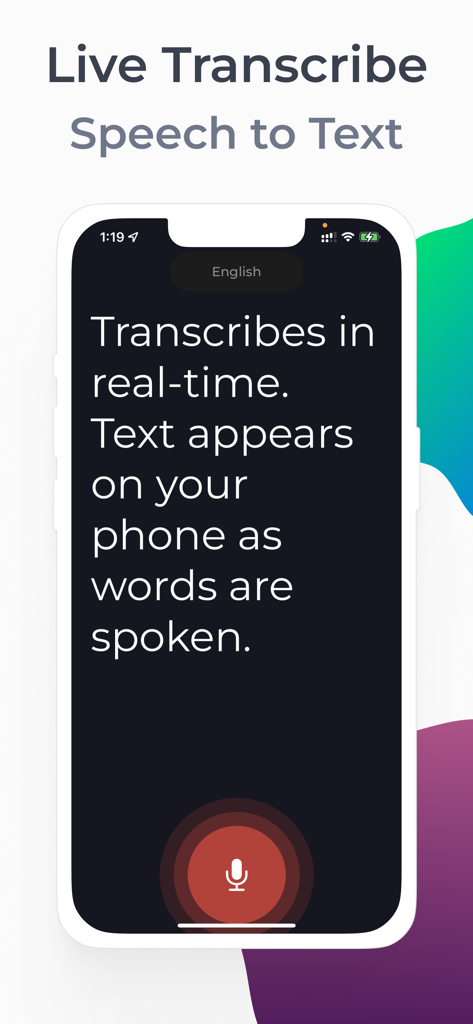
iPhone screen showing live speech to text transcription with a large microphone button for accessibility
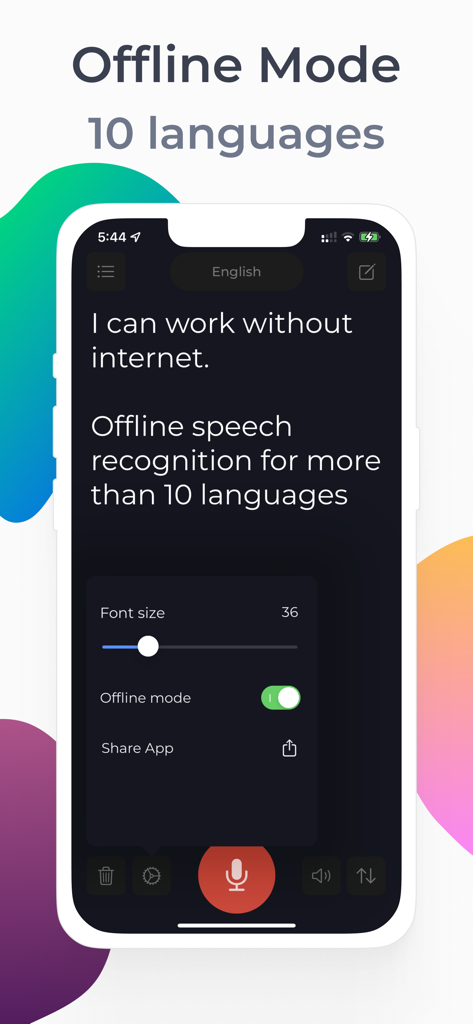
Transkriptor app interface showing offline speech to text and adjustable font size for accessibility
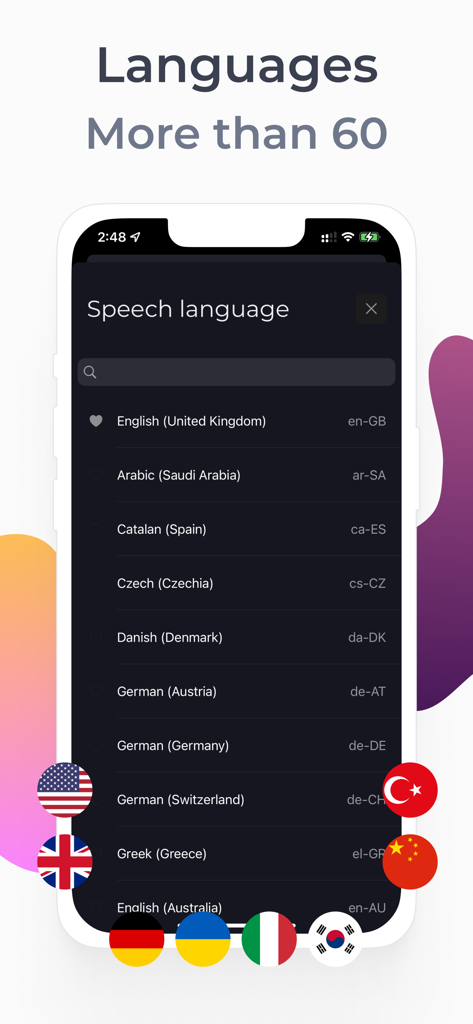
Screenshot of the Transkriptor app displaying a list of over 60 supported speech recognition languages with colorful flag icons.
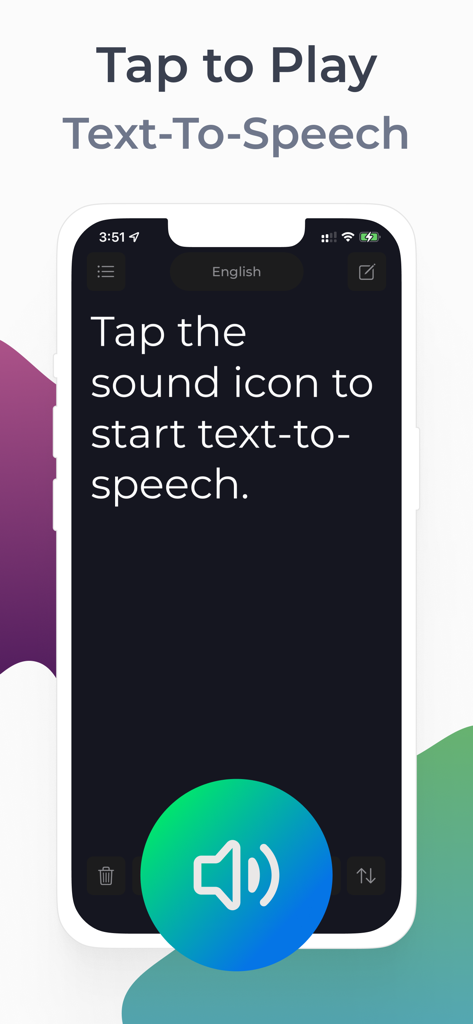
The Transkriptor app interface showing how to start text to speech with a large speaker button
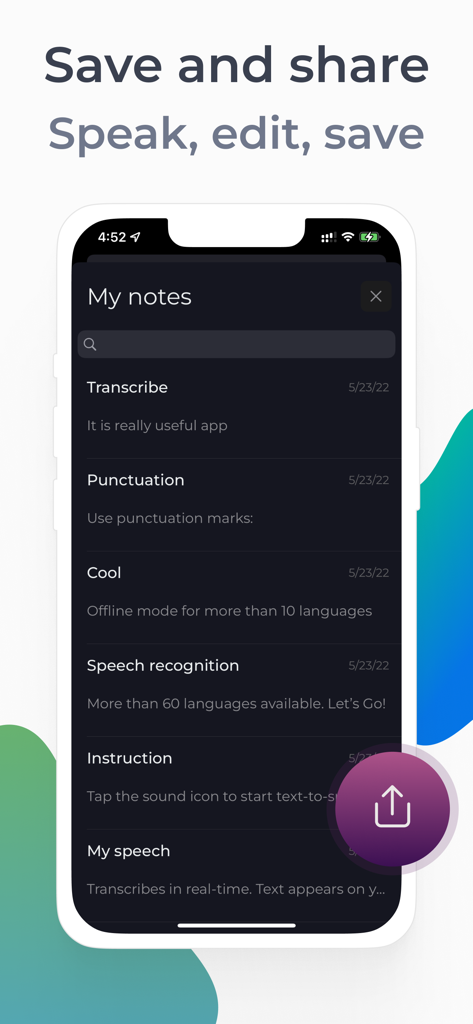
iPhone screen displaying the My Notes section of the Transkriptor app with various saved voice-to-text entries and a share icon.
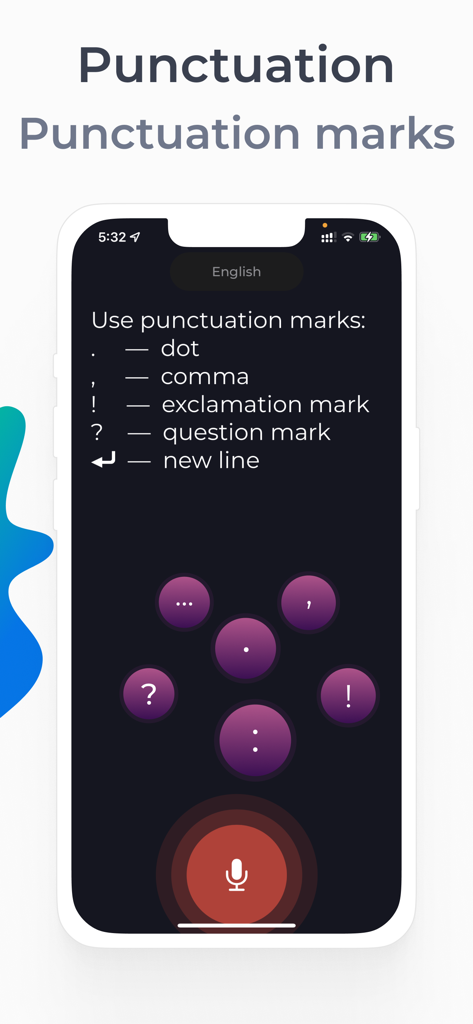
A mobile screen showing voice commands for punctuation marks like dot comma and exclamation mark in the Transkriptor app.
Description
Download
More Like This
Apps with similar features and user experience

Plaud: AI Note Taker
PLAUD LLC

Notee: AI Note Taker
GM UniverseApps Limited

클로바노트 - 음성 그 이상의 기록
NAVER Corp.

录音专家-专业录音转文字助手
Chongqing Yeyuegua Technology Co., Ltd

听脑AI - 实时录音转文字总结助手
Shanghai Xiuyu Network Technology Co., Ltd

Granola - AI Meeting Notes
Granola inc

Transkriptor - Speech to Text
Textintel FZE

Minutes: AI Meeting Note Taker
Minutes AI, LLC

Fireflies: AI notetaker
FIREFLIES.AI CORP.
This page is not an official page of the app or its developer, but an independent editorial publication created for informational and commentary purposes. Unless expressly stated otherwise, neither the app nor its developer is affiliated with, endorsed by, sponsored by, authorized by, or otherwise officially connected with MWM, Apple, Google Play, the app publisher, or the app's developer, and nothing on this page implies that the app was developed using MWM's services. Any trademarks, logos, screenshots, and other content remain the property of their respective owners.