
This page is not an official page of the app or its developer, but an independent editorial publication created for informational and commentary purposes. Unless expressly stated otherwise, neither the app nor its developer is affiliated with, endorsed by, sponsored by, authorized by, or otherwise officially connected with MWM, Apple, Google Play, the app publisher, or the app's developer, and nothing on this page implies that the app was developed using MWM's services. Any trademarks, logos, screenshots, and other content remain the property of their respective owners.

TurboWords Spelling
Transform boring spelling homework into an interactive AI-powered adventure. Boost your child's confidence and grades with personalized tests, fun mini-games, and instant feedback that makes learning addictive.
Downloads
245K+User Rating
Total Ratings
1K+Publisher
Category
EducationLocales
2Latest Version
4.0Size
27.6 MBFirst Released
Oct 17, 2015Master Every Weekly Spelling Test
Turn your child's specific school list into an interactive learning adventure using AI-powered speech recognition and engaging games.
Instant Voice-to-List Setup
Stop typing and start teaching. Record your weekly school words in one go and watch them instantly transform into a personalized digital test.
Smart AI Context Sentences
Leverage Apple Intelligence to hear AI-generated sentences for every word, providing the context kids need to truly understand and remember.
Frequently Asked Questions
Everything you need to know about TurboWords Spelling
How does TurboWords Spelling help users create custom spelling tests?
TurboWords Spelling enables users to quickly build spelling tests using speech recognition to record their own words. Users can also type or paste words, then re-order, delete, or edit them to customize their learning experience.
What types of games are available in the TurboWords Spelling app?
Yes, TurboWords Spelling includes five engaging educational games: Not Hangman, Crossword, Word Search, Charivari, and Word Shuffle. These games utilize the custom word lists created by the user, enhancing the learning process.
Does TurboWords Spelling offer immediate feedback during a spelling test?
Yes, TurboWords Spelling provides instant feedback during a spelling test. As users type each letter, it highlights green for correct and red for incorrect, offering immediate guidance and helping with self-correction.
Can multiple users access TurboWords Spelling on a single device?
Yes, TurboWords Spelling offers a multi-user option, available as an in-app purchase. This feature allows multiple individuals to use the same device, each maintaining their own distinct word groups and personalized progress tracking.
How many word groups can I create in the TurboWords Spelling app?
By default, TurboWords Spelling allows users to create up to eight groups of words. Users can purchase an unlimited number of additional word groups through a one-time in-app purchase for expanded capacity.
Does TurboWords Spelling utilize AI features for spelling tests?
Yes, TurboWords Spelling incorporates AI capabilities on devices with Apple Intelligence. This allows the app to generate AI-powered sentences for the words to be spelled, providing additional context during tests.
The following screenshots and description are sourced directly from the app's official store listing and are the property of the app developer.
App Store
Screenshots
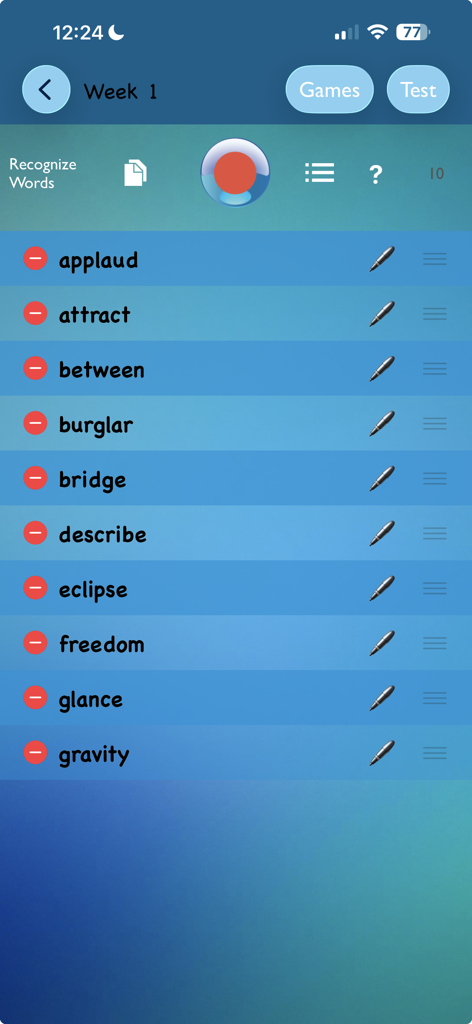
The setup screen of the TurboWords Spelling app showing a customized list of ten spelling words for a weekly test.
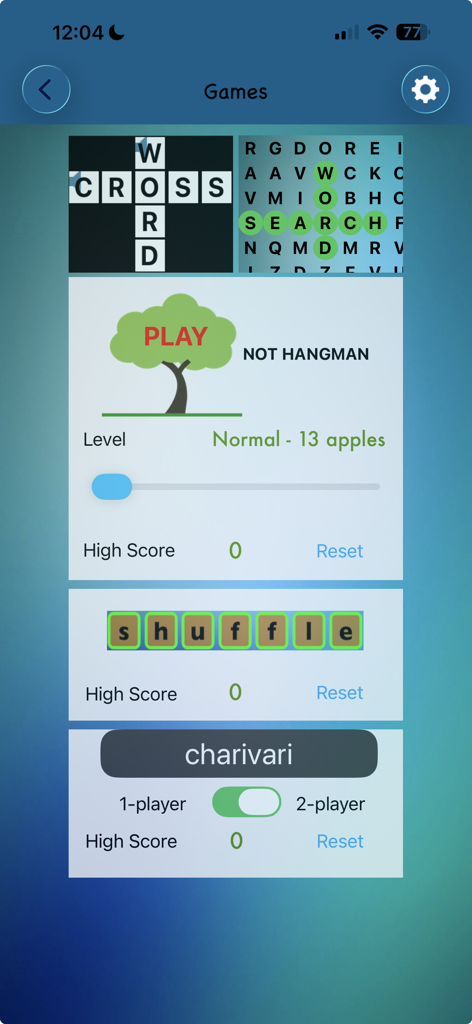
A selection of educational word games in the TurboWords Spelling app including crossword word search and hangman
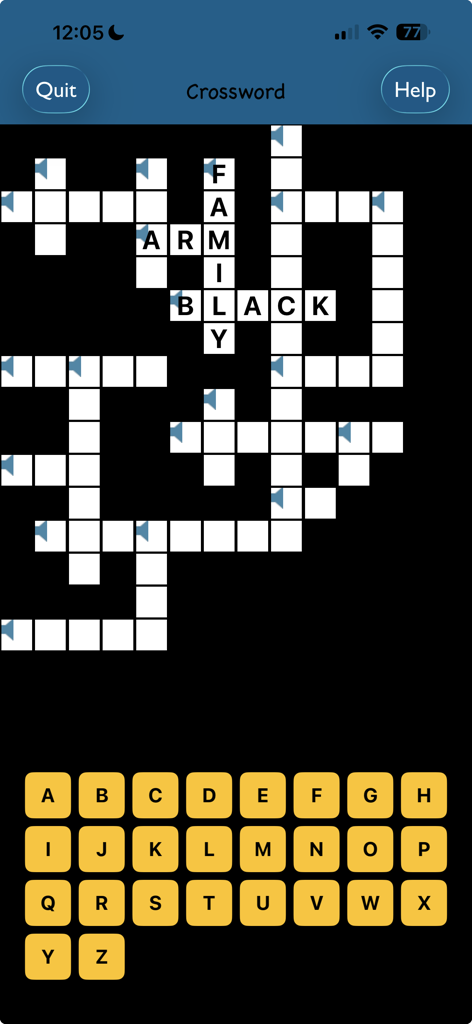
A crossword puzzle game screen in the TurboWords Spelling app with an onscreen alphabet keyboard
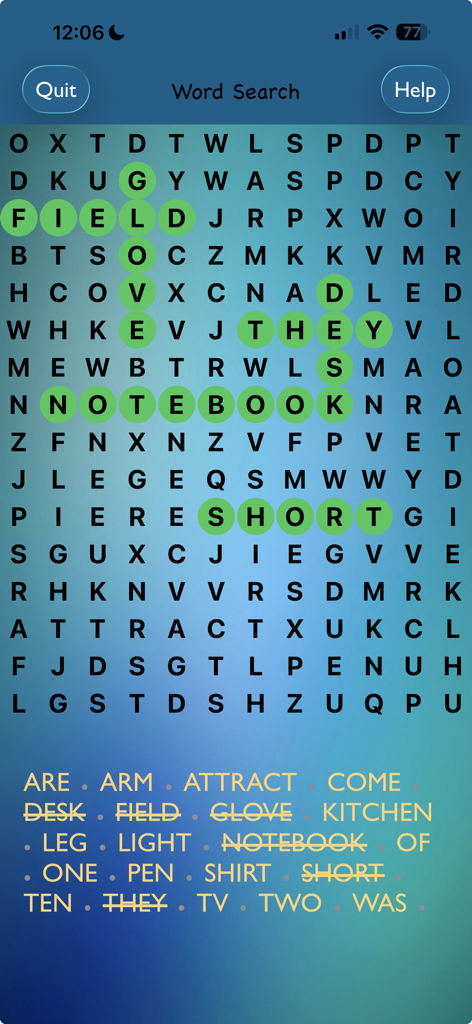
A word search puzzle in the TurboWords Spelling app with several words highlighted in green
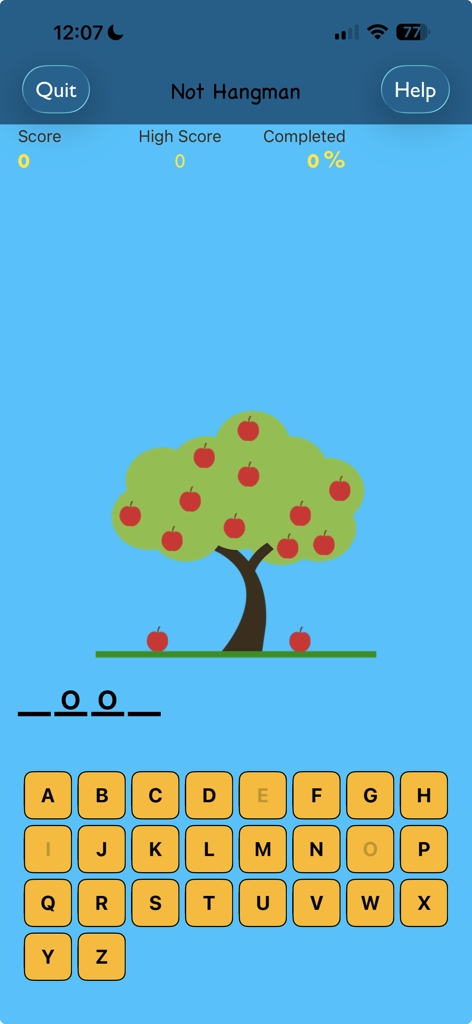
Not Hangman spelling game screen featuring an apple tree and alphabet keyboard
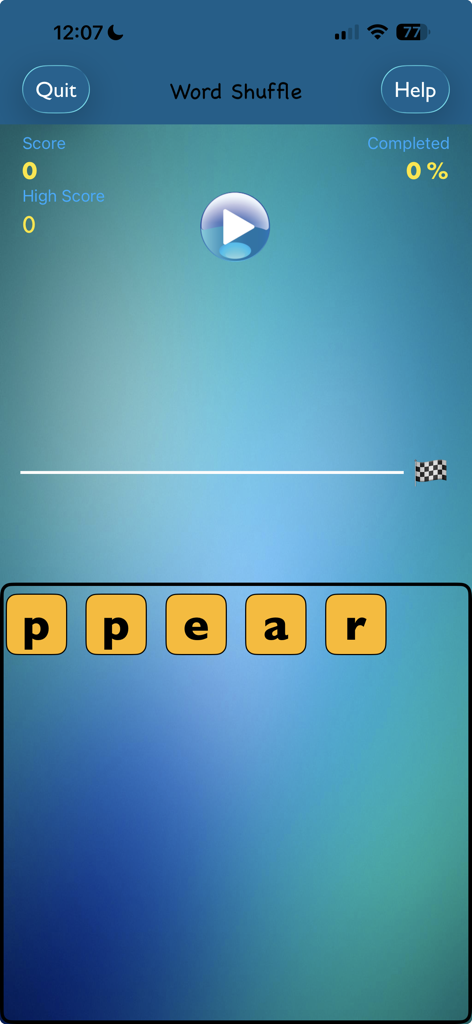
A screenshot of the Word Shuffle game in the TurboWords Spelling app showing letter tiles and game progress.
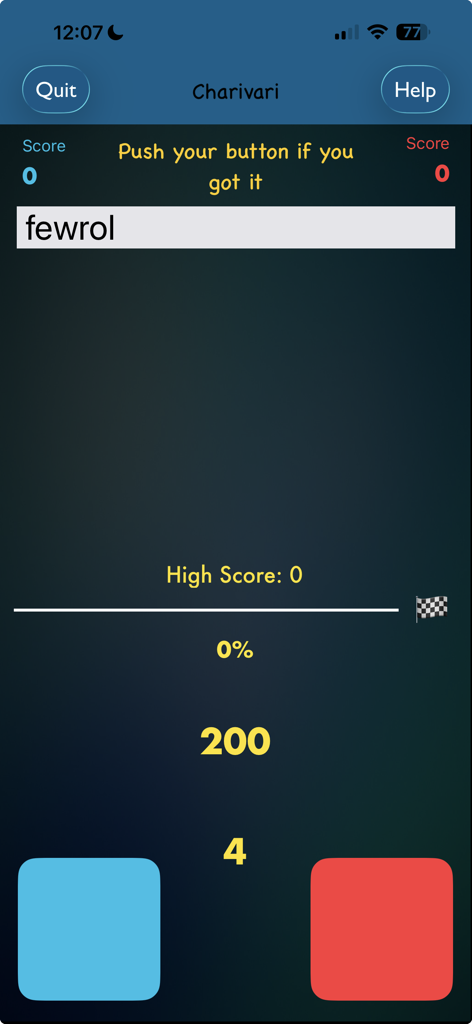
TurboWords Spelling app Charivari game screen featuring a jumbled word and two player buttons
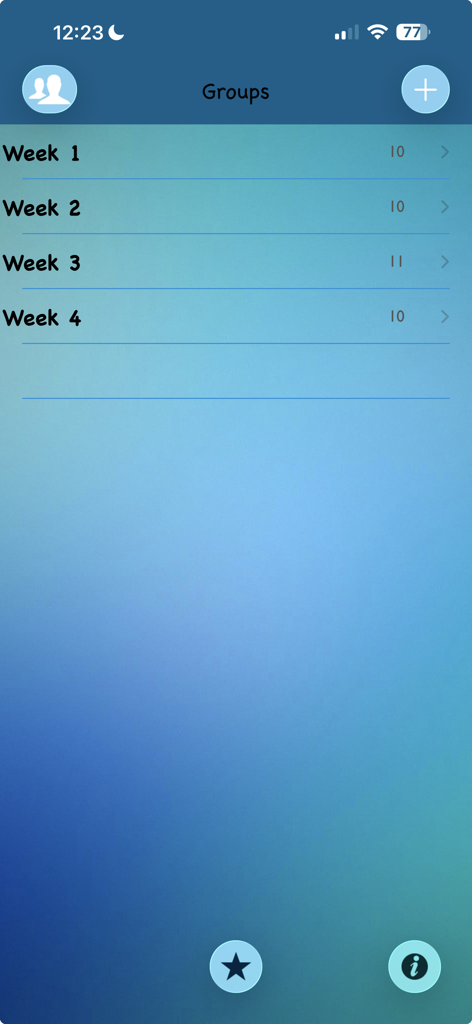
Screenshot of the TurboWords Spelling app showing word groups organized by week for student practice
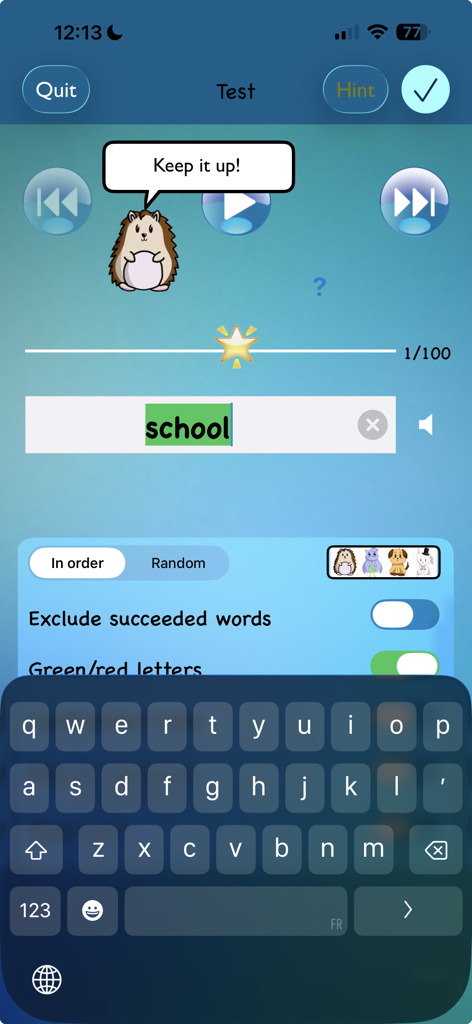
TurboWords Spelling app test screen with a hedgehog character giving encouragement and the word school highlighted in green
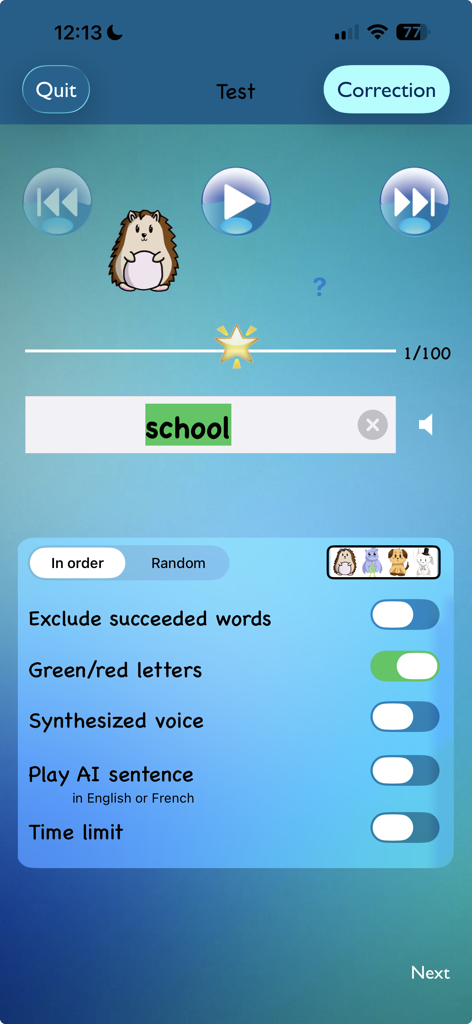
TurboWords app spelling test screen showing the word school correctly typed with feedback settings and a cartoon mascot
Description
Download
More Like This
Apps with similar features and user experience
Spark Reading for Kids
Peekaboo Studios LLC

默書啦喂 - AI 默書練習助手
Ka Kui SIU
Spelling: Spelling Games
BUCKET LIST LABS S.L.

Learn It - Easier learning
Enhanced Work Nordic AB

Aprender a Leer - Silabario
Edu Apps llc
Teach Monster: Reading for Fun
Teach Your Monster Ltd.

Blitzlesen: Das Original
Simon Storz
Word Tag: Lingo learning game
Mrs Wordsmith Group Limited

天才鸭同步单词
Shanghai Progressive Youth Technology Development Co., Ltd.
This page is not an official page of the app or its developer, but an independent editorial publication created for informational and commentary purposes. Unless expressly stated otherwise, neither the app nor its developer is affiliated with, endorsed by, sponsored by, authorized by, or otherwise officially connected with MWM, Apple, Google Play, the app publisher, or the app's developer, and nothing on this page implies that the app was developed using MWM's services. Any trademarks, logos, screenshots, and other content remain the property of their respective owners.