Turn Photo into Line Drawing

Turn Photo into Line Drawing

Download on App Store
Logo of Turn Photo into Line Drawing

Turn Photo into Line Drawing: Create Elegant Aesthetic Art in Seconds

Transform your favorite memories into minimalist sketches and viral-ready illustrations. Whether it is for your Instagram grid, unique profile pictures, or DIY crafts, get professional artistic results instantly.

Download on App Store

Publisher

DrawingData, Inc.

Category

Photo & Video

Downloads

200

User Rating

1.0/5

Total Ratings

0

Locales

17

Art in an Instant

Discover the interface used by 200 users.
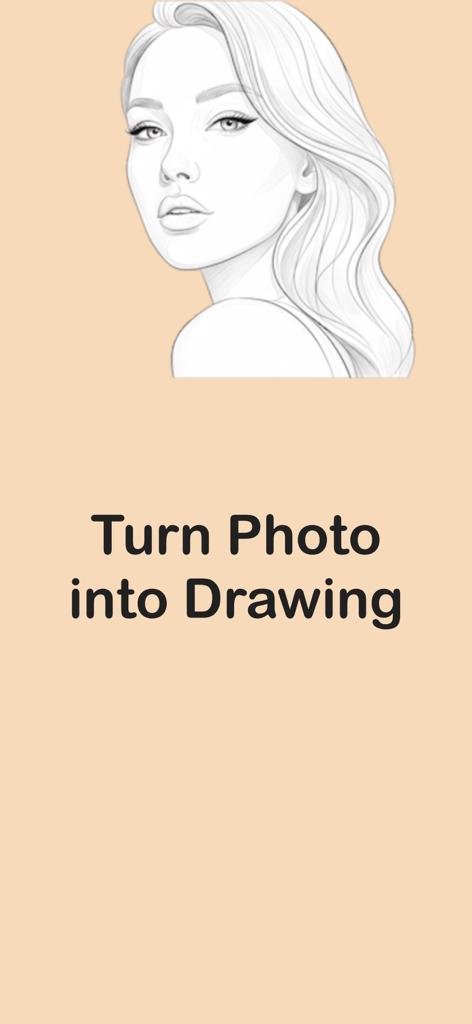
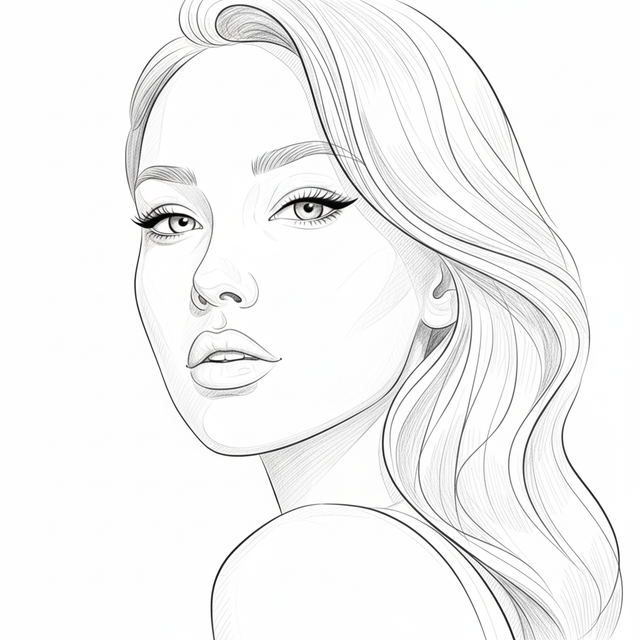
Line drawing of a woman portrait created from a photo

Line drawing of a woman portrait created from a photo

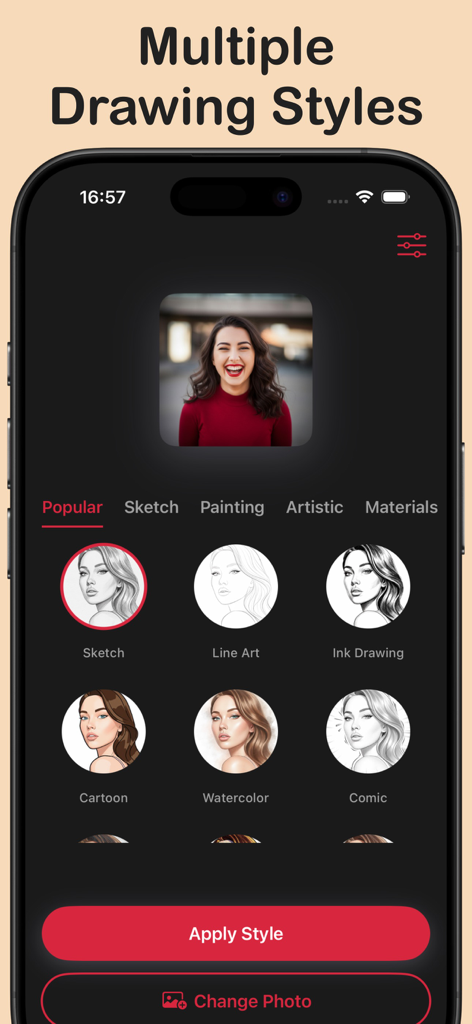
Mobile app interface showing various artistic drawing styles like sketch and cartoon for a portrait photo

Mobile app interface showing various artistic drawing styles like sketch and cartoon for a portrait photo

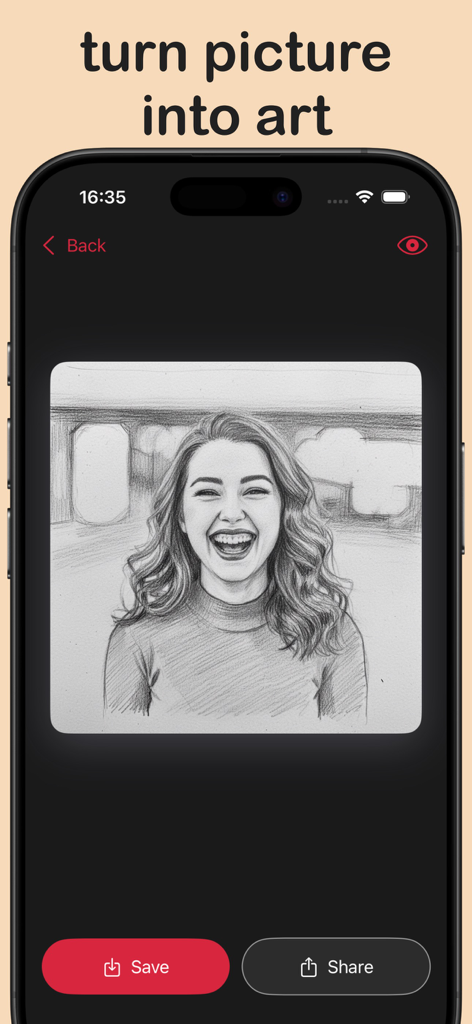
Mobile app interface showing a pencil sketch portrait of a smiling woman with save and share buttons

Mobile app interface showing a pencil sketch portrait of a smiling woman with save and share buttons

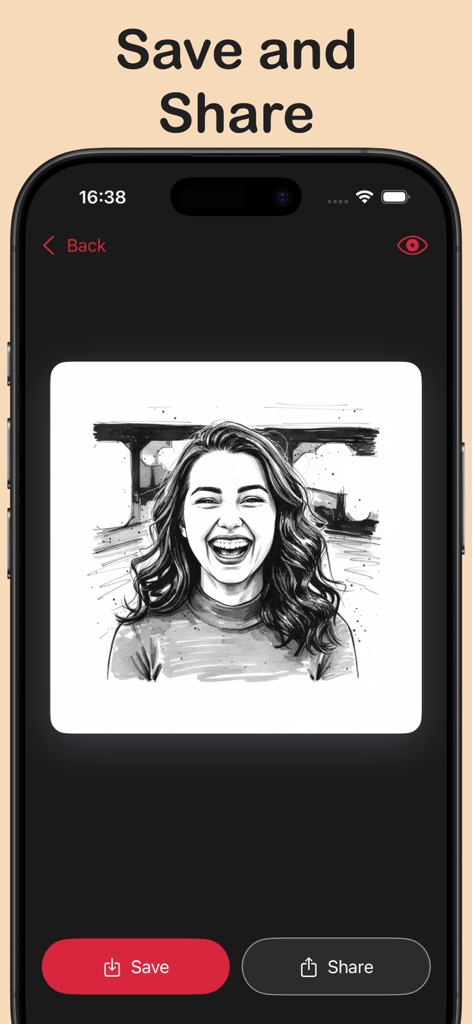
App interface showing a completed black and white line drawing of a smiling woman with save and share buttons.

App interface showing a completed black and white line drawing of a smiling woman with save and share buttons.

Elevate Your Digital Aesthetic

The tools that make this app stand out, trusted by 200 users.

One-Tap AI Magic

Turn portraits, pets, or travel shots into elegant drawings instantly—no technical skills or drawing experience required.

🎨

Styles That Suit Your Vibe

Toggle between minimalist outlines, charcoal sketches, and modern cartoons to find the perfect look for your aesthetic.

Ready for the Grid

Export high-resolution artwork instantly, optimized for scroll-stopping Instagram posts, TikTok avatars, or custom prints.

About the app

Everything you need to know about Turn Photo into Line Drawing.

Description

Our app makes turning a photo into a line drawing fast and effortless. Just upload your photo and our tool automatically transforms it into a beautiful drawing in seconds. Key Features * Automatically converts any photo into a detailed drawing. * Choose from multiple art styles like sketch, cartoon, line art, and more. * Save or share your artwork in high quality. Perfect For * Turning portraits or selfies into beautiful drawings * Creating drawings or artwork for social media * Designing unique profile pictures or avatars * Transforming travel, food, or product photos into illustrations Subscription Information: – Transforming photos is limited and needs a subscription for unlimited access. – Subscription Length: Weekly and Yearly – Free Trial: If offered, it will automatically convert to a paid subscription unless canceled. – Payment: Charged to your Apple ID account at confirmation of purchase. – Auto-Renewal: Automatically renews unless canceled at least 24 hours before the end of the current period. – Renewal Charge: Your account will be charged within 24 hours before the end of the current period, based on the selected plan. – Managing Subscription: Users can manage subscriptions and turn off auto-renewal in Account Settings on the App Store. – Free Trial Policy: Any unused portion of a free trial will be forfeited upon purchasing a subscription. Terms of Use: https://www.apple.com/legal/internet-services/itunes/dev/stdeula/ Privacy Policy: https://drawingdata.io/privacy-policy

Latest Version

1.1

Size

13.1 MB

First Released

Nov 27, 2025

Turn Your World Into Minimalist Art

Download now and join thousands of creators transforming their photos into stunning, scroll-stopping line drawings in just a single tap.

Download on App Store

App information, icons, screenshots, and descriptions displayed on this page are sourced from the Apple App Store and are the property of their respective developers. Download estimates and rankings are based on MWM's proprietary models and may not reflect actual figures. This page is provided for informational and analytical purposes only.

Believe this page infringes your intellectual property? File a dispute