
This page is not an official page of the app or its developer, but an independent editorial publication created for informational and commentary purposes. Unless expressly stated otherwise, neither the app nor its developer is affiliated with, endorsed by, sponsored by, authorized by, or otherwise officially connected with MWM, Apple, Google Play, the app publisher, or the app's developer, and nothing on this page implies that the app was developed using MWM's services. Any trademarks, logos, screenshots, and other content remain the property of their respective owners.

TV Remote Control Universal +
Ditch the remote clutter and dead batteries. Effortlessly control every TV in your home, type faster with your phone’s keyboard, and search with your voice—all from the device already in your hand.
Downloads
2M+User Rating
Total Ratings
16K+Publisher
Category
UtilitiesLocales
8Latest Version
4.3Size
136.1 MBFirst Released
Sep 28, 2022Your Entire Home Entertainment, Unified
Stop hunting for lost remotes and struggling with clunky buttons. Transform your phone into the ultimate command center for every Smart TV in your home.
Type Faster, Search Smarter
Eliminate the frustration of on-screen typing. Use your phone’s keyboard to enter movie titles, passwords, and search terms in seconds.
One Remote for Every Brand
Whether it's Roku in the bedroom or Samsung in the living room, control all your devices from one app without switching hardware.
Frequently Asked Questions
Everything you need to know about TV Remote Control Universal +
Is the TV Remote Control Universal + app compatible with different TV brands?
Yes, the TV Remote Control Universal + app works with major smart TV brands, including Roku, Samsung, Chromecast TV, Apple TV, LG, Sony, TCL, Vizio, Hisense, Android TV, and Fire TV.
What core remote control functions does the TV Remote Control Universal + app provide?
The TV Remote Control Universal + app provides features like power on/off, volume adjustment, mute, input source changes, menu navigation with smart gestures, and controlling playback and channels.
Does the TV Remote Control Universal + app include voice control capabilities?
Yes, the TV Remote Control Universal + app includes voice control. Users can use their voice to search, switch channels, adjust volume, or open apps on their TV hands-free.
Can I use my phone's keyboard with the TV Remote Control Universal + app for TV input?
Yes, the TV Remote Control Universal + app features a built-in keyboard. This allows users to quickly enter search terms, login information, or messages on their TV using their phone's keyboard.
Can the TV Remote Control Universal + app cast content from my phone to the TV?
Yes, the TV Remote Control Universal + app has a Cast feature. It allows users to project photos, videos, or web content directly from their phone to the big screen.
Does TV Remote Control Universal + offer private listening?
Yes, TV Remote Control Universal + offers a Private Listening feature for Roku devices. Users can stream TV audio directly to their phone and use headphones for an immersive experience.
How does auto-renewal work for the TV Remote Control Universal + app subscription?
Subscriptions for the TV Remote Control Universal + app automatically renew unless turned off at least 24 hours before the current period ends. The renewal cost is charged to your account 24 hours prior.
How can I manage my subscription or turn off auto-renewal for TV Remote Control Universal +?
You can manage your subscriptions and turn off auto-renewal for TV Remote Control Universal + from your iTunes Account Settings after the initial purchase.
Is TV Remote Control Universal + affiliated with any TV brands?
No, TV Remote Control Universal + is not affiliated with any trademark mentioned. The app functions as an independent universal remote control solution.
How does the TV Remote Control Universal + app help navigate TV menus?
The TV Remote Control Universal + app assists navigation with smart gestures and includes a Smart Touchpad & Swipe Navigation feature, offering intuitive control similar to a smart touch controller.
The following screenshots and description are sourced directly from the app's official store listing and are the property of the app developer.
App Store
Screenshots
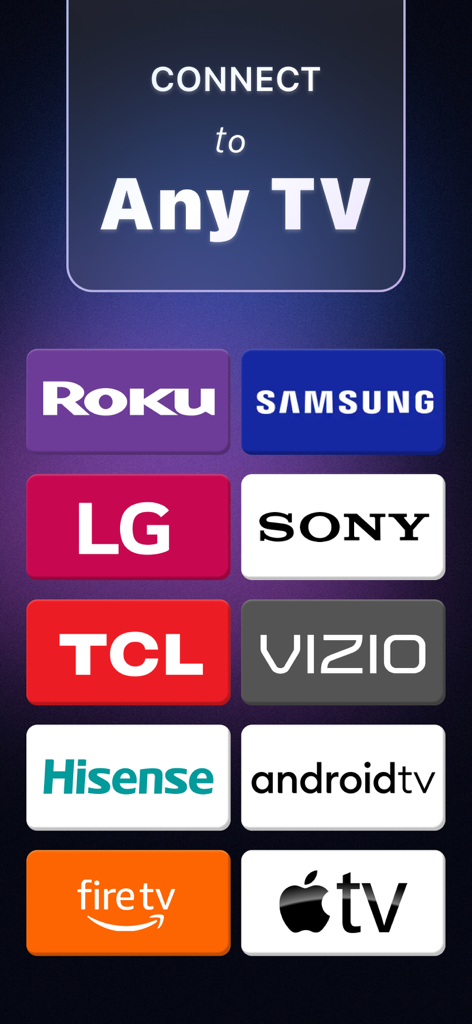
A list of compatible TV brands including Roku Samsung LG Sony TCL Vizio Hisense Android TV Fire TV and Apple TV
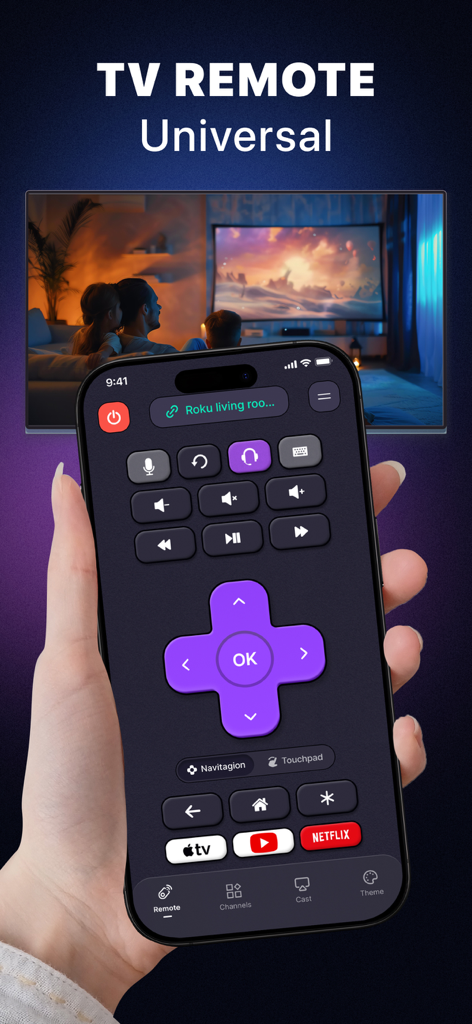
A hand holding an iPhone showing the TV Remote Control Universal app interface with a smart TV in the background
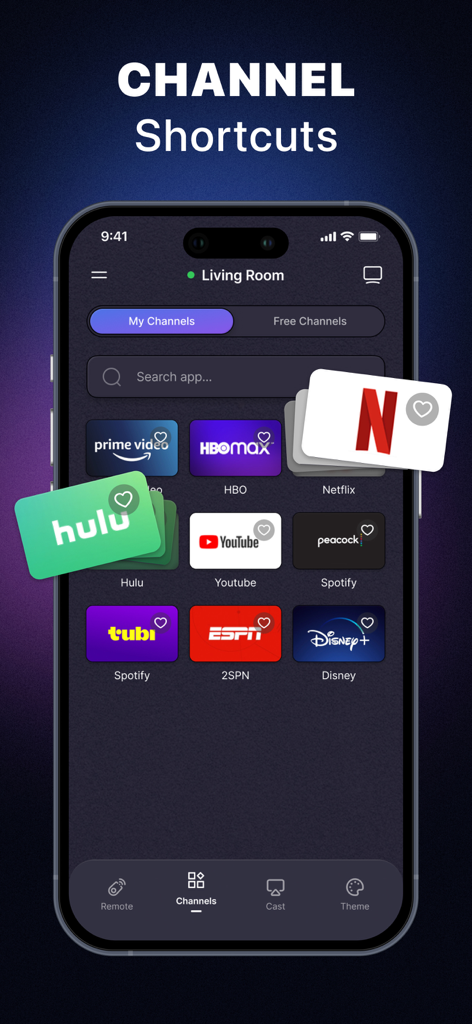
Universal TV remote app screen showing shortcuts for streaming platforms like Netflix and Hulu
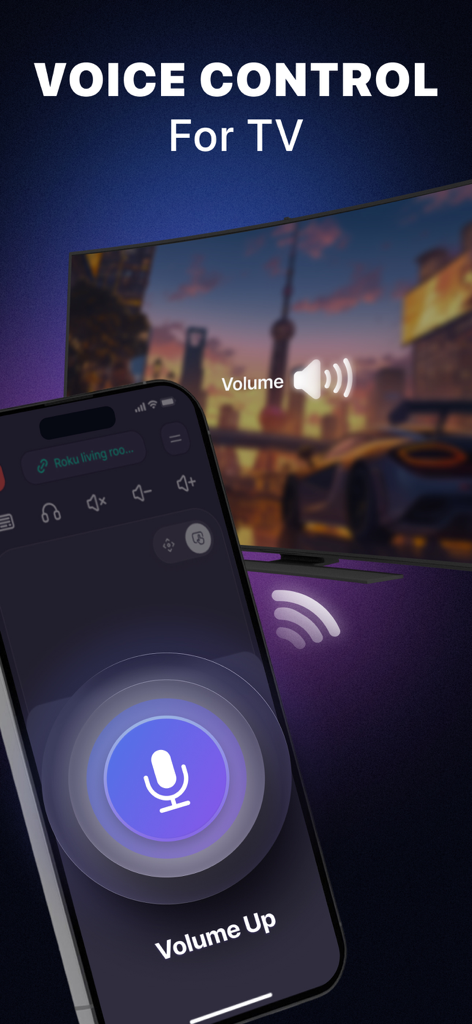
Smartphone screen showing a voice control feature for a universal TV remote app with a large microphone icon and volume up text
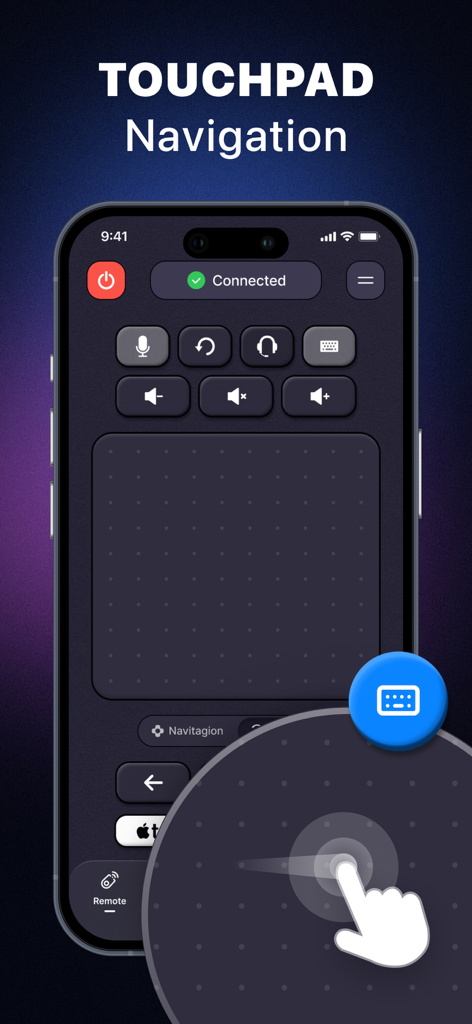
iPhone screen displaying the touchpad navigation interface of the Universal TV Remote app with a hand swipe gesture
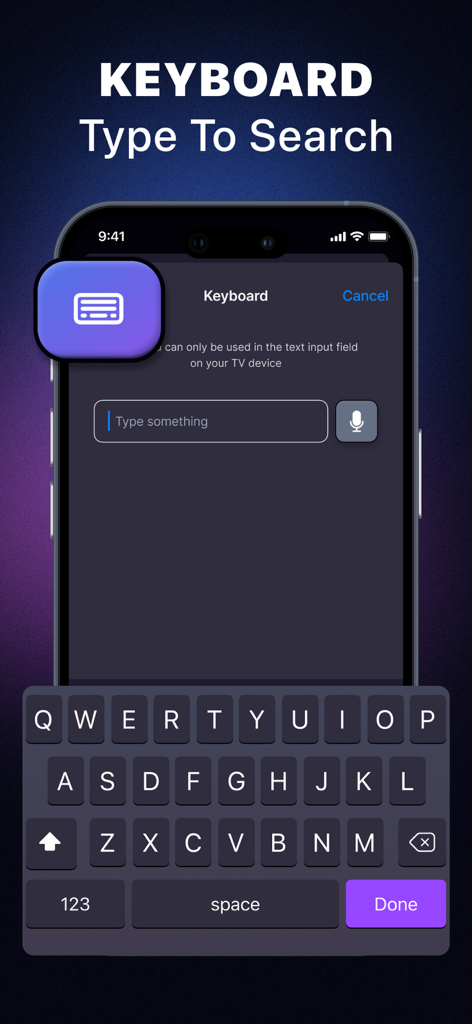
iPhone screen displaying a keyboard interface to search for content on a smart TV using the universal remote app.
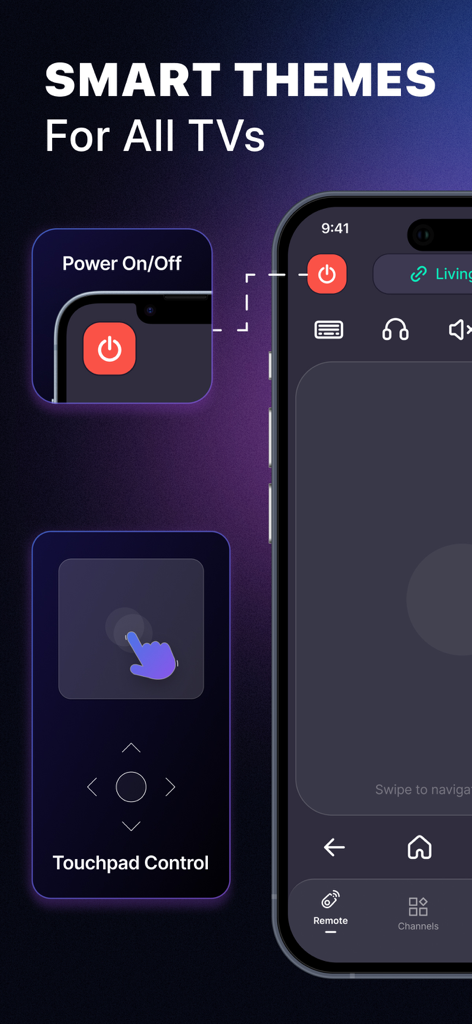
Universal TV remote app with smart themes and touchpad control
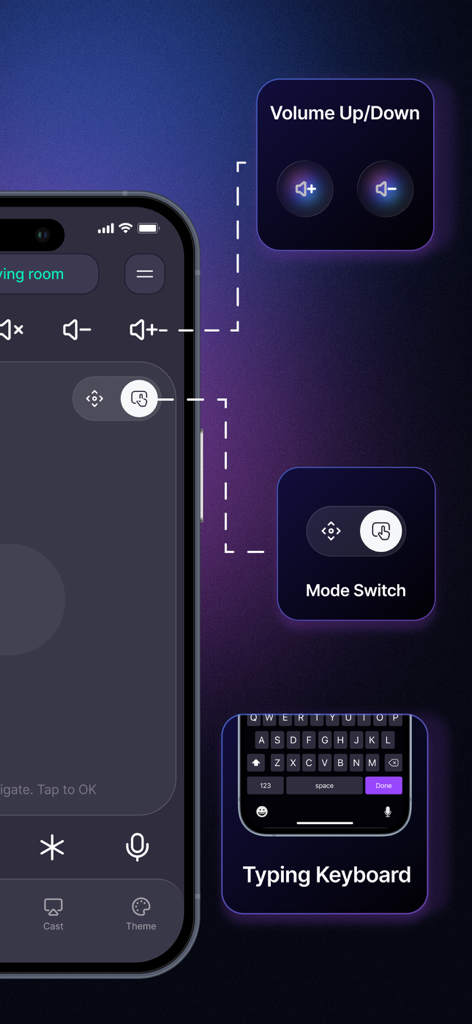
Universal TV Remote app showing volume control mode switch and typing keyboard features on iPhone
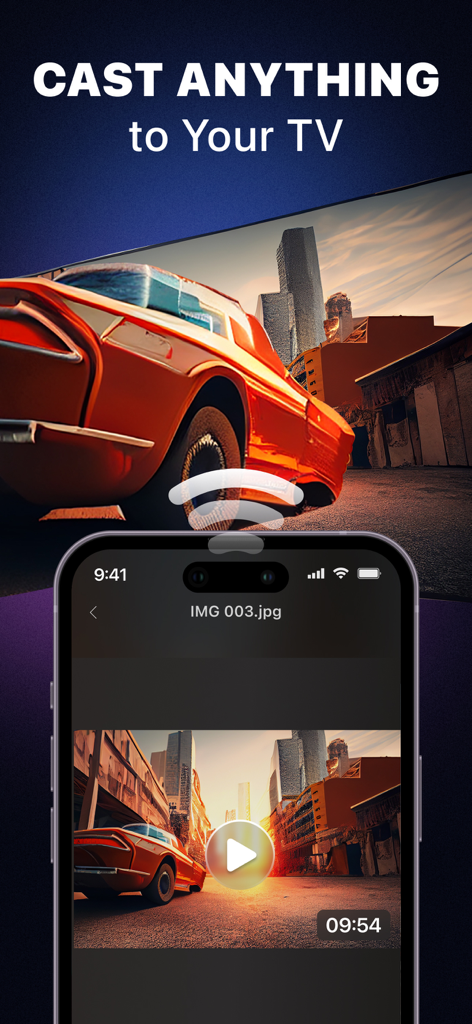
Smartphone app casting a video of a car onto a large smart TV screen
Description
Download
More Like This
Apps with similar features and user experience

The Roku App (Official)
ROKU INC

TV Remote & Smart TV Control
To Ngoc Mai

Universal TV Remote Control .
Apps Venture Inc.

TV Remote, Universal Remote
Hangzhou Yingshitong Technology Co., Ltd.

TV Remote Control “Universo”
Nemo Apps LLC

TV Remote・Universal Control #1
Mihai Turlea

Remote Smart Tv Universal
clement gasner

Remote TV Control TCL Onn App
CEMAL CAGLAR KIRICI

TV Remote Control Universal AI
Anh Ngo
This page is not an official page of the app or its developer, but an independent editorial publication created for informational and commentary purposes. Unless expressly stated otherwise, neither the app nor its developer is affiliated with, endorsed by, sponsored by, authorized by, or otherwise officially connected with MWM, Apple, Google Play, the app publisher, or the app's developer, and nothing on this page implies that the app was developed using MWM's services. Any trademarks, logos, screenshots, and other content remain the property of their respective owners.