Ultra Zoom 1000x Moon Camera

This page is not an official page of the app or its developer, but an independent editorial publication created for informational and commentary purposes. Unless expressly stated otherwise, neither the app nor its developer is affiliated with, endorsed by, sponsored by, authorized by, or otherwise officially connected with MWM, Apple, Google Play, the app publisher, or the app's developer, and nothing on this page implies that the app was developed using MWM's services. Any trademarks, logos, screenshots, and other content remain the property of their respective owners.
Logo of Ultra Zoom 1000x Moon Camera

Ultra Zoom 1000x Moon Camera

From the craters of the moon to front-row concert views, unlock the superpower of extreme zoom and cinematic filters to capture stunning details your phone alone can't see.

Key Figures

Downloads

0

User Rating

1.0/5

Total Ratings

0

Publisher

Ninuk Novianti

Category

Photo & Video

Locales

1

Latest Version

1.0

Size

55.7 MB

First Released

Feb 5, 2026
Features

Unleash Your Phone’s Full Potential

From lunar craters to stadium highlights, capture breathtaking details from miles away with AI-enhanced zoom and professional-grade real-time filters.

Extreme 1000x Smart Zoom

Get closer than ever with hardware-optimized zoom that turns the furthest subjects into sharp, clear, and high-quality memories.

Pro-Level Visual Filters

Apply Cinematic, Neon, or Moon effects in real-time to give your long-distance shots an instant professional aesthetic for social sharing.

The following screenshots and description are sourced directly from the app's official store listing and are the property of the app developer.

App Store

Screenshots
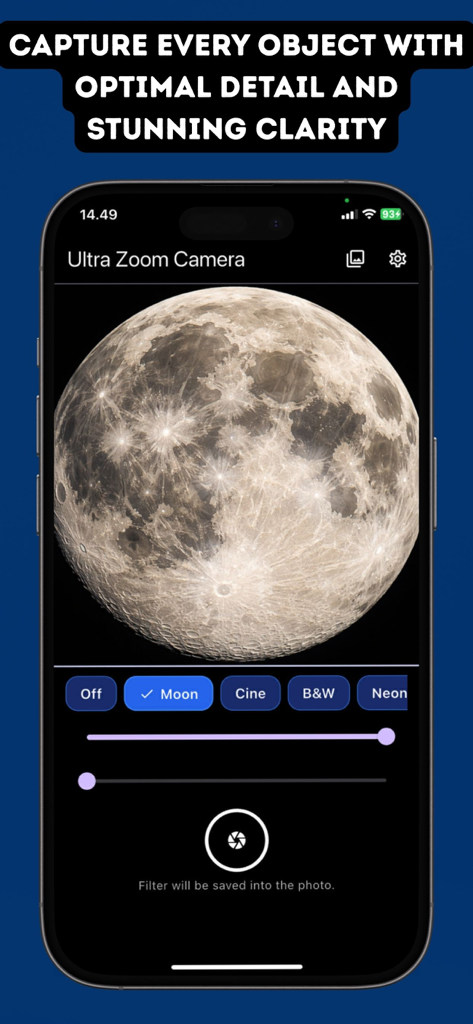
Ultra Zoom 1000x Moon Camera - Interface of the Ultra Zoom Camera app showing a detailed moon photograph with real-time filters and zoom controls.
Interface of the Ultra Zoom Camera app showing a detailed moon photograph with real-time filters and zoom controls.

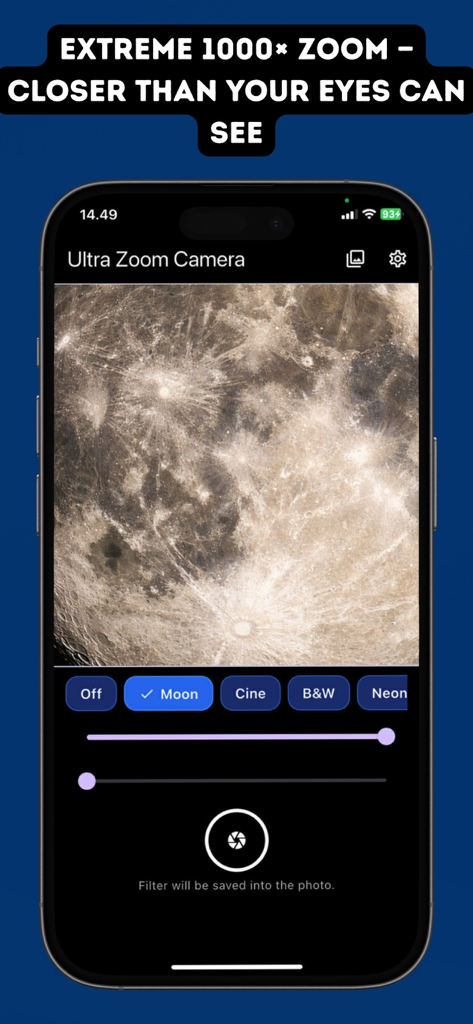
Ultra Zoom 1000x Moon Camera - Ultra Zoom Camera app interface showing extreme zoom of the moon surface with filters
Ultra Zoom Camera app interface showing extreme zoom of the moon surface with filters

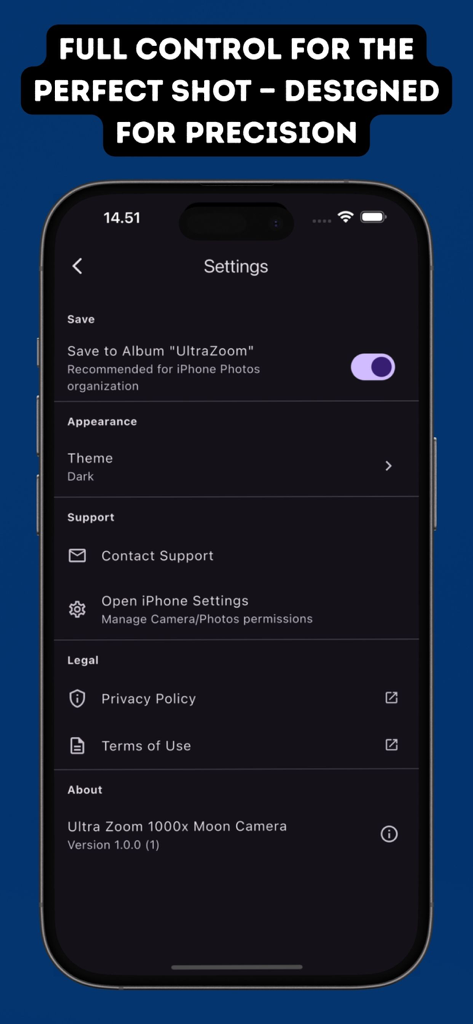
Ultra Zoom 1000x Moon Camera - Settings screen of the Ultra Zoom 1000x Moon Camera app showing storage options and theme preferences on an iPhone.
Settings screen of the Ultra Zoom 1000x Moon Camera app showing storage options and theme preferences on an iPhone.

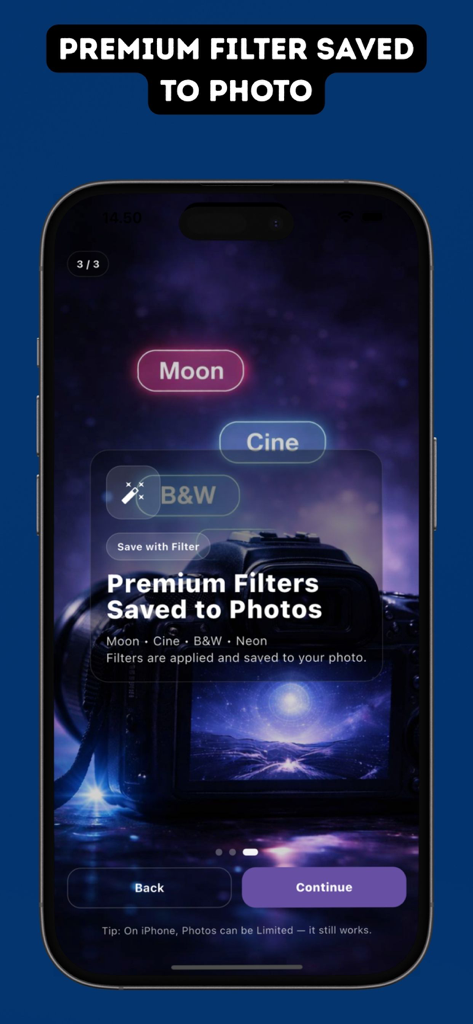
Ultra Zoom 1000x Moon Camera - A mobile app interface for Ultra Zoom 1000x Moon Camera showing premium filter options like Moon Cine B&W and Neon for saved photos
A mobile app interface for Ultra Zoom 1000x Moon Camera showing premium filter options like Moon Cine B&W and Neon for saved photos

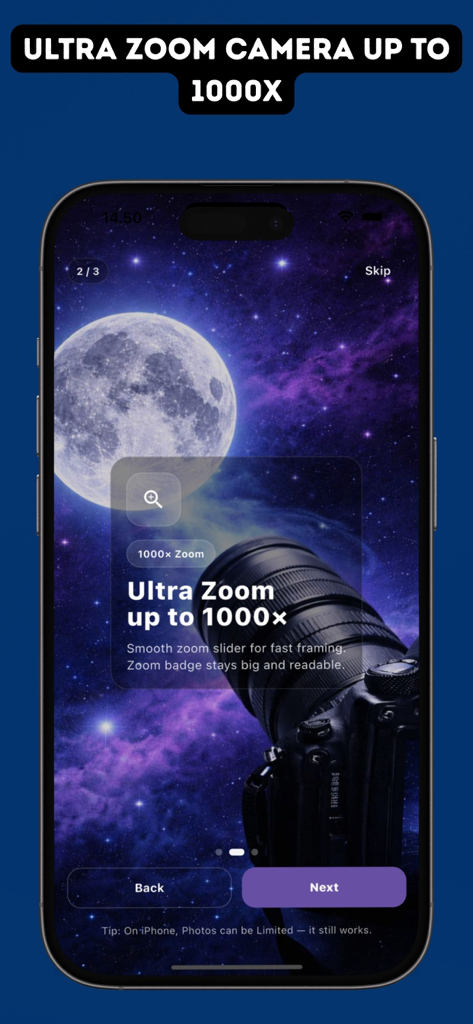
Ultra Zoom 1000x Moon Camera - Onboarding screen of the Ultra Zoom 1000x Moon Camera app showing a feature highlight for its 1000x zoom capability against a space background
Onboarding screen of the Ultra Zoom 1000x Moon Camera app showing a feature highlight for its 1000x zoom capability against a space background

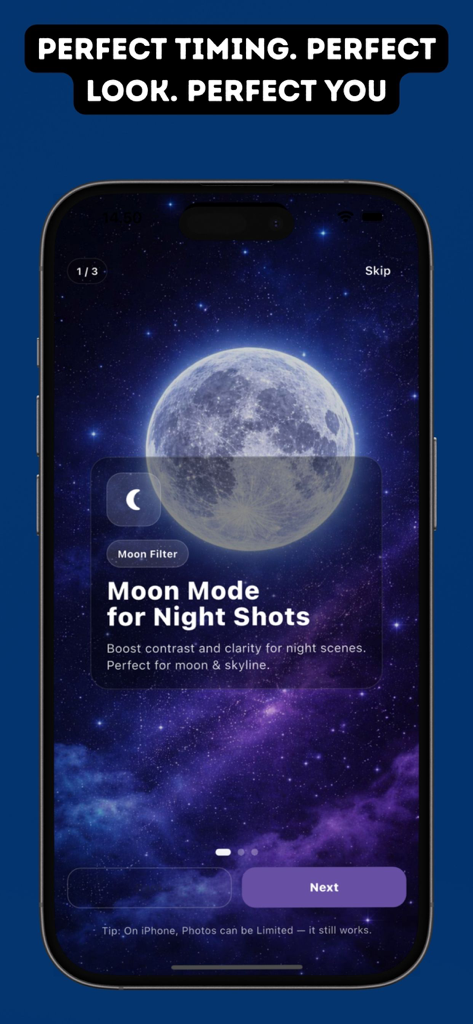
Ultra Zoom 1000x Moon Camera - Interface of the Ultra Zoom 1000x app showing the Moon Mode feature for enhanced night photography and lunar shots.

Interface of the Ultra Zoom 1000x app showing the Moon Mode feature for enhanced night photography and lunar shots.

Description

Ultra Zoom 1000x Moon Camera is a powerful camera app designed for long-distance photography, featuring extreme zoom up to 1000×, real-time filters, and instant high-quality photo saving. This app combines true device hardware zoom with a smart 1–1000× zoom interface, allowing smooth and stable zoom control when capturing distant subjects. It is ideal for observing far-away objects, capturing fine details, and exploring long-range scenes. Ultra Zoom Camera also includes a set of real-time visual filters, including Moon, Cinematic, Black & White, and Neon. Filters are applied live during preview and automatically saved with your photos. You can also adjust filter intensity to match your preferred visual style. Photos are saved instantly to your gallery, making it easy to view, share, and manage your captured images. Key Features : - Zoom up to 1000× (based on subscription plan) - True hardware zoom with smart UI zoom control - Real-time filters: Moon, Cinematic, B&W, Neon - Adjustable filter strength - Smart flash (activates only when capturing) - Automatic save to Photos (UltraZoom album) - Built-in gallery to view, share, and delete photos - High-resolution live preview with pinch-to-zoom - Optimized performance with a modern, clean interface Ultra Zoom Camera is suitable for travelers, nature observers, content creators, and anyone who enjoys capturing distant scenes with creative visual effects. Subscription Plans & Features : Some features require an active subscription. Weekly – $1.99 - Zoom up to 100× - Real-time filters available - Photos saved to gallery - Watermark applied to photos - Advertisements displayed Monthly – $3.99 - Zoom up to 500× - Real-time filters available - Photos saved to gallery - No watermark - No advertisements Lifetime – $29.99 - Full zoom access up to 1000× - Real-time filters available - Photos saved to gallery - No watermark - No advertisements - One-time purchase, no renewal Subscription Terms : Payment will be charged to your Apple ID account at the confirmation of purchase. Subscriptions automatically renew unless auto-renew is turned off at least 24 hours before the end of the current period. Your account will be charged for renewal within 24 hours prior to the end of the current subscription period, and the renewal cost will be identified. You can manage or cancel your subscription at any time in your App Store account settings after purchase. Any unused portion of a free trial period, if offered, will be forfeited when you purchase a subscription. Privacy & Terms. : Privacy Policy url : https://ninuknovianti.wordpress.com/2024/12/11/privacy-policy/ Terms & Conditions url : https://ninuknovianti.wordpress.com/2024/12/11/terms-conditions/

Download

This page is not an official page of the app or its developer, but an independent editorial publication created for informational and commentary purposes. Unless expressly stated otherwise, neither the app nor its developer is affiliated with, endorsed by, sponsored by, authorized by, or otherwise officially connected with MWM, Apple, Google Play, the app publisher, or the app's developer, and nothing on this page implies that the app was developed using MWM's services. Any trademarks, logos, screenshots, and other content remain the property of their respective owners.