
This page is not an official page of the app or its developer, but an independent editorial publication created for informational and commentary purposes. Unless expressly stated otherwise, neither the app nor its developer is affiliated with, endorsed by, sponsored by, authorized by, or otherwise officially connected with MWM, Apple, Google Play, the app publisher, or the app's developer, and nothing on this page implies that the app was developed using MWM's services. Any trademarks, logos, screenshots, and other content remain the property of their respective owners.

Universal Remote TV Control
The app silences the chaos of lost remotes and dead batteries. It puts ultimate screen authority directly in the user's hand.
Downloads
25M+User Rating
Total Ratings
147.4KPublisher
Category
UtilitiesLocales
19Latest Version
1.34Size
187.4 MBFirst Released
Nov 13, 2021Key Feature Analysis: Universal Remote TV Control
An evaluation of core functionalities and their impact on the modern smart TV user experience.
Integrated Keyboard Input
It allows users to leverage their smartphone's full keyboard for quick and easy text entry on their smart TV, significantly improving search and login efficiency.
Seamless Remote Replacement
The app provides a convenient digital substitute for traditional physical remotes, ensuring controls are always at hand and eliminating issues like loss or damage.
Wi-Fi Based Universal Compatibility
This tool automatically detects and connects to a wide range of smart TVs from popular brands over Wi-Fi, offering broad control capabilities without complex setup.
Intuitive Touchpad Navigation
It allows users to effortlessly navigate TV interfaces with a responsive, modern touchpad gesture experience, superior to traditional directional buttons.
Effortless Setup & Customization
The app features automatic device detection and simplified setup, making the initial configuration user-friendly and quick across different smart TV models.
Immersive Haptic Feedback
This tool provides tactile vibrations that mimic physical button presses, offering a more engaging and realistic interaction with the virtual remote interface.
Frequently Asked Questions
Everything you need to know about Universal Remote TV Control
How does Universal Remote TV Control connect to my TV?
Universal Remote TV Control connects your iPhone to a web-connected TV via the same WiFi network. For IR TVs, your phone requires a built-in Infrared feature.
Which TV brands are compatible with Universal Remote TV Control?
Universal Remote TV Control supports popular brands including Samsung, LG, Sony, Philips, Panasonic, Vizio, TCL, Toshiba, Xfinity, Insignia, Hisense, and Element TVs.
Can Universal Remote TV Control cast photos and videos to my TV?
Yes, Universal Remote TV Control allows users to cast photos and videos to their TV. This feature enhances media viewing directly from your phone.
Does Universal Remote TV Control offer keyboard input for TV searches?
Yes, Universal Remote TV Control provides keyboard input, making TV searching straightforward. This feature simplifies text entry on your television.
Is Universal Remote TV Control a free application?
Universal Remote TV Control requires a Premium subscription for complete access to all its features. Payment occurs via iTunes Account, with auto-renewal options available.
What controls does Universal Remote TV Control offer?
Universal Remote TV Control copies handheld remote functionality, including channels list, volume, menu, info, tools, and Play/Pause/Stop controls.
Does Universal Remote TV Control support popular streaming services?
Yes, Universal Remote TV Control supports direct access to popular streaming services such as Netflix, YouTube, Apple TV, Disney+, Hulu, Prime Video, and Sling.
Does the Universal Remote TV Control app provide haptic feedback?
Yes, Universal Remote TV Control includes haptic feedback, providing a realistic vibration and enhanced sense of touch during use.
Is Universal Remote TV Control an official app for TV brands like Samsung or LG?
No, Universal Remote TV Control is NOT an official application of Samsung, LG, Sony, Philips, Panasonic, Vizio, TCL, Toshiba, Xfinity, Insignia, Hisense, Roku, Fire TV, or Element. It is not affiliated with these companies.
The following screenshots and description are sourced directly from the app's official store listing and are the property of the app developer.
App Store
Screenshots
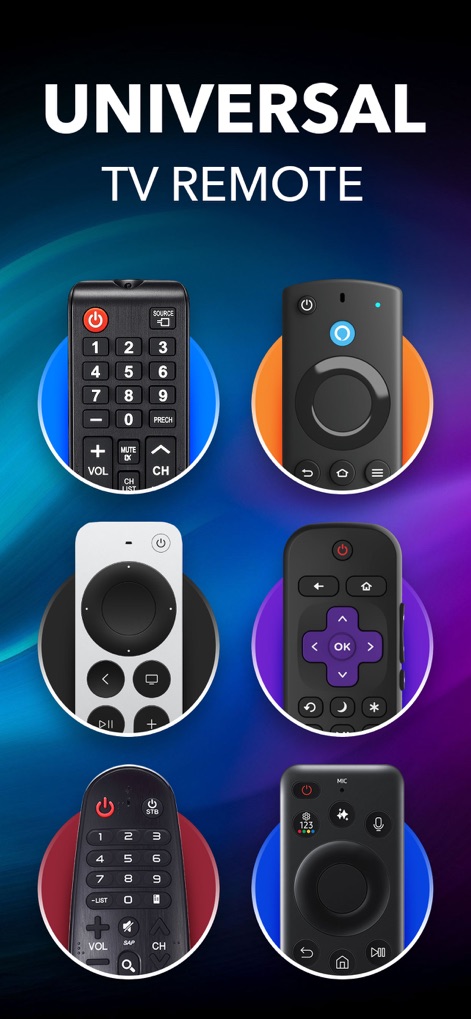
Seamless Remote Consolidation
The app showcases a gallery of familiar remote designs and promises universal TV remote compatibility, illustrating its broad device support.
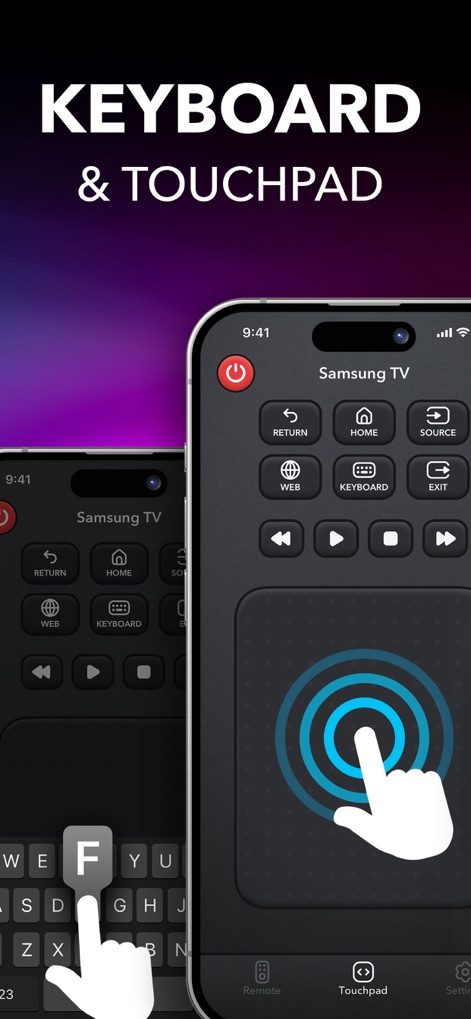
Enhanced Control Input
This tool streamlines interaction with its intuitive keyboard input for easy searching and a responsive touchpad for precise navigation.
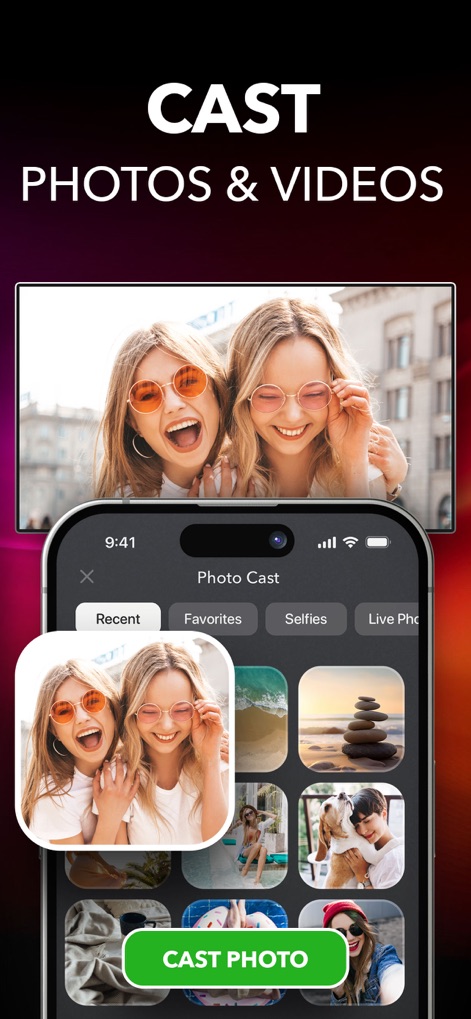
Effortless Media Casting
Users can easily browse their photo gallery on their phone and instantly cast photos and videos to their TV screen for shared viewing.
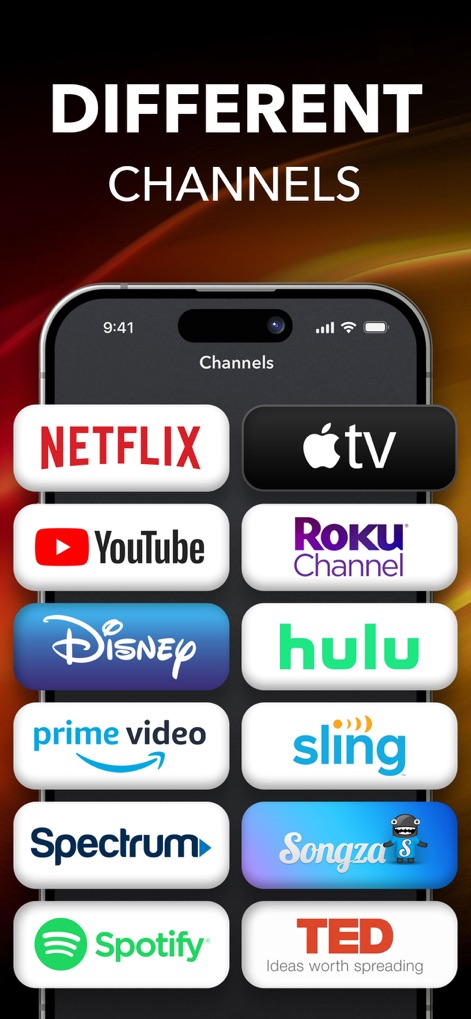
Direct Channel Access
The app provides quick access to various streaming services, displaying prominent icons for popular platforms like Netflix and Apple TV.
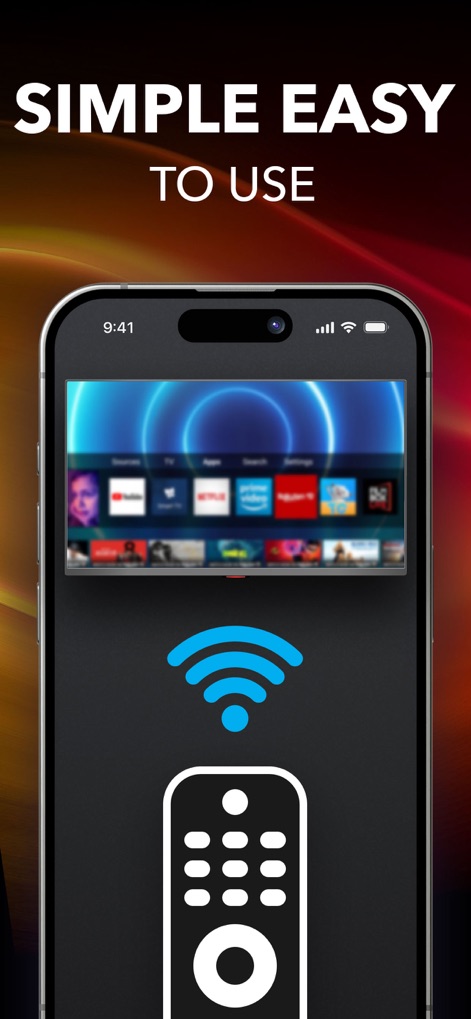
Simplified Setup & Use
This tool emphasizes ease of use with its clear WiFi connection indicator and a simplified remote icon representing direct control over the TV interface.
Description
Download
More Like This
Apps with similar features and user experience

The Roku App (Official)
ROKU INC

TV Remote & Smart TV Control
To Ngoc Mai

Universal TV Remote Control .
Apps Venture Inc.

TV Remote, Universal Remote
Hangzhou Yingshitong Technology Co., Ltd.

TV Remote Control “Universo”
Nemo Apps LLC

TV Remote・Universal Control #1
Mihai Turlea

Remote Smart Tv Universal
clement gasner

Remote TV Control TCL Onn App
CEMAL CAGLAR KIRICI

TV Remote Control Universal AI
Anh Ngo
This page is not an official page of the app or its developer, but an independent editorial publication created for informational and commentary purposes. Unless expressly stated otherwise, neither the app nor its developer is affiliated with, endorsed by, sponsored by, authorized by, or otherwise officially connected with MWM, Apple, Google Play, the app publisher, or the app's developer, and nothing on this page implies that the app was developed using MWM's services. Any trademarks, logos, screenshots, and other content remain the property of their respective owners.