
This page is not an official page of the app or its developer, but an independent editorial publication created for informational and commentary purposes. Unless expressly stated otherwise, neither the app nor its developer is affiliated with, endorsed by, sponsored by, authorized by, or otherwise officially connected with MWM, Apple, Google Play, the app publisher, or the app's developer, and nothing on this page implies that the app was developed using MWM's services. Any trademarks, logos, screenshots, and other content remain the property of their respective owners.

Universal TV Remote Control
Stop hunting for lost remotes and wasting money on batteries. Connect instantly to any TV brand—Samsung, LG, Roku, and more—with a simple Wi-Fi setup designed for your connected home.
Downloads
5M+User Rating
Total Ratings
10K+Publisher
Category
UtilitiesLocales
1Latest Version
10.2Size
22.3 MBFirst Released
Dec 30, 2019Simplify Your Home Entertainment
Tired of lost remotes and dead batteries? Turn your iPhone into the ultimate control center for every TV in your house, regardless of the brand.
One App for Every Brand
Whether it is the Samsung in your living room or the Roku in the bedroom, control them all with a single, unified interface.
Instant Wi-Fi Setup
Skip the complicated pairing codes. Just connect to your home network and our auto-discovery finds your TVs in seconds.
Frequently Asked Questions
Everything you need to know about Universal TV Remote Control
How do I set up the Universal TV Remote Control app on my iPhone?
To set up the Universal TV Remote Control app, connect your iPhone and TV to the same Wi-Fi network. The app automatically discovers and lists your TVs instantly. No pairing codes are required for control.
What TV brands are compatible with the Universal TV Remote Control app?
The Universal TV Remote Control app supports major brands like Samsung, LG, Sony, TCL, Roku, Fire TV, and Vizio. It also works with Element, Sceptre, Insignia, Toshiba, Hisense, Sharp, Panasonic, Philips, Skyworth, Onn, Sanyo, Westinghouse, and Android TV.
What functions does the Universal TV Remote Control app provide?
The Universal TV Remote Control app provides power on/off, mute, volume, input selection, home, menu, channel up/down, and media playback controls. It also includes directional navigation, voice commands, trackpad control, and an on-screen keyboard.
Can I access smart TV apps using the Universal TV Remote Control app?
Yes, the Universal TV Remote Control app allows users to access apps installed on their TV. Popular streaming apps like Netflix, YouTube, Hulu, and Disney+ are accessible directly through the app interface.
What TV operating systems does the Universal TV Remote Control app support?
The Universal TV Remote Control app supports TVs running Roku OS, Fire TV OS, Android TV OS, Samsung Tizen OS, Viziacast OS, and Vidaa OS. It provides universal control across these platforms.
Is the Universal TV Remote Control app an official product of specific TV brands?
No, the Universal TV Remote Control app is not an official product of any specific TV brand. Codematics is not affiliated with Samsung, LG, Sony, Roku, Vizio, or other TV manufacturers.
Does the Universal TV Remote Control app require pairing codes to connect with a TV?
No, the Universal TV Remote Control app does not require pairing codes. It automatically discovers and lists compatible TVs instantly once both devices are on the same Wi-Fi network.
The following screenshots and description are sourced directly from the app's official store listing and are the property of the app developer.
App Store
Screenshots
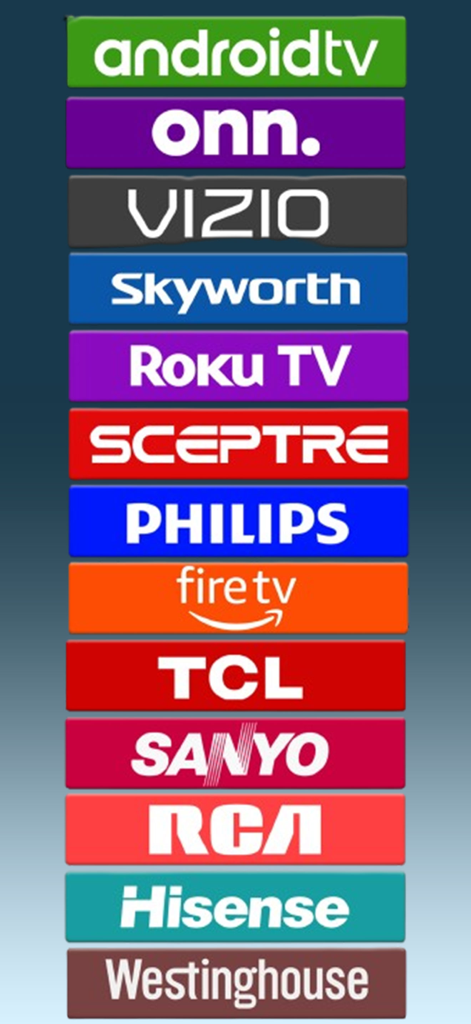
A list of supported smart TV brands and operating systems including Roku Fire TV Android TV and Vizio
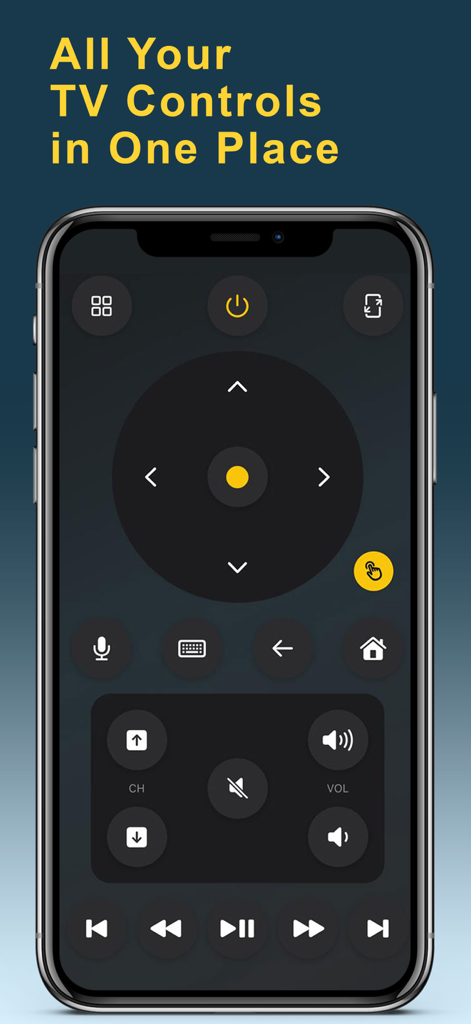
Universal TV Remote Control app interface displayed on an iPhone with buttons for volume channel and navigation
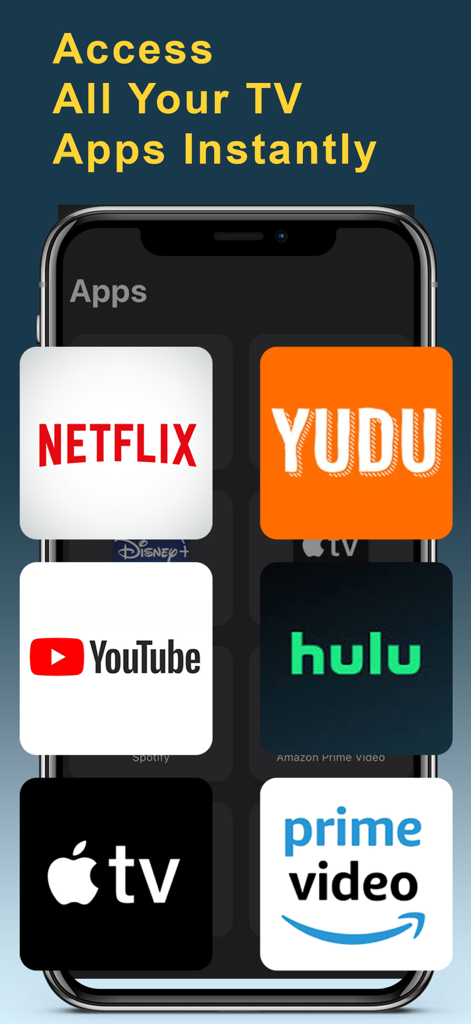
Universal TV remote app screen showing quick access to popular streaming services like Netflix and YouTube
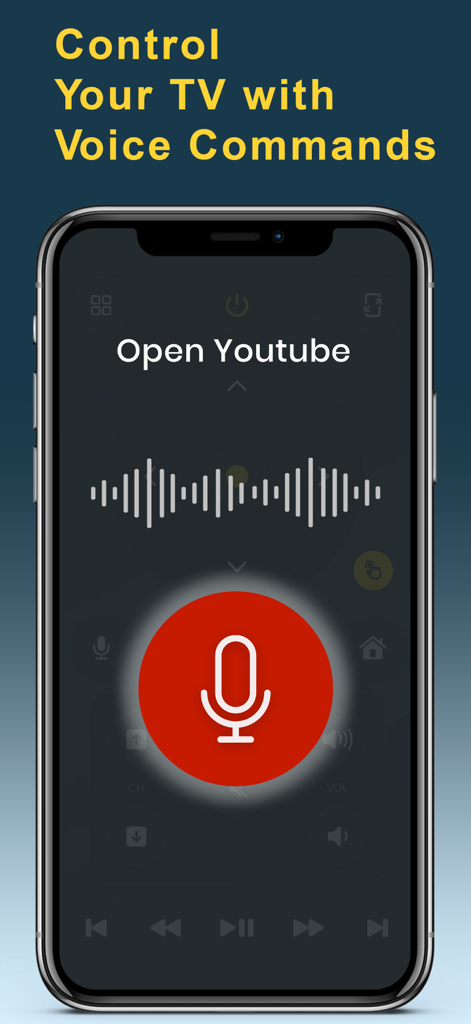
Smartphone screen showing the voice command feature of the Universal TV Remote app with a large red microphone icon and audio wave visualization.
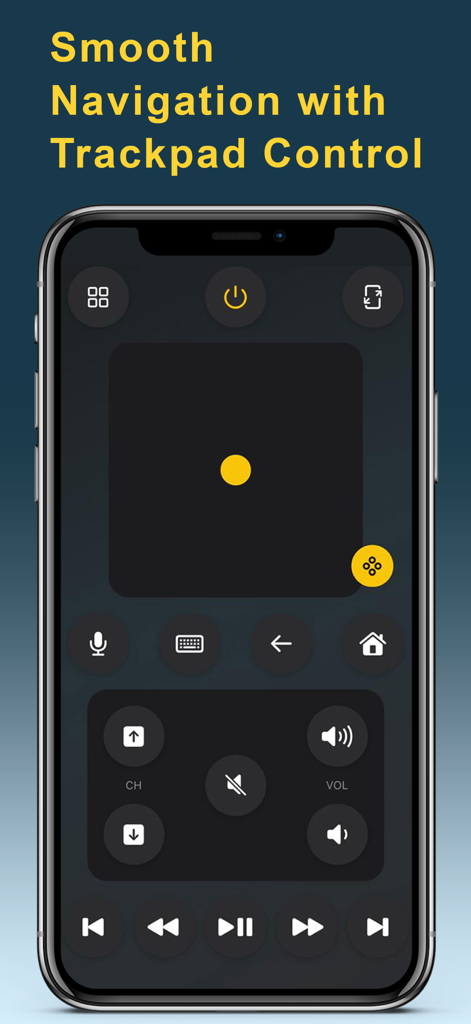
Universal TV remote app interface on a smartphone featuring a trackpad for smooth navigation and media controls
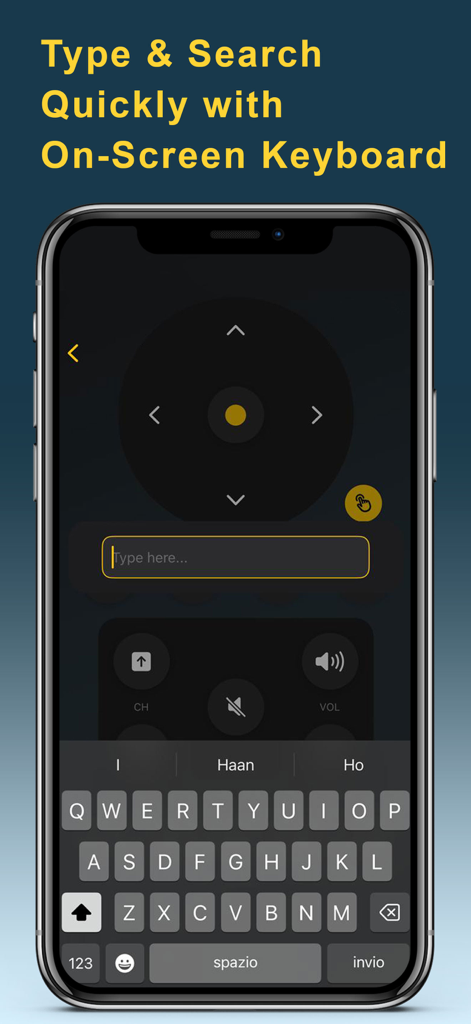
Universal TV remote app interface showing an on-screen keyboard for quick typing and searching on a smart TV.
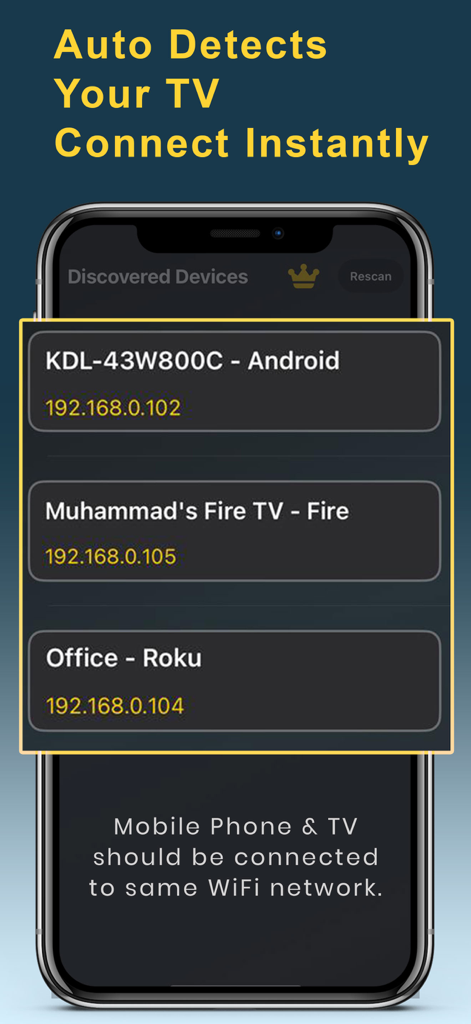
Interface of the Universal TV Remote app showing a list of discovered smart TVs like Android Fire TV and Roku on a WiFi network
Description
Download
More Like This
Apps with similar features and user experience

The Roku App (Official)
ROKU INC

TV Remote & Smart TV Control
To Ngoc Mai

Universal TV Remote Control .
Apps Venture Inc.

TV Remote, Universal Remote
Hangzhou Yingshitong Technology Co., Ltd.

TV Remote Control “Universo”
Nemo Apps LLC

TV Remote・Universal Control #1
Mihai Turlea

Remote Smart Tv Universal
clement gasner

Remote TV Control TCL Onn App
CEMAL CAGLAR KIRICI

TV Remote Control Universal AI
Anh Ngo
This page is not an official page of the app or its developer, but an independent editorial publication created for informational and commentary purposes. Unless expressly stated otherwise, neither the app nor its developer is affiliated with, endorsed by, sponsored by, authorized by, or otherwise officially connected with MWM, Apple, Google Play, the app publisher, or the app's developer, and nothing on this page implies that the app was developed using MWM's services. Any trademarks, logos, screenshots, and other content remain the property of their respective owners.