Unzip Extractor - zip, rar, 7z

Unzip Extractor - zip, rar, 7z


Download on App Store
Logo of Unzip Extractor - zip, rar, 7z

Unzip Extractor - zip, rar, 7z: The Professional File Toolkit for Your iOS Devices

Effortlessly extract, compress, and manage your files with total privacy. Built for students and professionals who need fast, secure, and 100% offline file management on the go.

Download on App Store

Publisher

Arthur Eduardo Skaetta Alvarez Desenvolvimento de Software LTDA.

Category

Productivity

Downloads

8K+

User Rating

4.7/5

Total Ratings

100

Locales

1

A Glimpse Inside

Discover the interface used by 8K+ users.
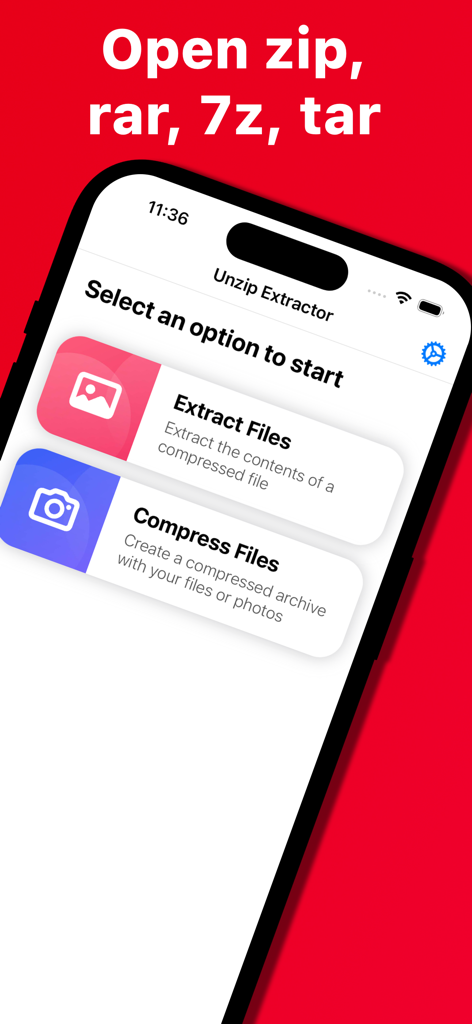
Unzip Extractor app interface showing options to extract and compress zip rar 7z and tar files

Unzip Extractor app interface showing options to extract and compress zip rar 7z and tar files

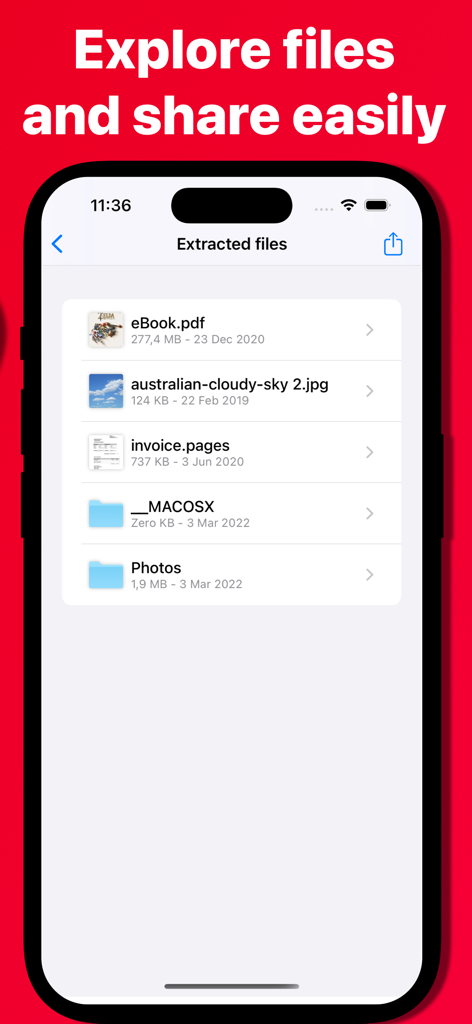
Interface of Unzip Extractor app showing a list of extracted documents and images on an iPhone.

Interface of Unzip Extractor app showing a list of extracted documents and images on an iPhone.

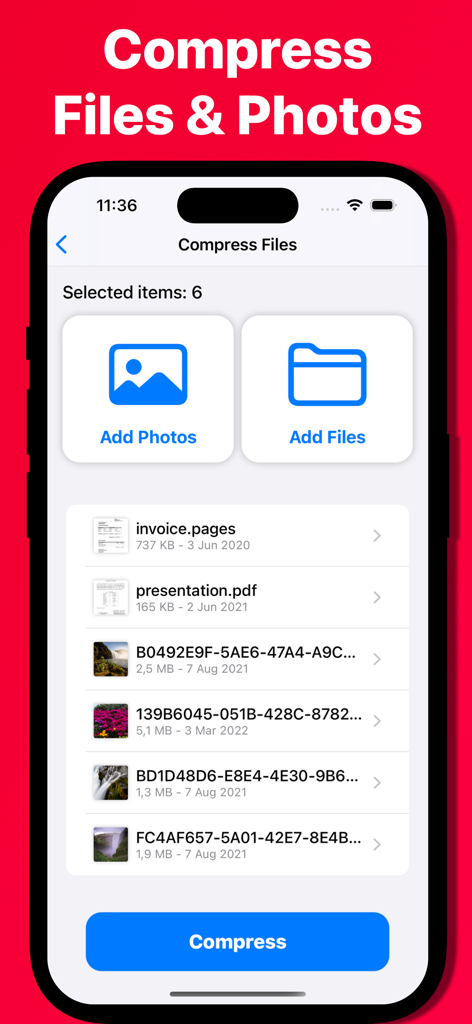
Unzip Extractor app interface showing the selection of multiple documents and images for file compression

Unzip Extractor app interface showing the selection of multiple documents and images for file compression

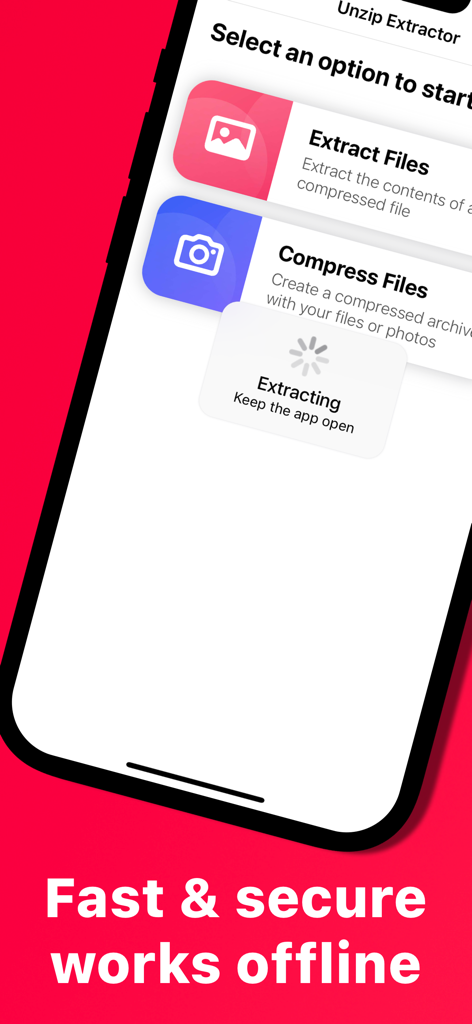
Unzip Extractor app interface showing options to extract and compress files with an offline processing indicator.

Unzip Extractor app interface showing options to extract and compress files with an offline processing indicator.

Simplify Your Mobile Workflow

The tools that make this app stand out, trusted by 8K+ users.

📦

Universal Format Support

Stop hitting 'File Not Supported' errors. Open Zip, RAR, 7z, and Tar archives instantly, bridging the gap between your mobile device and PC files.

🔒

100% Offline & Private

Your data never leaves your device. We process everything locally so your sensitive work documents and personal photos remain completely secure and private.

📤

One-Tap Compression

Easily bundle high-resolution photos and large PDFs into compact archives to save storage space or bypass email and Slack attachment limits on the go.

About the app

Everything you need to know about Unzip Extractor - zip, rar, 7z.

Description

Unzip Extractor allows you to open, manage and create compressed files using your mobile device. It's compatible with the most popular compression formats such as Zip, Rar, 7z and Tar. - Extract and explore compressed files: View the contents of your compressed file and share them easily - Compress Files & Photos: Select files and photos from your mobile device and create a compressed file in seconds - Fast & Secure: Unzip Extractor works offline, using the processing power of your device to extract and compress files. Your files are never sent to the internet in respect to your data privacy. Unzip Extractor is now available for all iOS devices!

Latest Version

1.0.287

Size

12.6 MB

First Released

Mar 5, 2022

Ready to Master Your Mobile Files?

Get the fastest, most secure way to handle ZIP, RAR, and 7Z files. Join over 8,000 users who trust our private, offline extraction for their on-the-go productivity.

Download on App Store

App information, icons, screenshots, and descriptions displayed on this page are sourced from the Apple App Store and are the property of their respective developers. Download estimates and rankings are based on MWM's proprietary models and may not reflect actual figures. This page is provided for informational and analytical purposes only.

Believe this page infringes your intellectual property? File a dispute