
This page is not an official page of the app or its developer, but an independent editorial publication created for informational and commentary purposes. Unless expressly stated otherwise, neither the app nor its developer is affiliated with, endorsed by, sponsored by, authorized by, or otherwise officially connected with MWM, Apple, Google Play, the app publisher, or the app's developer, and nothing on this page implies that the app was developed using MWM's services. Any trademarks, logos, screenshots, and other content remain the property of their respective owners.


Video Editor Toolbox
The ultimate all-in-one mobile studio for Gen Z creators. Master your TikToks and Reels with 150+ filters, beauty effects, and professional tools like PIP and speed ramping—all in one powerful app.
Downloads
0User Rating
Total Ratings
0Publisher
Category
Photo & VideoLocales
7Latest Version
5.3.0Size
177.2 MBFirst Released
May 28, 2018Powerful Tools for Your Next Viral Hit
Transform raw footage into professional content with the ultimate mobile-first video toolbox designed for creators.
All-In-One Creative Suite
Cut, merge, and adjust speed with precision. The only toolbox you need to go from raw clip to finished masterpiece.
150+ Cinematic Filters
Apply real-time beauty enhancements and trending filters to give your videos that polished, influencer-grade aesthetic.
The following screenshots and description are sourced directly from the app's official store listing and are the property of the app developer.
App Store
Screenshots
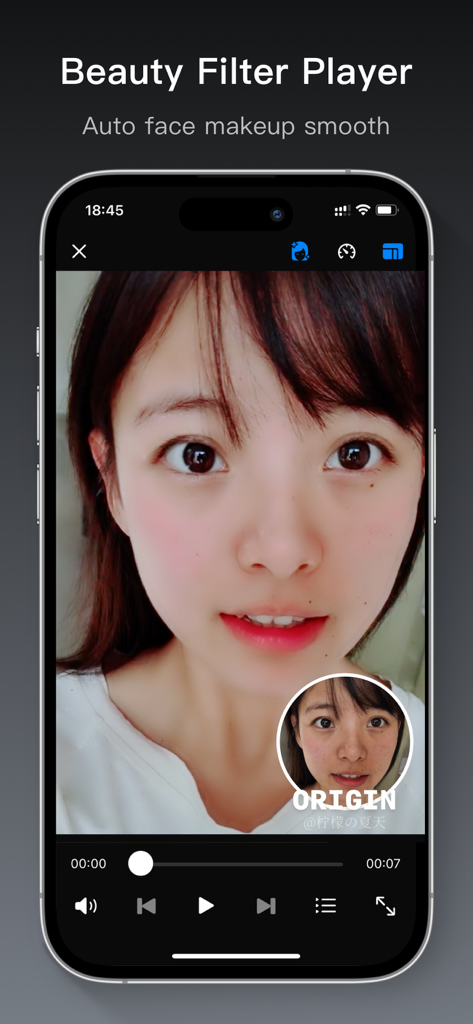
Interface of Video Editor Toolbox app showing the beauty filter player feature with auto face makeup smoothing
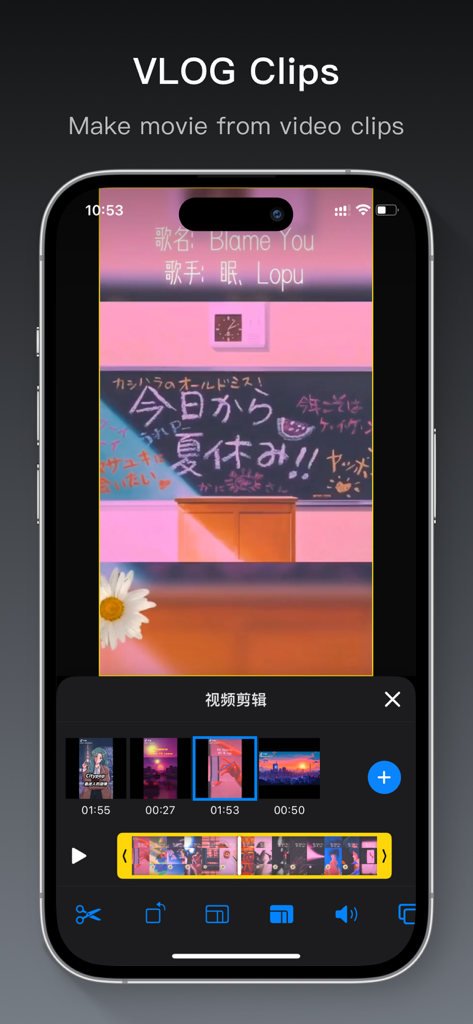
Vlog clips editing interface in Video Editor Toolbox app
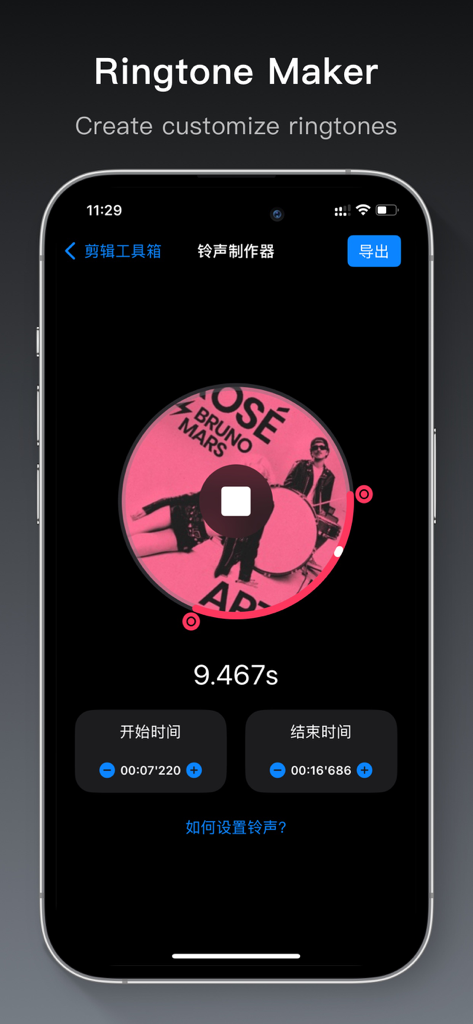
Ringtone maker feature in the Video Editor Toolbox app
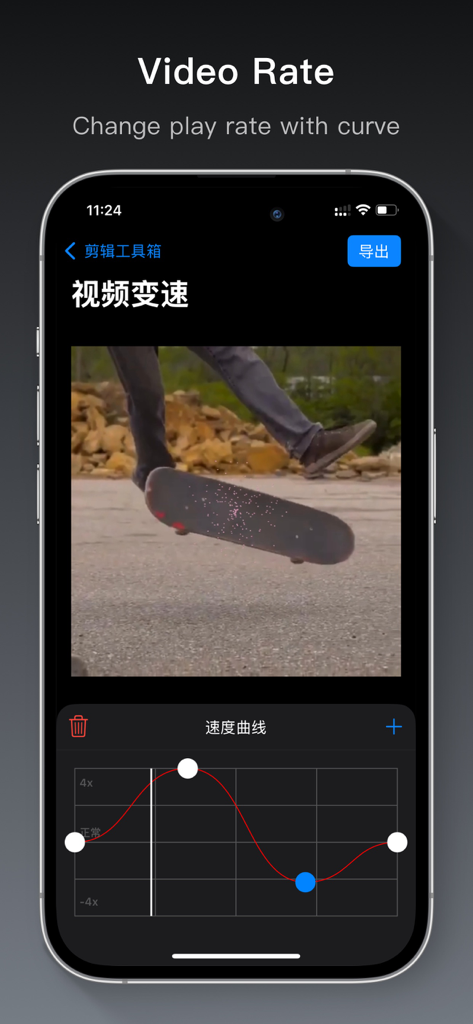
Video Editor Toolbox app interface showing the video speed rate adjustment feature with a curve
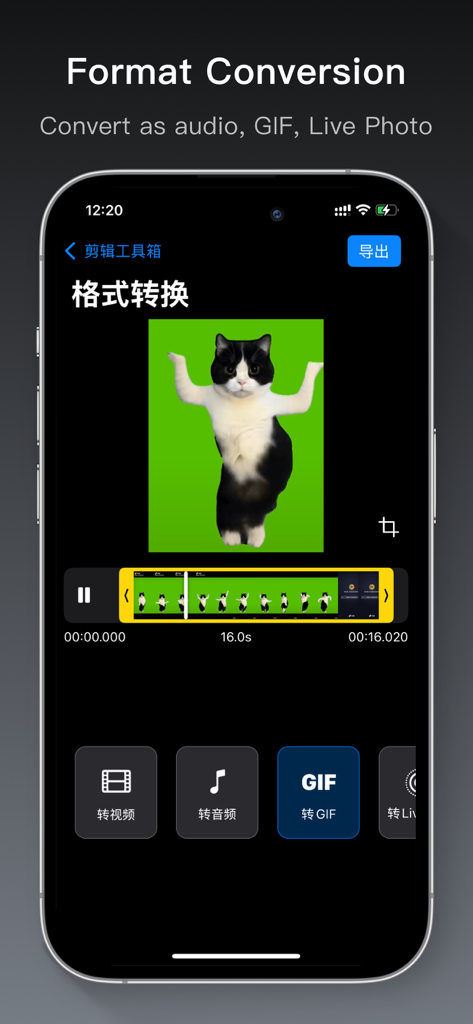
Video Editor Toolbox app interface showing video conversion options to GIF and Live Photo
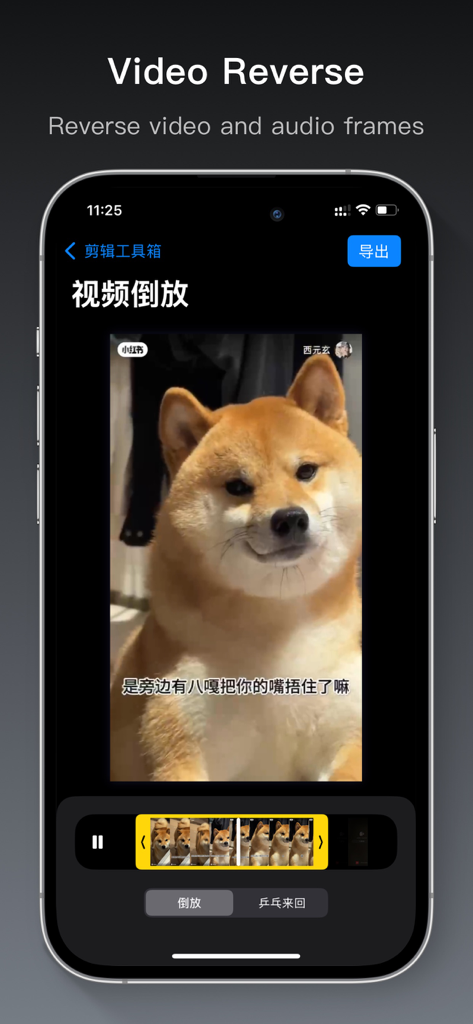
Interface of the Video Editor Toolbox app showing the video reverse editing feature with a Shiba Inu dog in the preview window.
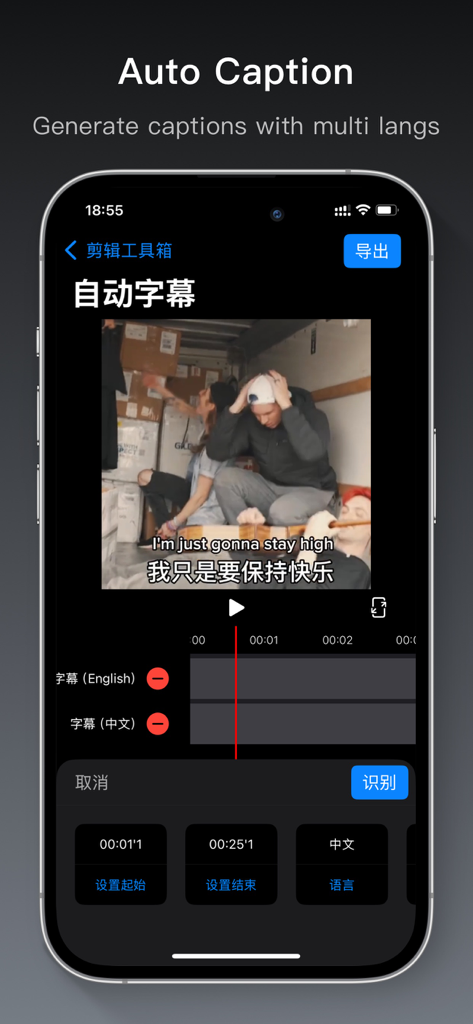
A mobile interface from the Video Editor Toolbox app showing the auto caption feature with English and Chinese subtitles on a video.
Description
Download
More Like This
Top-ranked apps in the same category

CapCut: Photo & Video Editor
BYTEDANCE PTE. LTD.

Instagram, Inc.

YouTube
Google LLC

Canva: AI Photo & Video Editor
Canva Pty Ltd

快手
Beijing Kwai Technology Co., Ltd.

Snapchat
Snap, Inc.

Edits: Video Editor
Instagram, Inc.

Meta AI - Vibes & AI Glasses
Meta Platforms, Inc.

Google Photos: Backup & Edit
Google LLC
This page is not an official page of the app or its developer, but an independent editorial publication created for informational and commentary purposes. Unless expressly stated otherwise, neither the app nor its developer is affiliated with, endorsed by, sponsored by, authorized by, or otherwise officially connected with MWM, Apple, Google Play, the app publisher, or the app's developer, and nothing on this page implies that the app was developed using MWM's services. Any trademarks, logos, screenshots, and other content remain the property of their respective owners.