Video Merger □ Combine Videos

Video Merger □ Combine Videos


Download on App Store
Logo of Video Merger □ Combine Videos

Video Merger □ Combine Videos: The Simplest Way to Stitch Your Stories

Join clips, trim scenes, and add music in seconds. Experience the effortless editor designed for busy creators, parents, and social media lovers who want professional results without the complexity.

Publisher

Float Tech, LLC

Category

Photo & Video

Downloads

3M+

User Rating

4.4/5

Total Ratings

53K+

Locales

23

Simplicity in Motion

Discover the interface used by 3M+ users.
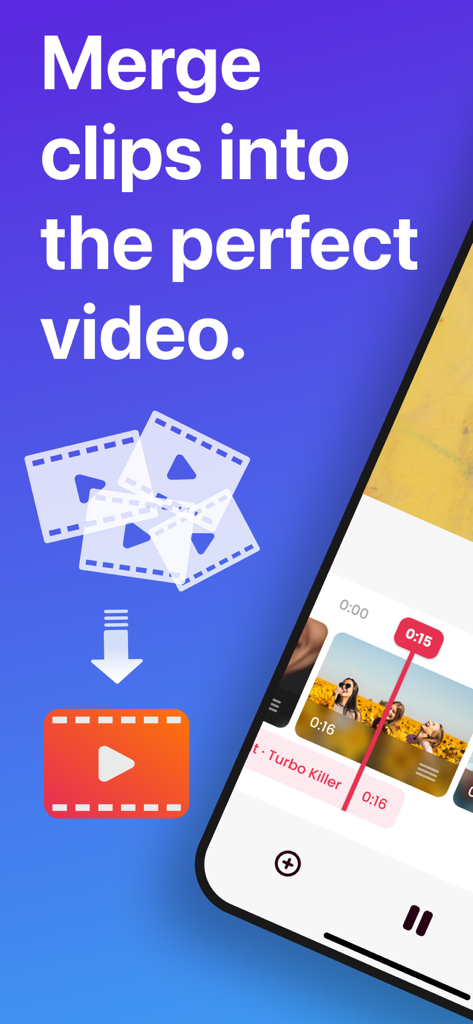
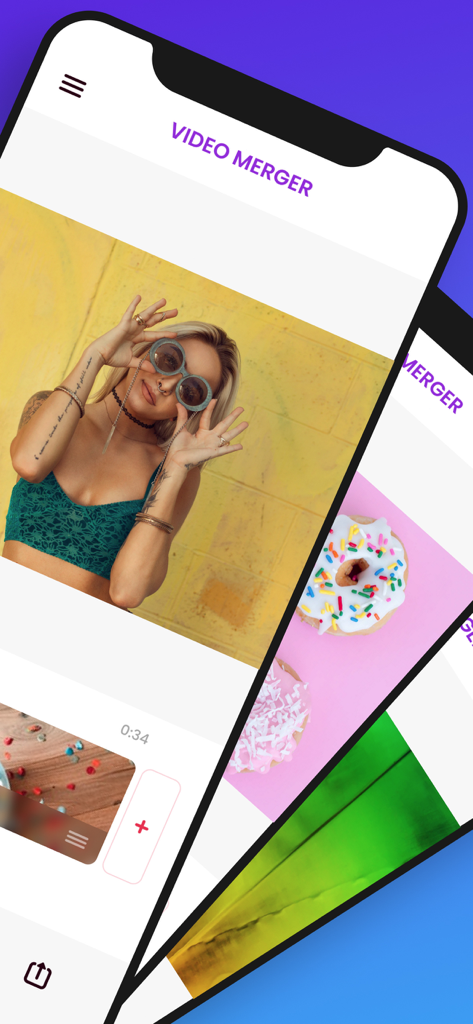
An iPhone screen showing the video merger app interface with a text overlay about merging clips into a perfect video.

An iPhone screen showing the video merger app interface with a text overlay about merging clips into a perfect video.

Screen of Video Merger app showing simple video editing and merging tools on iPhone

Screen of Video Merger app showing simple video editing and merging tools on iPhone

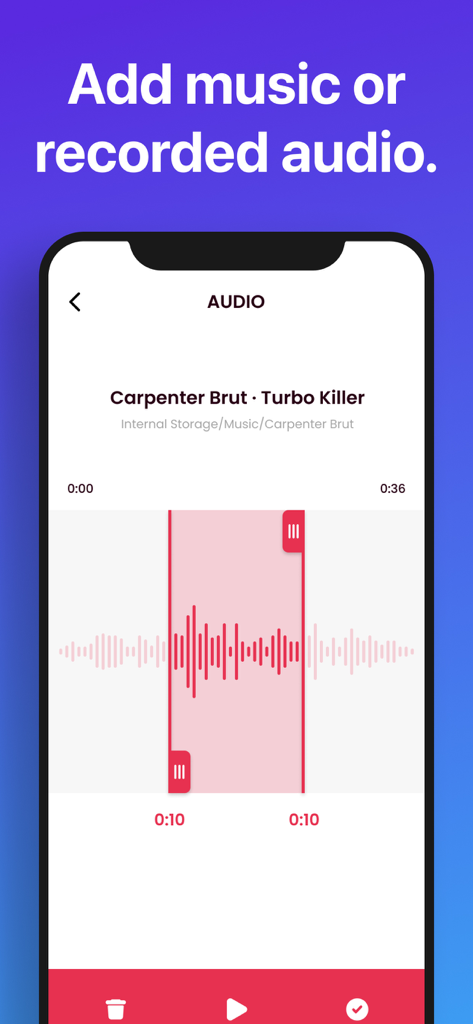
Interface showing the option to add music or recorded audio to a video with a waveform trimming tool

Interface showing the option to add music or recorded audio to a video with a waveform trimming tool

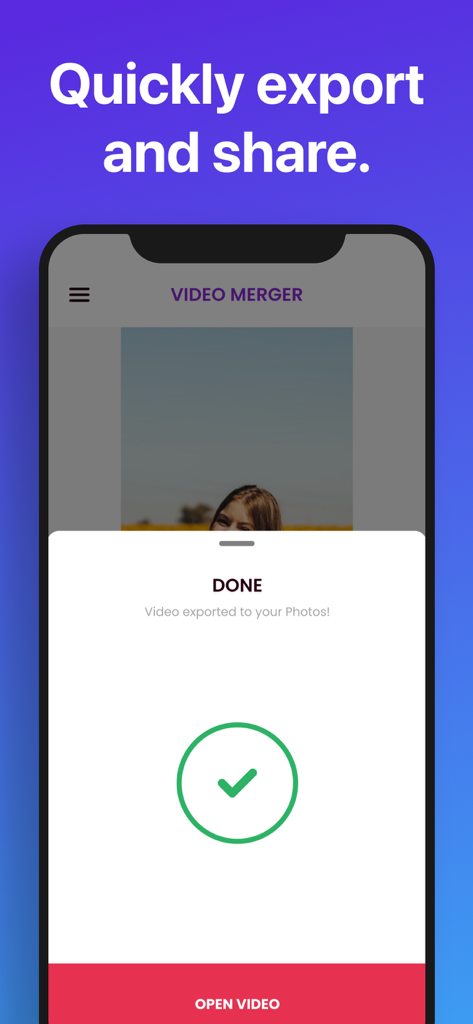
Video Merger app showing a successful video export confirmation screen

Video Merger app showing a successful video export confirmation screen

Create Better Content in Seconds

The tools that make this app stand out, trusted by 3M+ users.

One-Tap Merging

Skip the learning curve. Simply select your clips and join them instantly into a seamless video without dealing with complicated timelines.

🎵

Personalized Soundtracks

Set the perfect mood by adding music from your iTunes library or recording a custom voiceover to make your memories even more impactful.

📲

Made for Social Sharing

Export your creations directly to Instagram, TikTok, or Facebook with optimized formats that ensure your content looks great on every feed.

About the app

Everything you need to know about Video Merger □ Combine Videos.

Description

The easiest way to combine your clips into 1 beautiful video. • Trim, crop and edit each clip with our simple interface • Add background music from your iTunes library or your own recordings! • Save completed videos to your Photos app, or share to nearly any app (Facebook, Instagram, YouTube, DropBox, etc)! • Merging multiple videos into 1 could not be any simpler! Video merger makes it clear and simple to combine a few video clips into 1 awesome video for sharing. Simply import your clips, edit with our ultra-simple editor, and then you’re done! This app includes an optional auto-renewable subscription (Premium Pass): Premium Pass beings with a free trial period, then an auto-renewable monthly subscription when trial ends. Payment will be charged to your iTunes account at confirmation of purchase and will automatically renew (at the duration/price selected) unless auto-renew is turned off at least 24 hrs before the end of the current period. Account will be charged for renewal within 24-hours prior to the end of the current period. Current subscription may not be cancelled during the active subscription period; however, you can manage your subscription and/or turn off auto-renewal by visiting your iTunes Account Settings after purchase. Any unused portion of the free one week initial period will be forfeited when you purchase a subscription. Privacy Policy: https://float.support/video-merger/privacy Terms of Use: https://float.support/video-merger/terms

Latest Version

6.9.2

Size

24.5 MB

First Released

Sep 9, 2014

Ready to Turn Your Clips into One Great Story?

Join over 3 million users who save time with the easiest video joiner on the App Store. No complex timelines—just pick, merge, and share your favorite moments in seconds.

Download on App Store

App information, icons, screenshots, and descriptions displayed on this page are sourced from the Apple App Store and are the property of their respective developers. Download estimates and rankings are based on MWM's proprietary models and may not reflect actual figures. This page is provided for informational and analytical purposes only.

Believe this page infringes your intellectual property? File a dispute