
This page is not an official page of the app or its developer, but an independent editorial publication created for informational and commentary purposes. Unless expressly stated otherwise, neither the app nor its developer is affiliated with, endorsed by, sponsored by, authorized by, or otherwise officially connected with MWM, Apple, Google Play, the app publisher, or the app's developer, and nothing on this page implies that the app was developed using MWM's services. Any trademarks, logos, screenshots, and other content remain the property of their respective owners.


Video Player - All in One
Say goodbye to "Format Not Supported" errors. Play 4K, MKV, and AVI files seamlessly with pro-level features like multi-track audio, playback speed control, and effortless offline syncing.
Downloads
2M+User Rating
Total Ratings
34K+Publisher
Category
Photo & VideoLocales
11Latest Version
1.8.4Size
112.0 MBFirst Released
Dec 22, 2020The Ultimate Hub for Your Media Collection
Stop worrying about 'Format Not Supported' errors. Experience seamless playback of any video or audio file with professional-grade controls designed for power users.
Play Any Format in 4K
From MKV and AVI to MOV and MP4, enjoy your high-definition content in stunning 4K without the need for time-consuming file conversions.
Full Offline Control
Take your library anywhere. Sync files via iCloud or iTunes and organize your movies and music into custom folders for perfect offline viewing during your commute.
Frequently Asked Questions
Everything you need to know about Video Player - All in One
What video and audio formats does the Video Player - All in One app support?
The Video Player - All in One app supports all video formats, including 4k, HD, MKV, AVI, MOV, MP4, 3GP, and MPEG, as well as all music and audio file formats.
How can users transfer files to the Video Player - All in One app?
Users can transfer files to the Video Player - All in One app via iTunes File Sharing or iCloud Drive synchronization. It also plays videos directly from the device's Photo Gallery.
Does Video Player - All in One offer playback speed control and multi-track audio?
Yes, the Video Player - All in One app offers playback speed control and supports multi-track audio, enabling selection of different audio languages if available in the video.
Can users take screenshots directly from videos in the Video Player - All in One app?
Yes, users can take screenshots directly from videos within the Video Player - All in One app. This feature is listed among its core functionalities.
What premium features are included with a Video Player Pro Subscription?
A Video Player Pro Subscription provides access to unlimited folders, multiple playlists, unlimited URL streaming, and an Ads-Free experience within the Video Player app.
What are the billing options for the Video Player Pro Subscription?
The Video Player Pro Subscription is billed monthly, six-month, or annually, corresponding to the selected plan. Payment is charged to the iTunes Account upon purchase confirmation.
Does the Video Player Pro Subscription automatically renew?
Yes, the Video Player Pro Subscription automatically renews unless auto-renew is turned off at least 24-hours before the end of the current billing period.
How do users manage their Video Player Pro Subscription and turn off auto-renewal?
Users can manage their Video Player Pro Subscription and turn off auto-renewal by accessing their Account Settings after purchase, as per standard iTunes practices.
Is Video Player - All in One based on VLC media player?
Yes, the Video Player - All in One app is a full port of VLC media player to the iOS platform, licensed under the GNU General Public License version 3 or later.
Does the Video Player - All in One app support casting to other screens?
Yes, the Video Player - All in One app supports casting. Users can 'Cast to Any Screen' to watch videos on a big TV, as shown in the app's promotional material.
Does Video Player - All in One include Picture-in-Picture (PIP) mode?
Yes, the Video Player - All in One app features Picture-in-Picture (PIP) mode, allowing users to continue playing videos while working on other tasks.
Can users listen to audio from videos in the background with the Video Player - All in One app?
Yes, the Video Player - All in One app provides a Background Audio feature. Users can listen to video audio even when the screen is off.
The following screenshots and description are sourced directly from the app's official store listing and are the property of the app developer.
App Store
Screenshots
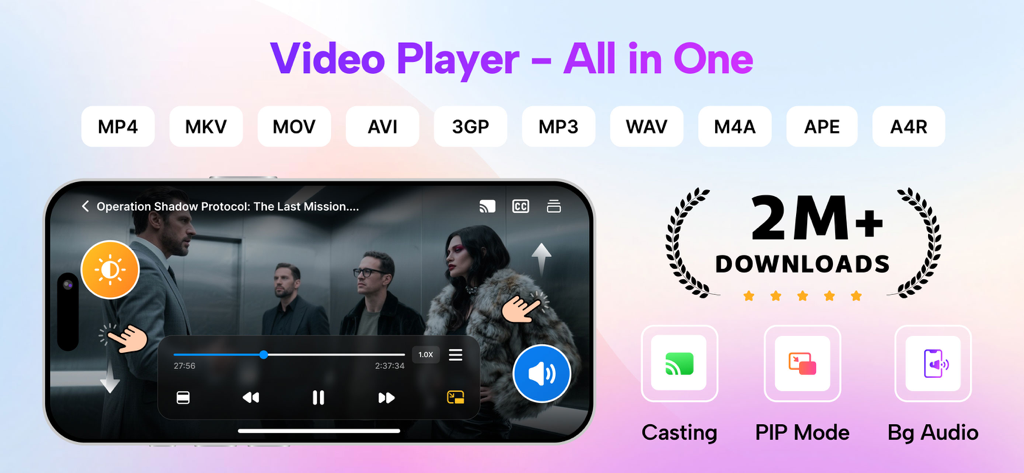
Promotional banner for Video Player All in One app displaying supported formats and features like casting and PIP mode
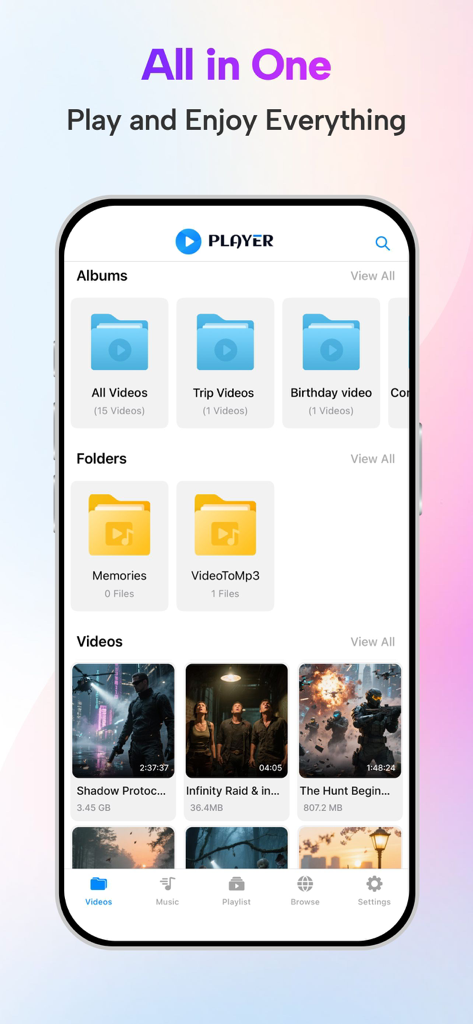
Interface of Video Player All in One app showing organized video albums and folders
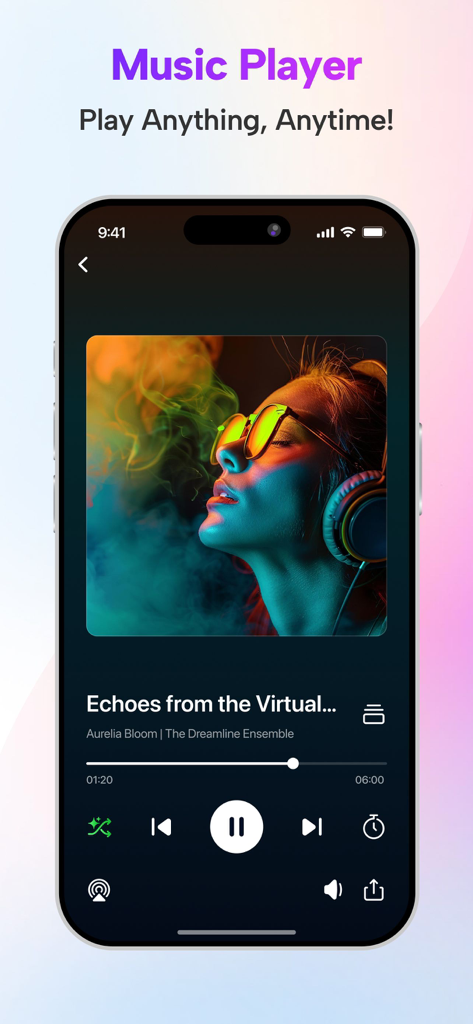
Music player interface of the Video Player app showing song details and playback controls
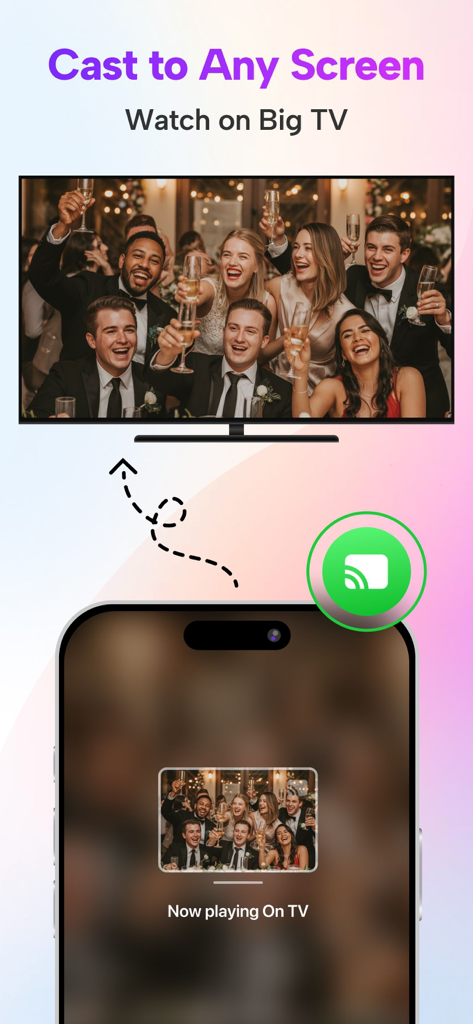
iPhone app interface demonstrating how to cast a video from a mobile phone to a large television screen
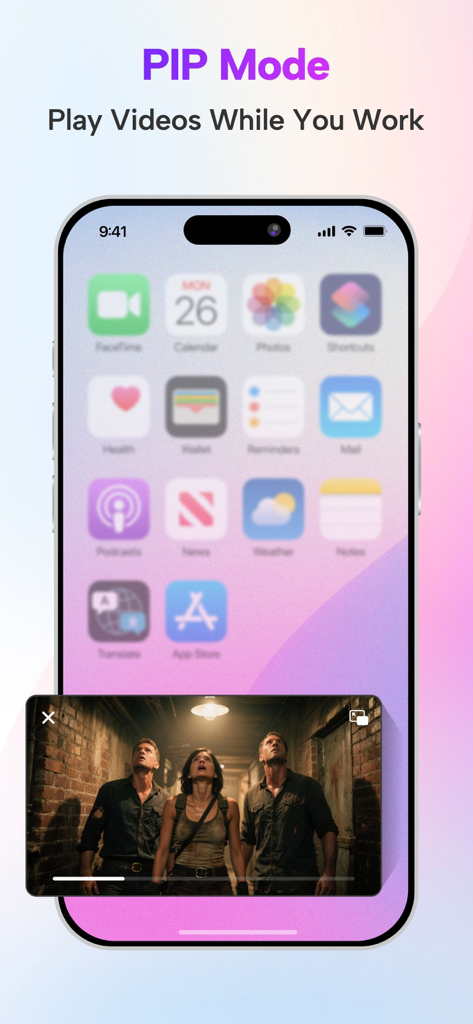
iPhone showing picture in picture mode playing a video over the home screen
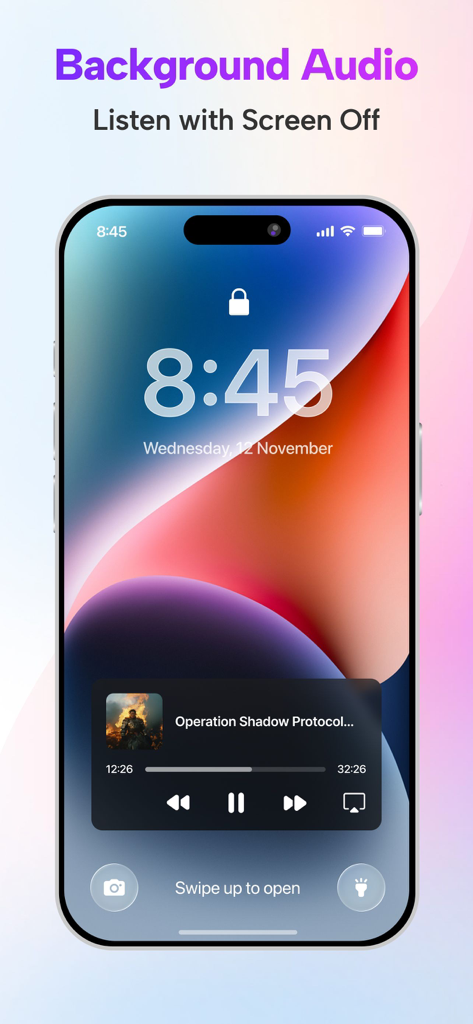
iPhone lock screen showing the background audio playback feature for the Video Player app
Description
Download
More Like This
Apps with similar features and user experience

Stube : Offline Music & Videos
Aquila Space (Hong Kong) Company Limited

Lark Music: Offline Player,Mp3
志辉 黎

Infuse
Firecore, LLC

MX Player - Video Player
Jatin Maniya

Evermusic: Simple Music Player
EVERAPPZ SL

Player GR - MUSIC PLAY
GAME WORLD SAI GON COMPANY LIMITED

Omanager - Video for Files
STRETFORD STUDIOS LIMITED

高画質な画面録画BREMEN〜音楽 動画
shinichi fukui

Fileplay - Documents Player
Kristian Sepp
This page is not an official page of the app or its developer, but an independent editorial publication created for informational and commentary purposes. Unless expressly stated otherwise, neither the app nor its developer is affiliated with, endorsed by, sponsored by, authorized by, or otherwise officially connected with MWM, Apple, Google Play, the app publisher, or the app's developer, and nothing on this page implies that the app was developed using MWM's services. Any trademarks, logos, screenshots, and other content remain the property of their respective owners.