
This page is not an official page of the app or its developer, but an independent editorial publication created for informational and commentary purposes. Unless expressly stated otherwise, neither the app nor its developer is affiliated with, endorsed by, sponsored by, authorized by, or otherwise officially connected with MWM, Apple, Google Play, the app publisher, or the app's developer, and nothing on this page implies that the app was developed using MWM's services. Any trademarks, logos, screenshots, and other content remain the property of their respective owners.

Video Player - Arc Player
Experience seamless 4K/HDR playback without file conversions. Secure your videos in private folders, multitask with PiP, and master your library with pro-level speed and gesture controls.
Downloads
1K+User Rating
Total Ratings
0Publisher
Category
Photo & VideoLocales
24Latest Version
1.0.2Size
74.5 MBFirst Released
Jan 21, 2026Your Media, Your Way
Arc Player is the ultimate powerhouse for your mobile library, designed for those who demand format freedom, total privacy, and maximum efficiency.
Play Every Format Instantly
Stop wasting time on file conversions. From MKV and AVI to 4K HDR, enjoy seamless playback of your entire high-quality collection without limits.
Private Media Vault
Keep your personal videos truly personal. Secure your sensitive content in a hidden folder, protecting your privacy when sharing your device.
The following screenshots and description are sourced directly from the app's official store listing and are the property of the app developer.
App Store
Screenshots
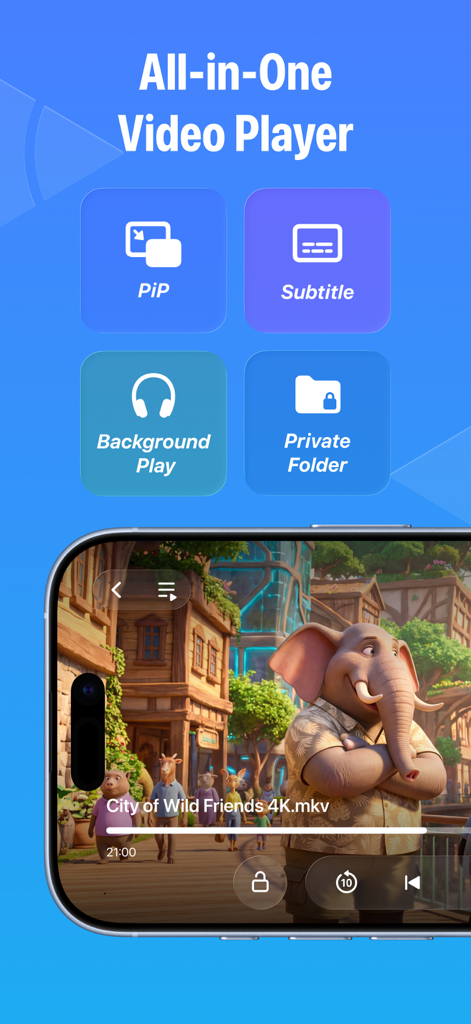
Arc Player app interface on iPhone showing features like picture in picture subtitles background play and private folder
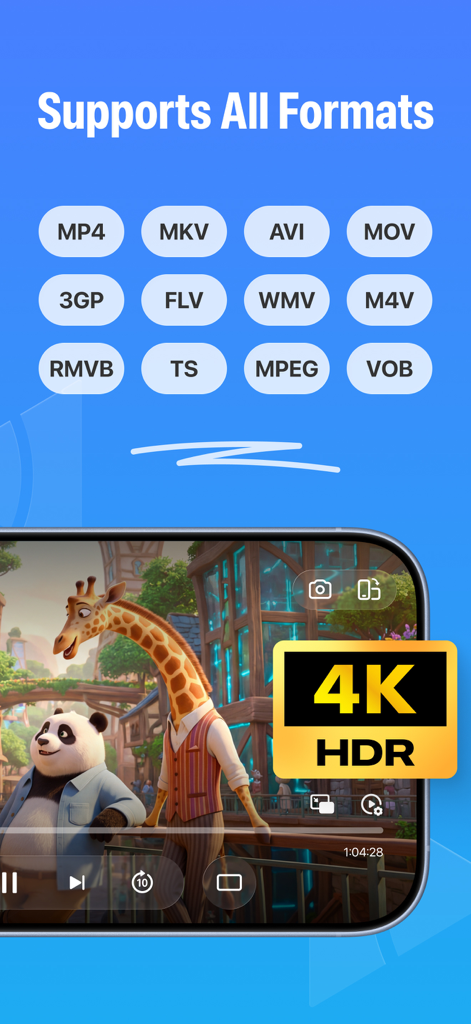
Arc Player app screen showing supported video formats and 4K HDR playback feature
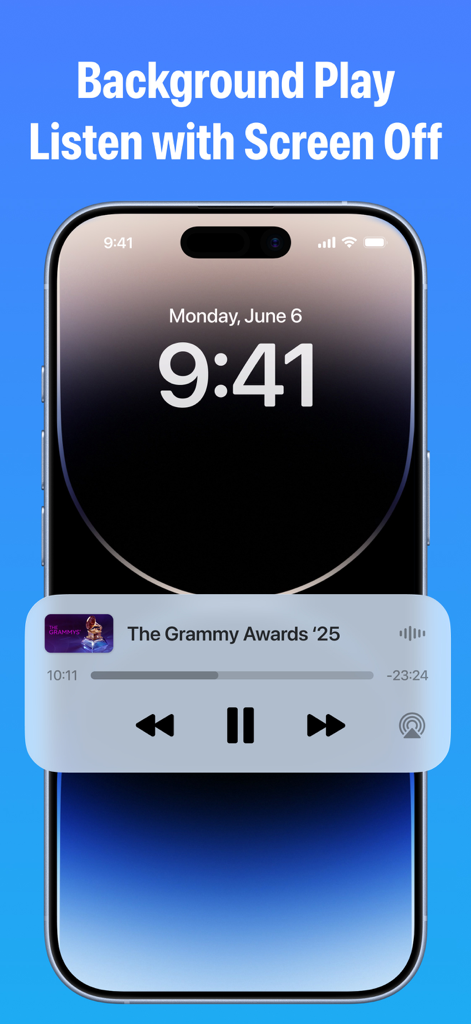
Arc Player background play feature on iPhone lock screen
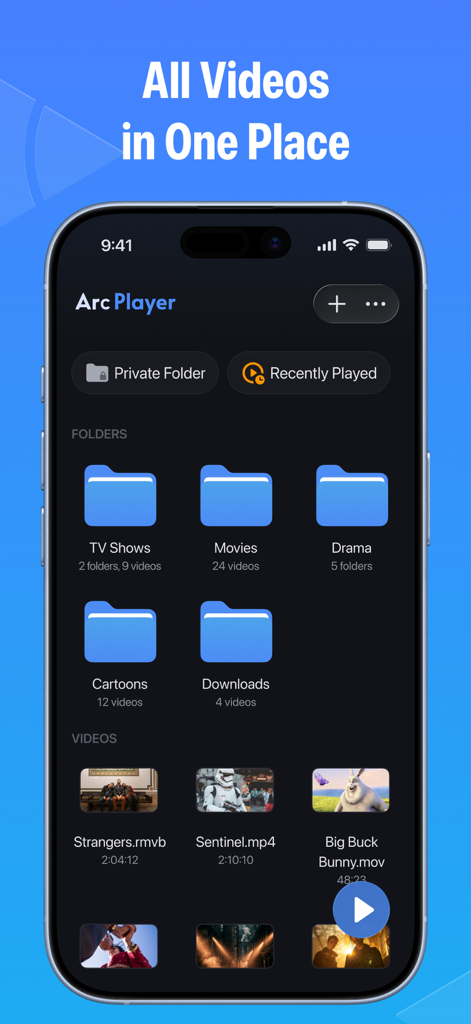
Arc Player app interface showing organized video folders and the private folder feature on a mobile screen
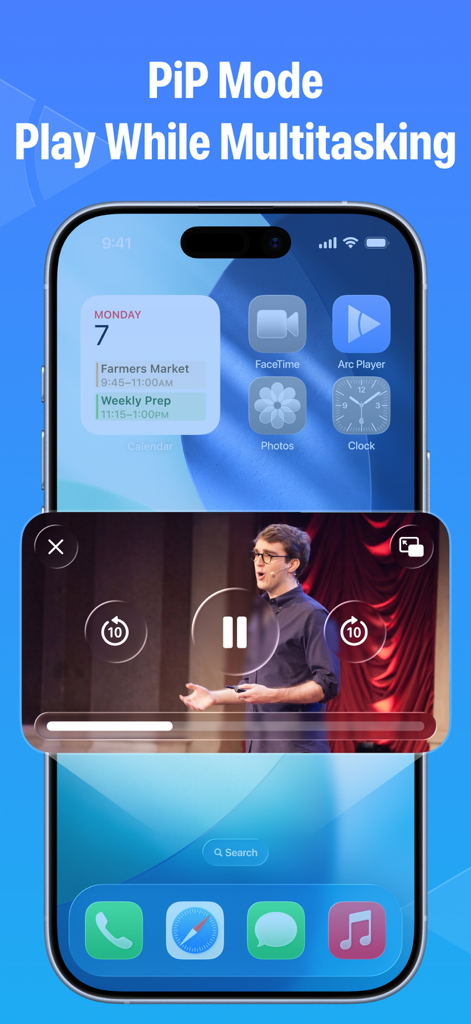
Arc Player video playing in Picture-in-Picture mode while multitasking on an iPhone home screen
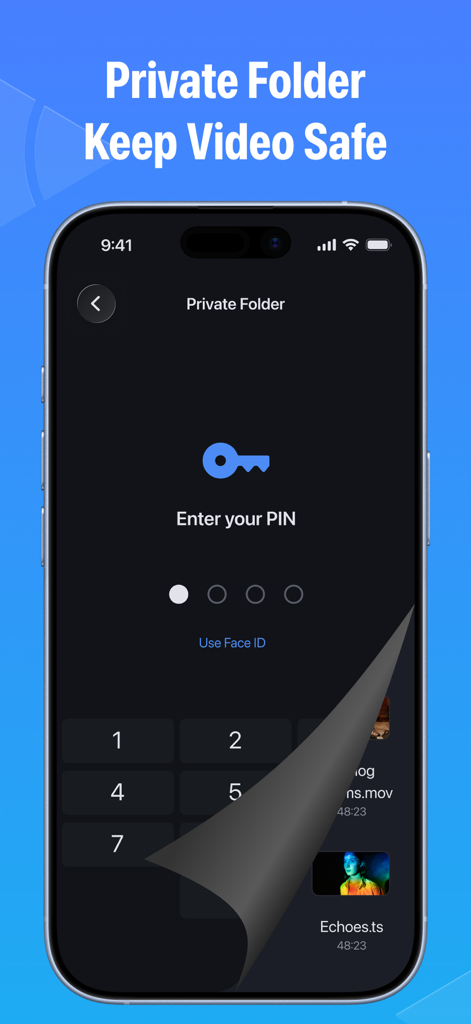
Arc Player private folder screen showing PIN and Face ID lock to protect personal videos
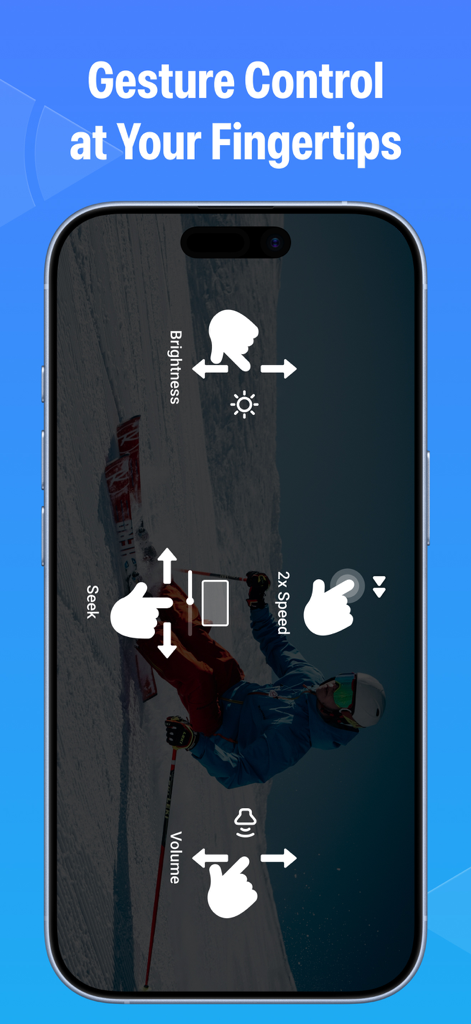
Arc Player mobile interface highlighting intuitive gesture controls for brightness and volume
Description
Download
More Like This
Top-ranked apps in the same category

CapCut: Photo & Video Editor
BYTEDANCE PTE. LTD.

Instagram, Inc.

YouTube
Google LLC

Canva: AI Video & Photo Editor
Canva Pty Ltd

Snapchat
Snap, Inc.

Meta AI - Vibes & AI Glasses
Meta Platforms, Inc.

Edits: Video Editor
Instagram, Inc.

快手
Beijing Kwai Technology Co., Ltd.

Google Photos: Backup & Edit
Google LLC
This page is not an official page of the app or its developer, but an independent editorial publication created for informational and commentary purposes. Unless expressly stated otherwise, neither the app nor its developer is affiliated with, endorsed by, sponsored by, authorized by, or otherwise officially connected with MWM, Apple, Google Play, the app publisher, or the app's developer, and nothing on this page implies that the app was developed using MWM's services. Any trademarks, logos, screenshots, and other content remain the property of their respective owners.