
This page is not an official page of the app or its developer, but an independent editorial publication created for informational and commentary purposes. Unless expressly stated otherwise, neither the app nor its developer is affiliated with, endorsed by, sponsored by, authorized by, or otherwise officially connected with MWM, Apple, Google Play, the app publisher, or the app's developer, and nothing on this page implies that the app was developed using MWM's services. Any trademarks, logos, screenshots, and other content remain the property of their respective owners.


Video Splitter - Reels Cutter
Automatically split long videos into seamless segments for Instagram, YouTube, and TikTok. High-precision cutting ensures no overlaps, just professional content in seconds.
Downloads
7K+User Rating
Total Ratings
0Publisher
Category
Social NetworkingLocales
1Latest Version
1.2Size
2.2 MBFirst Released
May 26, 2020Master Your Social Media Feed
Stop struggling with manual trims. Effortlessly turn your long-form content into viral-ready clips for Instagram Reels, YouTube Shorts, and Stories.
One-Tap Auto Splitting
Instantly slice long videos into perfect 15 or 59-second segments tailored for every platform’s specific duration limit.
Frame-Perfect Precision
Ensure a seamless viewing experience with zero overlaps or missing frames. Your clips will flow like one continuous, professional video.
The following screenshots and description are sourced directly from the app's official store listing and are the property of the app developer.
App Store
Screenshots
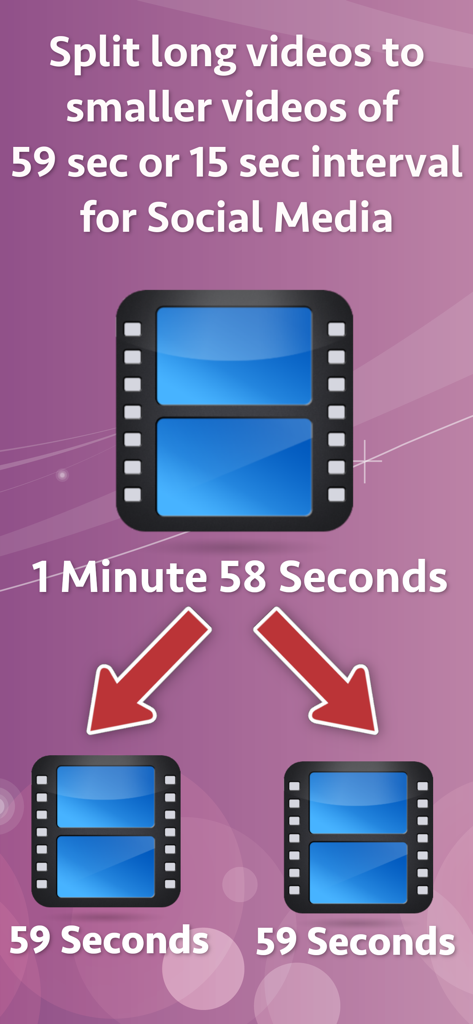
Graphic showing a video being split into two shorter segments for social media
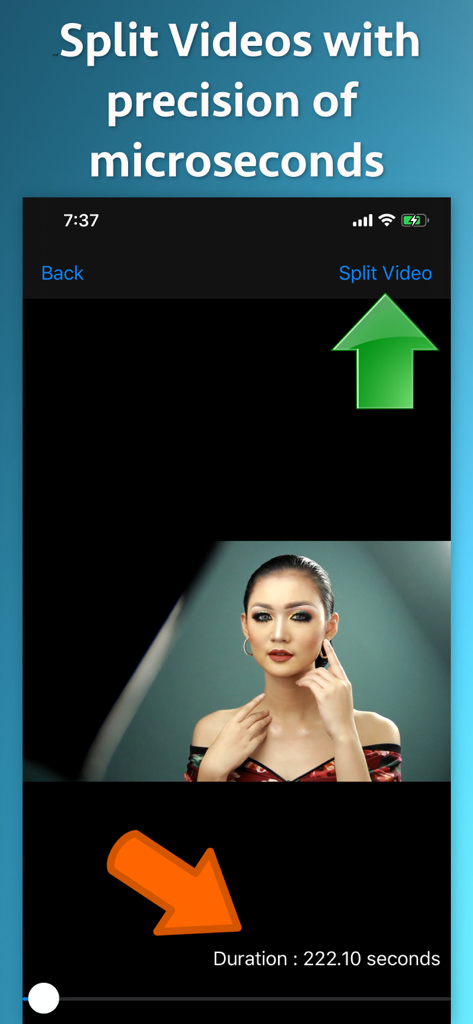
Interface of the Video Splitter app showing a high-precision video cutting tool with a duration indicator for social media content creation.
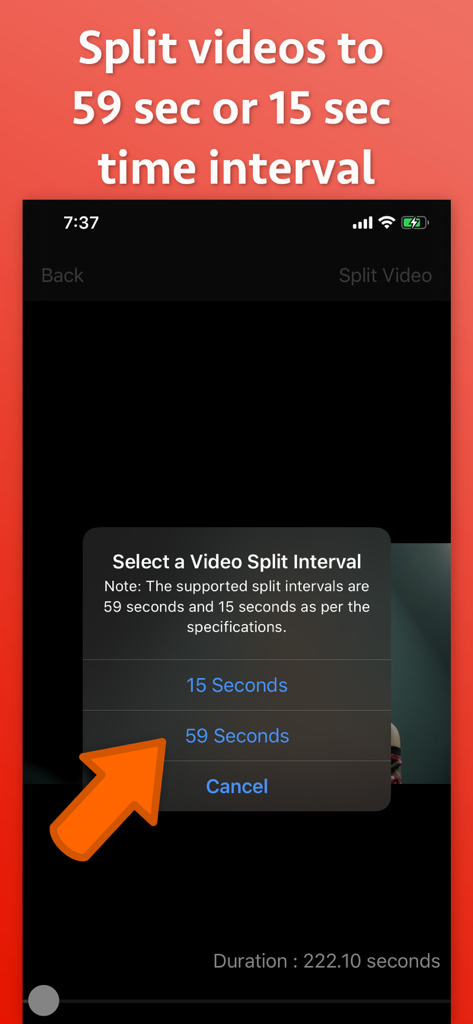
A mobile screen showing options to split a video into 15 or 59 second segments with an arrow pointing to the 59 second option.
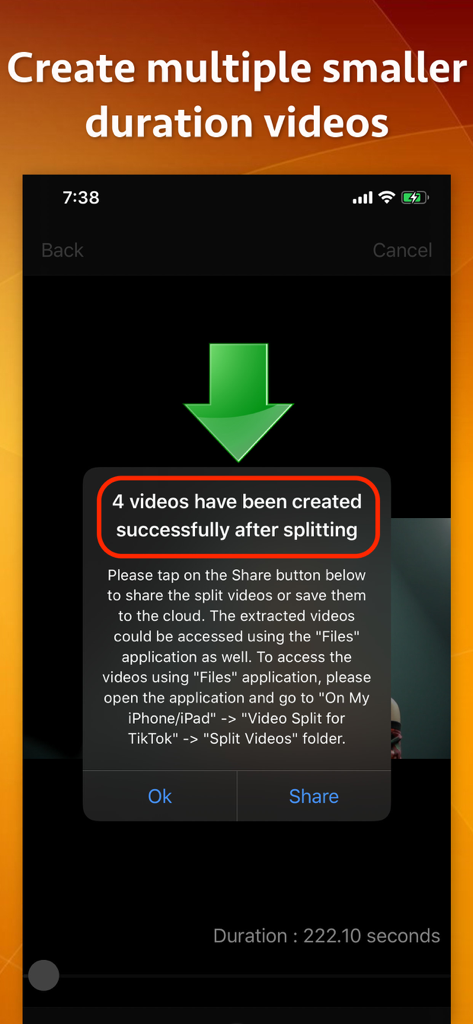
A mobile screen showing a success message after splitting a long video into four smaller clips
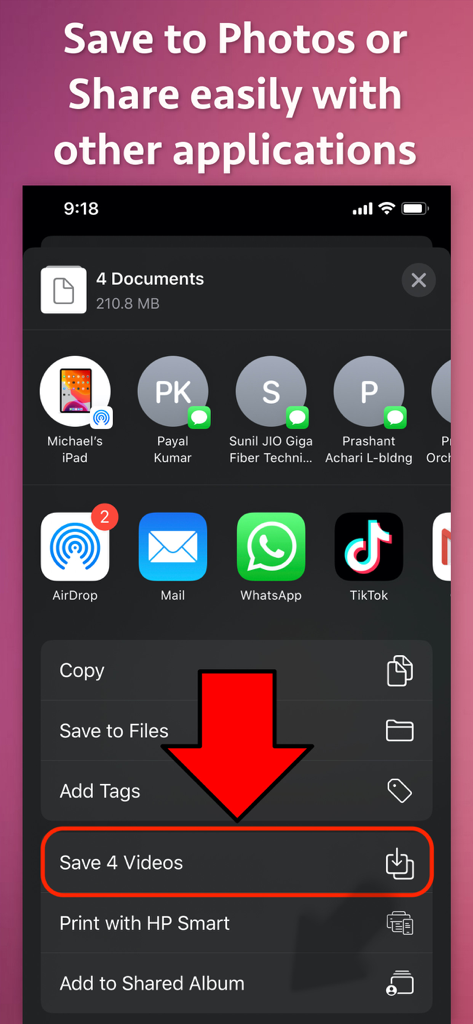
Interface showing options to save split videos to the photo library or share them directly to social media apps like TikTok and WhatsApp
Description
Download
More Like This
Top-ranked apps in the same category

Threads
Instagram, Inc.

Telegram Messenger
Telegram FZ-LLC

WhatsApp Messenger
WhatsApp Inc.

Meta Platforms, Inc.

Discord - Talk, Play, Hang Out
Discord Inc.

Messenger
Meta Platforms, Inc.

Google Meet
Google LLC

rednote
Xingin Information Technology (Shanghai) Co., Ltd

Tencent Technology (Shenzhen) Company Limited
This page is not an official page of the app or its developer, but an independent editorial publication created for informational and commentary purposes. Unless expressly stated otherwise, neither the app nor its developer is affiliated with, endorsed by, sponsored by, authorized by, or otherwise officially connected with MWM, Apple, Google Play, the app publisher, or the app's developer, and nothing on this page implies that the app was developed using MWM's services. Any trademarks, logos, screenshots, and other content remain the property of their respective owners.