
This page is not an official page of the app or its developer, but an independent editorial publication created for informational and commentary purposes. Unless expressly stated otherwise, neither the app nor its developer is affiliated with, endorsed by, sponsored by, authorized by, or otherwise officially connected with MWM, Apple, Google Play, the app publisher, or the app's developer, and nothing on this page implies that the app was developed using MWM's services. Any trademarks, logos, screenshots, and other content remain the property of their respective owners.


Video to Images Extractor
Stop settling for blurry screenshots. Extract crystal-clear, high-resolution stills from your videos with millisecond accuracy—perfect for professional thumbnails, social media posts, and preserving life’s blink-and-you-miss-it moments.
Downloads
0User Rating
Total Ratings
0Publisher
Category
Photo & VideoLocales
1Latest Version
6.3Size
2.4 MBFirst Released
Jul 11, 2018Every Frame is a Masterpiece
Stop settling for blurry screenshots with UI overlays. Extract high-resolution stills with millisecond precision to capture the perfect moment for your social media, blog, or memories.
Millisecond Precision
Extract frames at intervals as small as 0.2 seconds. Never miss the perfect peak of an action shot, a blink-and-you-miss-it smile, or a viral-worthy thumbnail.
Pro-Grade Resolution
Preserve the original quality of your MP4, MOV, or M4V videos. Get clean, high-definition images that are ready for professional printing, emailing, or posting.
The following screenshots and description are sourced directly from the app's official store listing and are the property of the app developer.
App Store
Screenshots

A graphic showing the process of extracting multiple high-quality photos from a single video clip
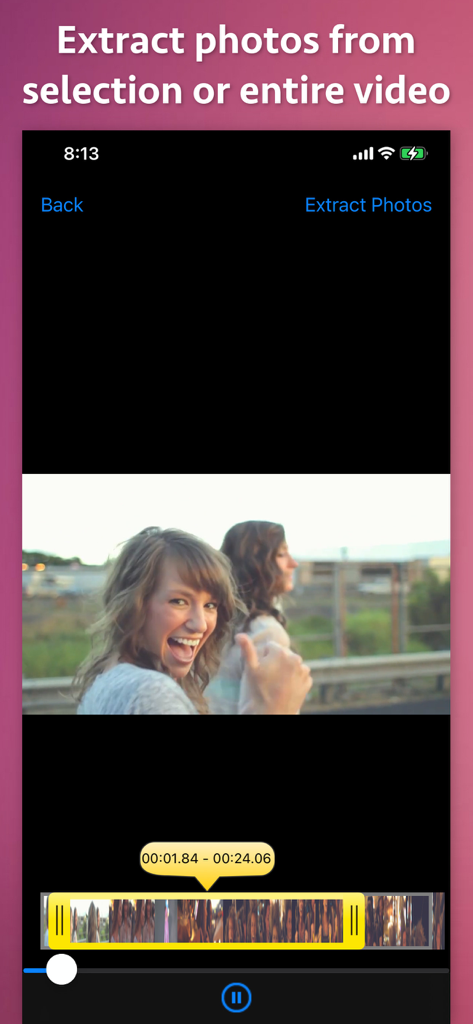
Screen showing a video selection tool to extract photos from a specific timeframe
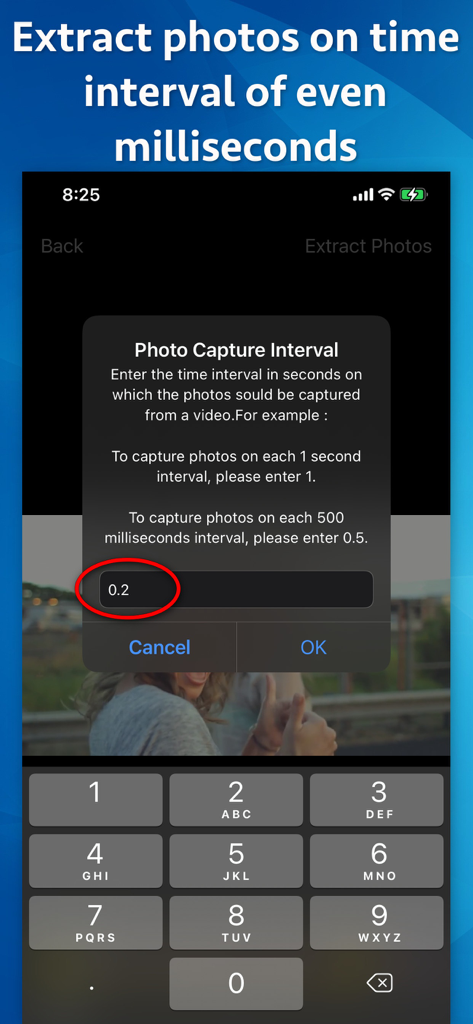
Interface for setting a precise photo capture interval of 0.2 seconds in the Video to Images Extractor app.
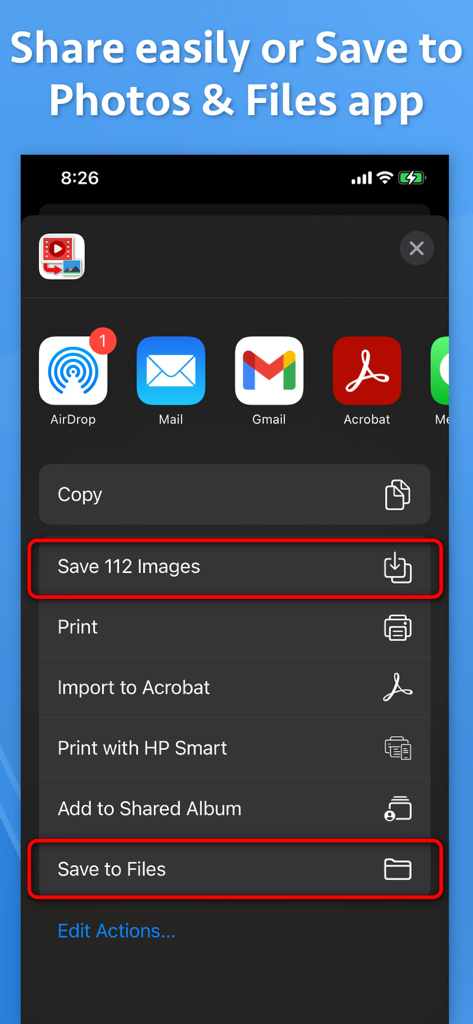
Interface showing options to save multiple extracted images to the iOS Photos and Files applications
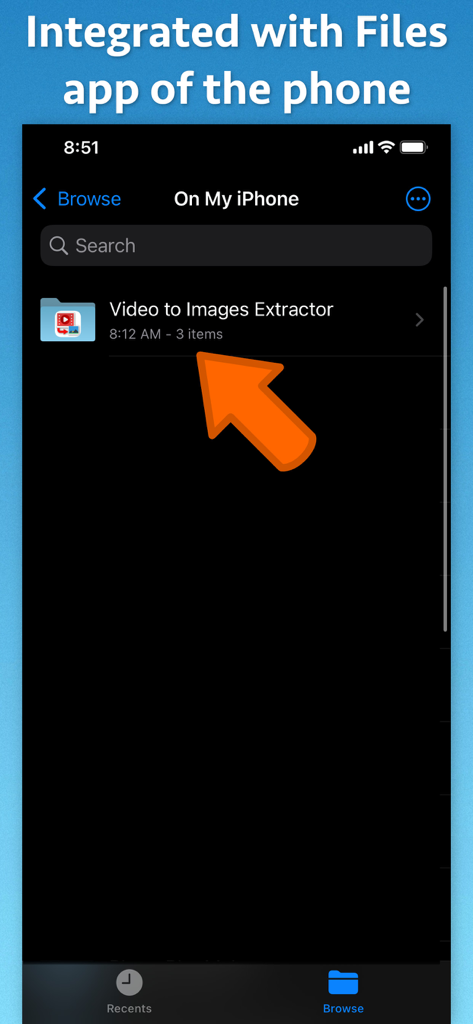
Screenshot showing the Video to Images Extractor folder integrated within the iPhone Files app
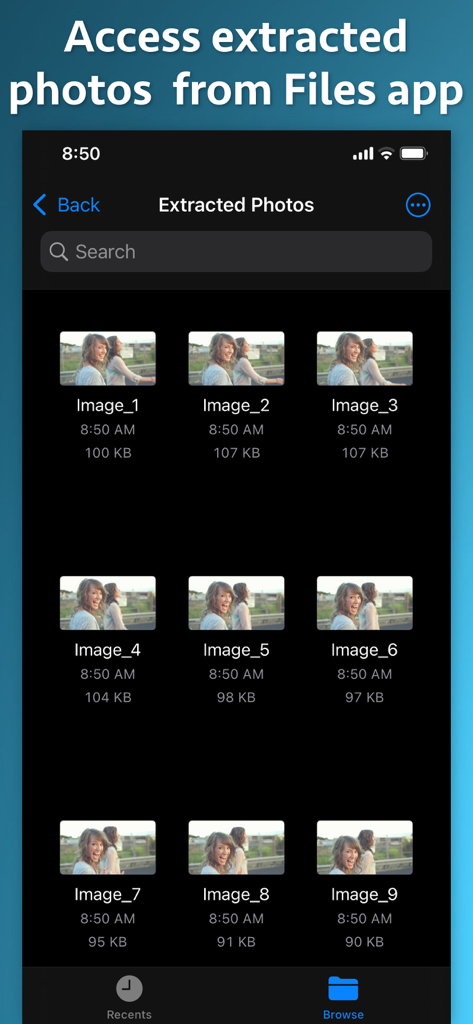
A grid view showing several extracted video frames stored within the iOS Files app folder
Description
Download
More Like This
Top-ranked apps in the same category

CapCut: Photo & Video Editor
BYTEDANCE PTE. LTD.

Instagram, Inc.

YouTube
Google LLC

Canva: AI Photo & Video Editor
Canva Pty Ltd

Snapchat
Snap, Inc.

快手
Beijing Kwai Technology Co., Ltd.

Meta AI - Vibes & AI Glasses
Meta Platforms, Inc.

Edits: Video Editor
Instagram, Inc.

Meitu- AI Photo & Video Editor
Xiamen Meitu Technology Co., Ltd.
This page is not an official page of the app or its developer, but an independent editorial publication created for informational and commentary purposes. Unless expressly stated otherwise, neither the app nor its developer is affiliated with, endorsed by, sponsored by, authorized by, or otherwise officially connected with MWM, Apple, Google Play, the app publisher, or the app's developer, and nothing on this page implies that the app was developed using MWM's services. Any trademarks, logos, screenshots, and other content remain the property of their respective owners.