VideoPad - Video Editor

VideoPad - Video Editor


Download on App StoreDownload on Google Play
Logo of VideoPad - Video Editor

VideoPad - Video Editor: Professional Power Made Simple

Transform your footage into high-quality movies with desktop-class tools. From advanced stabilization to multi-format support, get professional results in minutes on your iPhone or iPad.

Publisher

NCH Software

Category

Photo & Video

Downloads

174K+

User Rating

3.7/5

Total Ratings

1K+

Locales

1

Precision at Your Fingertips

Discover the interface used by 174K+ users.
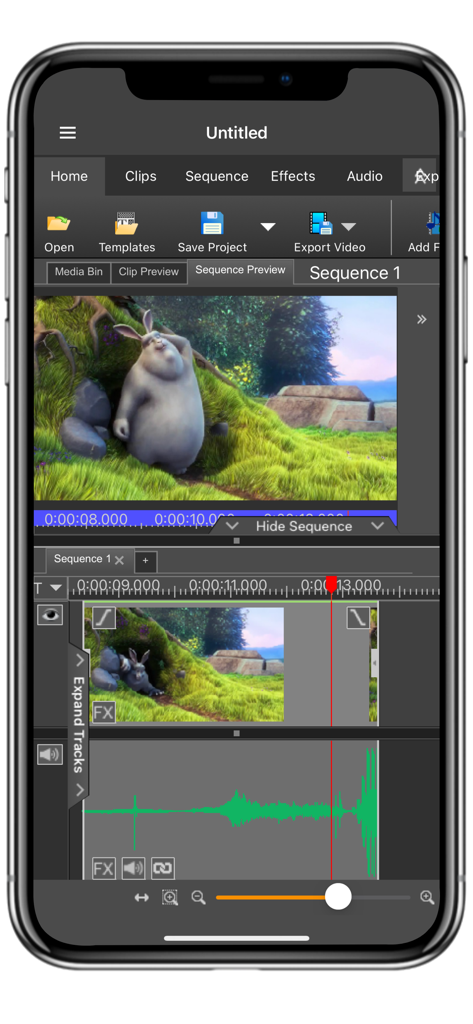
VideoPad mobile app interface on iPhone featuring a multi-track editing timeline and video preview

VideoPad mobile app interface on iPhone featuring a multi-track editing timeline and video preview

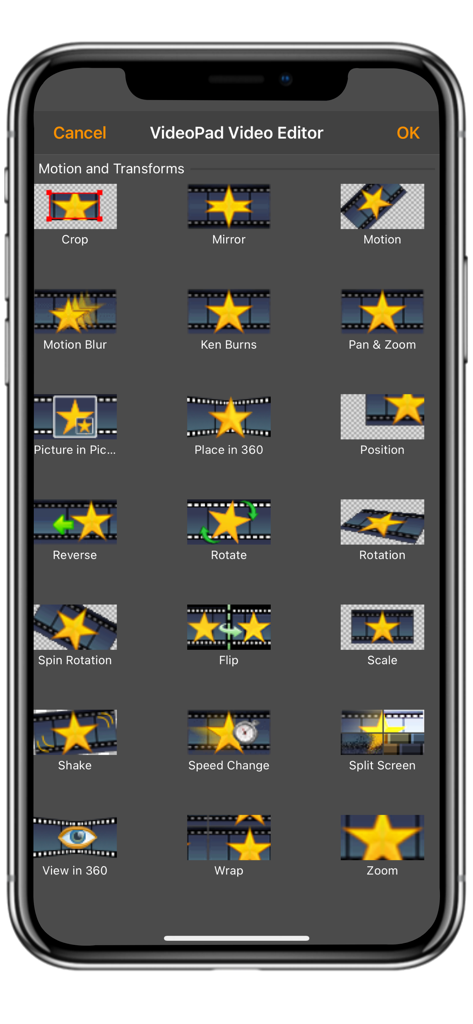
A list of motion and transform effects in the VideoPad app including crop mirror and rotate

A list of motion and transform effects in the VideoPad app including crop mirror and rotate

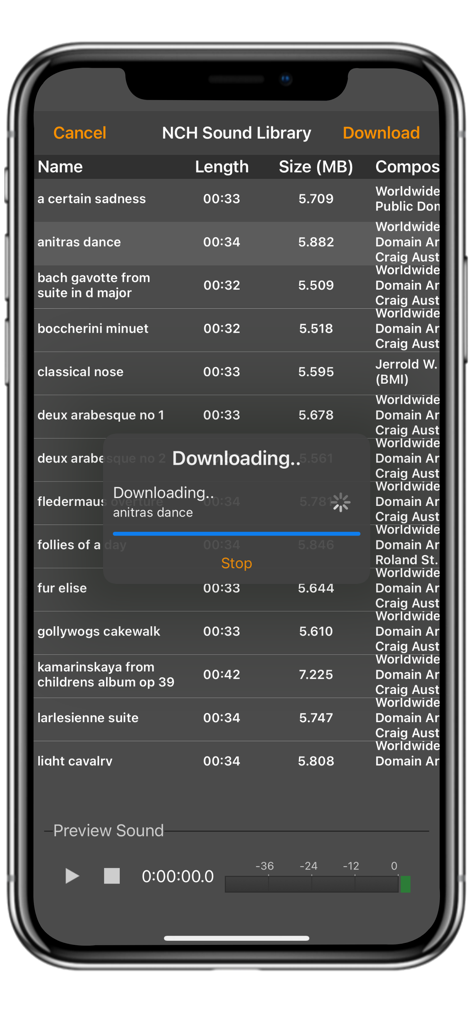
The NCH Sound Library in VideoPad showing various audio tracks available for download

The NCH Sound Library in VideoPad showing various audio tracks available for download

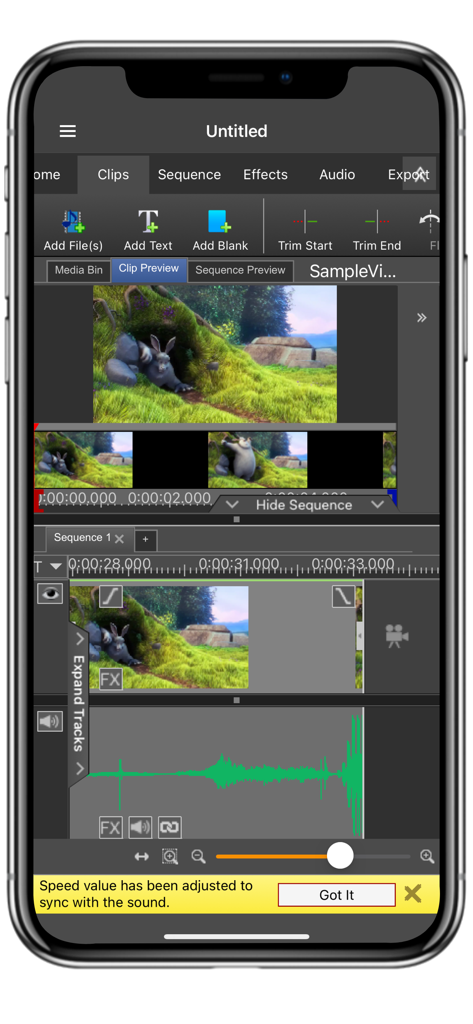
A mobile interface for VideoPad showing a professional timeline video editor with audio tracks and clip preview.

A mobile interface for VideoPad showing a professional timeline video editor with audio tracks and clip preview.

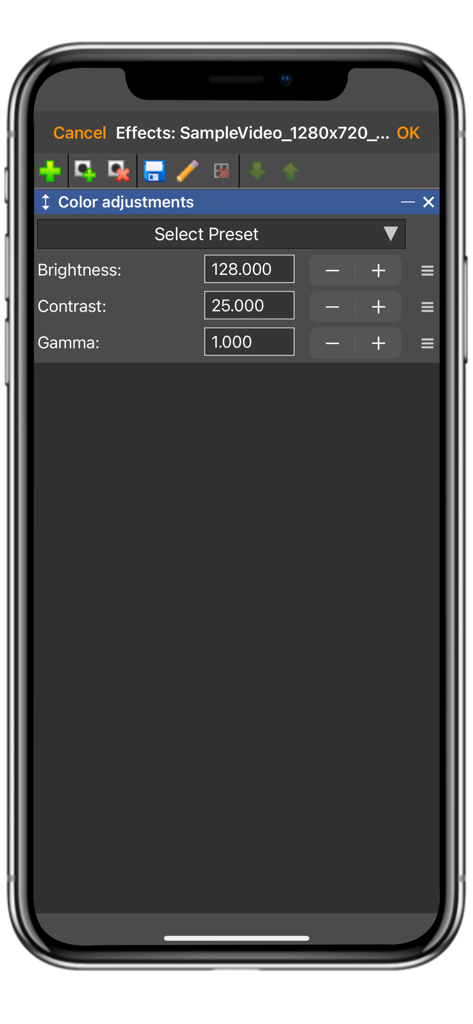
VideoPad mobile app interface showing technical color adjustment controls for brightness, contrast, and gamma

VideoPad mobile app interface showing technical color adjustment controls for brightness, contrast, and gamma

Professional Video Editing Made Simple

The tools that make this app stand out, trusted by 174K+ users.

📂

Universal Format Support

Unlike social-first editors, we support AVI, WMV, DivX, and more, allowing you to edit footage from any camera or legacy library effortlessly.

⚖️

Advanced Stabilization

Transform shaky handheld footage into smooth, professional content with our built-in video stabilizer and fine-tune color for the perfect look.

🎙️

Precision Audio & Speed

Add professional narrations, import high-fidelity WAV or MP3 files, and apply precise speed adjustments for tutorials or highlights.

About the app

Everything you need to know about VideoPad - Video Editor.

Description

VideoPad Video Editor is a full-feature video editor anyone can use. VideoPad is designed to intuitive for a friendly user experience. Using VideoPad, you can create professional quality videos in minutes! Complete Video Optimization: *Fine-tune color and other visual effects *Slow down, speed up or reverse video clip playback *Reduce camera shake with video stabilization *Add photos and digital images to your sequences *Add audio to give your video a soundtrack or narration Supported Input Formats: *Import Video - avi, mpeg, wmv, divX, Xvid, mpeg, mp4, and more! *Import Images - bmp, gif, jpg, png, tif and more! *Import Audio - wav, mp3, m4a, mid, and more! With VideoPad Video Editor for iOS you can also apply a wide variety of clip effects, transitions, speed adjustments, and many more!

Latest Version

17.37

Size

19.9 MB

First Released

May 1, 2014

Start Creating Professional Videos in Minutes

Experience the power of desktop-class editing on your iPhone or iPad. Download VideoPad today and join thousands of practical creators who value quality and efficiency.

Download on App StoreDownload on Google Play

App information, icons, screenshots, and descriptions displayed on this page are sourced from the Apple App Store and are the property of their respective developers. Download estimates and rankings are based on MWM's proprietary models and may not reflect actual figures. This page is provided for informational and analytical purposes only.

Believe this page infringes your intellectual property? File a dispute