
VideoToLive - Live Wallpapers


Transform your favorite videos, clips, and memories into stunning Live Photos in seconds. Join 10 million users creating the ultimate aesthetic for their iPhone.
Publisher
Category
Photo & VideoDownloads
10M+User Rating
Total Ratings
7K+Locales
7Discover the interface used by 10M+ users.
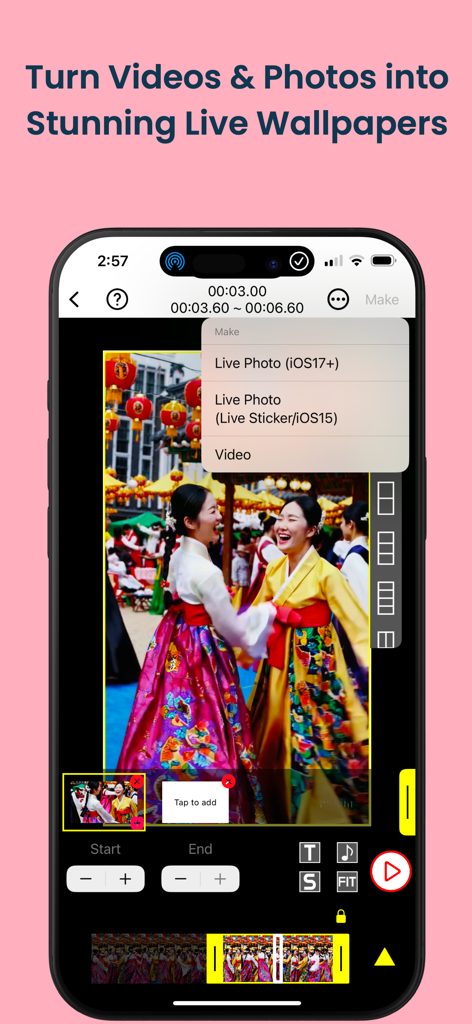
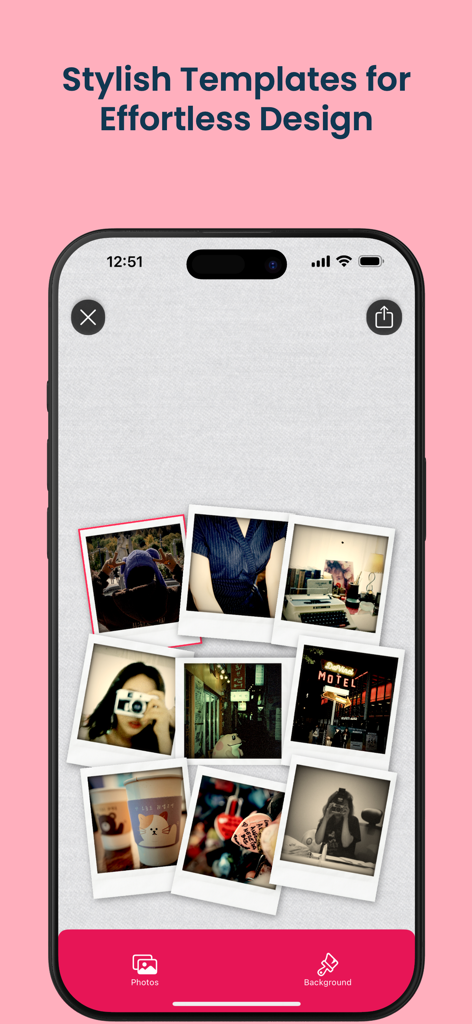
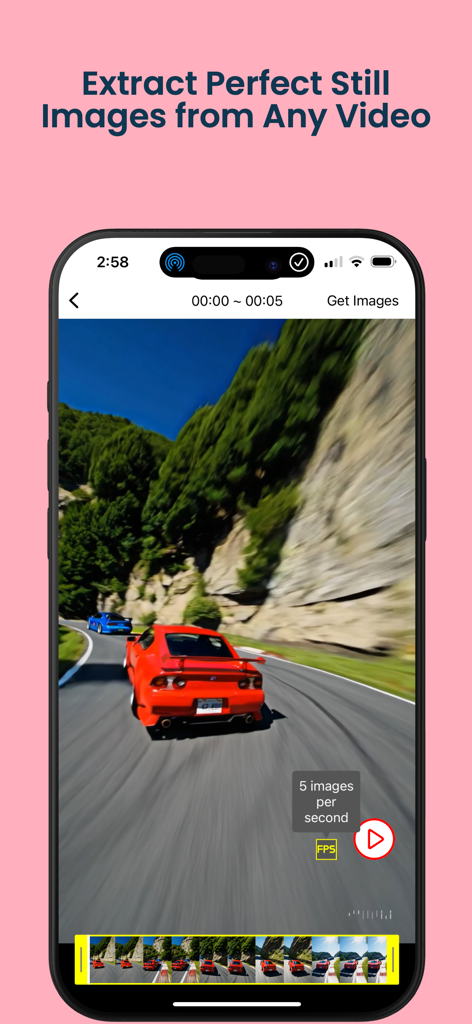
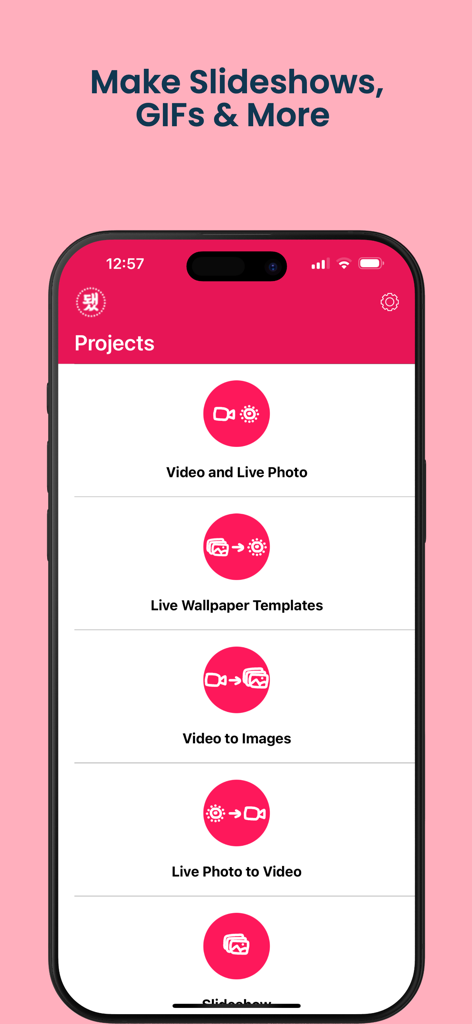
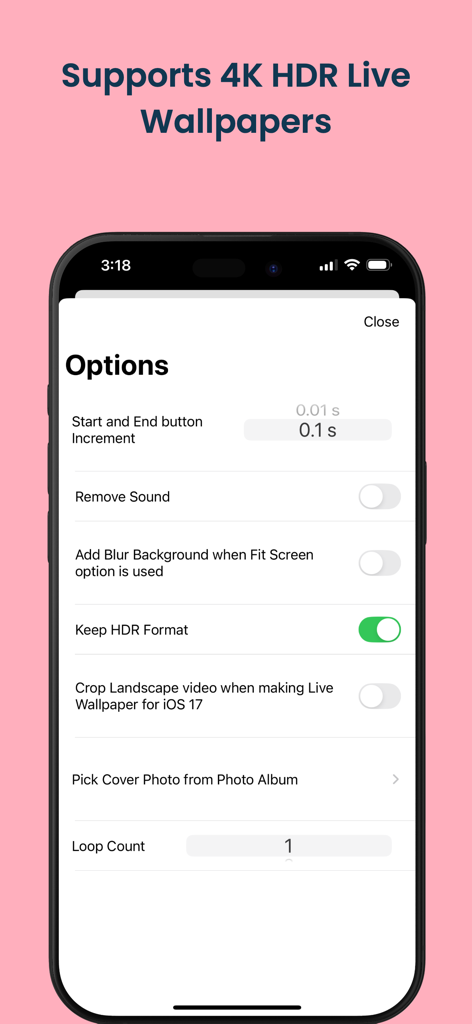
The tools that make this app stand out, trusted by 10M+ users.
Turn your favorite TikToks, fandom edits, or cinematic clips into interactive Live Photos that bring your lock screen to life.
Mix multiple videos and memories into a single dynamic masterpiece to showcase your unique style in one seamless loop.
Convert Live Photos to GIFs or videos effortlessly, making it easy to share your aesthetic vibes across Instagram and TikTok.
Everything you need to know about VideoToLive - Live Wallpapers.
Description
Latest Version
1.32.0
Size
54.2 MB
First Released
Mar 24, 2018
Join over 10 million creators turning their favorite videos, fandom edits, and memories into stunning Live Wallpapers.
Everything you need to know about VideoToLive - Live Wallpapers
VideoToLive transforms videos into custom Live Photos for your iPhone lock screen. It also creates Live Photos from multiple clips or images, makes video collages, and converts to and from GIFs.
Yes, VideoToLive is compatible with all iPhone models from 6s and above. Users can effortlessly apply Live Photos as personalized lock screen wallpapers on these devices.
VideoToLive seamlessly transforms videos into interactive Live Photos. Users select a video, trim it using start and end sliders, and then choose "Live Photo" as the output option from the make menu.
Yes, VideoToLive allows users to combine clips from multiple videos to craft a single, perfect Live Photo. This feature enhances creative possibilities for personalized wallpapers.
Yes, VideoToLive includes an Image to Live Photo Converter. It creates Live Photos from single images or a sequence of images, expanding customization options for your lock screen.
Yes, VideoToLive functions as a GIF Maker. Users can turn videos or existing Live Photos into fun GIFs suitable for sharing on social media platforms.
Yes, VideoToLive supports 4K HDR Live Wallpapers. The app provides an option to "Keep HDR Format" during the conversion process, ensuring high-quality output for your lock screen.
Yes, VideoToLive extracts perfect still images from any video. This feature allows users to convert video frames into individual image files.
Yes, VideoToLive includes a slideshow maker. Users can create slideshow projects within the app, alongside other options like video and Live Photo conversions.
Yes, VideoToLive provides Live Wallpaper Templates. These templates assist users in creating personalized and stylish custom wallpapers for their iPhone lock screens.
Apps with similar features and user experience

ImgBase, Inc.

Changshu Chuang Shi Media Technology Co., Ltd.

Beyond Trading

Bazaart Ltd.
Chengdu Siwen Culture Media Co., Ltd.
姿凤 陈

Trilliarden Entertainment GmbH

Anish Modan

Video Bakery Ltd.
App information, icons, screenshots, and descriptions displayed on this page are sourced from the Apple App Store and are the property of their respective developers. Download estimates and rankings are based on MWM's proprietary models and may not reflect actual figures. This page is provided for informational and analytical purposes only.
Believe this page infringes your intellectual property? File a dispute