
This page is not an official page of the app or its developer, but an independent editorial publication created for informational and commentary purposes. Unless expressly stated otherwise, neither the app nor its developer is affiliated with, endorsed by, sponsored by, authorized by, or otherwise officially connected with MWM, Apple, Google Play, the app publisher, or the app's developer, and nothing on this page implies that the app was developed using MWM's services. Any trademarks, logos, screenshots, and other content remain the property of their respective owners.


Vids AI - Reels Video Editor
Turn your clips and selfies into professional stories with AI-powered templates, trending music sync, and next-gen effects. Join 8M+ creators making content that stands out.
Downloads
8M+User Rating
Total Ratings
96K+Publisher
Category
Photo & VideoLocales
14Latest Version
1.129.0Size
431.3 MBFirst Released
Aug 1, 2022Level Up Your Social Game
Turn your raw clips into viral sensations instantly. From AI-powered beat syncing to cinematic effects, Vids AI does the heavy lifting so you can shine.
Viral Templates in One Tap
Skip the hours of manual editing. Use trending, ready-made templates that sync your footage perfectly to the hottest tracks.
Next-Gen AI Magic
Transform your content with generative AI effects and motion tracking that make every frame look high-budget.
Frequently Asked Questions
Everything you need to know about Vids AI - Reels Video Editor
What is Vids AI - Reels Video Editor?
VIDS AI is a video editing app that combines powerful AI with thousands of ready-made templates. It allows users to create trending content, cinematic stories, and professional reels with AI effects, music, and transitions.
Does Vids AI use Artificial Intelligence for video creation?
Yes, VIDS AI integrates powerful generative AI video tools and effects. It uses AI templates to sync clips with music, effects, and transitions, enabling quick creation of trending content and cinematic stories.
Can Vids AI create TikTok and Reel videos?
Yes, VIDS AI is designed to create cinematic reels, stories, and product videos. It also features thousands of ready-made templates, including options specifically for Reel & TikTok content, as shown in the app interface.
Does Vids AI add watermarks to edited videos?
No, VIDS AI states that it has a clean, intuitive design with "no ads or watermarks." Users can create and export videos without any branding from the application.
Is a subscription required to access all features in Vids AI?
Yes, a subscription is required to unlock all creative tools, templates, and AI features within VIDS AI. Subscription options include Pro and AI Max for various creative sessions and resources.
What languages does Vids AI support?
VIDS AI is available in multiple languages including English, Russian, Portuguese (BR & PT), French, Spanish, German, Korean, Japanese, Chinese (Simplified), Italian, Ukrainian, Indonesian, Polish, and Czech.
Does Vids AI offer pre-made templates for video creation?
Yes, VIDS AI provides thousands of ready-made templates and trendy styles. Users can start with an AI template to instantly sync clips with music, effects, and transitions, simplifying content creation.
Where can I find the privacy policy for Vids AI?
The privacy policy for VIDS AI is available online. You can read more about it by visiting the provided link: https://www.vids-app.com/privacy-policy.
Can I edit videos like a professional using Vids AI?
Yes, VIDS AI provides a full video editing toolkit, including options to cut, trim, merge, and sync clips to the beat. It also offers ready-made effects and auto-edit assistance for professional results.
Does Vids AI support music synchronization for videos?
Yes, VIDS AI can instantly sync your clips with music. It allows users to turn selfies and clips into cinematic stories with trending music and sync clips to the beat.
What subscription tiers does Vids AI offer?
VIDS AI offers "Pro" and "AI Max" subscription tiers. Pro explores templates and provides starter credits, while AI Max offers unlimited creative sessions and extended AI resources. One-time credit packs are also planned soon.
The following screenshots and description are sourced directly from the app's official store listing and are the property of the app developer.
App Store
Screenshots
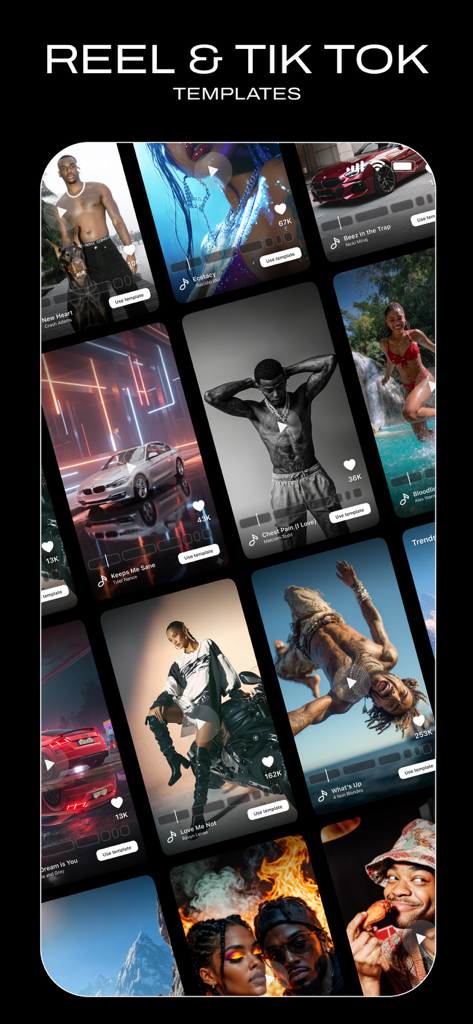
A collection of professional video templates for Reels and TikTok creators.
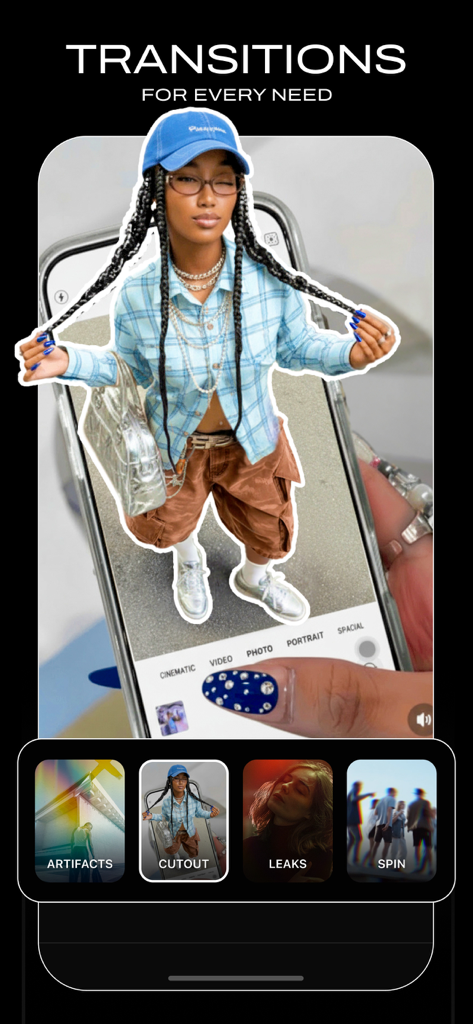
Vids AI app interface showing creative video transitions like cutout and leaks for social media reels.
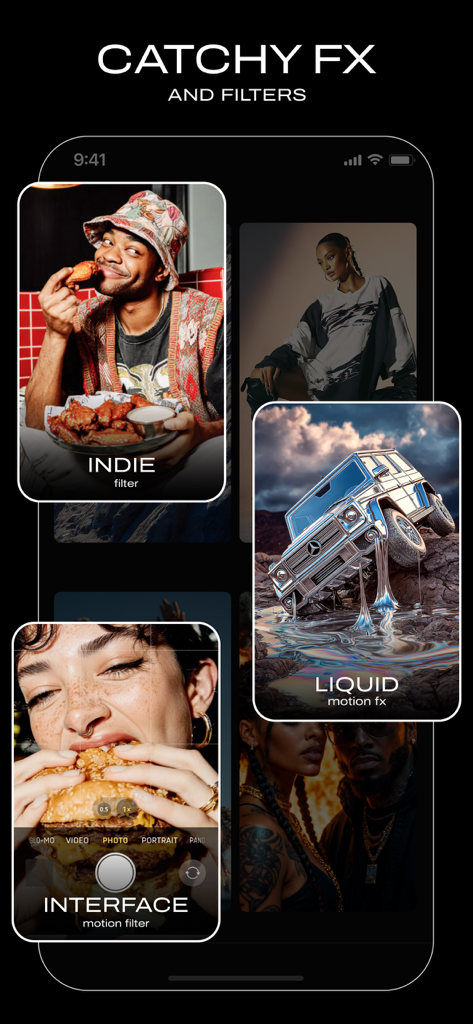
A mobile app interface displaying catchy video filters and AI-driven motion effects.
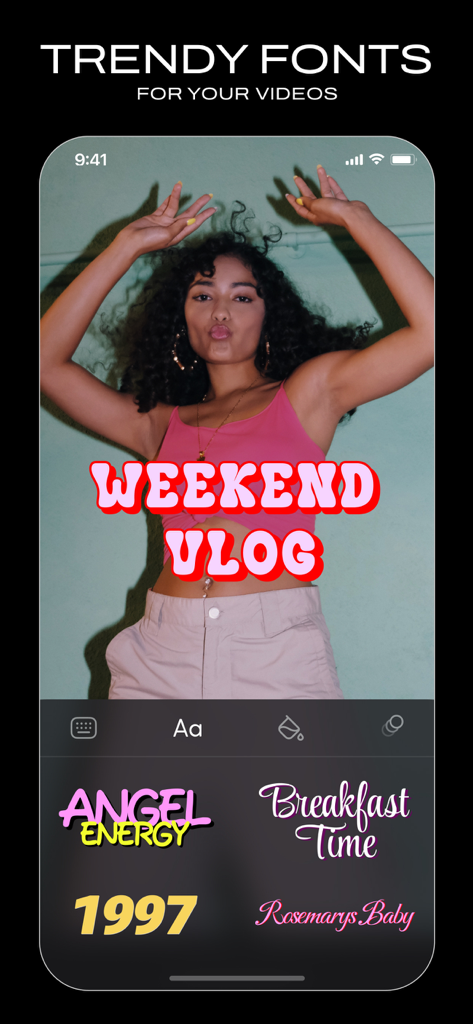
Mobile app interface displaying trendy font overlays for social media videos.
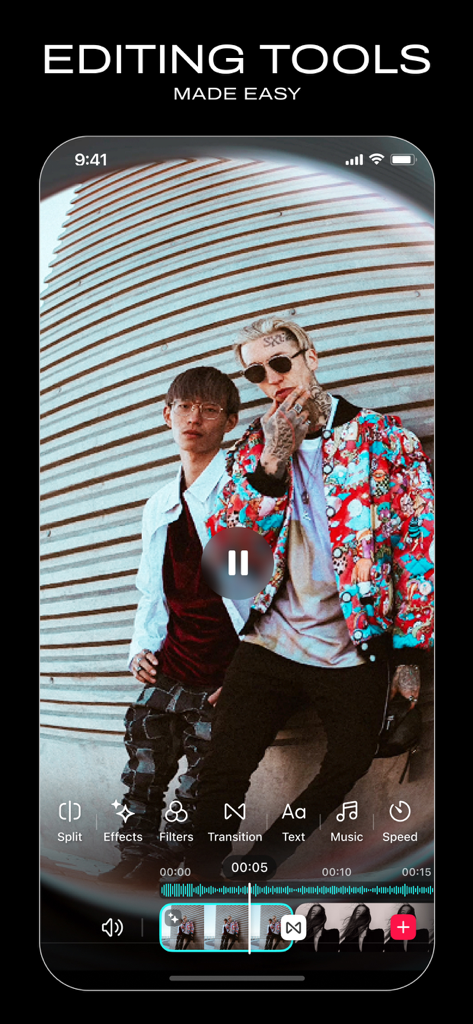
Mobile interface of Vids AI video editor showing easy editing tools for social media reels
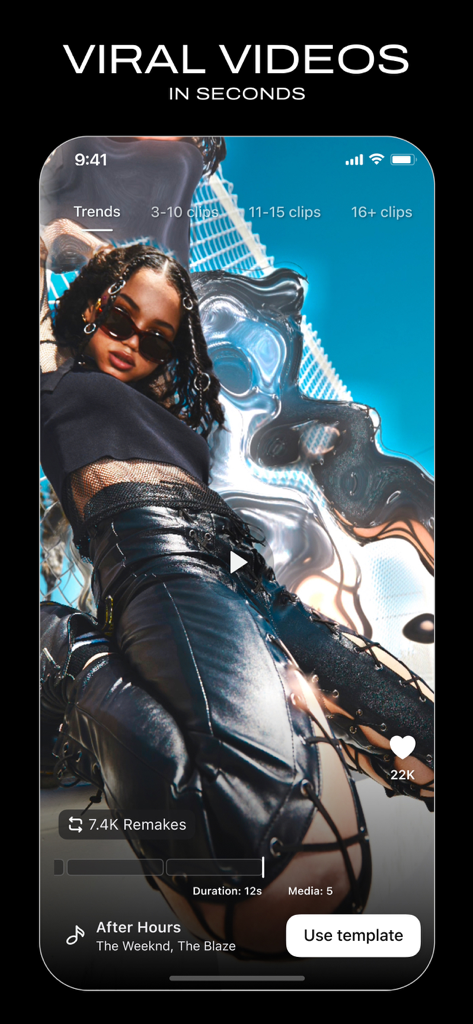
A smartphone screen displaying a viral AI video template with trending music for social media reels.
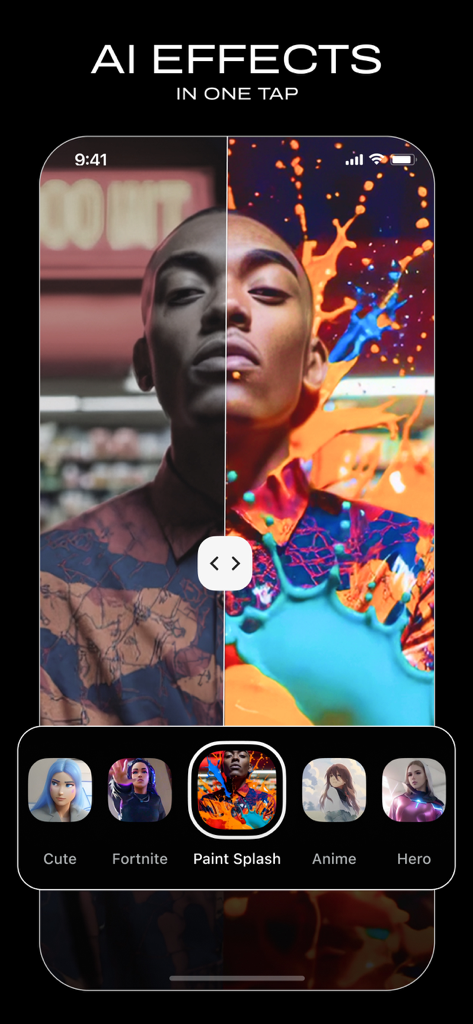
Split screen comparison of a portrait before and after applying a vibrant paint splash AI effect in the Vids AI app
Description
Download
More Like This
Apps with similar features and user experience

Wink: Video Enhancer & Editor
Xiamen Meitu Technology Co., Ltd.

Instories: AI Photo & Video
Ylee Studio LTD

秒剪 - 视频创作 & Live 实况制作
Tencent Technology (Shenzhen) Company Limited

Reels Maker for Instagram BEAT
Onelight Apps CY Ltd

Mojo: AI Video & Reels Editor
Archery Inc.

Unfold: Reels & Story Maker
Squarespace, Inc.

Reels Editor, AI Video: inMelo
APPBYTE PTE. LTD.

Reelsapp: reel & video editor
Rustam Achilov

500 Stories: Reels Story Maker
StoryPath Apps Ltd
This page is not an official page of the app or its developer, but an independent editorial publication created for informational and commentary purposes. Unless expressly stated otherwise, neither the app nor its developer is affiliated with, endorsed by, sponsored by, authorized by, or otherwise officially connected with MWM, Apple, Google Play, the app publisher, or the app's developer, and nothing on this page implies that the app was developed using MWM's services. Any trademarks, logos, screenshots, and other content remain the property of their respective owners.