
This page is not an official page of the app or its developer, but an independent editorial publication created for informational and commentary purposes. Unless expressly stated otherwise, neither the app nor its developer is affiliated with, endorsed by, sponsored by, authorized by, or otherwise officially connected with MWM, Apple, Google Play, the app publisher, or the app's developer, and nothing on this page implies that the app was developed using MWM's services. Any trademarks, logos, screenshots, and other content remain the property of their respective owners.


Mojo: AI Video & Reels Editor
Saturated feeds are the new normal. This app arms users with professional-grade, platform-optimized videos, built to cut through instantly.
Downloads
12.5M+User Rating
Total Ratings
755.8KPublisher
Category
Photo & VideoLocales
35Latest Version
1.260.0Size
308.1 MBFirst Released
Nov 6, 2018Mojo: AI Video & Reels Editor - Feature Analysis
Key functionalities empowering social media content creation.
Effortless Cross-Platform Sharing
The app facilitates one-tap sharing to major social platforms like Instagram, TikTok, and YouTube, automatically resizing content for optimal display on each, which is crucial for efficient content distribution.
Trending Sounds Templates
The app provides access to unique trending sound templates, directly connecting users to popular audio on platforms like Instagram and TikTok, enabling the creation of highly engaging and current content.
Custom Brand Kit Integration
This tool features a brand kit where users can upload custom fonts, colors, and logos, ensuring a consistent and professional brand identity across all their video content.
Advanced Auto-Captioning
It allows users to automatically add, style, and translate captions, as well as remove silences or filler words, significantly enhancing video accessibility and viewer engagement.
Comprehensive Video Editing Suite
The app serves as an all-in-one platform for video editing, enabling users to trim clips, add transitions, music, text, and animated elements, streamlining the content creation process without extensive expertise.
Royalty-Free Music Library
The app offers a library of royalty-free music tracks suitable for commercial use, alongside the option to upload personal audio, ensuring legal and engaging soundtracks for diverse content.
AI-Powered Creative Templates
This tool features AI templates that can transform photos into artistic illustrations or memes, offering unique and trending creative possibilities with minimal effort for engaging visuals.
Custom Element Animation
It enables users to animate any element within their video, providing a powerful way to capture and retain viewer attention with dynamic visuals, elevating content professionalism.
Frequently Asked Questions
Everything you need to know about Mojo: AI Video & Reels Editor
What is Mojo: AI Video & Reels Editor?
Mojo is an app designed to simplify creating trending video content for platforms like Instagram and TikTok. It offers over 1,200 unique templates and powerful editing features to create engaging social media content.
Does the Mojo app offer templates for video creation?
Yes, the Mojo app offers over 1,200 unique templates for video creation, including trending sound templates. Users select a template and customize it with various editing features.
Can Mojo add auto-captions to videos?
Yes, Mojo can add auto-captions to maximize video views. Users can select from various auto-caption styles, translate captions, and automatically remove unwanted silences or filler words.
How does the Mojo app handle background removal for images?
The Mojo app includes a background removal tool that allows users to remove the background from any image with a single tap. This feature is useful for showcasing products.
Can I use my brand's fonts and logos in Mojo?
Yes, Mojo features a Brand Kit tool. Users can upload their brand fonts, colors, and logos to maintain consistent branding across all content created within the app.
Does Mojo provide royalty-free music for commercial use?
Yes, Mojo provides a selection of royalty-free tracks that are cleared for commercial use. Users can also upload their own music to use with any template.
How do I manage my Mojo subscription?
Users can manage their Mojo subscription and auto-renewal settings by navigating to Account Settings on their iPhone after purchase. Subscriptions renew automatically unless turned off 24 hours prior to the period end.
The following screenshots and description are sourced directly from the app's official store listing and are the property of the app developer.
App Store
Screenshots
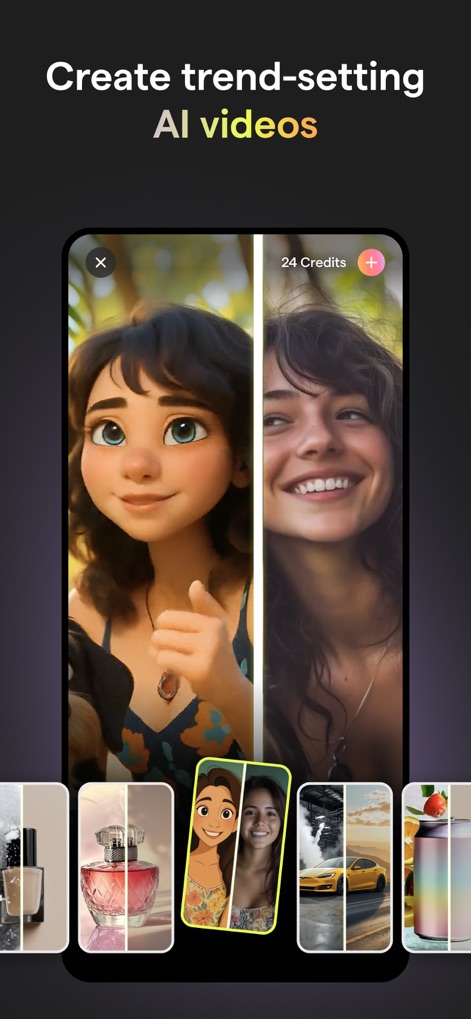
AI Video Transformation
See how this tool uses advanced AI to transform ordinary photos into creative animated portraits and stylized artistic visuals.
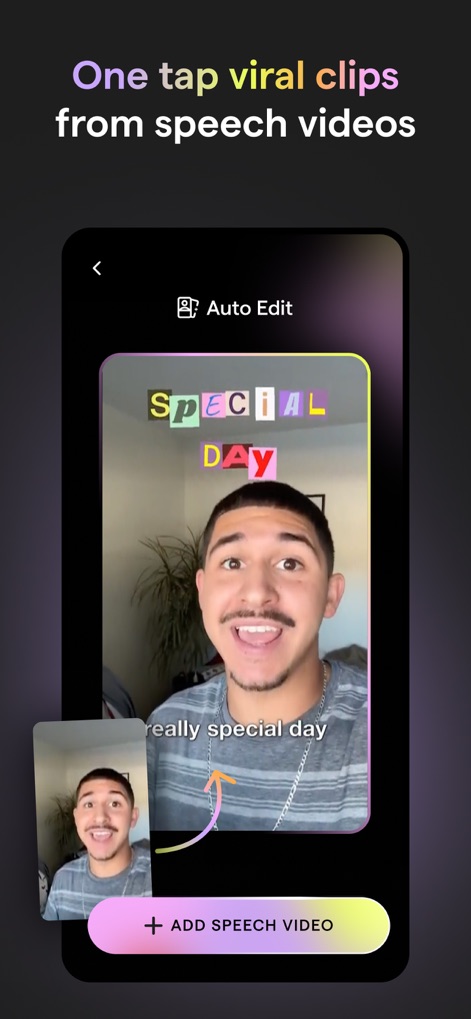
Instant Caption Creation
Discover how Mojo instantly generates auto-captions and transforms speech videos into engaging, viral-ready content with a single tap.
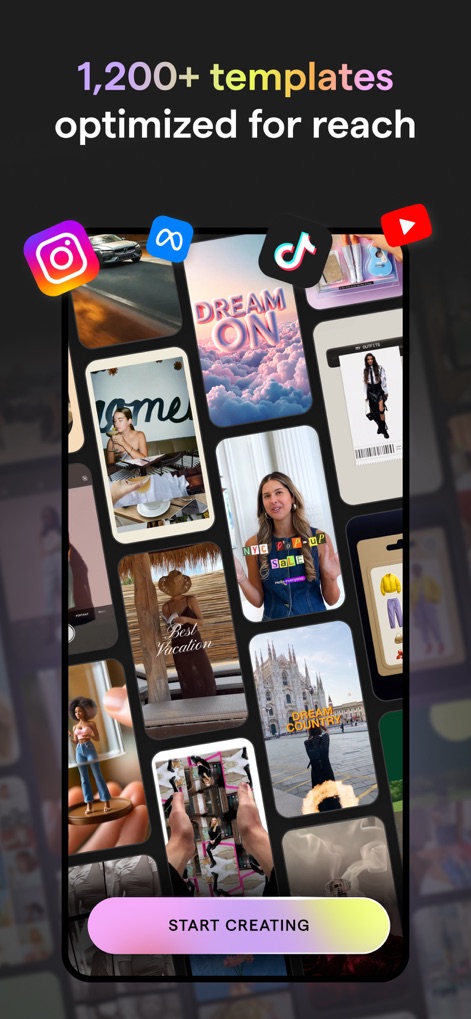
Template Gallery Unlocked
Explore the extensive library of over 1,200 professional templates, perfectly optimized for platforms like Instagram and TikTok, empowering creators to start new projects effortlessly.
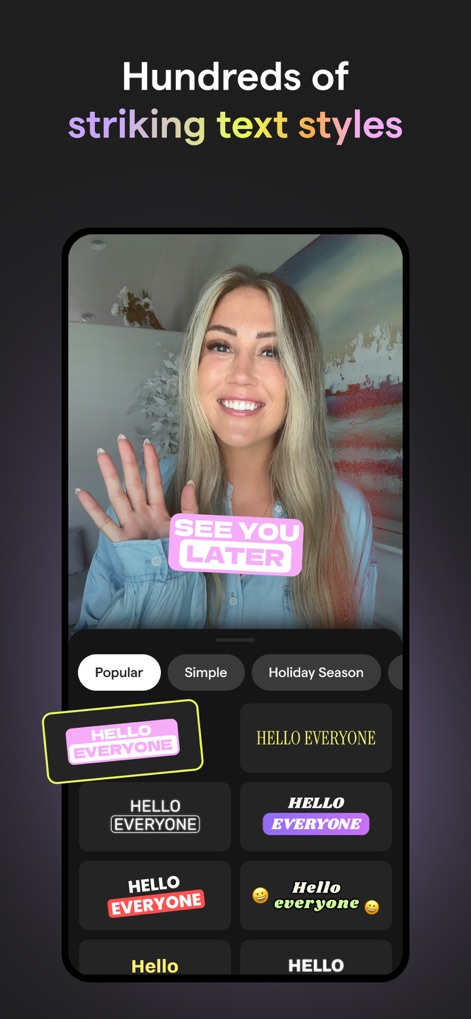
Dynamic Text Styles
Users can enhance videos with hundreds of striking text styles, choosing from popular presets and aesthetic text effects to convey messages effectively.

Intuitive Editing Interface
This tool offers a powerful yet simplified editor, allowing users to precisely trim clips and manage audio waveforms within a clear, accessible timeline.
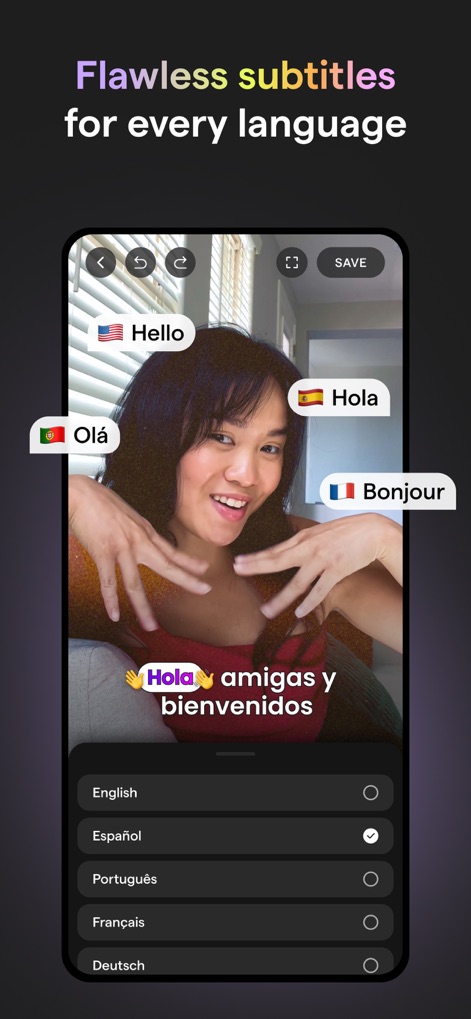
Multilingual Captioning Power
Mojo provides flawless subtitles that can be translated into various languages, ensuring content reaches a global audience with ease.
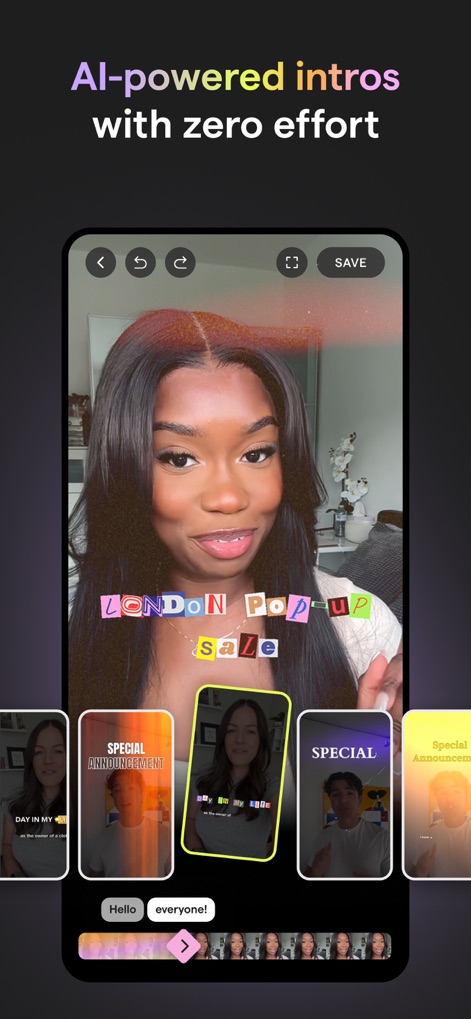
AI Intro Generation
Effortlessly create dynamic video introductions with AI-powered intro templates and captivating animated text, designed to grab viewer attention immediately.
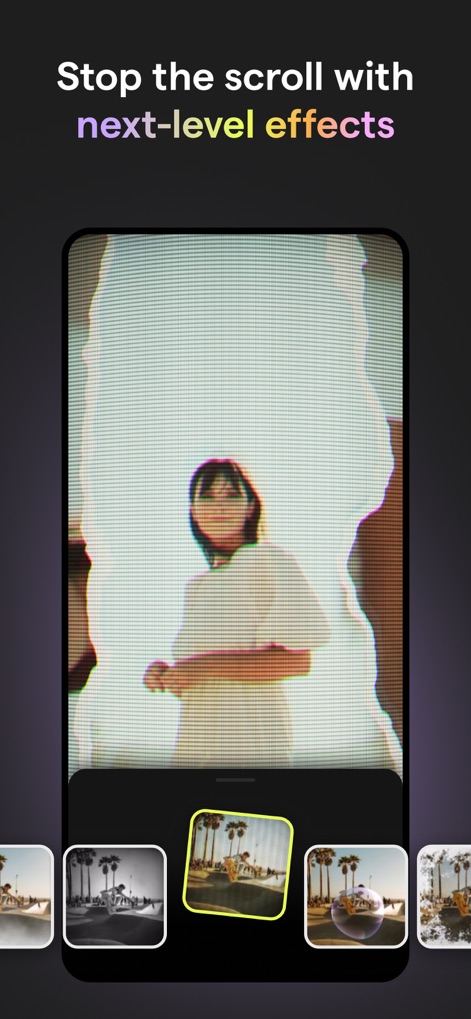
Engaging Visual Effects
Users can elevate content with next-level visual effects and distinctive filters, designed to make videos stand out and capture audience engagement.
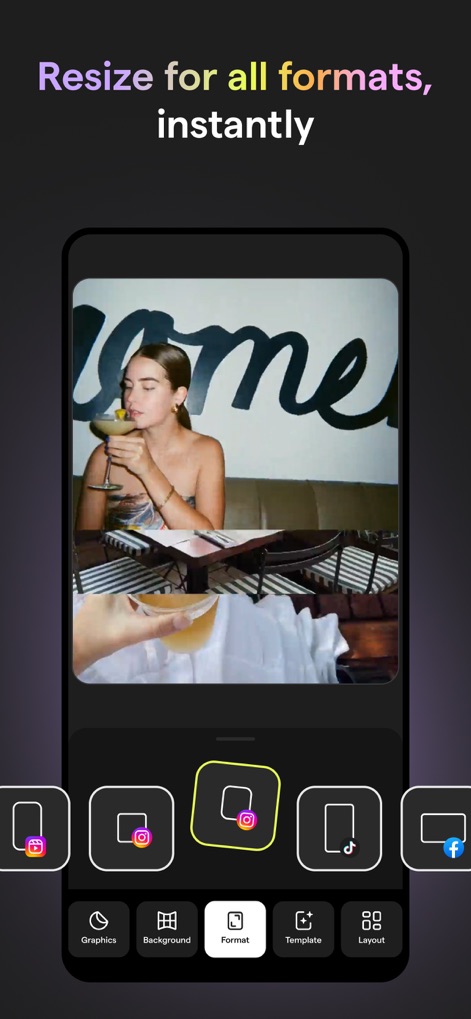
Universal Format Resizing
The app streamlines content distribution by instantly resizing videos for all major social media platforms, ensuring perfect aspect ratios for Instagram and TikTok.
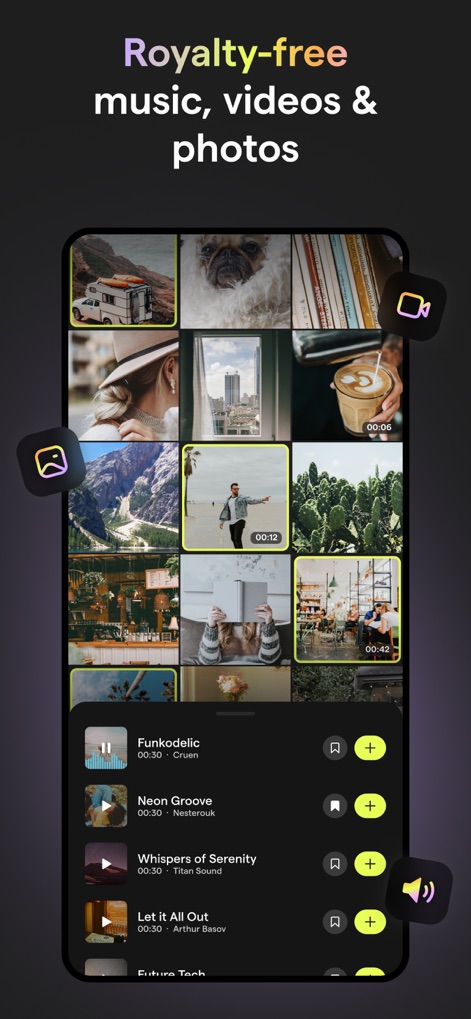
Creative Asset Library
Access an extensive library of royalty-free music and diverse stock videos, providing creators with premium assets for any project.
Description
Download
More Like This
Apps with similar features and user experience

Wink: Video Enhancer & Editor
Xiamen Meitu Technology Co., Ltd.

Instories: AI Photo & Video
Ylee Studio LTD

秒剪 - 视频创作 & Live 实况制作
Tencent Technology (Shenzhen) Company Limited

Vids AI - Reels Video Editor
Viral Vision Ltd

Reels Maker for Instagram BEAT
Onelight Apps CY Ltd

Unfold: Reels & Story Maker
Squarespace, Inc.
Reels Editor, AI Video: inMelo
APPBYTE PTE. LTD.

Reelsapp: reel & video editor
Rustam Achilov

500 Stories: Reels Story Maker
StoryPath Apps Ltd
This page is not an official page of the app or its developer, but an independent editorial publication created for informational and commentary purposes. Unless expressly stated otherwise, neither the app nor its developer is affiliated with, endorsed by, sponsored by, authorized by, or otherwise officially connected with MWM, Apple, Google Play, the app publisher, or the app's developer, and nothing on this page implies that the app was developed using MWM's services. Any trademarks, logos, screenshots, and other content remain the property of their respective owners.