Wallet Pass Creator: Passmaker

Wallet Pass Creator: Passmaker

Logo of Wallet Pass Creator: Passmaker

Wallet Pass Creator: Passmaker: Turn Every Card into a Smart Apple Wallet Pass

Digitize loyalty cards, IDs, and tickets in seconds. Get location-based access from your lock screen with zero subscriptions and total privacy.

Publisher

Mohamed Boutaleb

Category

Utilities

Downloads

100+

User Rating

1.0/5

Total Ratings

0

Locales

16

Your Wallet, Reimagined

Discover the interface used by 100+ users.
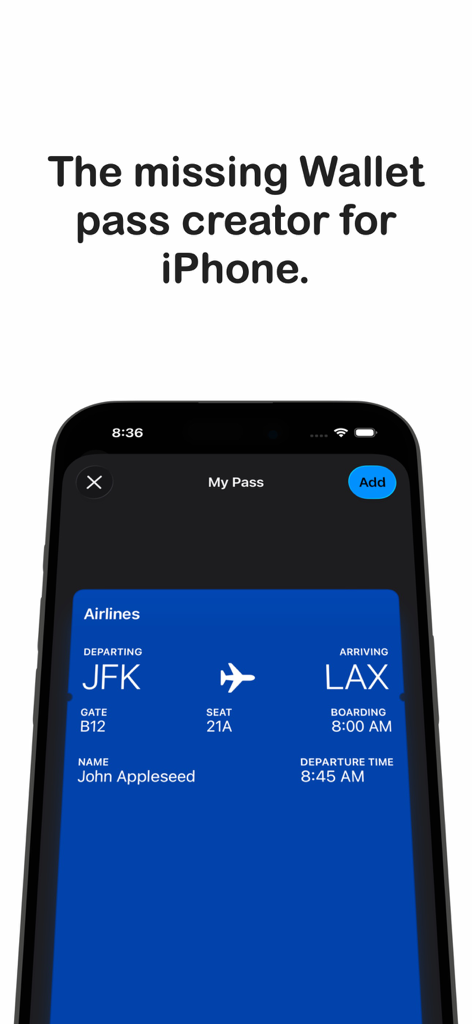
iPhone screenshot of Wallet Pass Creator showing a custom airline boarding pass ready to be added to Apple Wallet.

iPhone screenshot of Wallet Pass Creator showing a custom airline boarding pass ready to be added to Apple Wallet.

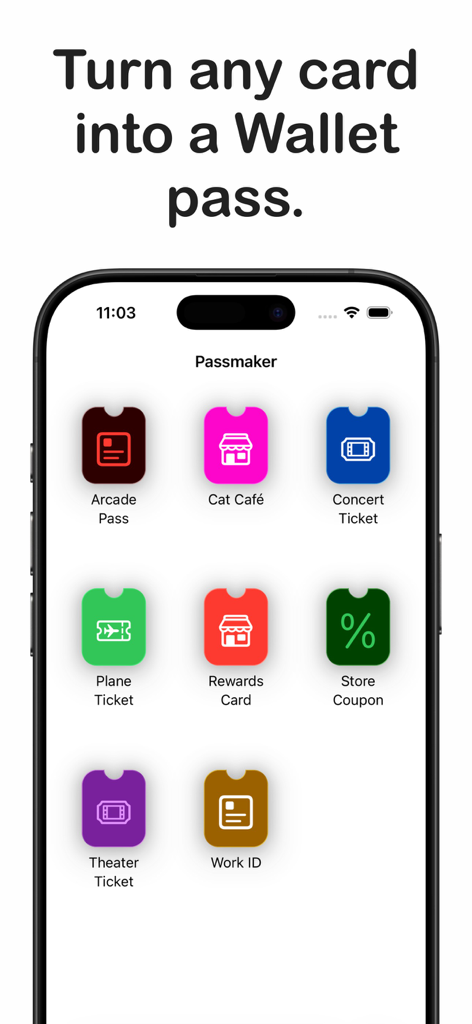
iPhone screen displaying various digital pass options like concert tickets and rewards cards in the Passmaker app.

iPhone screen displaying various digital pass options like concert tickets and rewards cards in the Passmaker app.

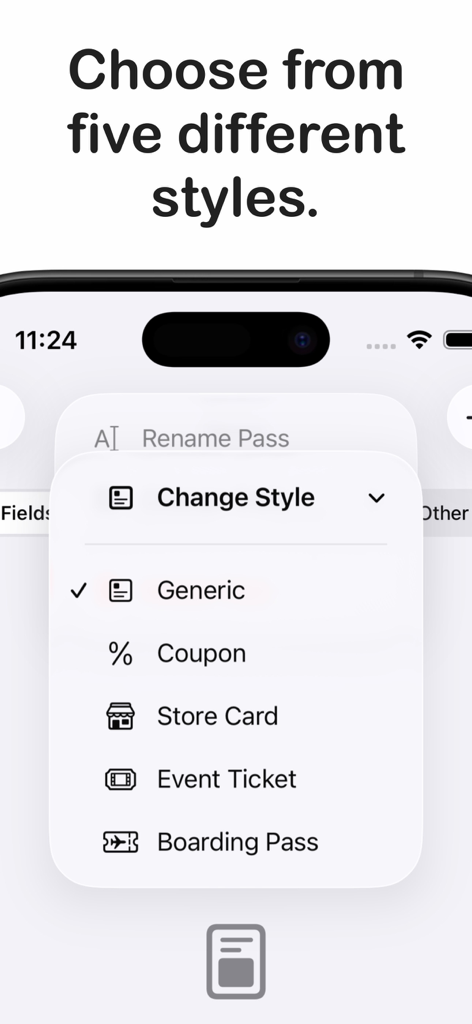
Passmaker app menu showing five different pass styles including Generic, Coupon, Store Card, Event Ticket, and Boarding Pass.

Passmaker app menu showing five different pass styles including Generic, Coupon, Store Card, Event Ticket, and Boarding Pass.

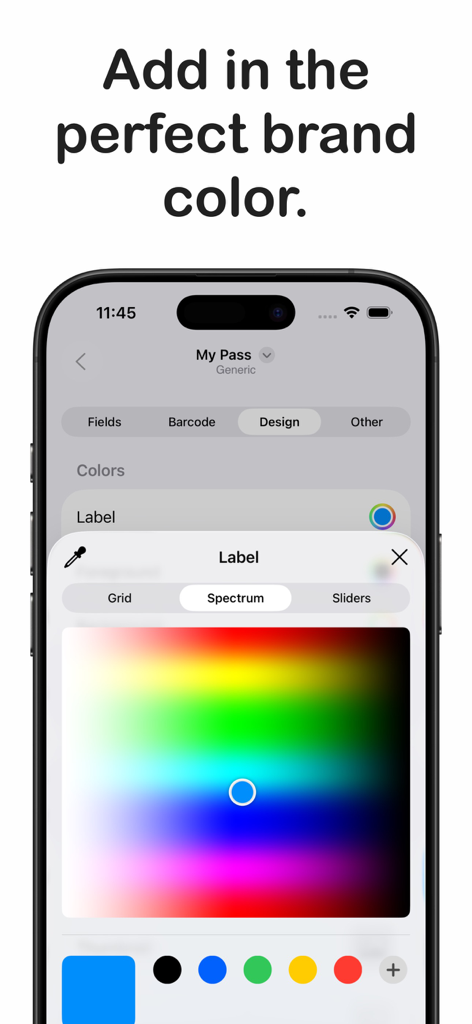
Interface of the Passmaker app showing a color spectrum picker to customize digital wallet passes

Interface of the Passmaker app showing a color spectrum picker to customize digital wallet passes

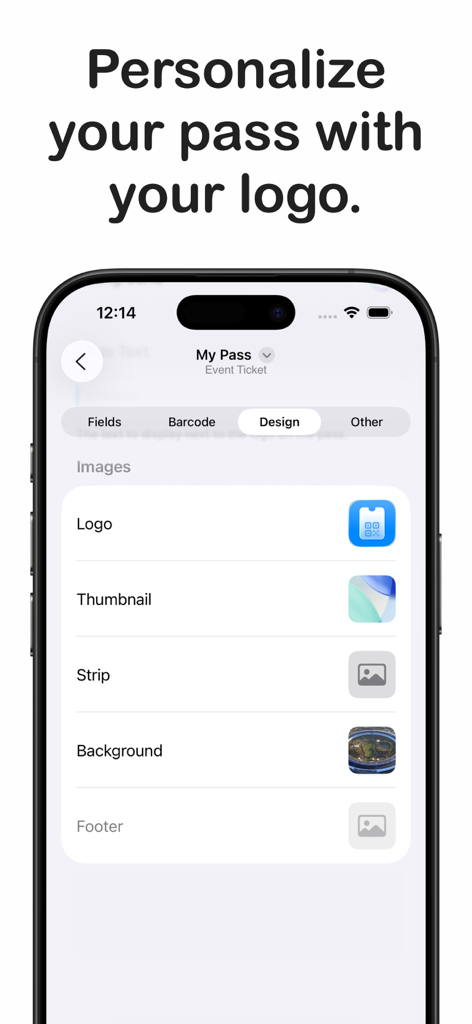
Interface for customizing Apple Wallet passes with logos and background images in the Passmaker app

Interface for customizing Apple Wallet passes with logos and background images in the Passmaker app

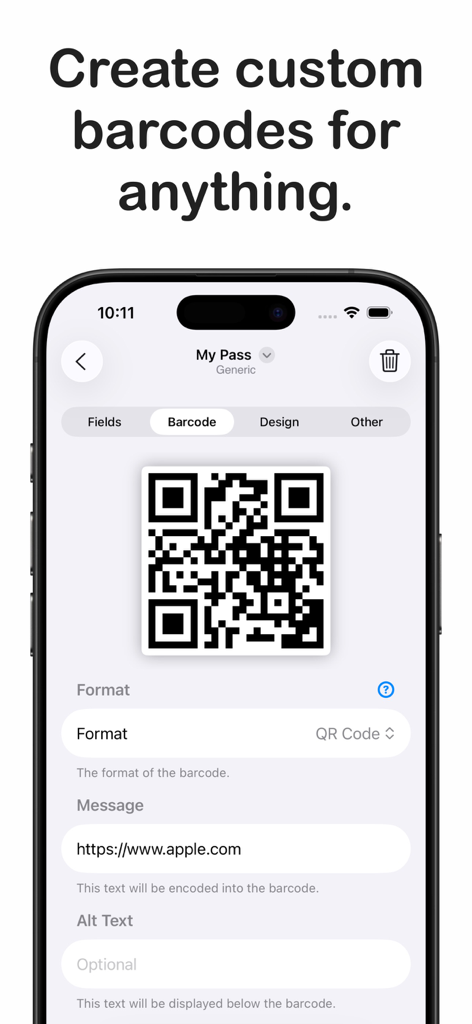
iPhone app screen showing the creation of a custom QR code for an Apple Wallet pass

iPhone app screen showing the creation of a custom QR code for an Apple Wallet pass

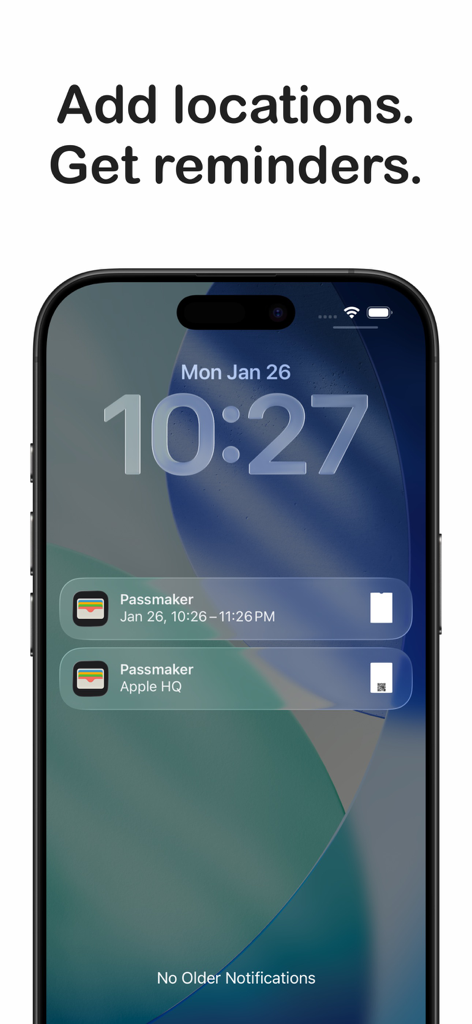
iPhone lock screen displaying location and time based notifications for digital wallet passes

iPhone lock screen displaying location and time based notifications for digital wallet passes

Digitize Your Life, Simplify Your Wallet

The tools that make this app stand out, trusted by 100+ users.

📸

Instant Barcode Scanning

Turn any physical loyalty card or paper ticket into a digital pass by simply scanning the barcode with your camera or importing a photo.

📍

Smart Location Awareness

Your passes automatically appear on your lock screen when you arrive at your gym, store, or event venue using precise GPS triggers.

🛡️

Private & Subscription-Free

Enjoy professional-grade pass creation with no account required and no recurring fees. Your data stays secure on your device.

About the app

Everything you need to know about Wallet Pass Creator: Passmaker.

Description

Turn anything into an Apple Wallet pass. That loyalty card taking up space in your physical wallet? Digitize it. A membership that only exists as a paper card or PDF? Put it in Wallet. Event tickets, discount codes, personal IDs, travel documents, or anything else you want quick access to? Passmaker handles it all. Creating a pass takes just a few minutes. Pick a style that fits your needs, whether that's a generic pass for everyday cards, a store card for loyalty programs, a coupon for discounts, an event ticket, or a boarding pass for travel. Add your information, customize the colors and images to match your taste, and tap to add it directly to Apple Wallet. No account needed and no subscription required. Got a barcode you need to keep handy? Scan it with your camera or import it from a photo, and Passmaker builds a pass around it automatically. The app recognizes QR codes, Aztec codes, Code 128, and PDF417 barcodes, so most cards and tickets you encounter will work. Need something more custom? Create your own barcode from scratch by entering the data yourself. Design your passes to look exactly how you want. Choose your own colors for the background, text, and labels. Add a logo or brand image. Include a strip image that spans across the pass, or a thumbnail that sits alongside your information. Every pass you create can have its own unique look. Your passes can even appear on your lock screen automatically when you need them. Heading to the gym? Set your gym's location, and your membership pass appears as you arrive. Got concert tickets? Add the date and time, and they show up right before the event starts. It works just like passes from major companies, because it uses the exact same technology. Organize your information across multiple fields. Put the essentials front and center, add supporting details below, and include extra information on the back of the pass for when you need it. You control what goes where and how it all looks. Passmaker gives you the power to create real Apple Wallet passes, the same format used by airlines, retailers, and event organizers, without any of the complexity. No developer account, no technical knowledge, no jumping through hoops. Just a simple app that does exactly what you need.

Latest Version

1.0.3

Size

9.4 MB

First Released

Jan 28, 2026

Ready to Ditch the Physical Wallet?

Join thousands of users who have decluttered their lives. Create your first custom Apple Wallet pass in seconds—no account or subscription required.

App information, icons, screenshots, and descriptions displayed on this page are sourced from the Apple App Store and are the property of their respective developers. Download estimates and rankings are based on MWM's proprietary models and may not reflect actual figures. This page is provided for informational and analytical purposes only.

Believe this page infringes your intellectual property? File a dispute