
This page is not an official page of the app or its developer, but an independent editorial publication created for informational and commentary purposes. Unless expressly stated otherwise, neither the app nor its developer is affiliated with, endorsed by, sponsored by, authorized by, or otherwise officially connected with MWM, Apple, Google Play, the app publisher, or the app's developer, and nothing on this page implies that the app was developed using MWM's services. Any trademarks, logos, screenshots, and other content remain the property of their respective owners.


Watermarkly ― Watermark Maker
Secure your photos, videos, and PDFs in seconds. Designed for entrepreneurs and creators, Watermarkly offers 1,000+ premium fonts and seamless sync across your iPhone, iPad, and Mac.
Downloads
595K+User Rating
Total Ratings
1K+Publisher
Category
Graphics & DesignLocales
11Latest Version
3.16Size
23.8 MBFirst Released
Apr 15, 2020Protect and Promote Your Creative Content
Effortlessly brand your images, videos, and documents with professional tools designed for the modern creator and business owner.
Ultra-Fast Batch Processing
Save hours by watermarking hundreds of files at once. Our engine automatically scales and positions your logo for both vertical and horizontal shots.
Professional Brand Design
Stand out with 1,000+ fonts and premium effects like 3D and drop shadows. Create a custom look that builds trust and authority with your audience.
Frequently Asked Questions
Everything you need to know about Watermarkly ― Watermark Maker
What is Watermarkly ― Watermark Maker?
Watermarkly is an efficient and user-friendly app designed for watermarking images, videos, and PDF files. It facilitates batch-watermarking and allows users to add customized text or logos without modifying original content.
Does Watermarkly ― Watermark Maker support batch watermarking?
Yes, Watermarkly supports batch watermarking for images, videos, and PDF files. Users can efficiently add watermarks to multiple files simultaneously.
Does Watermarkly ― Watermark Maker modify original images or videos?
No, Watermarkly never changes the original images, videos, or PDF files. Your watermarks are added only to a copy, preserving the integrity of your source files.
What customization options does Watermarkly ― Watermark Maker offer for watermarks?
Watermarkly offers extensive customization, including changing size, rotation, transparency, and applying repeated watermarks. Users can also add copyright symbols, image numbers, and choose from 33 effects.
How many fonts and effects are available in Watermarkly ― Watermark Maker?
Watermarkly provides a vast library of 1000 fonts, 33 effects like 3D and drop shadow, and a broad selection of colors, including gradient options, for watermark design.
Does Watermarkly ― Watermark Maker automatically adjust watermarks for horizontal and vertical images?
Yes, Watermarkly automatically adjusts watermark size and position for mixed batches of horizontal and vertical images. Users can also manually adjust watermarks in the Preview section.
Does Watermarkly ― Watermark Maker synchronize watermark templates across devices?
Yes, Watermarkly synchronizes watermark templates across all your devices. Recently used templates are automatically synced, allowing access from any phone or computer.
How does Watermarkly ― Watermark Maker protect photos from theft?
Watermarkly helps protect photos from theft by allowing users to place their name, logo, or contact information on content. This asserts copyright and deters unauthorized use.
Is it possible to resize photos after watermarking them in Watermarkly ― Watermark Maker?
Yes, Watermarkly allows users to resize photos after watermarking. The app provides settings to resize images by a specific percentage of their original dimensions.
Can Watermarkly ― Watermark Maker apply rotated watermarks?
Yes, Watermarkly supports applying rotated watermarks. Users can rotate watermarks to any angle, as well as apply vertical watermarks, to fit their design needs.
Can I use Watermarkly to make transparent watermarks?
Yes, Watermarkly allows users to adjust the transparency of their watermarks. This feature enables subtle branding, ensuring watermarks do not fully obscure the original content.
The following screenshots and description are sourced directly from the app's official store listing and are the property of the app developer.
App Store
Screenshots
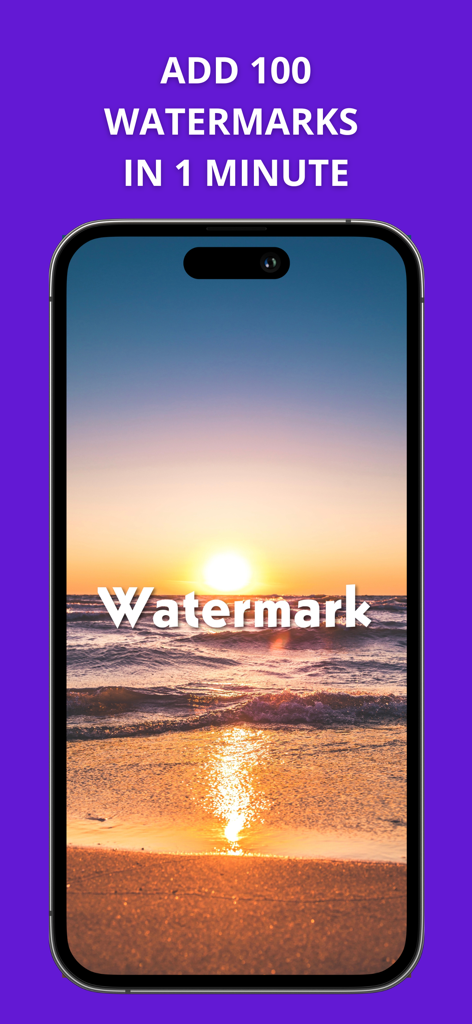
Smartphone screen showing a watermarked sunset photo with text promoting fast batch watermarking
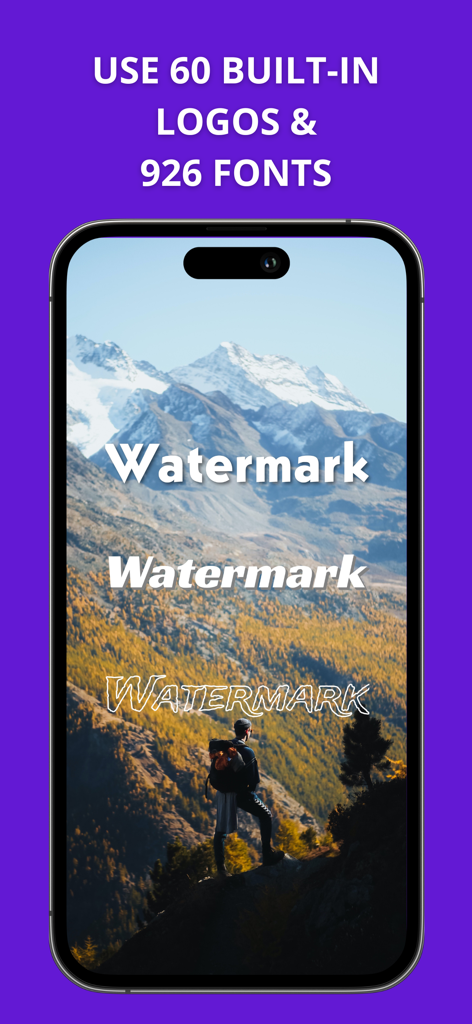
Watermarkly app interface showing various font styles for watermarking a landscape photo on an iPhone
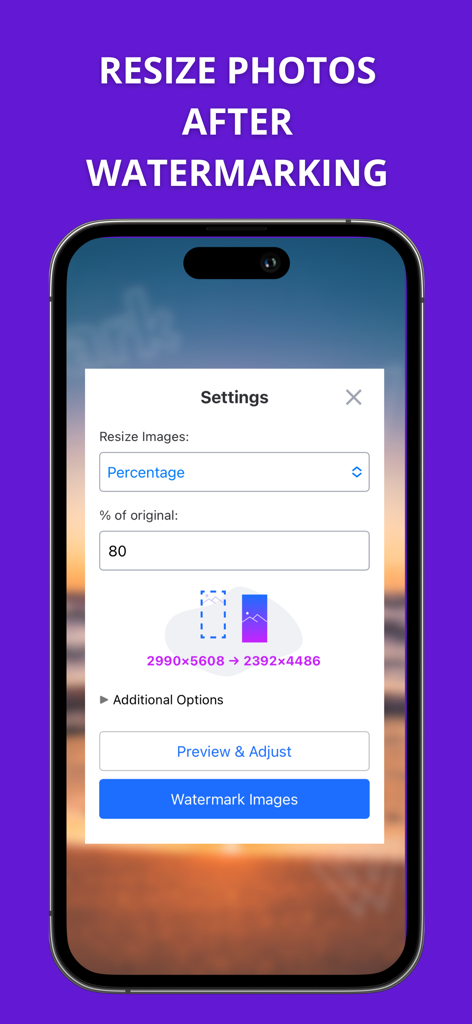
Interface showing settings for resizing photos after watermarking in the Watermarkly app.
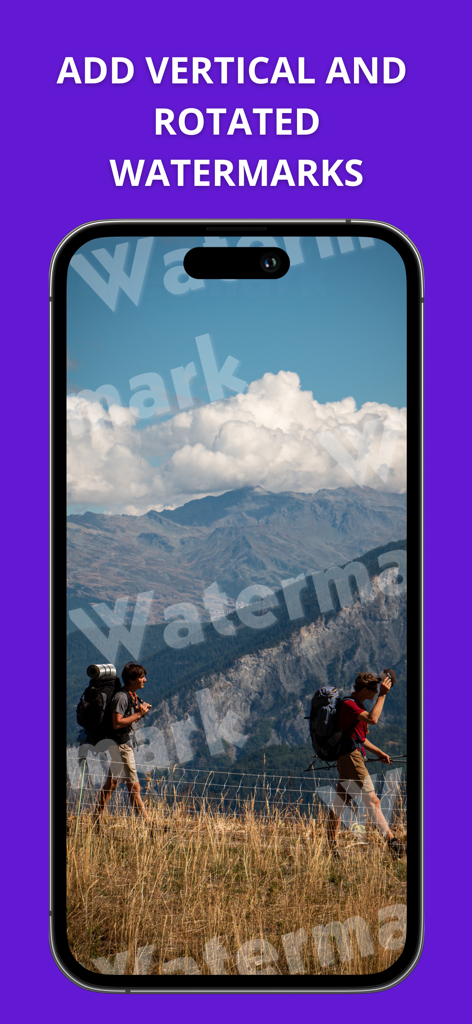
Watermarkly app interface showing vertical and rotated text watermarks on a landscape image.
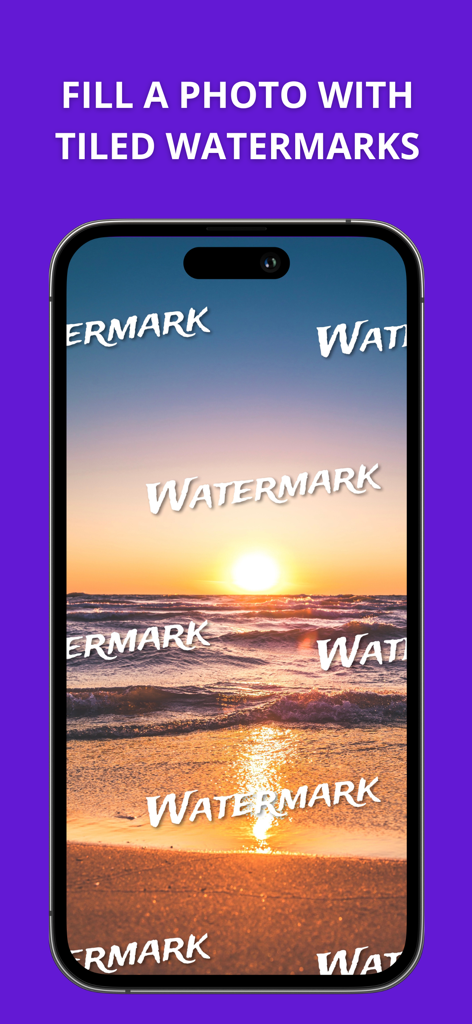
An iPhone screen displaying a sunset beach photo covered in tiled text watermarks for image protection.
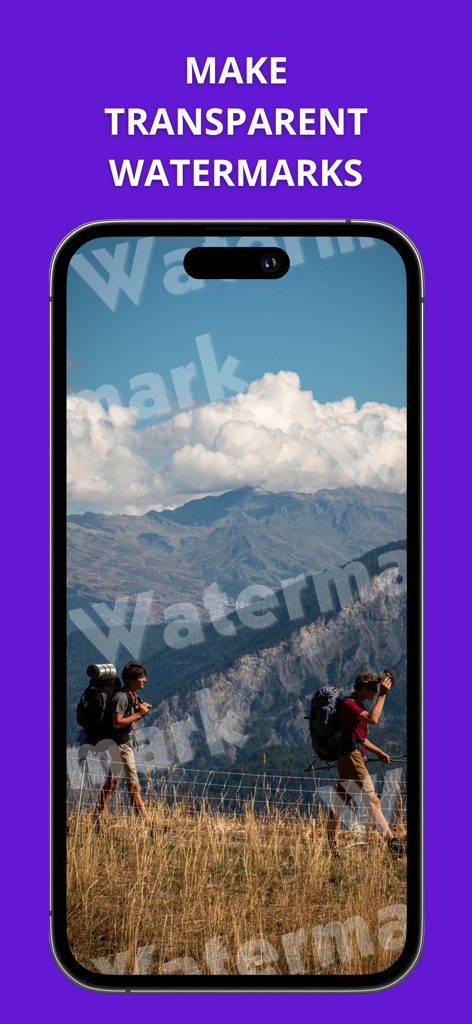
Screenshot of the Watermarkly app showing a landscape photo with transparent text watermarks.
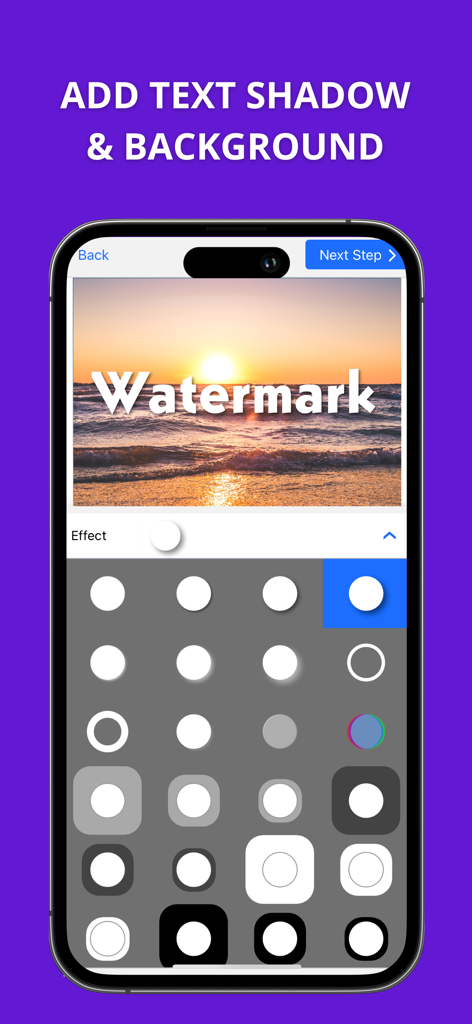
Interface of the Watermarkly app showing a sunset photo with a text watermark and various shadow and background effects for selection.
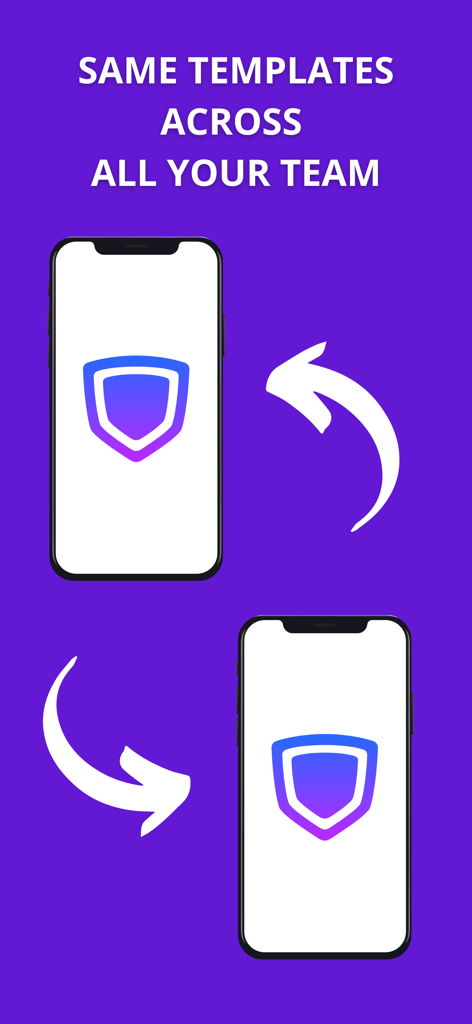
Two smartphones displaying identical watermark templates with arrows indicating synchronization across a team.
Description
Download
More Like This
Apps with similar features and user experience

CocoAI - BG Remover
Beijing Jianchang Technology Co., Ltd.

水印宝-视频水印助手软件
Beijing Pengtuzhumeng Technology Co., Ltd.

Photo Retouch - Remove object
化媚 席

PhotoBy-Batch adding borders
岳森 刘

去水印大师-短视频编辑助手
志阳 郭

大神水印-照片图像制作修图神器
伟 黄

Add Watermark -Batch Process
Saraswati Javalkar

Background Eraser: AI Remove
SUNWOONG JANG

AnyEraser: Remove Objects AI
Zankhana Pte Ltd
This page is not an official page of the app or its developer, but an independent editorial publication created for informational and commentary purposes. Unless expressly stated otherwise, neither the app nor its developer is affiliated with, endorsed by, sponsored by, authorized by, or otherwise officially connected with MWM, Apple, Google Play, the app publisher, or the app's developer, and nothing on this page implies that the app was developed using MWM's services. Any trademarks, logos, screenshots, and other content remain the property of their respective owners.