Whats Web – Dual App Messenger
Download on App Store

This page is not an official page of the app or its developer, but an independent editorial publication created for informational and commentary purposes. Unless expressly stated otherwise, neither the app nor its developer is affiliated with, endorsed by, sponsored by, authorized by, or otherwise officially connected with MWM, Apple, Google Play, the app publisher, or the app's developer, and nothing on this page implies that the app was developed using MWM's services. Any trademarks, logos, screenshots, and other content remain the property of their respective owners.

Logo of Whats Web – Dual App Messenger
Download on App Store

Whats Web – Dual App Messenger

Effortlessly manage business and personal chats on one device. Secure your media with an encrypted vault, convert voice notes to text instantly, and message anyone without saving their number.

Key Figures

Downloads

0

User Rating

4.6/5

Total Ratings

0

Publisher

Yash Baraiya

Category

Social Networking

Locales

34

Latest Version

4.0.7

Size

58.4 MB

First Released

Feb 15, 2024
Features

The Command Center for Modern Messaging

Empower your workflow with high-performance tools designed to solve the limits of mobile messaging for professionals, freelancers, and privacy seekers.

Dual Account Mastery

Stop carrying two phones. Run your business and personal WhatsApp simultaneously on a single device to stay organized and responsive.

Frictionless Direct Chat

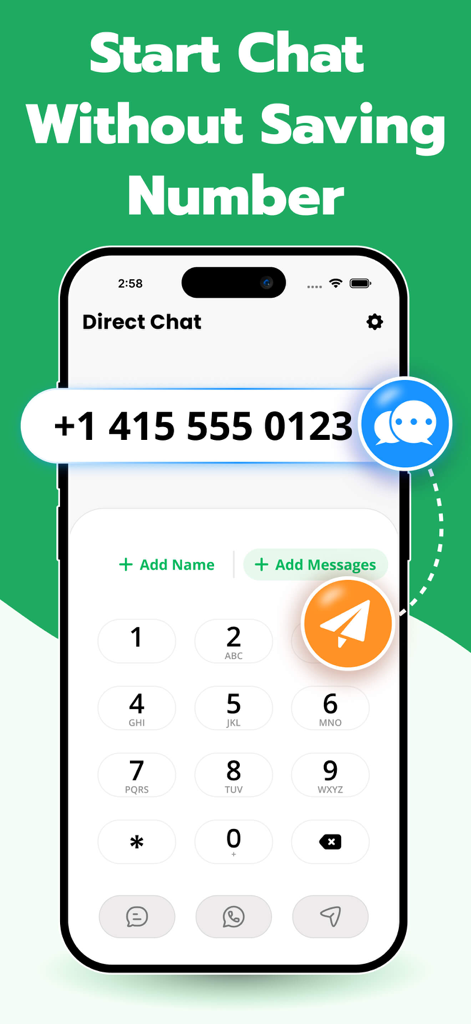
Skip the 'Save Contact' step. Message marketplace buyers or service providers instantly without cluttering your professional address book.

The following screenshots and description are sourced directly from the app's official store listing and are the property of the app developer.

App Store

Screenshots
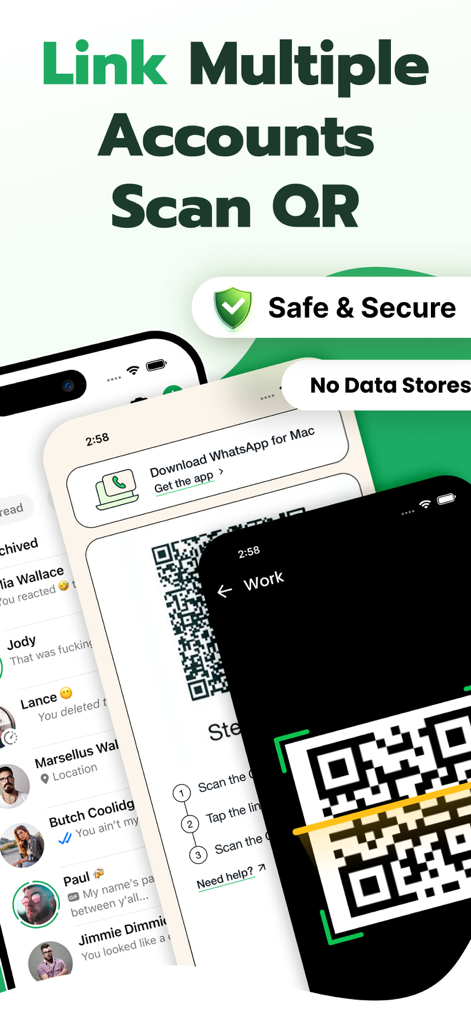
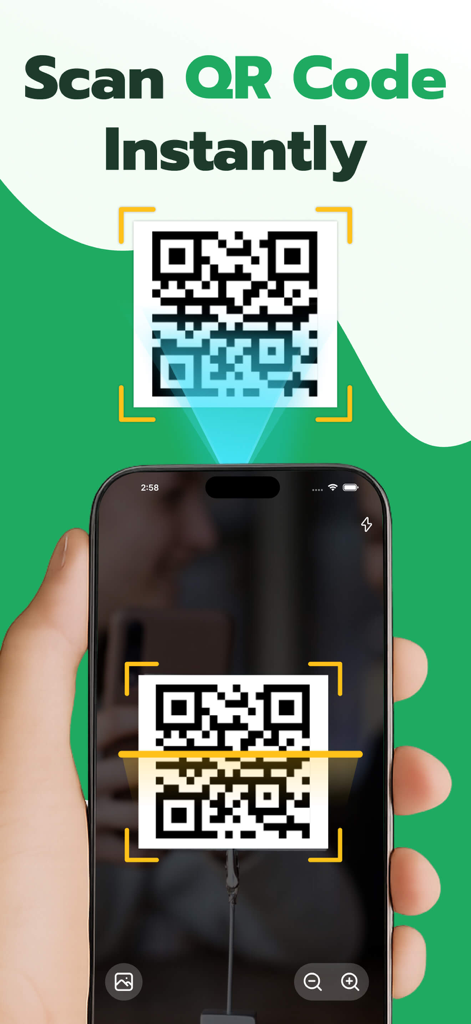
Whats Web – Dual App Messenger - Interface of Whats Web app showing the QR code scanner to link and manage multiple accounts securely
Interface of Whats Web app showing the QR code scanner to link and manage multiple accounts securely

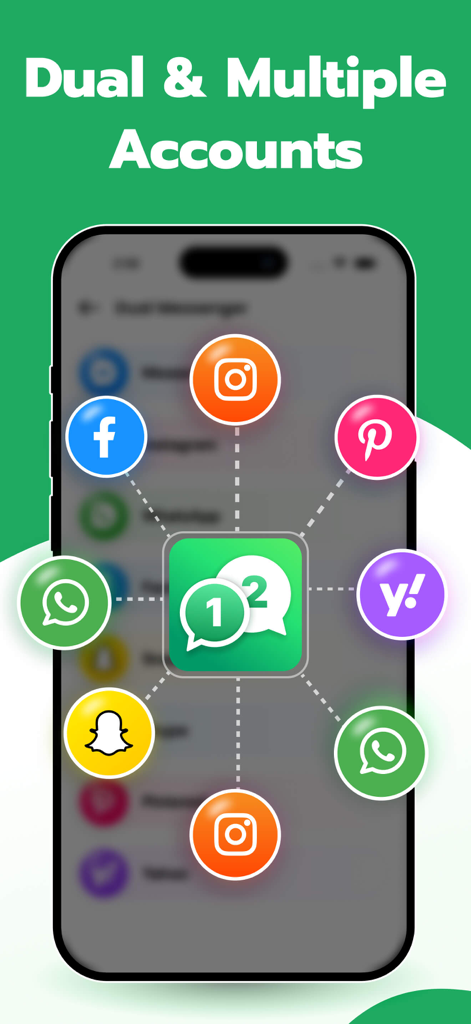
Whats Web – Dual App Messenger - Whats Web app interface showing dual and multiple account support for social media and messaging apps on iPhone
Whats Web app interface showing dual and multiple account support for social media and messaging apps on iPhone

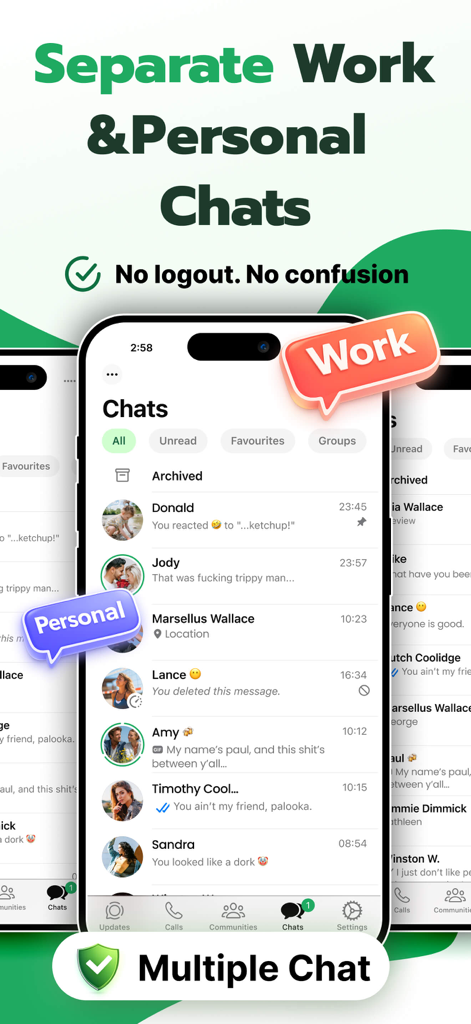
Whats Web – Dual App Messenger - A smartphone display showcasing the ability to separate work and personal messages using a dual account messenger app.
A smartphone display showcasing the ability to separate work and personal messages using a dual account messenger app.

Whats Web – Dual App Messenger - Interface showing the direct chat feature to send messages without saving a phone number
Interface showing the direct chat feature to send messages without saving a phone number

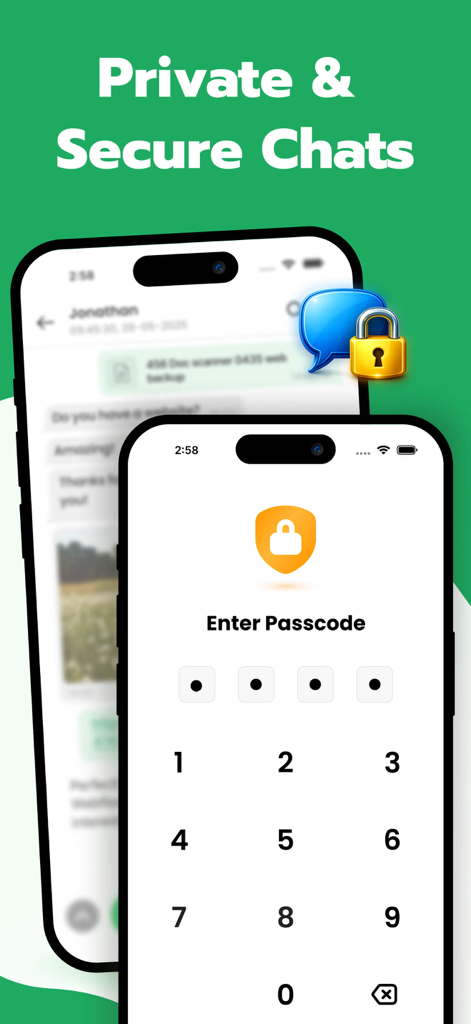
Whats Web – Dual App Messenger - Mobile app interface showing a passcode entry screen for private and secure messaging.
Mobile app interface showing a passcode entry screen for private and secure messaging.

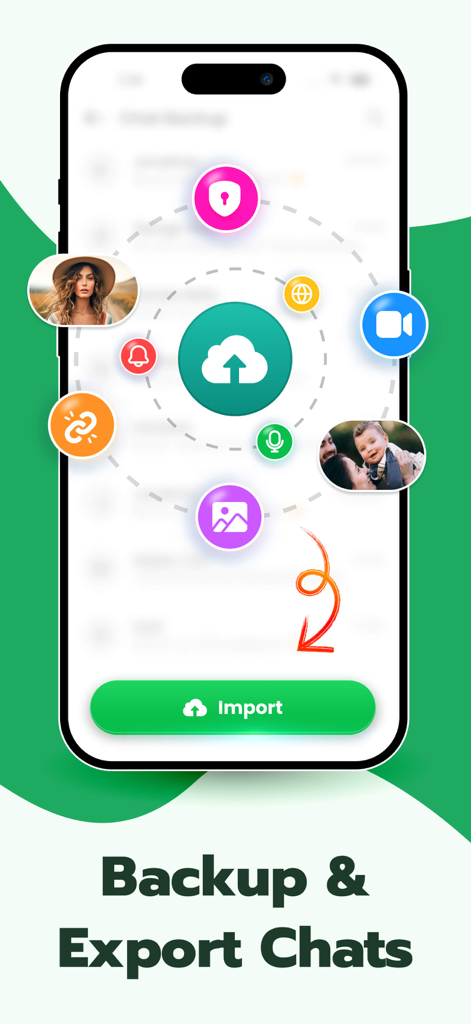
Whats Web – Dual App Messenger - Interface of the backup and export chats feature showing a cloud upload icon and various media icons orbiting it
Interface of the backup and export chats feature showing a cloud upload icon and various media icons orbiting it

Whats Web – Dual App Messenger - Smartphone scanning a QR code to instantly connect a dual messenger account

Smartphone scanning a QR code to instantly connect a dual messenger account

Description

Use WhatsWeb to scan WhatsApp Web QR, manage dual accounts, back up chats, and protect your privacy — all in one secure app. WhatsWeb: Web Scan & WA Backup gives you powerful tools like WhatsApp Web scanner, direct chat, intruder selfie, private vault, voice-to-text, QR tools, wallpapers, and more. Main Features: 1. WhatsApp Web Scanner Scan WhatsApp Web QR and use dual WhatsApp accounts on your iPhone or iPad. Perfect for managing two devices or multi-account users. 2. WA Chat Backup Back up important WhatsApp chats and keep your conversations safe while switching phones or saving memories. 3. Direct Chat (No Save) Send WhatsApp messages without saving the number. Fast, simple, and perfect for quick chats. 4. Intruder Selfie (Hack Alert) If someone enters the wrong password, the app captures an intruder selfie and logs the time — protect your private data. 5. Hide Photos & Videos Secure photo vault to hide images, videos, notes, and folders with Face ID or PIN lock. 6. Audio to Text Convert voice notes and recordings into accurate text instantly. 7. Text Repeater & Emoji Generator Repeat text, generate fun emojis, and create creative message styles. 8. Private Browser Browse in incognito mode with no history, no tracking, and full privacy. 9. QR Scanner & QR Generator Scan any QR code or create your own for links, contacts, WiFi, and more. 10. HD Wallpapers Access trending wallpapers, live backgrounds, and aesthetic themes for iPhone & iPad. 11. Private Notes Write secure notes protected by Face ID or PIN. All-in-One Privacy + Utility App From WhatsApp Web and chat backup to private vault, text tools, and QR features — WhatsWeb gives you everything in one simple, secure app. ASO Keywords: whatsapp web, whatsweb, dual whatsapp, qr scanner, direct chat, intruder selfie, hide photos, private vault, audio to text, text repeater, private browser, qr generator, wallpapers, secure notes, wa backup, chat backup Note (Disclaimer): This app is not affiliated with WhatsApp Inc. in any way. Our app does not use or share any personal data with third parties. All features are designed independently to support user convenience and privacy. Web Scanner App strictly adheres to data privacy protection policies and will never collect your personal information for any purpose. Privacy Policy - https://yashbaraiya2003.blogspot.com/2024/02/whats-web-for-whatup-privacy-policy.html Link to Terms of Use - https://yashbaraiya2003.blogspot.com/2024/02/terms-condition-web-scanner-app.html Download Now......

Download

Download on App Store

This page is not an official page of the app or its developer, but an independent editorial publication created for informational and commentary purposes. Unless expressly stated otherwise, neither the app nor its developer is affiliated with, endorsed by, sponsored by, authorized by, or otherwise officially connected with MWM, Apple, Google Play, the app publisher, or the app's developer, and nothing on this page implies that the app was developed using MWM's services. Any trademarks, logos, screenshots, and other content remain the property of their respective owners.