WhoDo

WhoDo

Download on App Store
Logo of WhoDo

Download on App Store

Publisher

Swamp Dog, LLC

Category

Productivity

Downloads

0

User Rating

1.0/5

Total Ratings

0

Locales

1

Efficiency in Action

Discover the interface used by 0 users.
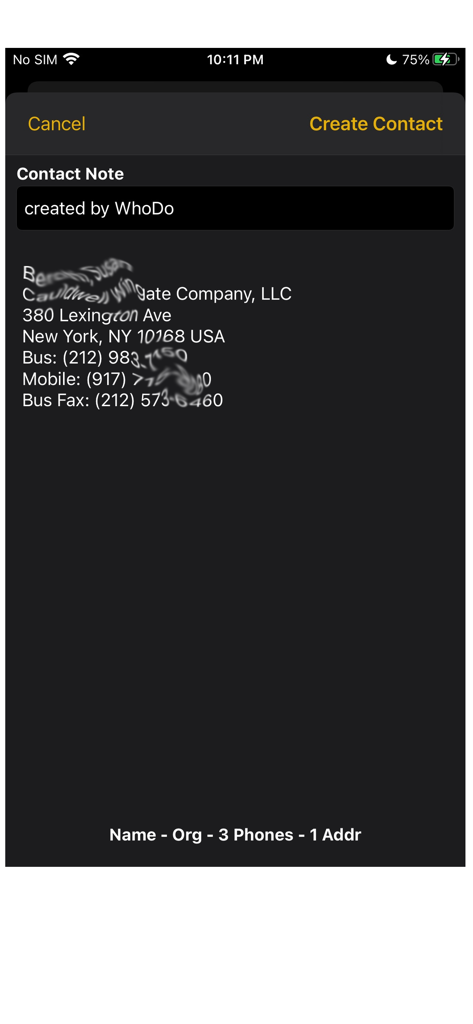
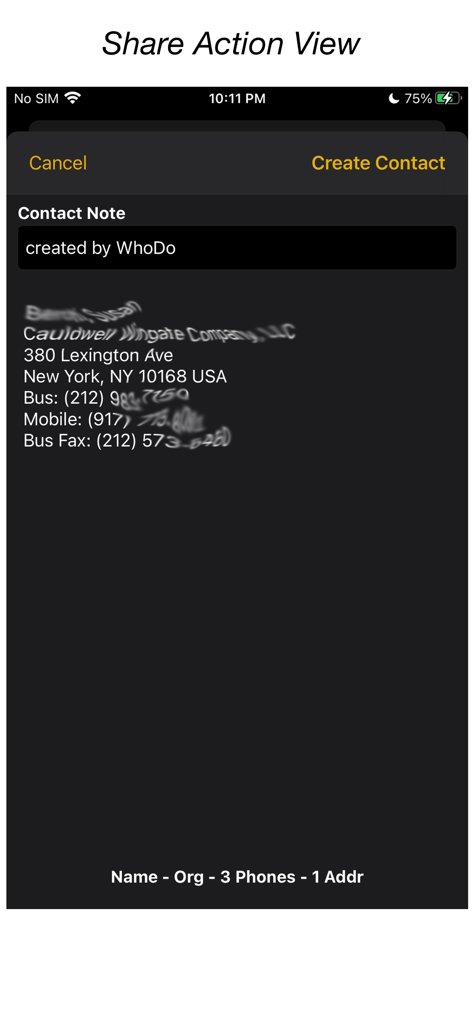
WhoDo app screenshot showing extracted contact details including address and phone numbers from a text source

WhoDo app screenshot showing extracted contact details including address and phone numbers from a text source

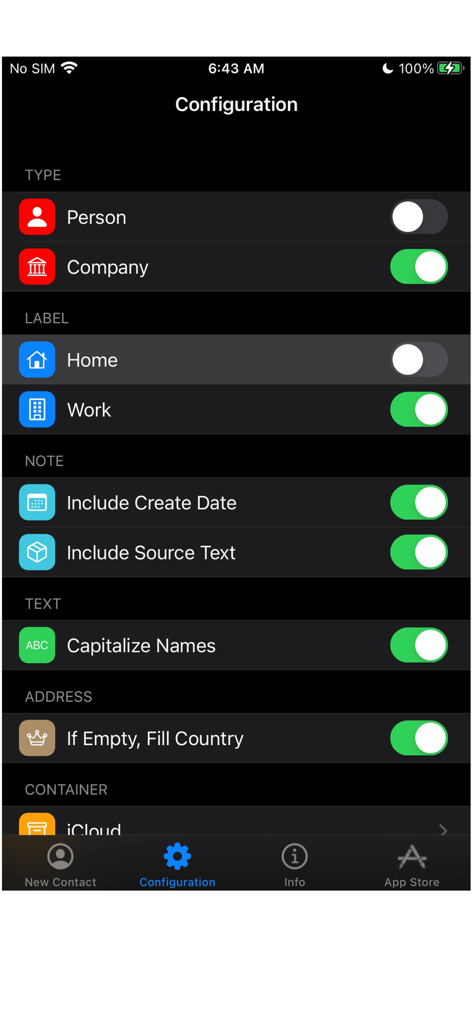
WhoDo app configuration screen showing settings for contact type, labels, and text formatting

WhoDo app configuration screen showing settings for contact type, labels, and text formatting

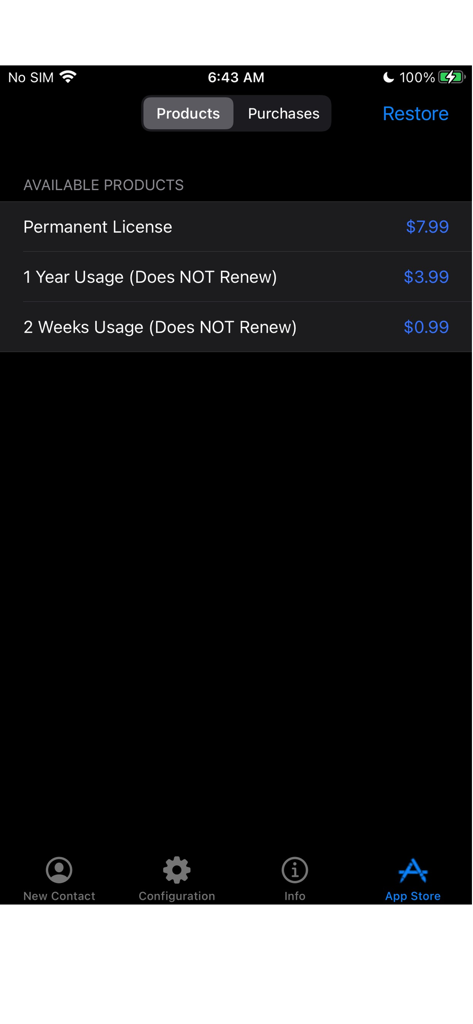
WhoDo app store screen displaying non-renewing license and permanent purchase options

WhoDo app store screen displaying non-renewing license and permanent purchase options

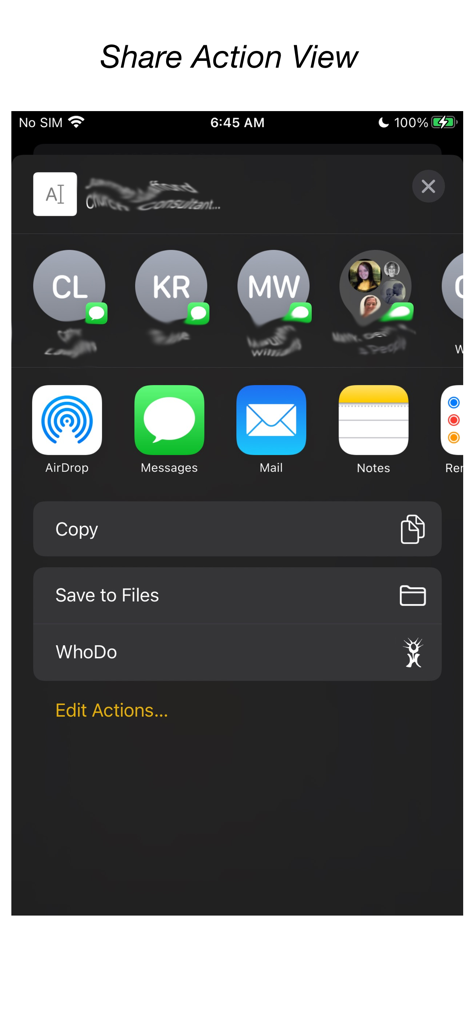
WhoDo app integration within the iOS share menu

WhoDo app integration within the iOS share menu

WhoDo app interface showing contact information extracted from text via the iOS share action

WhoDo app interface showing contact information extracted from text via the iOS share action

Automate Your Rolodex

The tools that make this app stand out, trusted by 0 users.

Zero Manual Typing

Use the iOS Share action to extract contact details from emails, messages, or web pages instantly without typing a single letter.

📈

Bulk Spreadsheet Import

Stop copying one by one. Effortlessly extract multiple leads from Numbers or Excel rows to fill your contact book in seconds.

🍏

Native Apple Integration

Sync across iPhone, iPad, and Mac. Organize your contacts into iCloud, Outlook, or Gmail groups with no recurring subscription fees.

About the app

Everything you need to know about WhoDo.

Description

The same WhoDo app runs on iPhone, iPad - put WhoDo on ALL your iOS devices! With Family Sharing - everybody in your family can also use WhoDo! You don't need to launch an application to use WhoDo! Just select the desired text in any application and use the Share action! If Share is unavailable or inconvenient, you can also use 'Copy' and then switch to WhoDo. Whenever you open WhoDo it immediately assesses the current clipboard for contact data. WhoDo can handle multiple rows in a spreadsheet - this works best if you include the header row WhoDo has a very minimal user interface - it has a single purpose and is designed to be the least possible interruption in your workflow. WhoDo uses Apple's data detectors and natural language processing. Download WhoDo for free - you can then create 3 contacts to verify WhoDo's functionality. After you have created the 3 free trial contacts you must make an in-app purchase. 2 weeks usage - 99¢ 1 year usage - $3.99 Permanent license - $7.99 WhoDo does NOT use subscriptions - there are no automated renewals. You can purchase either of the short term usages as many times as you need. WhoDo can: • assign the new contact to a specific Account (e.g. Gmail, Outlook, Yahoo, ...) • assign the new contact to a Group (if Groups are supported in the Account) • create either a Person or an Organization • assign unlabelled values with either Work or Home labels • automatically capitalize names of all types • automatically supply the area code for casual phone numbers • populate the new contact's ‘Note’ with text of your choosing; you can also add the date & time of creation as well as the full text of source data. • provides the contact in an editable Contact view for your final approval before you Save • each time you open WhoDo it can provide the contents of the clipboard for use a new contact so you can 'Copy' and then open WhoDo if that is more convenient than using 'Share' • extract multiple contacts from Numbers - best if you include the header row you can elect to process multiple contacts individually or in one bulk action. WhoDo works with iOS 15.4 and later Terms of Use: https://swampdog.info/whodo/core/termsOfUse/ NOTE: If you have any comments, general or technical issues, please contact us directly at developer@swampdog.info.  We will usually respond with one business day.

Latest Version

3.0.1

Size

3.4 MB

First Released

Feb 18, 2019

Ready to Stop Typing and Start Networking?

Join thousands of professionals saving hours on manual data entry. Get WhoDo today for seamless contact extraction across all your devices with no monthly subscriptions—ever.

Download on App Store

App information, icons, screenshots, and descriptions displayed on this page are sourced from the Apple App Store and are the property of their respective developers. Download estimates and rankings are based on MWM's proprietary models and may not reflect actual figures. This page is provided for informational and analytical purposes only.

Believe this page infringes your intellectual property? File a dispute