
Wifi Analyzer Network Analyzer


The ultimate pro-grade toolkit to audit your ISP, discover connected devices, and optimize your connection for seamless gaming and remote work.
Publisher
Category
UtilitiesDownloads
1M+User Rating
Total Ratings
10K+Locales
1Discover the interface used by 1M+ users.
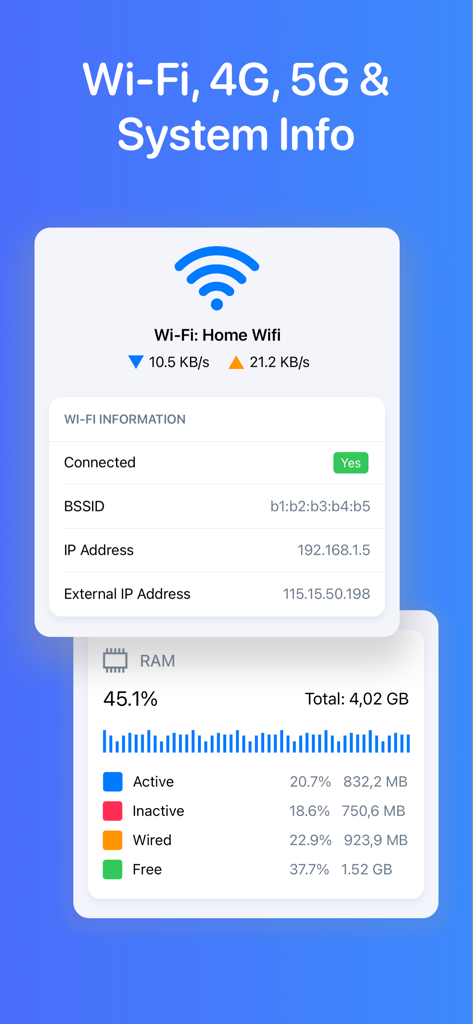
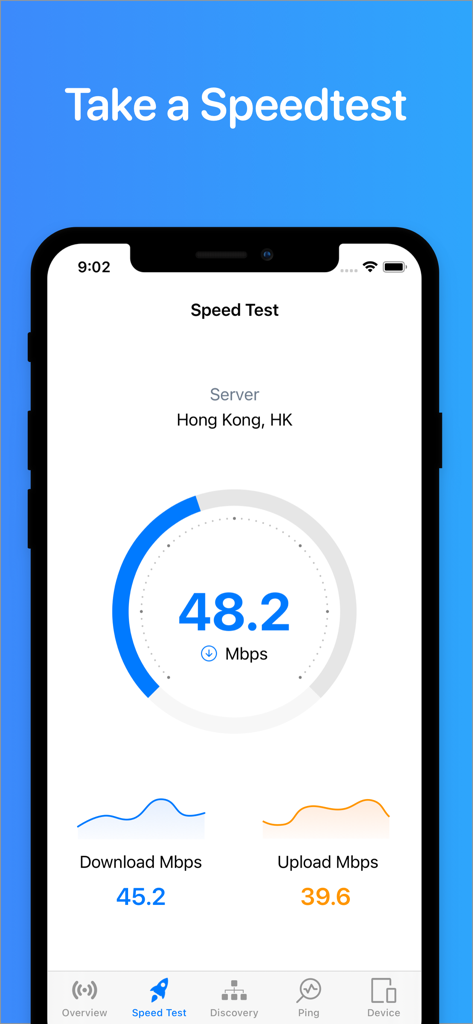
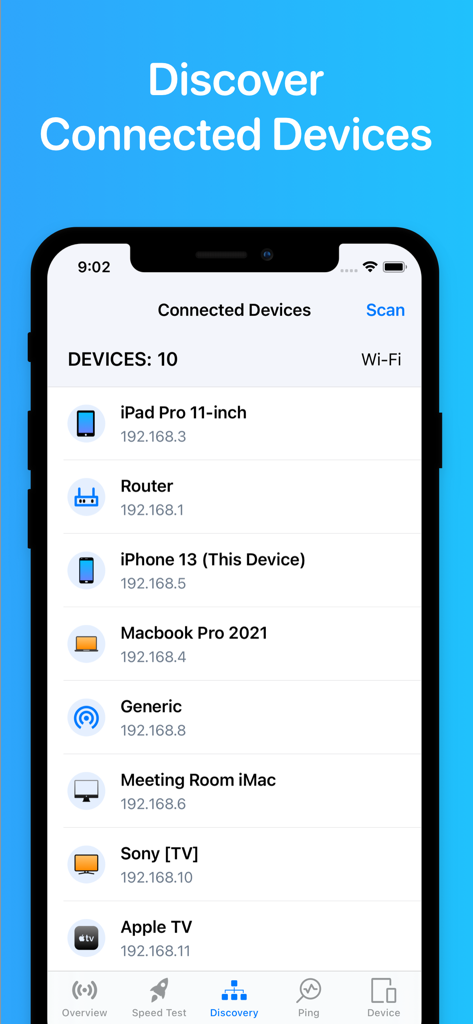
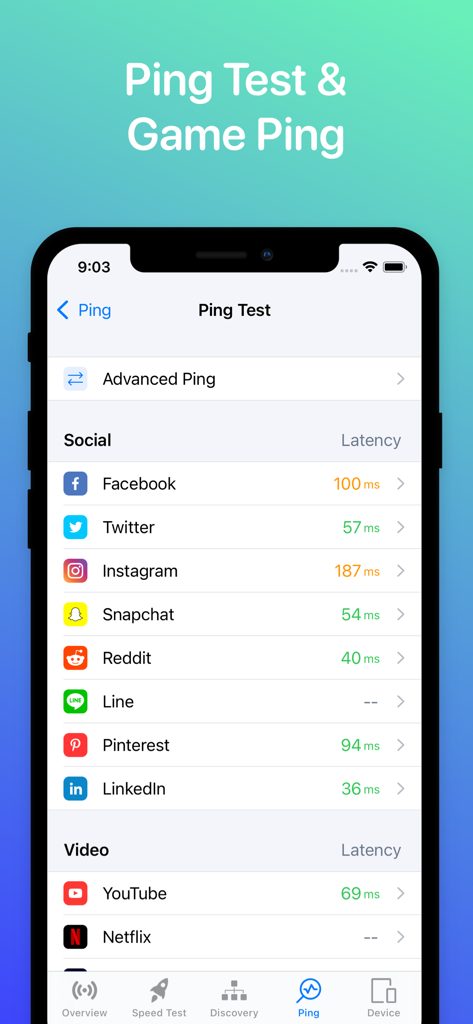
The tools that make this app stand out, trusted by 1M+ users.
Instantly map every device connected to your WLAN. Identify bandwidth hogs and ensure no intruders are piggybacking on your private signal.
Run precision speed tests and monitor Game Ping in real-time. Eliminate lag and ensure your network is ready for 4K streaming and competitive play.
Skip the ISP support call. Use built-in Traceroute, DNS, and WHOIS tools to identify and fix network bottlenecks on your own terms.
Insights from user reviews.
Sentiment Score
Summary
The mobile app receives overwhelmingly negative feedback from users. Many criticisms center on the app's failure to provide promised Wi-Fi analysis capabilities, such as scanning nearby networks or analyzing channel usage, with some users noting iOS platform limitations as a contributing factor. A significant number of reviews also highlight the presence of excessive and intrusive advertisements, frequent app instability, and issues with unexpected pricing or mandatory subscriptions for basic features. While some users find the app useful for detecting devices on their network and appreciate its simplicity, these positive points are overshadowed by a multitude of functional and monetization-related problems.
Common Themes
Everything you need to know about Wifi Analyzer Network Analyzer.
Description
Latest Version
2.7
Size
47.0 MB
First Released
Jan 3, 2022
Join over 1 million power users who eliminate lag and secure their connections with our pro-grade toolkit. Download now and start optimizing.
Everything you need to know about Wifi Analyzer Network Analyzer
Wifi Analyzer Network Analyzer, also known as WiFi Status, is a powerful tool to analyze Wi-Fi networks, discover connected devices, and detect network problems. It also offers speed tests and system information.
Yes, Wifi Analyzer Network Analyzer can test your download and upload speeds for various connections including 2G, 3G, 4G, 5G, DSL, ADSL, and Wi-Fi with a single tap.
The Wifi Analyzer Network Analyzer app discovers all devices connected to your Wi-Fi network. It displays a list of connected devices, including their IP addresses, within the "Discovery" section.
Yes, the Wifi Analyzer Network Analyzer app includes a Ping Test feature, which also offers Game Ping. Users can view latency for various social and video services.
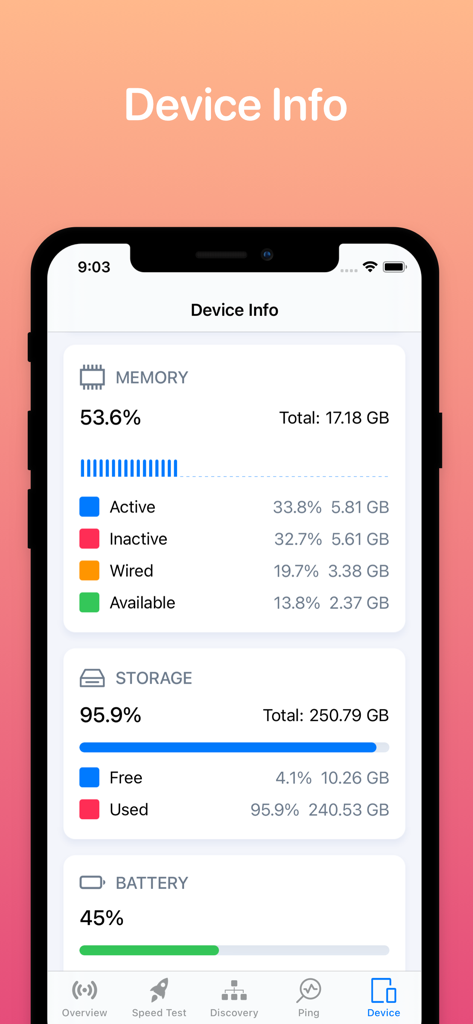
Wifi Analyzer Network Analyzer provides system information including CPU, memory, storage, and general device details. It also shows real-time network speed and traffic.
Wifi Analyzer Network Analyzer offers a 1-week subscription for $2.99, a 1-month subscription for $5.99 (with a 3-day free trial), and a Lifetime subscription for $14.99.
Yes, you can cancel your Wifi Analyzer Network Analyzer subscription at any time within the iTunes and App Store Apple ID Settings. Auto-renewal must be turned off 24 hours before the period ends.
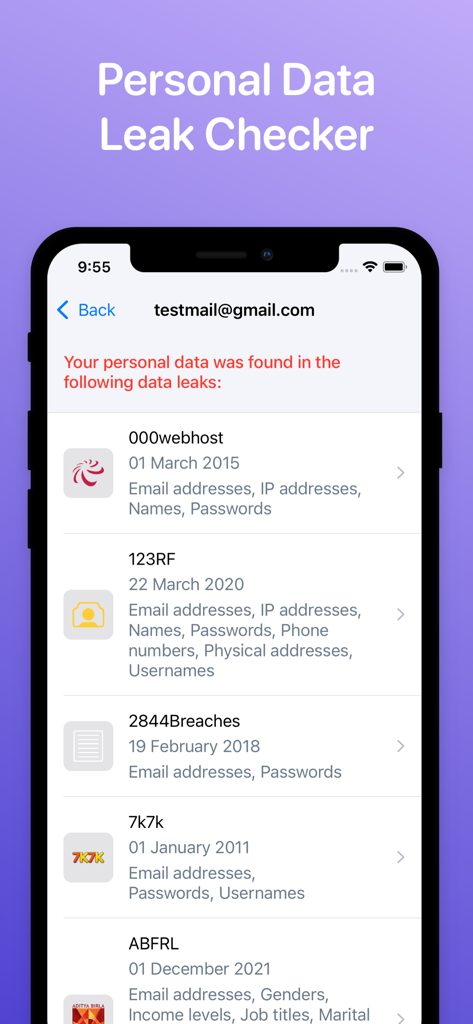
Yes, the Wifi Analyzer Network Analyzer app includes a "Personal Data Leak Checker" feature. It allows users to enter an email address to see if their personal data has been found in known breaches.
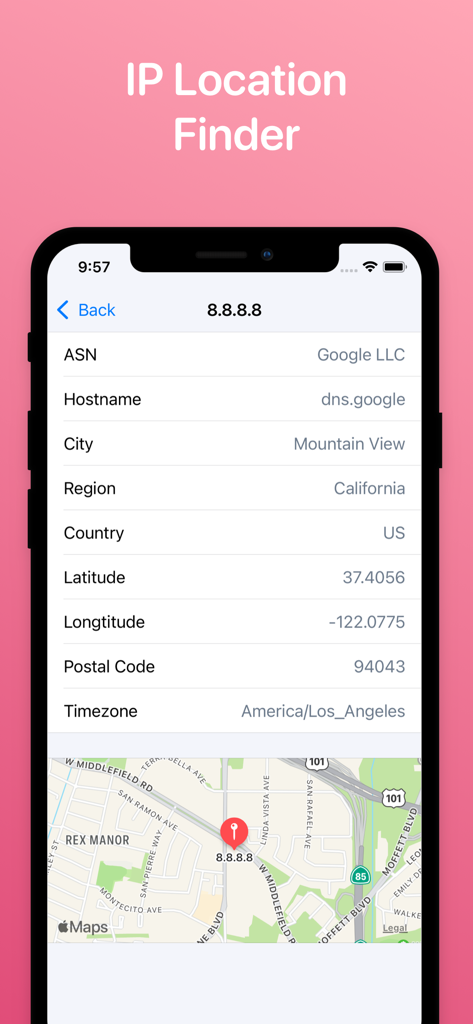
Yes, the Wifi Analyzer Network Analyzer app features an "IP Location Finder." It provides details like ASN, Hostname, City, Country, Latitude, Longitude, and Timezone for a given IP address.
Apps with similar features and user experience

Ubiquiti Inc.

Fing Limited

Spring Tech Co., Ltd.

Huacen Co., LTD

Mattis Knutsson

Jiri Techet

Jiri Techet

方勇 侯

Iurii Mozharovskyi
App information, icons, screenshots, and descriptions displayed on this page are sourced from the Apple App Store and are the property of their respective developers. Download estimates and rankings are based on MWM's proprietary models and may not reflect actual figures. This page is provided for informational and analytical purposes only.
Believe this page infringes your intellectual property? File a dispute