
This page is not an official page of the app or its developer, but an independent editorial publication created for informational and commentary purposes. Unless expressly stated otherwise, neither the app nor its developer is affiliated with, endorsed by, sponsored by, authorized by, or otherwise officially connected with MWM, Apple, Google Play, the app publisher, or the app's developer, and nothing on this page implies that the app was developed using MWM's services. Any trademarks, logos, screenshots, and other content remain the property of their respective owners.


Wiley Reader
Take your learning anywhere with offline access, seamless note syncing, and text-to-speech. Designed for goal-oriented students and professionals who need to master their Wiley content on the go.
Downloads
122K+User Rating
Total Ratings
1K+Publisher
Category
EducationLocales
1Latest Version
1.3.4Size
27.5 MBFirst Released
Jul 12, 2022Your Competitive Edge, Anywhere
The Wiley Reader is the essential tool for success-driven learners. Experience a seamless transition from deep-dive study sessions to efficient on-the-go review.
Productive Commuting
Maximize every minute with text-to-speech. Listen to your textbooks while driving or traveling to keep your study schedule on track.
Seamless Device Sync
Never lose a thought. Your highlights and notes sync automatically between your mobile devices and the web for total academic continuity.
Frequently Asked Questions
Everything you need to know about Wiley Reader
Can I read Wiley books offline with the Wiley Reader app?
Yes, the Wiley Reader app allows users to download their Wiley books for offline access. This feature ensures you can read anywhere, even without an internet connection.
Does Wiley Reader include a text-to-speech feature?
Yes, the Wiley Reader app offers a text-to-speech feature. Users can listen to their Wiley books, making learning accessible on the go.
Does Wiley Reader sync my notes and highlights across devices?
Yes, Wiley Reader syncs your notes, highlights, and bookmarks. These annotations synchronize between the mobile app and the web experience, providing a consistent learning environment.
Can I customize the reading experience in the Wiley Reader app?
Yes, you can personalize your reading experience in Wiley Reader. The app provides display settings to customize features like font style, size, and background colors for easy reading.
What annotation tools are available in the Wiley Reader app?
The Wiley Reader app provides tools to highlight text, take notes, and bookmark pages. These features enable easy reference and marking up content for study and review.
The following screenshots and description are sourced directly from the app's official store listing and are the property of the app developer.
App Store
Screenshots
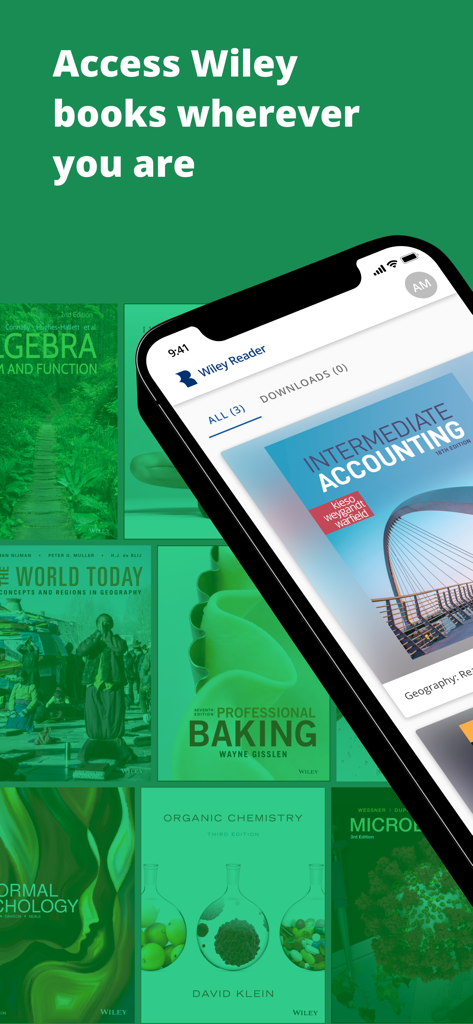
A smartphone displaying the Wiley Reader app interface with various academic textbook covers like Intermediate Accounting and Organic Chemistry.
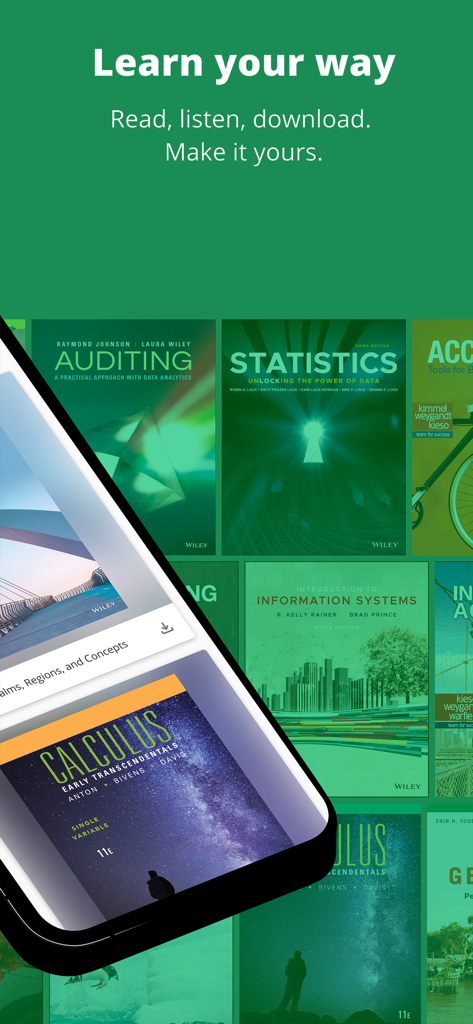
A mobile phone displaying the Wiley Reader app with a collection of academic textbooks.
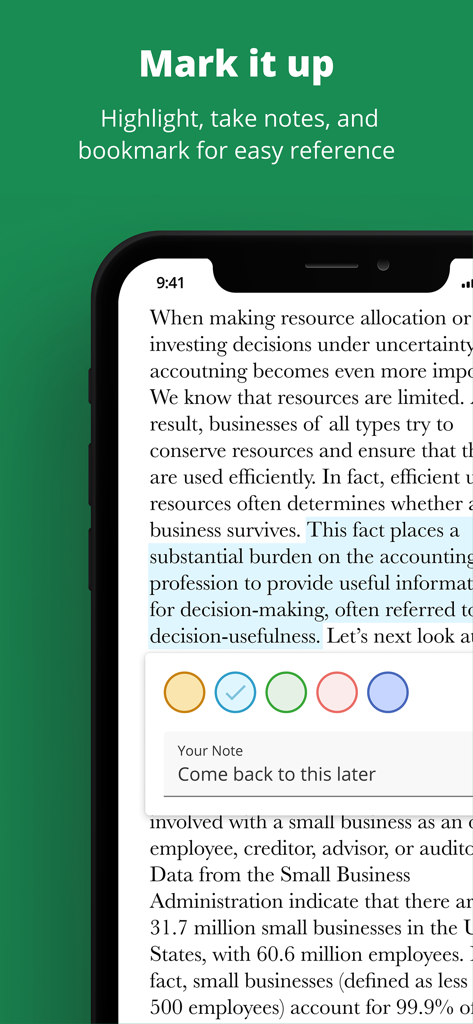
Wiley Reader app interface displaying text highlighting and note-taking features for students and professionals
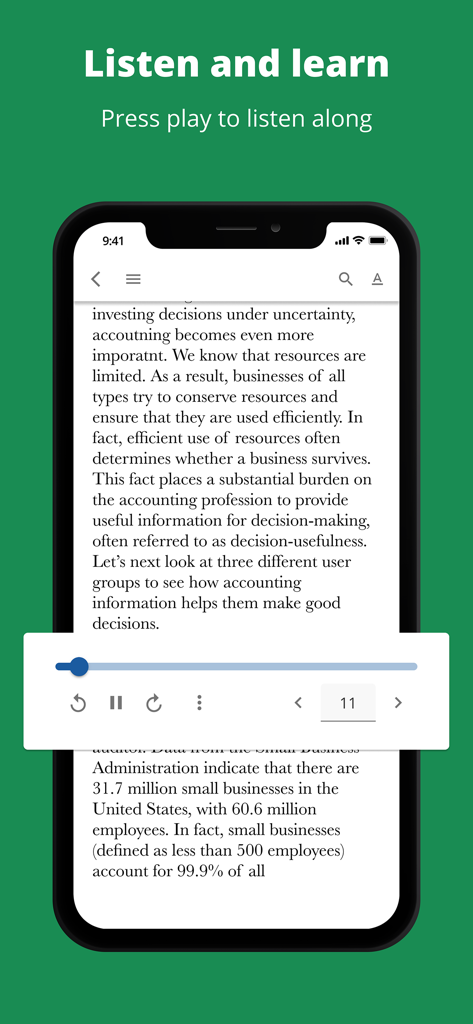
Smartphone screen showing the Wiley Reader app with an active text to speech audio player over an accounting textbook page
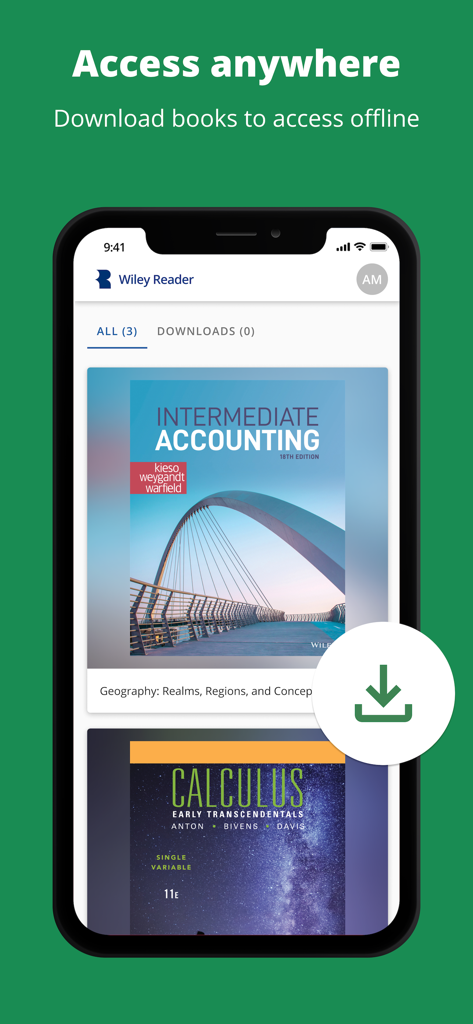
Smartphone screen of Wiley Reader app showcasing offline access and book download feature for academic textbooks
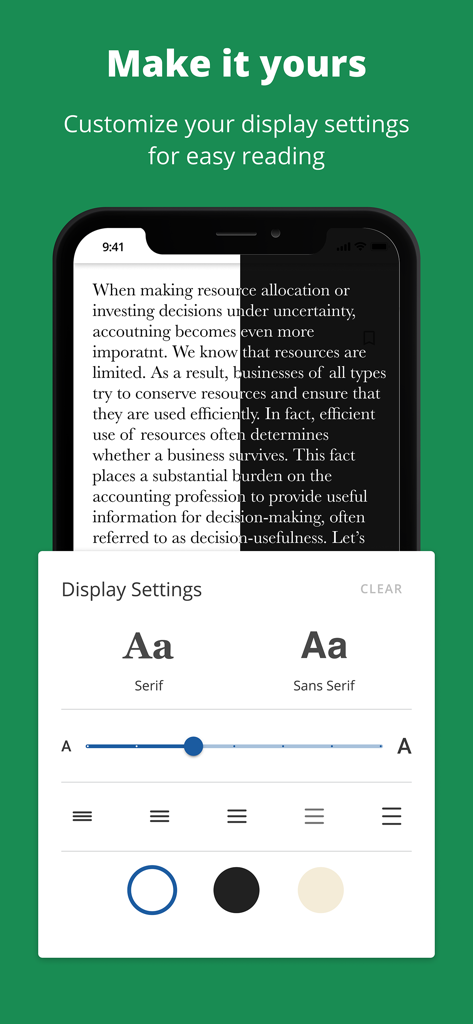
Display settings menu in Wiley Reader app showing font, size, and background color customization options.
Description
Download
More Like This
Top-ranked apps in the same category

Duolingo - Language Lessons
Duolingo, Inc

Speak & Learn English: Learna
DEEP FLOW SOFTWARE SERVICES - FZCO

驾考宝典-科一科四驾驶证考试驾考通
Wuhan Jiakaobaodian Information Service Co., Ltd.

Toca Boca World
Toca Boca AB

Google Classroom
Google LLC

作业帮-中小学家长作业检查和辅导工具
Guangzhou Polar Future Culture Technology Co., Ltd

学信网
Student Information Consultation Service Co., Ltd.

Gauth: AI Study Companion
GAUTHTECH PTE. LTD.

ArtWorkout: Learn How to Draw
Aleksandr Ulitin
This page is not an official page of the app or its developer, but an independent editorial publication created for informational and commentary purposes. Unless expressly stated otherwise, neither the app nor its developer is affiliated with, endorsed by, sponsored by, authorized by, or otherwise officially connected with MWM, Apple, Google Play, the app publisher, or the app's developer, and nothing on this page implies that the app was developed using MWM's services. Any trademarks, logos, screenshots, and other content remain the property of their respective owners.