Word to PDF Converter ©

Word to PDF Converter ©

Download on App Store
Logo of Word to PDF Converter ©

Word to PDF Converter ©: The All-in-One Professional Document Studio for Your iPhone

Lightning-fast, offline, and secure. Transform, scan, sign, and merge documents in seconds—no internet required. Your entire office, optimized for your pocket.

Download on App Store

Publisher

Kamalkumar Trapasiya

Category

Productivity

Downloads

12K+

User Rating

4.3/5

Total Ratings

100

Locales

1

Efficiency in Motion

Discover the interface used by 12K+ users.
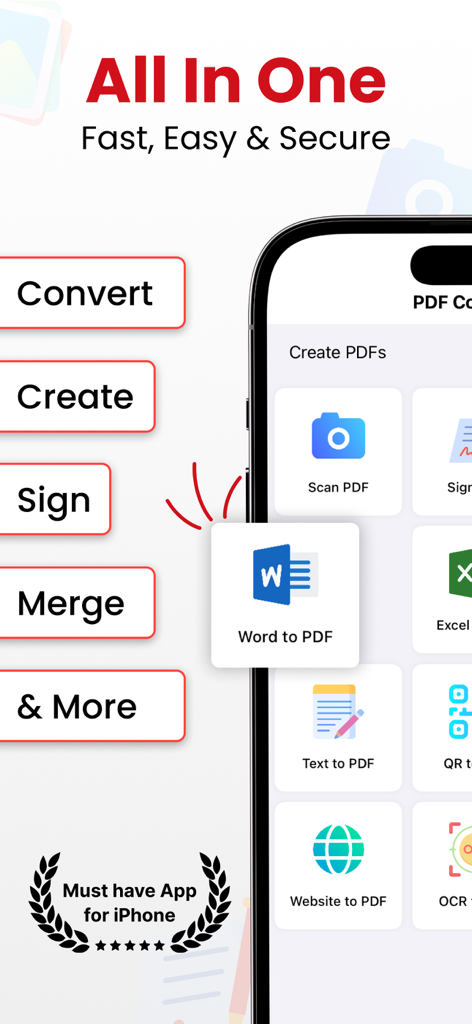
Word to PDF Converter app interface on iPhone showing document management features

Word to PDF Converter app interface on iPhone showing document management features

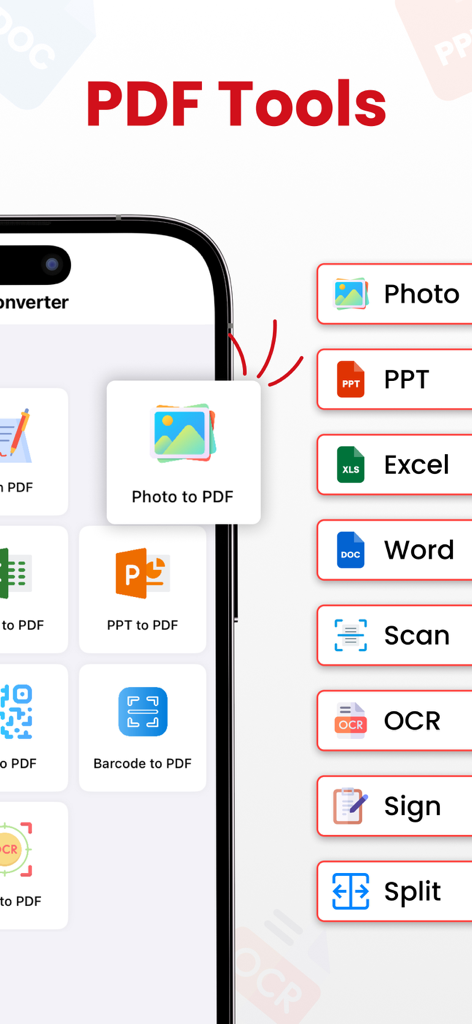
Mobile screen showing PDF tools for converting photos scanning documents and signing files

Mobile screen showing PDF tools for converting photos scanning documents and signing files

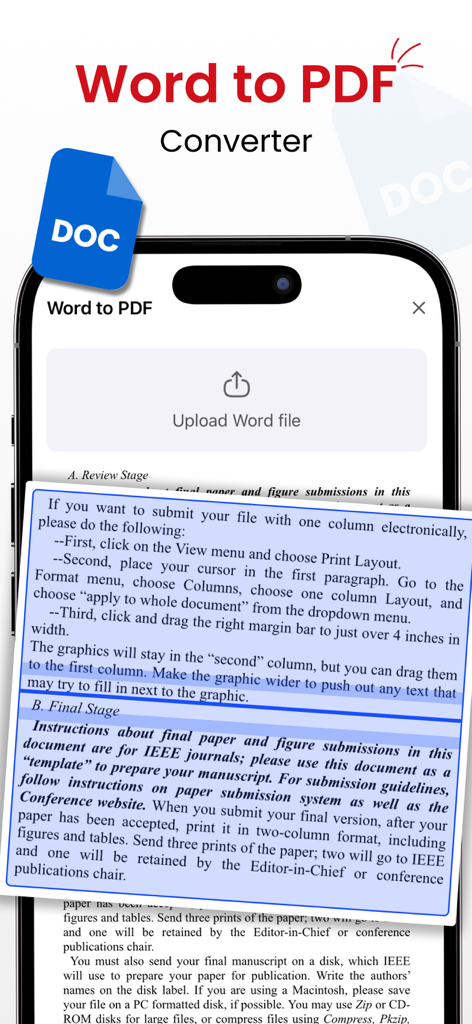
Word to PDF Converter mobile app interface showing document upload and preview features

Word to PDF Converter mobile app interface showing document upload and preview features

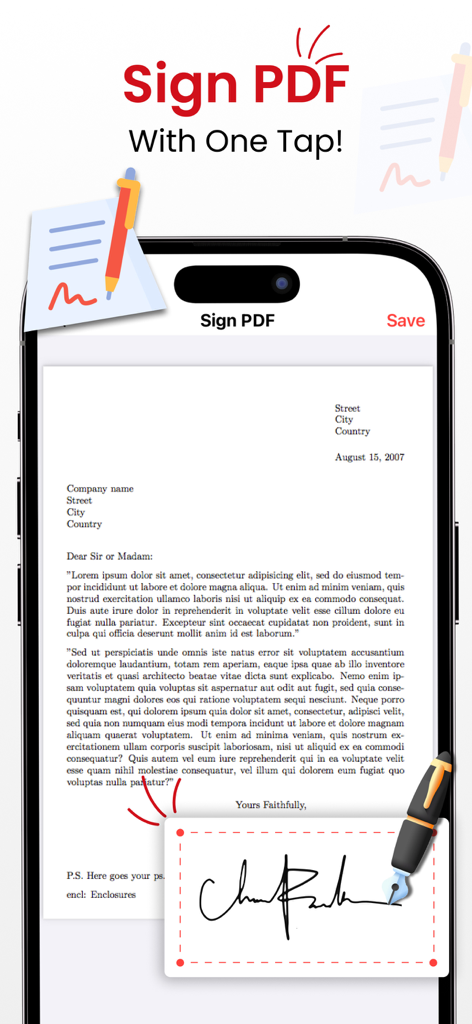
An iPhone displaying the Sign PDF feature with a digital signature pad and a document being signed

An iPhone displaying the Sign PDF feature with a digital signature pad and a document being signed

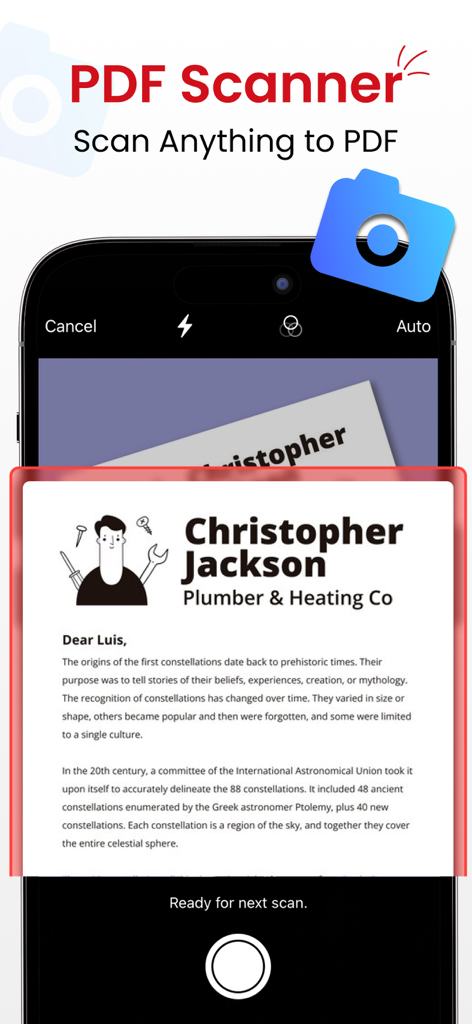
iPhone app screen showing document scanner feature capturing a printed letter to convert to PDF

iPhone app screen showing document scanner feature capturing a printed letter to convert to PDF

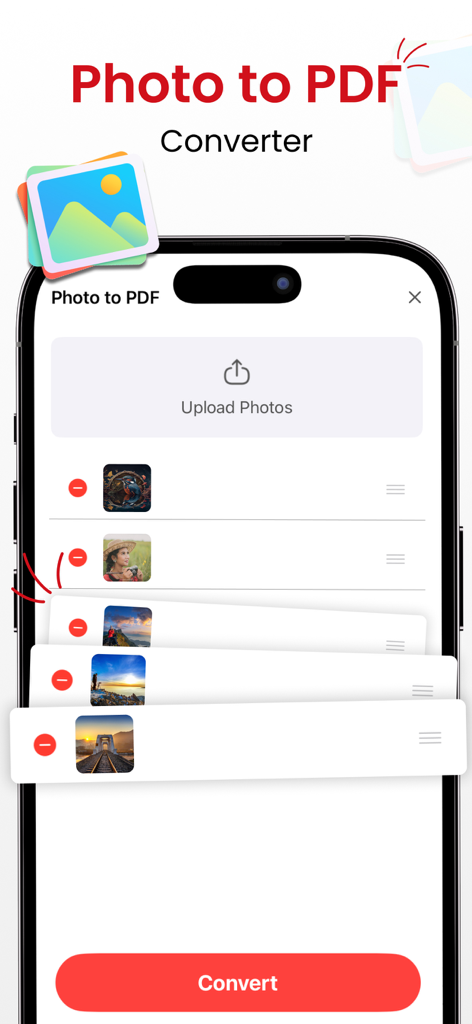
A mobile interface showing the photo to pdf conversion feature with a list of uploaded images and a convert button

A mobile interface showing the photo to pdf conversion feature with a list of uploaded images and a convert button

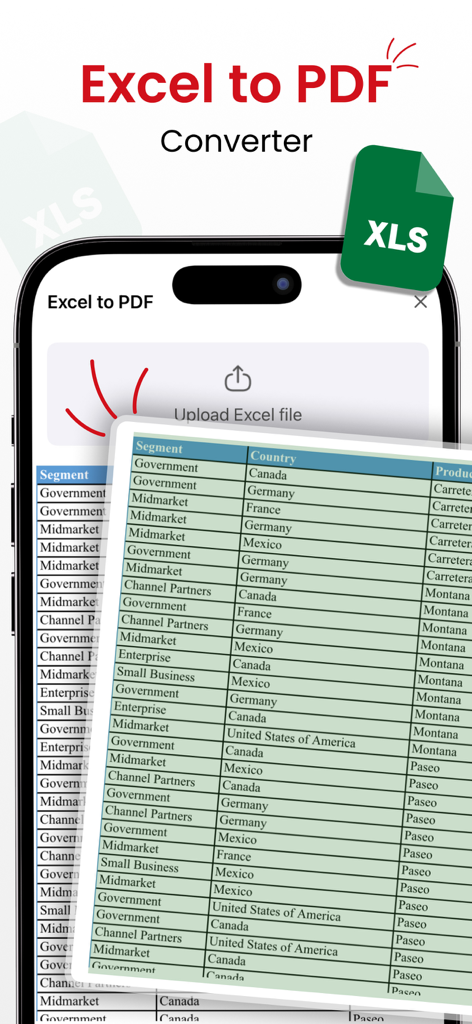
Smartphone displaying the Excel to PDF conversion feature with a spreadsheet data table

Smartphone displaying the Excel to PDF conversion feature with a spreadsheet data table

Your All-in-One Mobile Document Command Center

The tools that make this app stand out, trusted by 12K+ users.

Lightning-Fast Offline Conversion

Transform Word documents, photos, and web pages into high-quality PDFs instantly without needing an internet connection.

✍️

Scan, Sign, and Edit Anywhere

Turn physical papers into digital files with OCR and sign contracts directly on your screen—no printer or scanner required.

🛠️

Pro-Level Document Management

Effortlessly merge, split, and compress files to keep your professional workflow organized and ready for instant sharing.

About the app

Everything you need to know about Word to PDF Converter ©.

Description

Unlock the full potential of document management with PDF Converter—the go-to app for lightning-fast PDF transformation. Seamlessly convert a variety of files using robust tools for instant, offline PDF creation. - Effortless PDF Conversion: Convert files to PDF with unmatched speed and quality—no internet required. - Preserve Memories, Instantly: Transform photos into professional-grade PDFs with a single tap. - OCR for Seamless Text Recognition: Easily convert text images to editable PDFs with advanced OCR technology. - Capture Web Content, Anytime: Store valuable web content with Website to PDF—your information, your way. Dynamic Code Conversion: - QR to PDF: Convert QR codes into PDFs effortlessly. - Barcode to PDF: Transform barcodes and UPC codes into easily shareable PDFs. Optimized PDF Management: - Merge PDFs: Combine multiple PDFs into one organized document. - Split PDFs: Divide large PDFs into smaller, manageable files. - Compress PDFs: Optimize file sizes without compromising quality. Versatile Document Handling: - Document Scanner: Quickly scan and convert documents into high-quality PDFs. - Document Reader: View PDFs, Word, Excel, and Powerpoint documents. - Sign PDFs: Add signatures directly to your PDFs, making it easy to sign contracts and agreements on the go. Why Choose PDF Converter? - Supports a vast range of file formats for a seamless experience. - Unparalleled speed and quality in document conversion. - No internet connection needed, ensuring accessibility anytime, anywhere. - Share your professionally converted files effortlessly with friends and family. Highly Trusted - Join satisfied users who rely on us for their document conversion needs. PRO Version: Unlock the full potential of our app with premium version. Payment will be charged to your iTunes account at confirmation of purchase. Subscriptions automatically renew unless auto-renew is turned off 24-hours before the end of the current period. Accounts will be charged for renewal within 24 hours of the end of the current period, and a renewal fee will be provided. The unused portion of a free trial period, if offered, will be forfeited when the user purchases a subscription to that product. Please note that a subscription is required for the complete functionality of the app. Privacy: https://sites.google.com/view/kttechapps-privacy/home Terms: https://sites.google.com/view/kttechapps-terms/home Love using PDF Converter? Share the app or leave a review! Your feedback helps us improve. Download Now and Unleash the Power of Comprehensive Document Management!

Latest Version

2.8

Size

29.1 MB

First Released

Jan 22, 2022

Master Your Documents on the Go

Join thousands of professionals and students who have turned their iPhone into a high-powered mobile office. Download now to scan, sign, and convert any file—anytime, anywhere, and completely offline.

Download on App Store

App information, icons, screenshots, and descriptions displayed on this page are sourced from the Apple App Store and are the property of their respective developers. Download estimates and rankings are based on MWM's proprietary models and may not reflect actual figures. This page is provided for informational and analytical purposes only.

Believe this page infringes your intellectual property? File a dispute