Word to PDF Converter -convert

Word to PDF Converter -convert

Download on App Store
Logo of Word to PDF Converter -convert

Word to PDF Converter -convert: Professional PDF Creation in One Tap

The fastest way to transform Word documents into high-quality PDFs on your iPhone and iPad. Handle batch conversions effortlessly and share polished files with your team or school in seconds.

Download on App Store

Publisher

Mohamed Oufqir

Category

Productivity

Downloads

2K+

User Rating

4.6/5

Total Ratings

0

Locales

3

Efficiency at a Glance

Discover the interface used by 2K+ users.
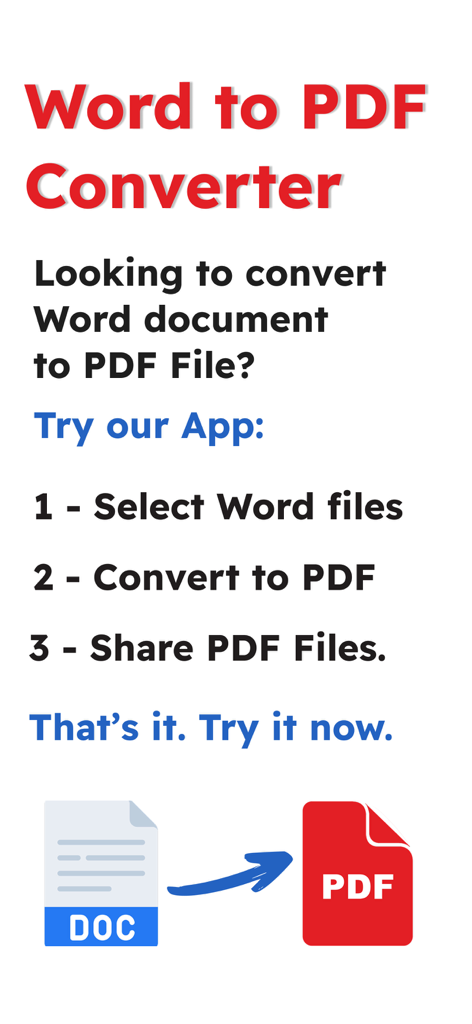
Graphic showing the three-step process for converting Word documents to PDF files: select files, convert to PDF, and share files.

Graphic showing the three-step process for converting Word documents to PDF files: select files, convert to PDF, and share files.

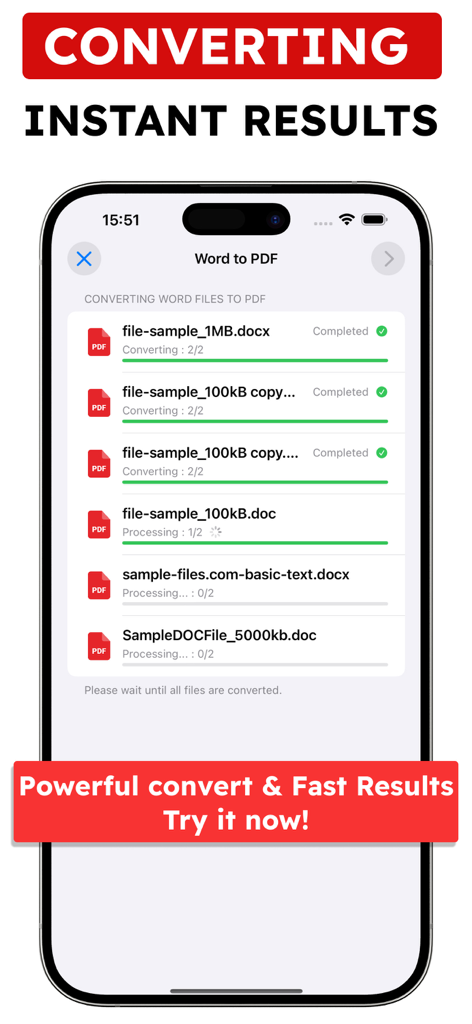
Interface of Word to PDF Converter app showing batch conversion of multiple documents on iPhone

Interface of Word to PDF Converter app showing batch conversion of multiple documents on iPhone

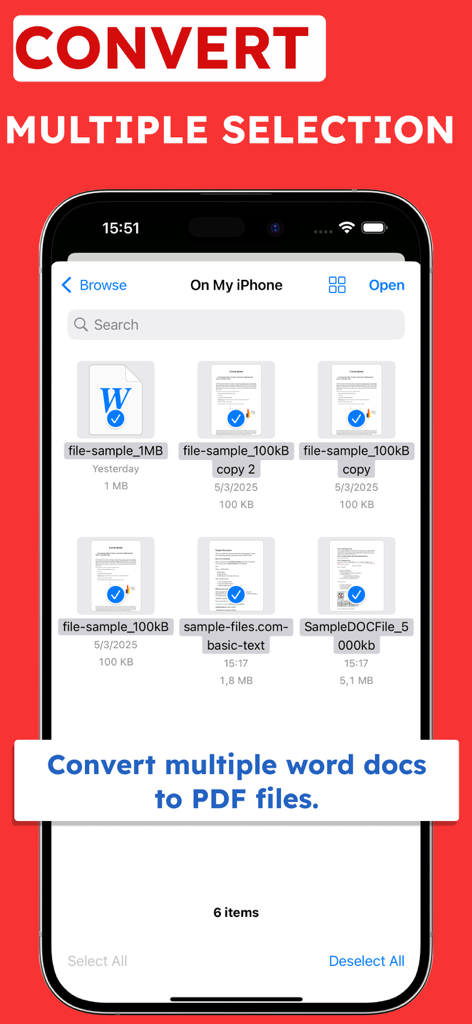
A mobile interface showing the multiple selection feature for converting several Word documents to PDF at once.

A mobile interface showing the multiple selection feature for converting several Word documents to PDF at once.

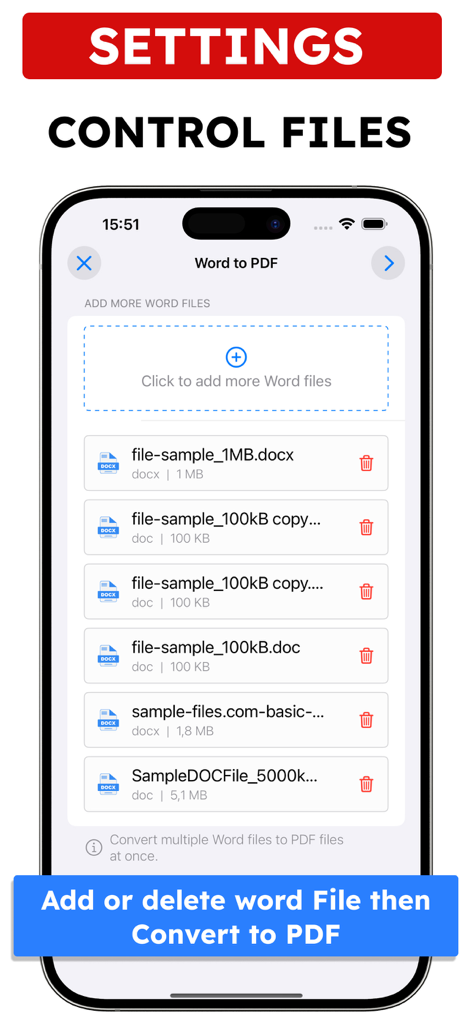
A mobile interface for managing multiple Word documents before converting them to PDF

A mobile interface for managing multiple Word documents before converting them to PDF

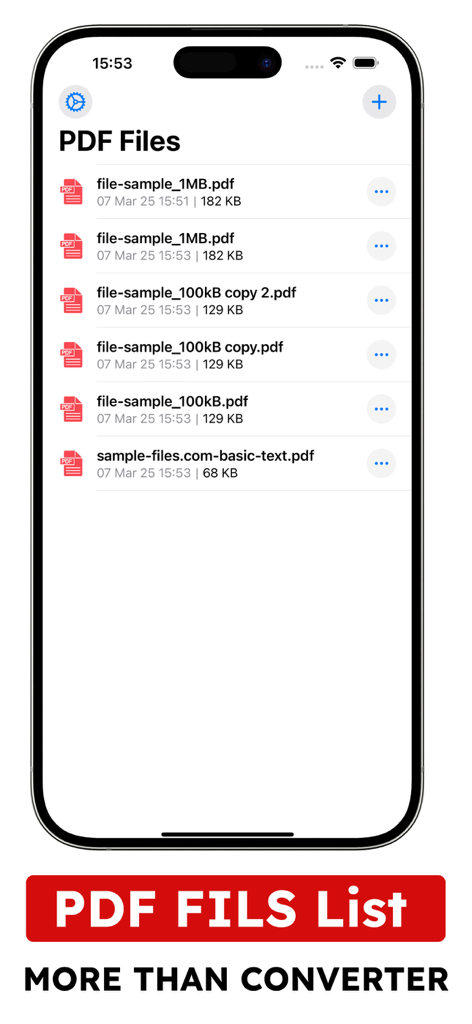
iPhone screen showing a list of converted PDF files within the Word to PDF Converter app interface

iPhone screen showing a list of converted PDF files within the Word to PDF Converter app interface

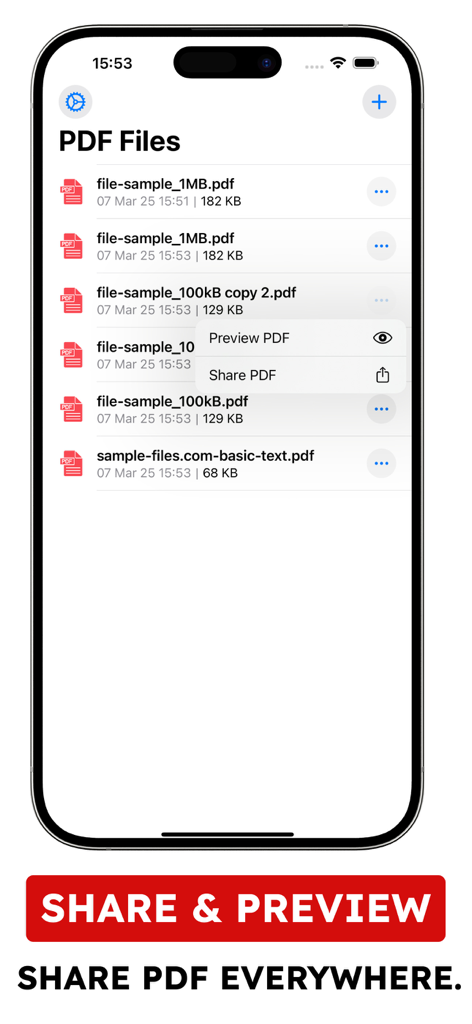
Mobile interface showing a list of converted PDF files with options to preview and share documents

Mobile interface showing a list of converted PDF files with options to preview and share documents

Master Your Document Workflow

The tools that make this app stand out, trusted by 2K+ users.

Instant Batch Conversion

Stop wasting time on single files. Import multiple .doc or .docx documents and convert them all at once with a single tap.

Preserve Your Layout

Ensure your resumes, invoices, and essays look exactly as intended. Our engine keeps your formatting perfect across all devices.

📲

Mobile-First Efficiency

Designed for the on-the-go lifestyle. Convert, save, and share professional-grade files whether you are in a coffee shop or commuting.

About the app

Everything you need to know about Word to PDF Converter -convert.

Description

Are you looking for an app that converts Word files to PDF File, this app is for you. Our app will help user to convert they documents into PDF Files easily and fastly: Choose your Word files (.docx, .doc) Convert to PDF Files Share or resave converted Files Our app allows you to import multiple word documents and do multiple conversions at the same time. We hope you find our app useful and help you convert documents files to PDF files. Some features are pro features within the app purchase plan: Week : 1.99$, Month : 3.99$, year :15.99$ Note: * Each subscription will be automatically renewed unless auto-renew is turned off at least 24 hours before the end of the current payment period. * Your iTunes account will be automatically charged at the same price for renewal within the 24-hour period prior to the end of the current payment period unless you change your subscription preferences in your iTunes Account Settings. * Payment will be charged to iTunes Account at confirmation of purchase. Any unused portion of a free trial period, if offered, will be forfeited when the user purchases a subscription to that publication, where applicable. Terms & Privacy URL https://www.appcreativitylab.com/word-to-pdf-converter-privacy-and-terms

Latest Version

1.2

Size

8.6 MB

First Released

Mar 9, 2025

Ready to Convert Your Documents Instantly?

Join thousands of professionals and students who trust our app for fast, reliable, and professional Word to PDF conversions. Download now and start batch processing on the go.

Download on App Store

App information, icons, screenshots, and descriptions displayed on this page are sourced from the Apple App Store and are the property of their respective developers. Download estimates and rankings are based on MWM's proprietary models and may not reflect actual figures. This page is provided for informational and analytical purposes only.

Believe this page infringes your intellectual property? File a dispute