Word to PDF Converter - Reader

Word to PDF Converter - Reader

Download on App Store
Logo of Word to PDF Converter - Reader

Word to PDF Converter - Reader: Your All-in-One Mobile Document Studio

Effortlessly convert, merge, and secure your files on the go. Designed for professionals and students who need to transform Word, images, and slides into polished, password-protected PDFs with just a few taps.

Publisher

CONTENT ARCADE DUBAI LTD FZE

Category

Utilities

Downloads

761K+

User Rating

4.1/5

Total Ratings

3K+

Locales

68

Your Office, Simplified

Discover the interface used by 761K+ users.
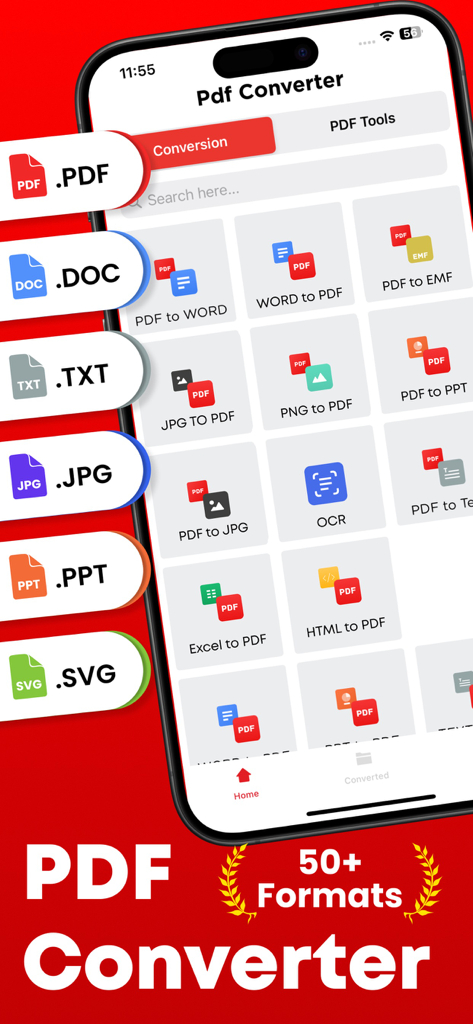
Mobile app screen showing various document conversion options like PDF to Word and JPG to PDF with support for over fifty formats.

Mobile app screen showing various document conversion options like PDF to Word and JPG to PDF with support for over fifty formats.

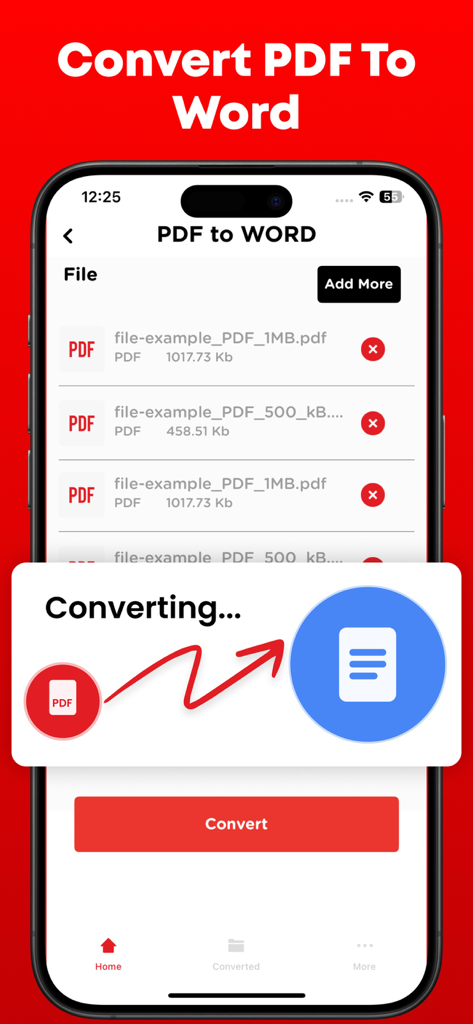
Interface showing the process of converting a PDF file into a Word document on a smartphone

Interface showing the process of converting a PDF file into a Word document on a smartphone

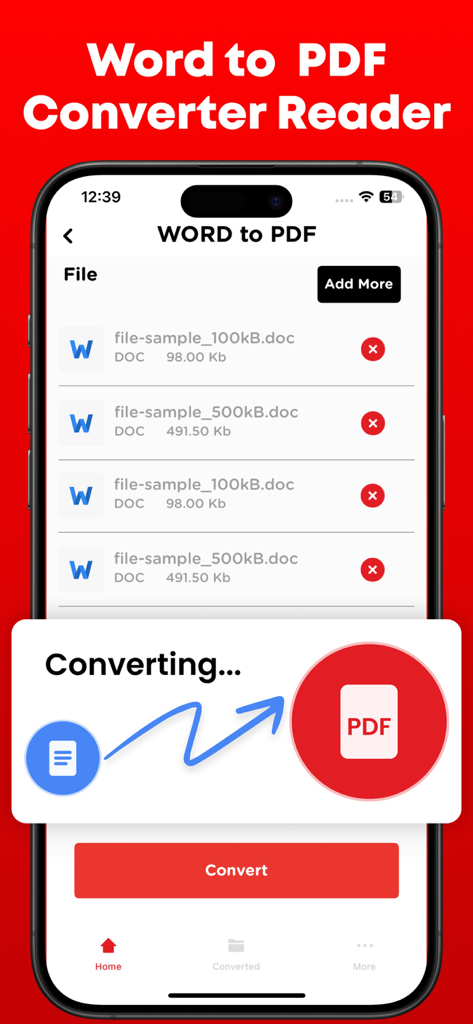
Word to PDF Converter app interface showing document conversion process on iPhone

Word to PDF Converter app interface showing document conversion process on iPhone

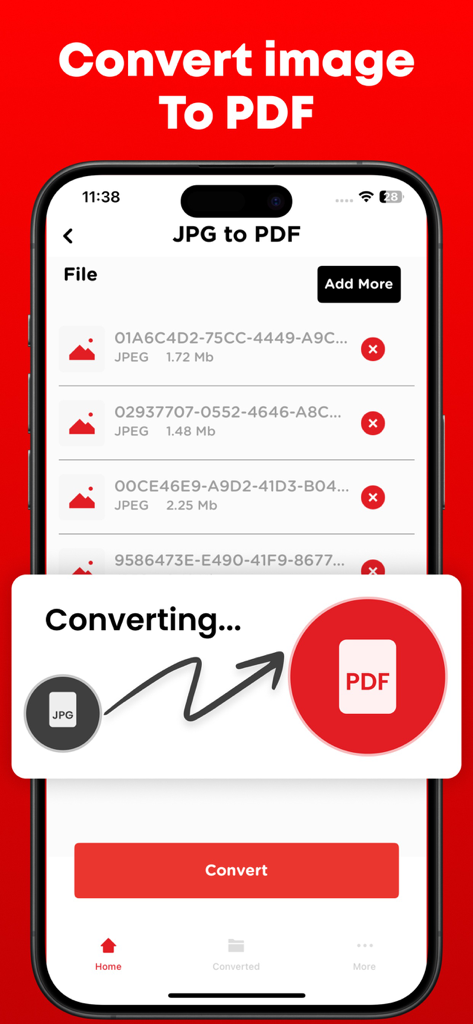
Mobile app interface showing the process of converting JPG image files to a PDF document

Mobile app interface showing the process of converting JPG image files to a PDF document

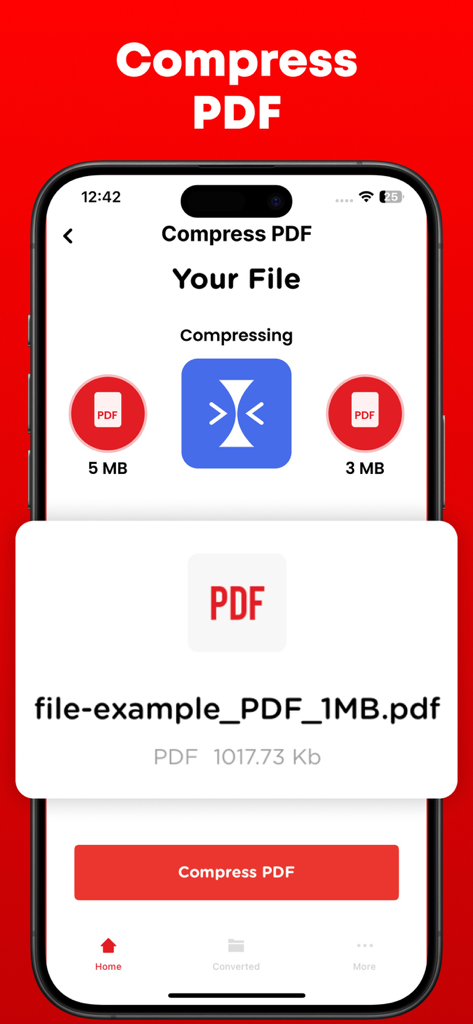
A smartphone screen displaying a PDF compression feature reducing a file from 5MB to 3MB.

A smartphone screen displaying a PDF compression feature reducing a file from 5MB to 3MB.

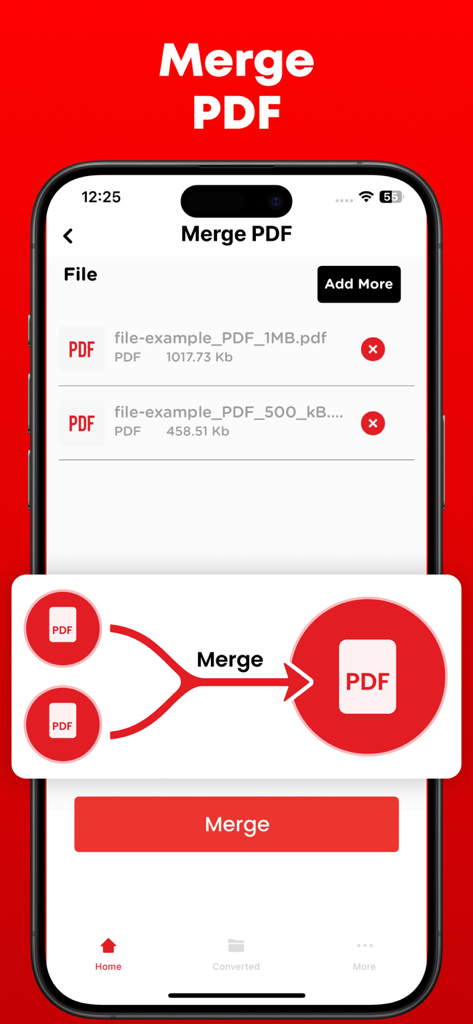
Interface of the Word to PDF Converter app showing the Merge PDF feature on an iPhone screen.

Interface of the Word to PDF Converter app showing the Merge PDF feature on an iPhone screen.

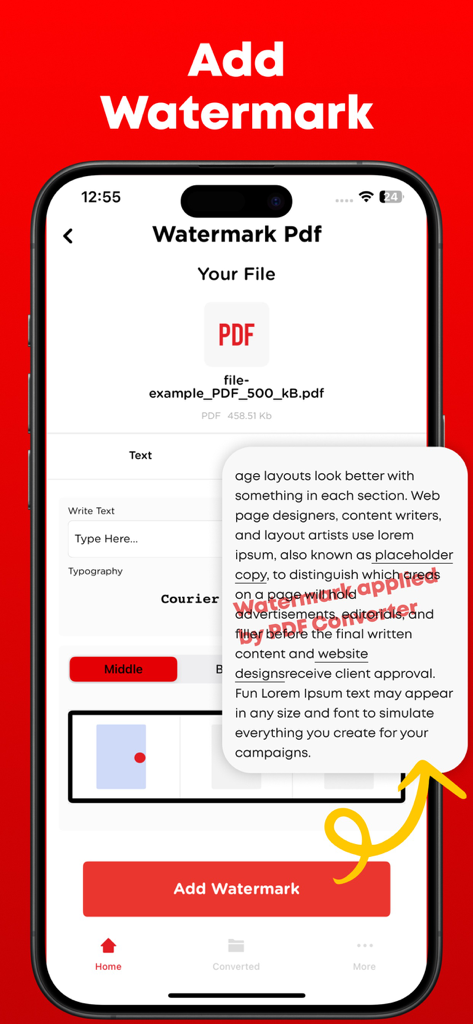
Interface of the Word to PDF Converter app showing the Add Watermark feature with text customization and a document preview

Interface of the Word to PDF Converter app showing the Add Watermark feature with text customization and a document preview

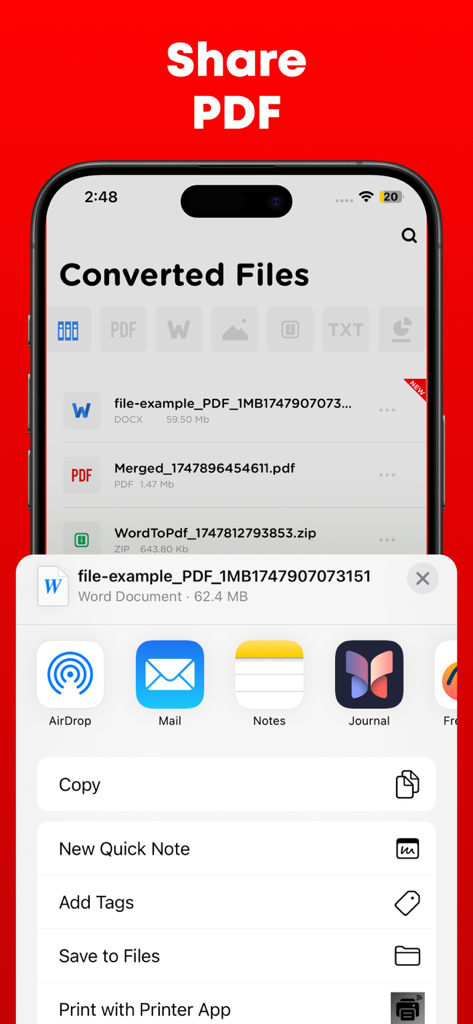
iPhone interface showing the sharing options for a converted PDF document

iPhone interface showing the sharing options for a converted PDF document

Master Your Documents Anywhere

The tools that make this app stand out, trusted by 761K+ users.

Lightning-Fast Conversions

Transform Word docs, PowerPoint slides, and images into professional PDFs instantly, ensuring your files are always submission-ready.

🖋️

Total Creative Control

Merge multiple reports, split pages, or add custom watermarks to protect your work—ideal for architects and freelance professionals.

🛡️

Secure and Private Sharing

Protect sensitive contracts with password encryption and seamlessly sync with Google Drive or Dropbox for safe, mobile-first workflows.

Review Analysis

Insights from user reviews.

Sentiment Score

25%
Negative

Summary

Users report significant dissatisfaction with this mobile app, primarily citing its misleading 'free trial' which frequently leads to unexpected and automatic subscription charges, alongside difficulties in canceling these subscriptions. Many reviewers also experienced critical failures in the app's core conversion functionality, often finding it unreliable or producing corrupted files. Despite these prevalent issues, a small number of users appreciated its fast performance, intuitive design, and specific conversion accuracy for certain file types. The overall feedback indicates a strong negative sentiment due to the deceptive pricing practices and poor functionality.

Common Themes

Ease of Use(2)
Conversion Accuracy(1)
App Performance(1)
App Design(1)
Additional Tools(1)

About the app

Everything you need to know about Word to PDF Converter - Reader.

Description

Transform, modify, and save your vital documents effortlessly with the help of PDF converter. PDF converter can not only convert the files but merge and split them as well.

PDF files are mostly used by professional designers and architects for presentation purpose. PDF to Image or Image to PDF can easily be converted if you have file present in the storage of your smartphone else you can upload the file from Dropbox or Google drive. PDF converter comes with the following features. 1- Create, edit, merge and split PDF document in this PDF Converter. 2- Convert PDF to Word 3- Convert PDF to JPG 4- Convert PowerPoint slides to PDF 5- Convert JPG to PDF 6- You can check your recently converted files in the main menu of the PDF Converter. 7- Share these files where you find necessary an online social network. 8- Add watermark to the areas in the PDF file for better explanations. 9- Unlock or lock PDF file so no one can access it without a password. PDF files are the most secure way of sharing files over the internet. The reason is no one can copy content and cannot edit the file without permissions if it is locked. Note: Payment will be charged to your iTunes account at confirmation of purchase. Your subscription will automatically renew unless auto-renew is turned off at least 24-hours before the end of the current subscription period. Your account will be charged for renewal within 24-hours prior to the end of the current subscription period. Automatic renewals will cost the same price you were originally charged for the subscription. You can manage your subscriptions and turn off auto-renewal by going to your Account Settings on the App Store after purchase. Read our terms of service and Privacy Policy for more information. Privacy Policy: https://www.contentarcade.com/pdf-converter-privacy-poilcy Terms of Use: https://www.contentarcade.com/pdf-converter-terms-of-use

Latest Version

9.1

Size

55.7 MB

First Released

Feb 12, 2019

Your Portable Office is Just a Tap Away

Join over 750,000 professionals and students who convert, secure, and share documents instantly. Get the ultimate mobile utility for your iPhone and iPad today.

Download on App Store

App information, icons, screenshots, and descriptions displayed on this page are sourced from the Apple App Store and are the property of their respective developers. Download estimates and rankings are based on MWM's proprietary models and may not reflect actual figures. This page is provided for informational and analytical purposes only.

Believe this page infringes your intellectual property? File a dispute