
This page is not an official page of the app or its developer, but an independent editorial publication created for informational and commentary purposes. Unless expressly stated otherwise, neither the app nor its developer is affiliated with, endorsed by, sponsored by, authorized by, or otherwise officially connected with MWM, Apple, Google Play, the app publisher, or the app's developer, and nothing on this page implies that the app was developed using MWM's services. Any trademarks, logos, screenshots, and other content remain the property of their respective owners.
XRecorder Screen Video
Capture HD recordings, extract audio for trending content, and generate stunning AI images with DALL-E 3. The essential toolkit for modern creators and professionals.
Downloads
1K+User Rating
Total Ratings
0Publisher
Category
Photo & VideoLocales
1Latest Version
1.0Size
39.5 MBFirst Released
Feb 26, 2026One Powerhouse App, Endless Content Possibilities
Stop switching between dozens of utilities. XRecorder combines high-definition capture, instant media conversion, and AI creativity into a single, high-speed workflow designed for the modern creator.
One-Tap Pro Recording
Capture tutorials, gameplay, or reactions in crystal-clear HD. Designed for low-latency performance so your workflow stays smooth and professional.
Instant Audio Extraction
The ultimate shortcut for TikTok and Reels. Effortlessly rip high-quality audio from any video to sample trending sounds or create voiceovers.
The following screenshots and description are sourced directly from the app's official store listing and are the property of the app developer.
App Store
Screenshots
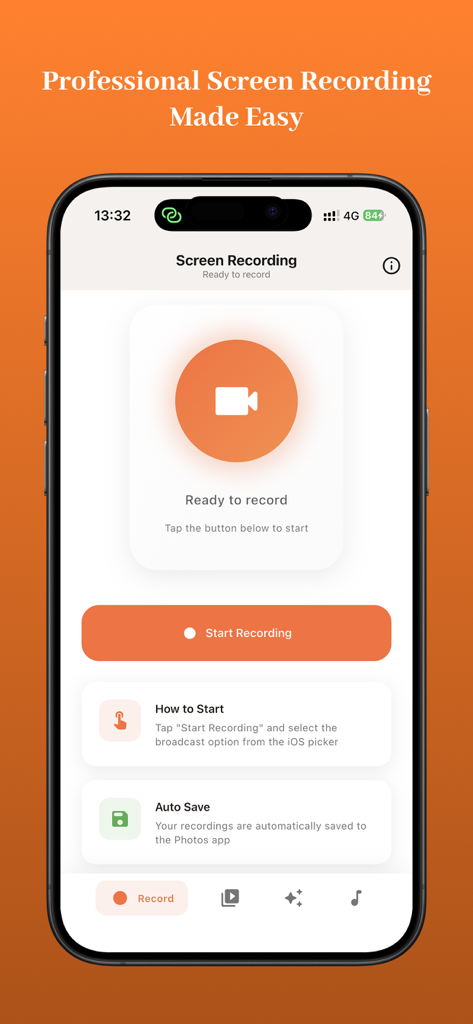
XRecorder app interface on iPhone showing the start screen recording button and setup instructions.
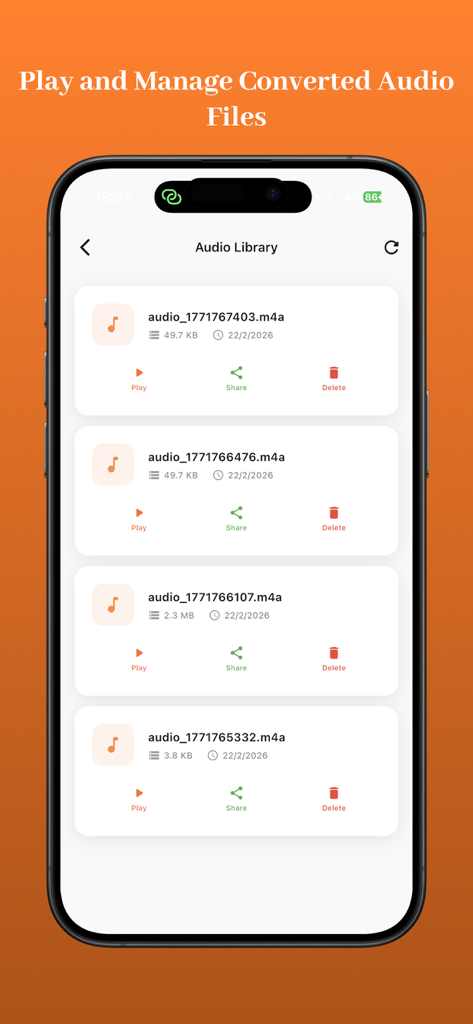
XRecorder app audio library interface showing a list of converted audio files with options to play share and delete
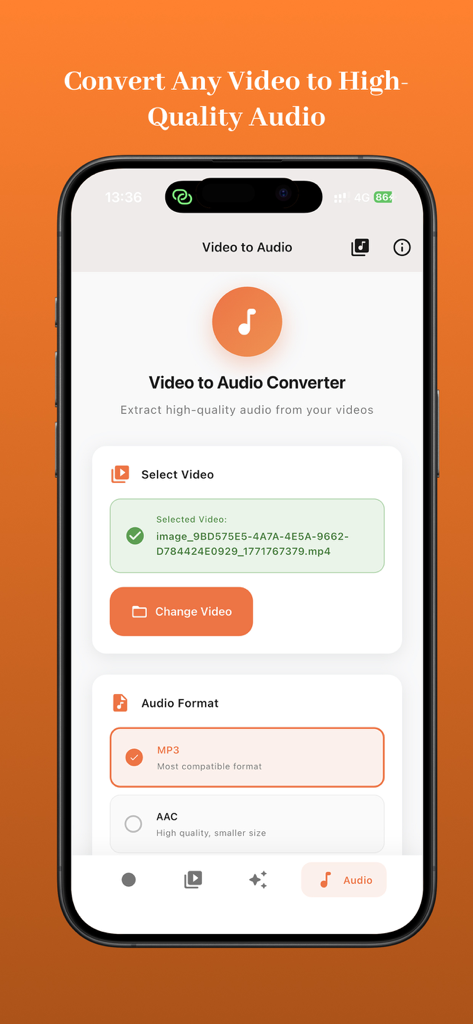
XRecorder interface for converting video to high quality audio formats like MP3 and AAC
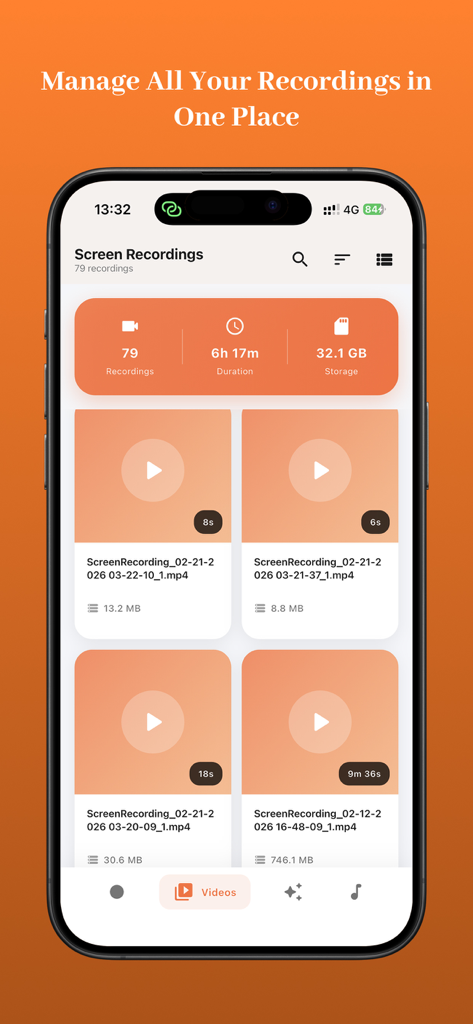
XRecorder app interface showing a list of saved screen recordings with video thumbnails and file details
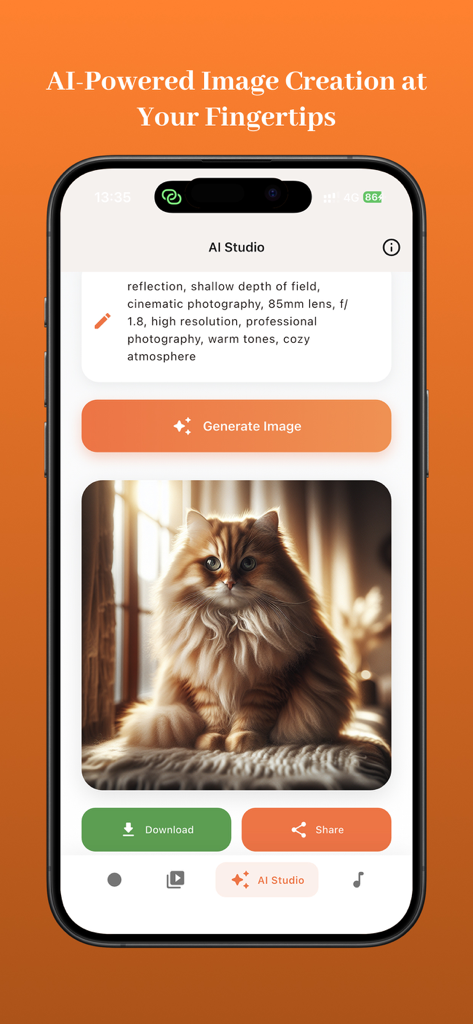
AI Studio interface in XRecorder app showing a generated image of a fluffy cat from a text prompt
Description
Download
More Like This
Top-ranked apps in the same category

CapCut: Photo & Video Editor
BYTEDANCE PTE. LTD.

Instagram, Inc.

YouTube
Google LLC

Canva: AI Video & Photo Editor
Canva Pty Ltd

Snapchat
Snap, Inc.

Edits: Video Editor
Instagram, Inc.

快手
Beijing Kwai Technology Co., Ltd.
Meta AI - Vibes & AI Glasses
Meta Platforms, Inc.
Google Photos: Backup & Edit
Google LLC
This page is not an official page of the app or its developer, but an independent editorial publication created for informational and commentary purposes. Unless expressly stated otherwise, neither the app nor its developer is affiliated with, endorsed by, sponsored by, authorized by, or otherwise officially connected with MWM, Apple, Google Play, the app publisher, or the app's developer, and nothing on this page implies that the app was developed using MWM's services. Any trademarks, logos, screenshots, and other content remain the property of their respective owners.