
This page is not an official page of the app or its developer, but an independent editorial publication created for informational and commentary purposes. Unless expressly stated otherwise, neither the app nor its developer is affiliated with, endorsed by, sponsored by, authorized by, or otherwise officially connected with MWM, Apple, Google Play, the app publisher, or the app's developer, and nothing on this page implies that the app was developed using MWM's services. Any trademarks, logos, screenshots, and other content remain the property of their respective owners.


Yono Lite SBI
No more branch queues; this app puts your bank in your pocket, making financial control instant and personal.
Downloads
5M+User Rating
Total Ratings
52.7KPublisher
Category
FinanceLocales
1Latest Version
8.4.1Size
96.5 MBFirst Released
May 7, 2014An Analytical Review of Key Features for SBI Customers
Yono Lite SBI: Core Banking & Digital Convenience
Comprehensive Fund Transfers
It allows users to securely transfer funds between their own accounts, to other SBI accounts, and to other banks via RTGS, NEFT, and IMPS, including quick transfers and efficient beneficiary management.
Seamless UPI Payments
The app facilitates fast and secure UPI fund transfers to both registered and unregistered beneficiaries, offering control over transaction limits and dispute resolution.
Detailed Account Overview
The app provides comprehensive access to detailed information for various accounts (Savings, Loan, PPF), including mini-statements, mPassbooks, and options to view or download full statements.
Convenient Bill Payments
This tool features a convenient way to pay various bills, including SBI Life Premiums, and provides users with a clear history of all past bill payments.
Robust Card Controls
It allows users to effectively manage their physical, virtual, and prepaid cards, offering critical controls over card channels, usage limits, hotlisting, and PIN setting for enhanced security.
Secure Card-less Cash Withdrawal (Yono Cash)
The app features a secure card-less cash withdrawal facility through Yono Cash at ATMs, providing a convenient and safer alternative to traditional debit card withdrawals.
QR-based ATM Cash Withdrawal
It enables users to conveniently withdraw cash from ATMs by scanning a QR code displayed on the ATM screen via the Yono Lite app, streamlining the cash access process.
Instant Quick Transfers & Donations
The app facilitates quick money transfers using account details and provides a dedicated option for making donations to various religious and charitable entities.
Effortless Digital Deposits
This tool features the ability to seamlessly open various types of digital deposits, including Fixed Deposits, Recurring Deposits, and Multi-option Deposits, directly within the application.
Diverse Service Requests
It offers a centralized portal to submit various banking and investment-related service requests, such as applying for IPOs, FASTag issuance, cheque books, and managing MMID.
Frequently Asked Questions
Everything you need to know about Yono Lite SBI
What is Yono Lite SBI?
Yono Lite SBI is a mobile banking application developed for State Bank of India customers. It provides a safe, convenient, and easy way to manage personal finances, offering a host of banking features on the go.
How do I register for Yono Lite SBI?
To register for Yono Lite SBI, initiate an SMS to +917208871299 for mobile number validation. Then, enter your Username and Password, accept the Terms & Conditions, and activate the app using a code sent to your registered mobile number.
What languages does the Yono Lite SBI application support?
The Yono Lite SBI application supports multiple languages, including English, Hindi, Telugu, Tamil, Kannada, Malayalam, Marathi, Gujarati, Punjabi, Bengali, Odia, Assamese, and Kashmiri, for its SBI customers.
Can I transfer funds to other banks using Yono Lite SBI?
Yes, Yono Lite SBI supports inter-bank fund transfers through RTGS, NEFT, and IMPS. Users can also transfer funds within self accounts and to third parties within SBI, and to unregistered beneficiaries via QR code.
What types of cards can Yono Lite SBI users manage?
Yono Lite SBI allows users to manage physical debit cards, virtual debit cards, and prepaid cards. This feature helps users oversee various aspects of their card usage directly within the application.
Does Yono Lite SBI offer cardless cash withdrawal from ATMs?
Yes, Yono Lite SBI provides the Yono Cash facility for cardless cash withdrawal from ATMs. Users can also withdraw cash by scanning a QR code displayed on the ATM screen through the app.
Does Yono Lite SBI support biometric login?
Yes, Yono Lite SBI supports biometric login, allowing users to log in using a finger sensor or face ID if registered with biometric authentication on their device.
Are there SMS charges for Yono Lite SBI registration?
Yes, sending the app-generated encrypted SMS for mobile number validation during Yono Lite SBI registration incurs standard SMS charges as per your telecom service provider's plan.
What UPI features are available in the Yono Lite SBI app?
Yono Lite SBI's UPI features include fund transfers to unregistered beneficiaries via VPA, transfers to registered beneficiaries using account number and IFSC, dispute status checks, and the ability to set or enable/disable UPI transaction limits.
What services does SBI Voice Assist offer in Yono Lite SBI?
SBI Voice Assist in Yono Lite SBI offers balance enquiry, mini-statement, mobile and DTH recharge, quick transfers, and the ability to view and pay registered bills using voice instructions.
The following screenshots and description are sourced directly from the app's official store listing and are the property of the app developer.
App Store
Screenshots
The app greets users with the prominent 'Yono SBI LITE' branding and a clean, modern splash screen.
App Launch Experience
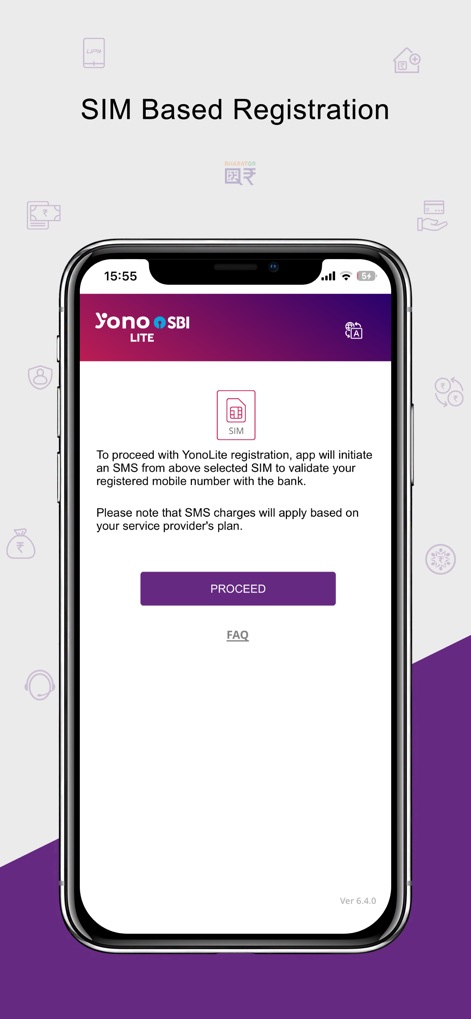
This screen details the SIM-based validation process and explains the associated SMS charges for user verification.
Secure Registration Steps
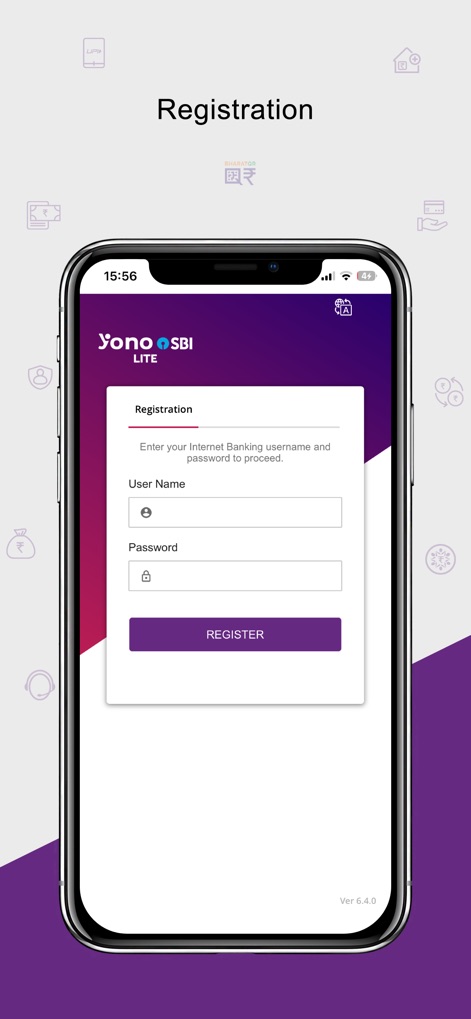
Users can initiate their registration by entering their internet banking username and password on this dedicated form.
Account Setup Access
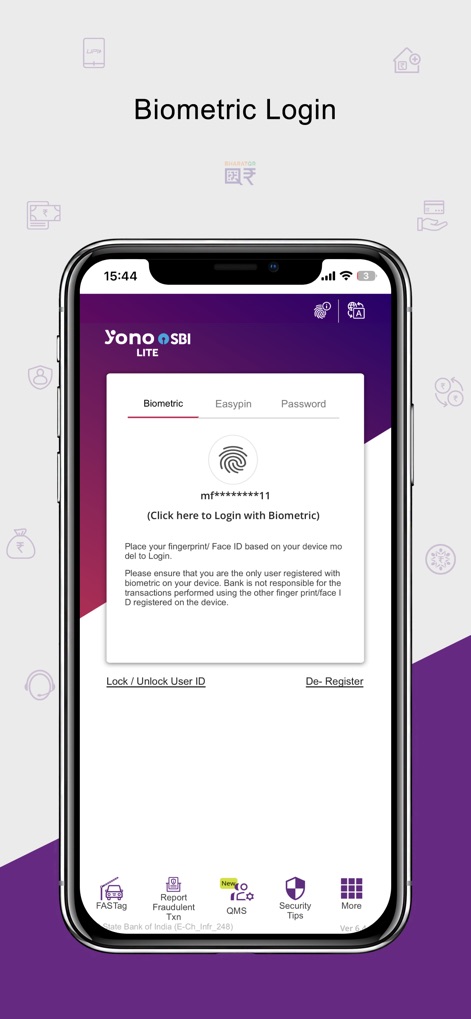
This login option allows users to securely access their accounts using fingerprint or Face ID authentication for enhanced security and convenience.
Seamless Biometric Access
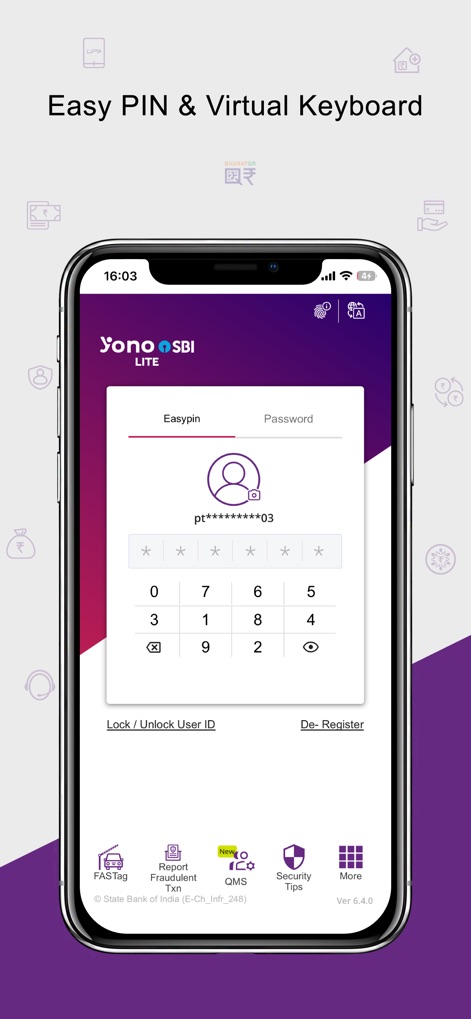
The app offers an Easy PIN login method, complemented by a virtual numeric keyboard for secure and straightforward access.
Convenient PIN Entry
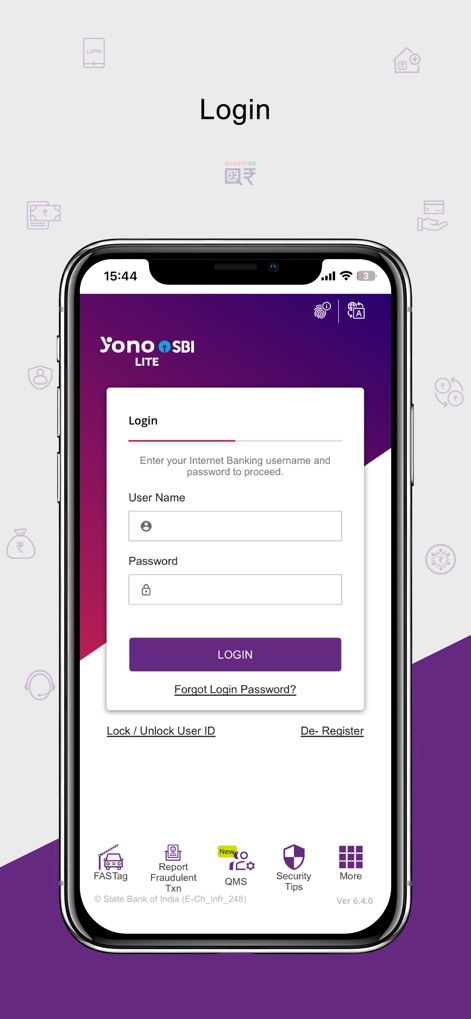
This classic login interface provides fields for entering a username and password, along with options to reset forgotten credentials.
Standard Login Gateway
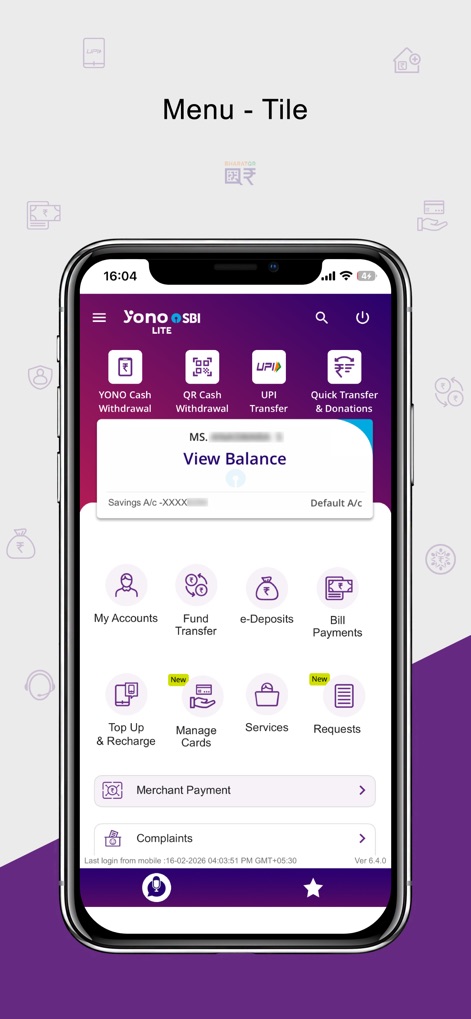
The app's dashboard presents a tile-based menu for quick access to features like 'YONO Cash Withdrawal' and 'My Accounts'.
Intuitive Tile Navigation

Users can navigate through a detailed list menu, offering organized access to functions such as 'UPI Transfer' and 'Bill Payments'.
Comprehensive List View
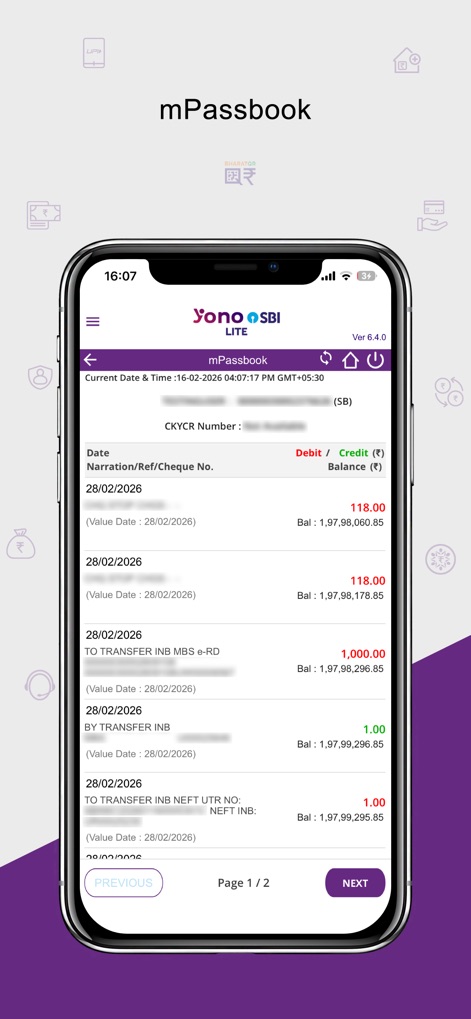
The mPassbook feature displays detailed transaction records, including debit/credit amounts and current balances, for easy financial tracking.
Digital Transaction History
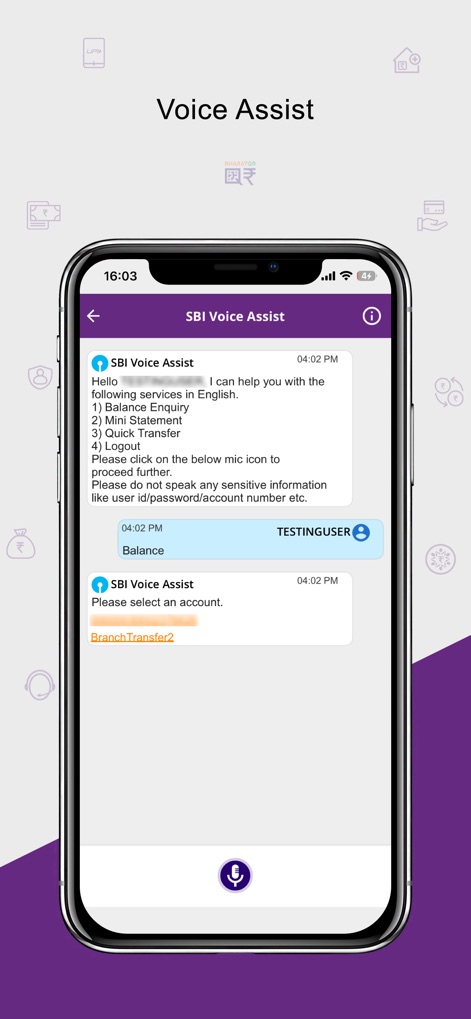
The app integrates an SBI Voice Assist function, enabling users to perform balance enquiries and quick transfers using voice commands.
Interactive Voice Assistance
Description
Download
More Like This
Apps with similar features and user experience

Enpara Bank Cep Şube
Enpara Bank Anonim Sirketi

Alinma App - تطبيق الإنماء
Alinma Bank

Huntington Mobile Banking
The Huntington National Bank, Inc

國泰世華網路銀行CUBE
Cathay United Bank

中國信託行動銀行
CTBC Bank Co., Ltd.

FNB Banking App
FirstRand Bank Limited

Riyad Bank App
Riyad Bank

CIMB OCTO MY
CIMB Bank Berhad

Regions Mobile
Regions Financial
This page is not an official page of the app or its developer, but an independent editorial publication created for informational and commentary purposes. Unless expressly stated otherwise, neither the app nor its developer is affiliated with, endorsed by, sponsored by, authorized by, or otherwise officially connected with MWM, Apple, Google Play, the app publisher, or the app's developer, and nothing on this page implies that the app was developed using MWM's services. Any trademarks, logos, screenshots, and other content remain the property of their respective owners.