
This page is not an official page of the app or its developer, but an independent editorial publication created for informational and commentary purposes. Unless expressly stated otherwise, neither the app nor its developer is affiliated with, endorsed by, sponsored by, authorized by, or otherwise officially connected with MWM, Apple, Google Play, the app publisher, or the app's developer, and nothing on this page implies that the app was developed using MWM's services. Any trademarks, logos, screenshots, and other content remain the property of their respective owners.


Yubii Home
Experience the ultimate in home automation with an intuitive, customizable interface. Orchestrate your environment with personalized scenes and professional-grade control for a lifestyle of comfort and efficiency.
Downloads
19K+User Rating
Total Ratings
100Publisher
Category
LifestyleLocales
21Latest Version
2.5.2Size
368.1 MBFirst Released
Feb 16, 2024Complete Command of Your Smart Ecosystem
Yubii Home simplifies your lifestyle by centralizing your home automation into one powerful, customizable interface designed for ultimate efficiency and comfort.
Personalized Control Center
Design a dashboard that fits your life with custom shortcuts and status updates for the rooms and devices you use most.
One-Tap Intelligent Scenes
Automate your daily routines—from 'Good Morning' coffee to 'Nighttime' security—with sophisticated scenarios that react to your needs.
Frequently Asked Questions
Everything you need to know about Yubii Home
What is the Yubii Home app?
The Yubii Home app combines the latest home automation trends and state-of-the-art technology for seamless and efficient smart home management. It offers an intuitive interface with a customizable dashboard.
Which smart home hubs are compatible with the Yubii Home app?
The Yubii Home app is compatible with Yubii Home Pro, Yubii Home, Home Center 3, and Home Center 3 Lite hubs. This ensures broad integration with existing smart home systems.
Can users customize the dashboard in the Yubii Home app?
Yes, users can customize the dashboard in the Yubii Home app. It includes shortcuts to rooms, device categories, status information, favorite scenes, and favorite devices for personalized control.
Does the Yubii Home app support different color themes?
Yes, the Yubii Home app supports two distinct color themes: Light and Dark. Users can customize their experience by switching themes manually or setting them to switch automatically.
How does the Yubii Home app simplify automation management?
The Yubii Home app streamlines automation management with an easy-to-use dedicated feature. Users can add, modify, and adjust scenarios with a few taps.
Can installers configure the Yubii Home system using the app?
Yes, the Yubii Home app is designed for both users and installers. Installers can configure the system by adding devices using a simple setup wizard.
What types of devices can be managed through the Yubii Home app?
The Yubii Home app can manage various device categories including Ambiance, Blinds, Gates, Lights, Climate, Safety, Security, Multimedia, and Remotes.
The following screenshots and description are sourced directly from the app's official store listing and are the property of the app developer.
App Store
Screenshots
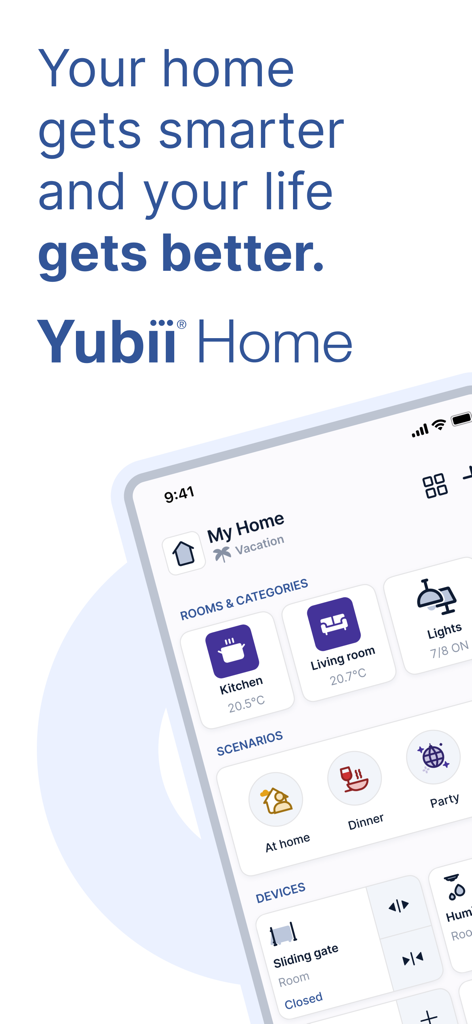
Smartphone displaying the Yubii Home app dashboard with room, scenario, and device controls.
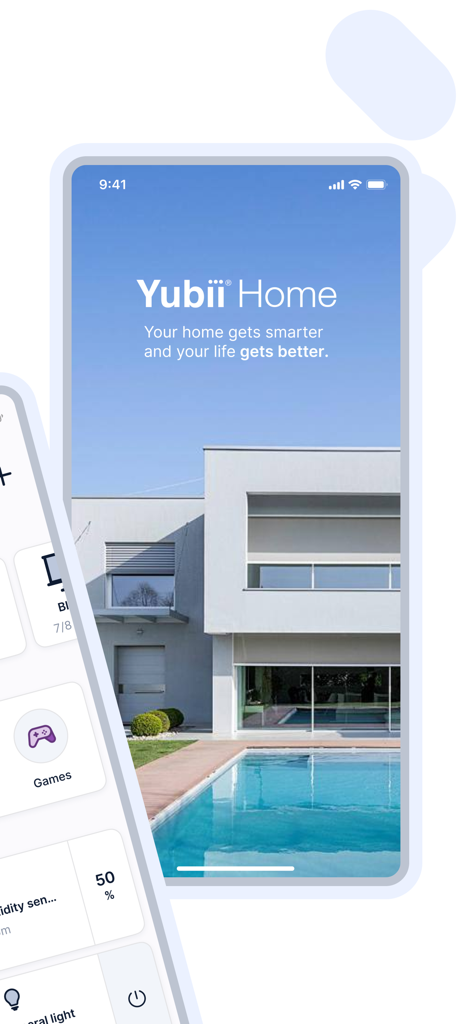
Yubii Home app interface showing a modern house and smart home automation shortcuts
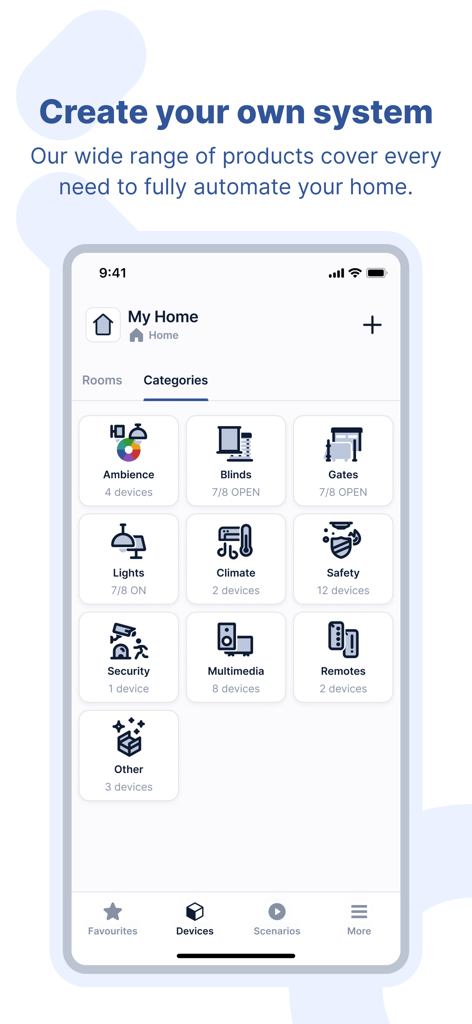
Yubii Home app interface displaying smart home device categories including lighting and security
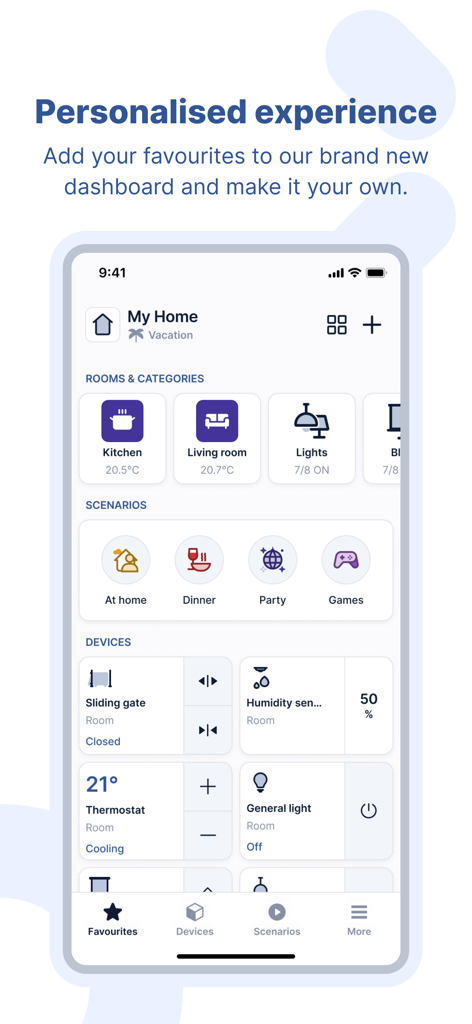
Yubii Home app interface showing a personalized smart home dashboard with room controls and automated scenarios
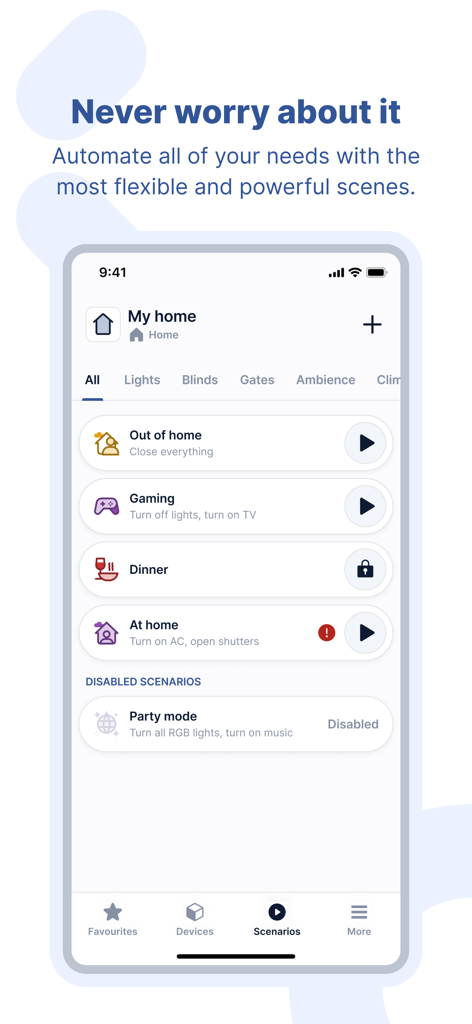
Yubii Home app interface showing customizable smart home scenarios such as gaming and dinner modes
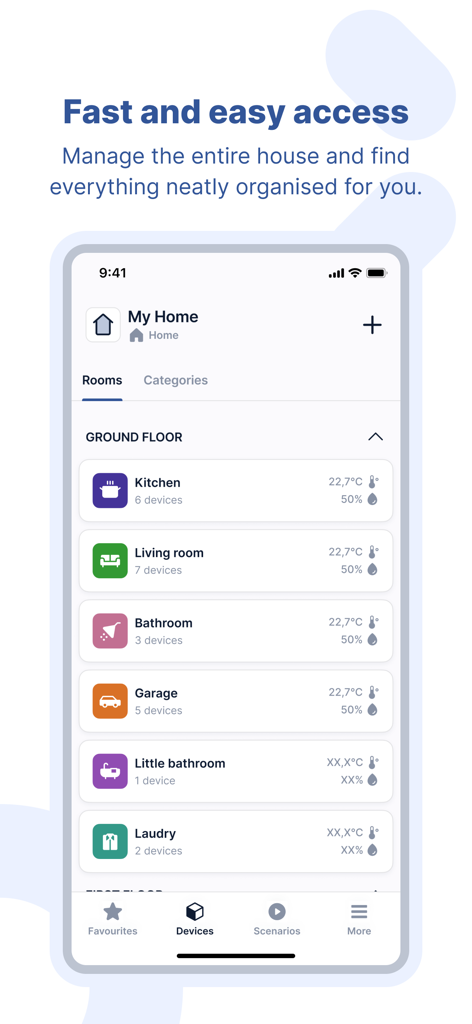
Screenshot of Yubii Home app displaying the rooms management interface with device statuses.
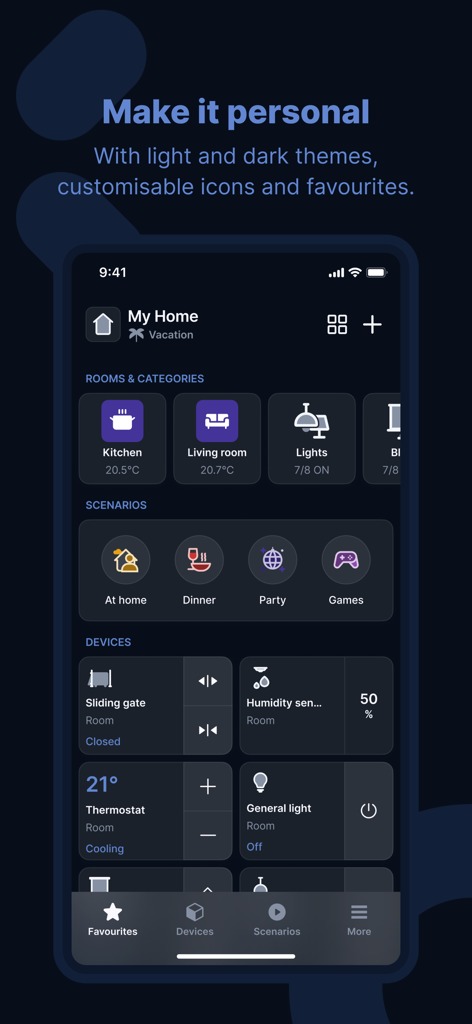
Yubii Home app interface showing a personalized smart home dashboard in dark mode
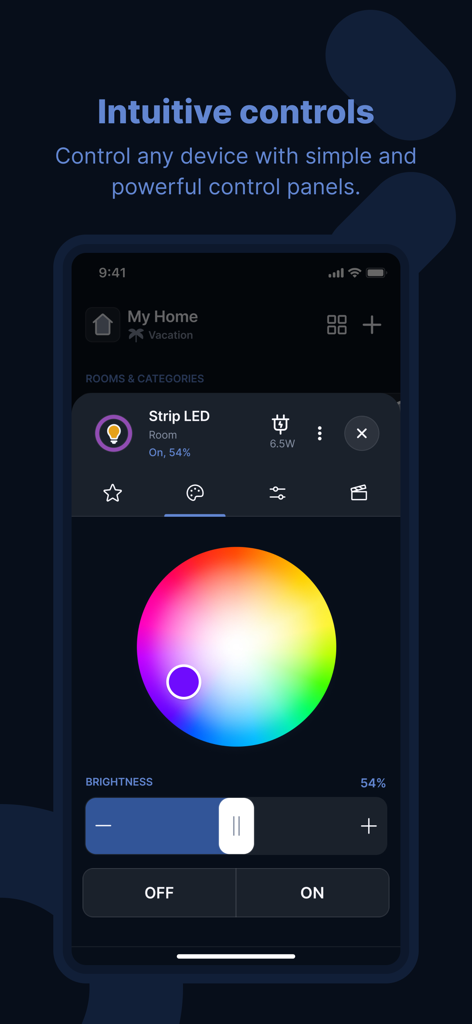
Yubii Home app screen displaying intuitive color wheel and brightness controls for a smart LED strip
Description
Download
More Like This
Top-ranked apps in the same category

Pinterest, Inc.

Alipay - Simplify Your Life
Alipay (Hangzhou) Technology Co., Ltd.

Dianping: Discover Good Places
Hanhai Information Technology (Shanghai) Co.Ltd

美团-美好生活小帮手
Sankuai Technology Co., Ltd.

Lemon8 - Lifestyle Community
TIKTOK PTE. LTD.

Xiaomi Home
Beijing Xiaomi Co., Ltd

Tinder Dating App: Date & Chat
Tinder LLC

SmartThings
Samsung Electronics Co., Ltd.

VNeTraffic
GLOBAL TECHNOLOGY - TELECOMMUNICATIONS CORPORATION
This page is not an official page of the app or its developer, but an independent editorial publication created for informational and commentary purposes. Unless expressly stated otherwise, neither the app nor its developer is affiliated with, endorsed by, sponsored by, authorized by, or otherwise officially connected with MWM, Apple, Google Play, the app publisher, or the app's developer, and nothing on this page implies that the app was developed using MWM's services. Any trademarks, logos, screenshots, and other content remain the property of their respective owners.