Zerocam | Anti-AI Camera
Download on App Store

This page is not an official page of the app or its developer, but an independent editorial publication created for informational and commentary purposes. Unless expressly stated otherwise, neither the app nor its developer is affiliated with, endorsed by, sponsored by, authorized by, or otherwise officially connected with MWM, Apple, Google Play, the app publisher, or the app's developer, and nothing on this page implies that the app was developed using MWM's services. Any trademarks, logos, screenshots, and other content remain the property of their respective owners.

Logo of Zerocam | Anti-AI Camera
Download on App Store

Zerocam | Anti-AI Camera

Reclaim your photos from aggressive post-processing. Experience pure, natural photography with zero settings and zero distractions—just point and shoot.

Key Figures

Downloads

14K+

User Rating

3.8/5

Total Ratings

400

Publisher

Sergio Rodriguez Rama

Category

Photo & Video

Locales

1

Latest Version

4.7

Size

33.7 MB

First Released

Jun 1, 2024
Features

Photography, Unfiltered.

Escape the over-processed look of modern smartphones. Zerocam removes the complexity of AI and menus, bringing back the raw, nostalgic joy of point-and-shoot photography.

Anti-AI Natural Look

Say goodbye to aggressive HDR and artificial sharpening. We preserve natural noise and soft textures for photos that feel like real memories, not digital renders.

Zero-Interface Design

No focus-tapping, no exposure sliders, and no menus. With just one giant shutter button, you can capture the moment instantly before the magic disappears.

The following screenshots and description are sourced directly from the app's official store listing and are the property of the app developer.

App Store

Screenshots
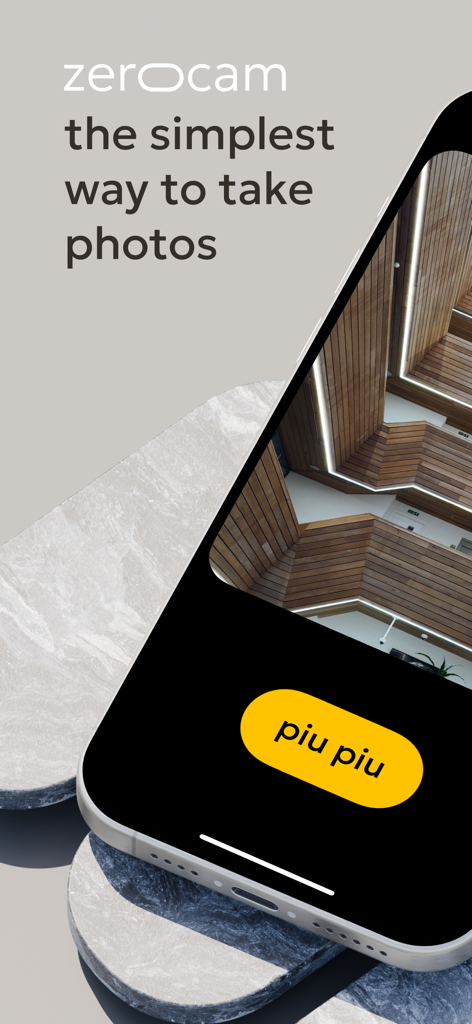
Zerocam | Anti-AI Camera - Zerocam minimalist camera app interface on an iPhone featuring a yellow piu piu shutter button and an architectural photo.
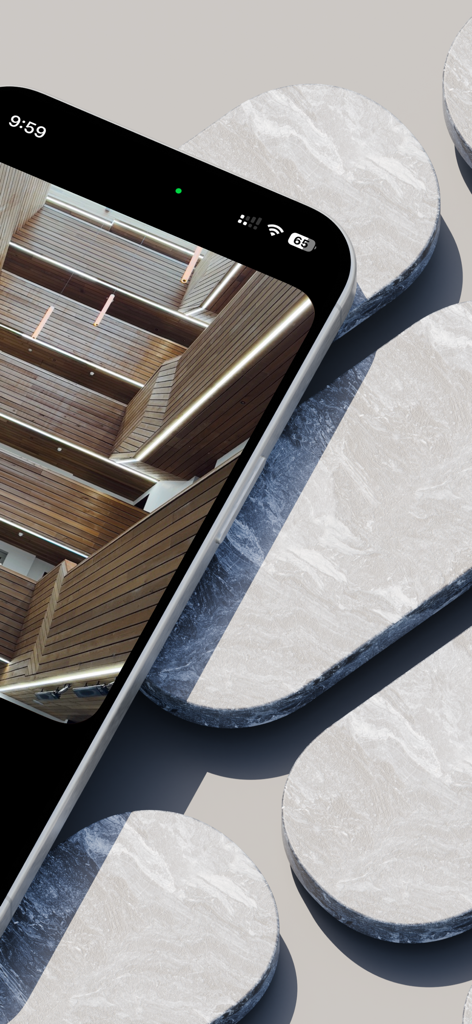
Zerocam minimalist camera app interface on an iPhone featuring a yellow piu piu shutter button and an architectural photo.

Zerocam | Anti-AI Camera - An iPhone displaying a natural architectural photograph using the Zerocam app on a minimalist marble background
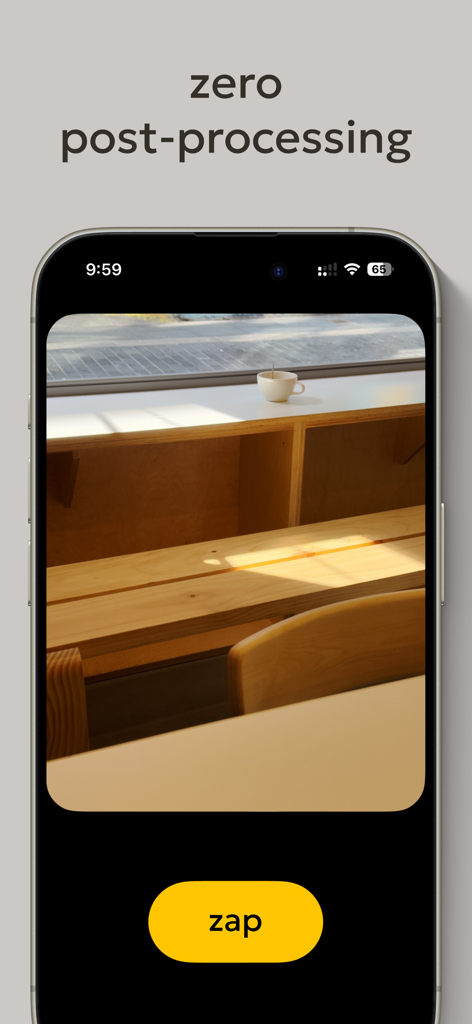
An iPhone displaying a natural architectural photograph using the Zerocam app on a minimalist marble background

Zerocam | Anti-AI Camera - iPhone screen showing the Zerocam app interface with zero post-processing text and a large yellow zap shutter button
iPhone screen showing the Zerocam app interface with zero post-processing text and a large yellow zap shutter button

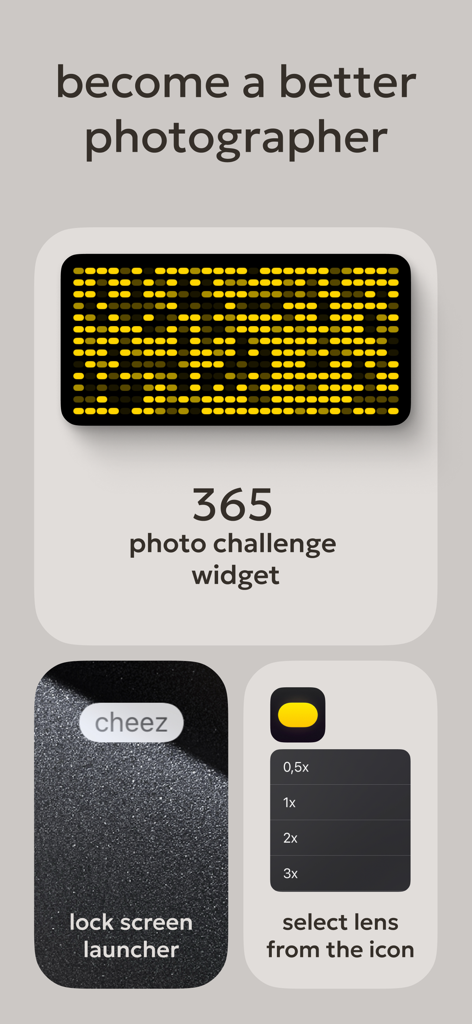
Zerocam | Anti-AI Camera - Zerocam app interface showing photo challenge widget, lock screen launcher button, and lens selection menu.
Zerocam app interface showing photo challenge widget, lock screen launcher button, and lens selection menu.

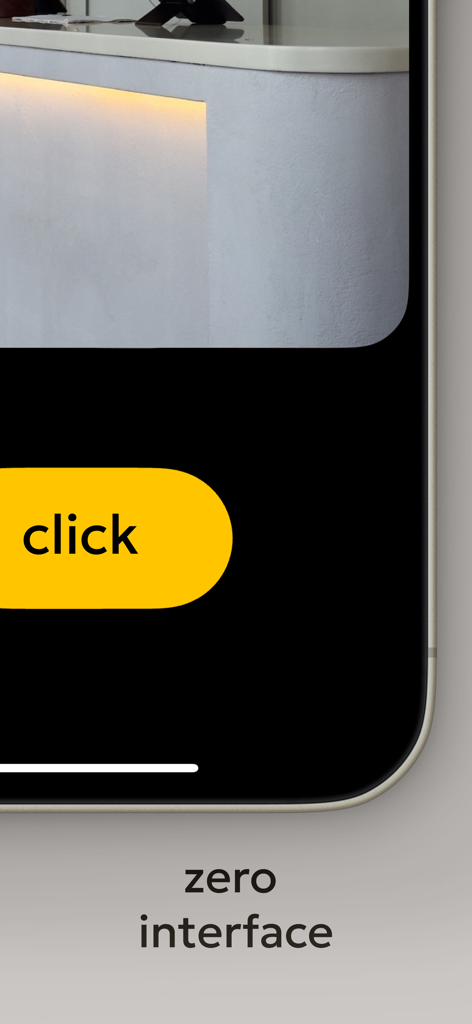
Zerocam | Anti-AI Camera - Zerocam camera app zero interface showing a large yellow shutter button with the word click

Zerocam camera app zero interface showing a large yellow shutter button with the word click

Description

Zerocam: the pure digital camera app. The app that brings pure point-and-shoot photography back! Your phone is a small pocket camera, and we believe this camera is made for fun. Let's be honest: It's not a professional camera with a huge lens, large sensor, complicated settings, and hardware controls. It's a small pocket camera with a tiny sensor and a plastic lens. It's not perfect, but it has a charm! Natural noise, a soft, pleasant look, and subtle in-camera app color grading are distinctive Zerocam looks. The stock camera app is trying to compensate for "imperfections" with very aggressive AI postprocessing, and the result usually looks unnatural, with an unmistakable HDR look and flatness. Our task is to get rid of it. Zero interface. Focus on photography, not the camera! Today, almost all photo apps for mobile devices are packed with features, settings, and complicated controls. In our experience, it's becoming less and less accessible because sometimes we want to take a photo, but we have to set up too much: change the exposure, tap to focus, swipe to the correct mode, change the camera… and we miss the shot! Bummer! Zerocam is the most accessible camera app ever! We created the giant shutter button and all settings. There is no focusing, exposure correction, or hassle. Just click, and we do the rest. It's the same as using a real disposable camera—pure fun! We think photography is about telling a story, and nothing should distract you — not artificial postprocessing, ruining your photo with added details that aren't there, or a bloated interface. FAQ: Does Zerocam shoot RAW? — Nope. However, we use RAW in the pipeline for accurate color grading. And saves JPG for you. Can I shoot in RAW with Zerocam? — Nope. Your mobile camera is excellent, and RAW is more about a professional approach. Where are all the settings and options? — Zero. Remember the app name? Yep! How to focus? — Focus is always on the middle of the frame, as in pocket cameras! Where is the selfie camera? — Flip your device and get a way better selfie! Yep! The primary camera is better. Why does it have no options and functions? — This is why this camera app exists. Accessible and simple. Everyone can understand and use it! What is the difference between RAW shooting and Zerocam results? — RAW is a professional format file; it's only data, not a final photo. Also, the file size is quite large. You must edit it properly, making the photography process longer and more complicated. We appreciate this approach, but sometimes, we want to take photos and be sure they look fantastic. What exactly is Zerocam doing when I press the button? — Zerocam works precisely like a conventional digital camera: It takes temporary RAW with our best setting depending on the light and scene, converts it to a flat image, applies our custom subtitle LUT, and saves it in compressed format. Terms of use: https://www.apple.com/legal/internet-services/itunes/dev/stdeula/

Download

Download on App Store

This page is not an official page of the app or its developer, but an independent editorial publication created for informational and commentary purposes. Unless expressly stated otherwise, neither the app nor its developer is affiliated with, endorsed by, sponsored by, authorized by, or otherwise officially connected with MWM, Apple, Google Play, the app publisher, or the app's developer, and nothing on this page implies that the app was developed using MWM's services. Any trademarks, logos, screenshots, and other content remain the property of their respective owners.








