
This page is not an official page of the app or its developer, but an independent editorial publication created for informational and commentary purposes. Unless expressly stated otherwise, neither the app nor its developer is affiliated with, endorsed by, sponsored by, authorized by, or otherwise officially connected with MWM, Apple, Google Play, the app publisher, or the app's developer, and nothing on this page implies that the app was developed using MWM's services. Any trademarks, logos, screenshots, and other content remain the property of their respective owners.


Zoho Inventory Management App
The all-in-one mobile solution for modern SME owners. Sync orders across Shopify and Amazon, manage multiple warehouses with built-in barcode scanning, and scale your business directly from your iPhone, iPad, or Apple Watch.
Downloads
158K+User Rating
Total Ratings
400Publisher
Category
BusinessLocales
24Latest Version
3.5.16Size
254.0 MBFirst Released
Sep 29, 2015Master Your Operations from Anywhere
The all-in-one inventory solution designed for modern sellers to track stock, manage orders, and grow across every channel with ease.
Turn Your Phone into a Scanner
Skip the expensive hardware. Use your iPhone to scan barcodes, manage picklists, and process orders directly from the warehouse floor.
Sync Sales Across Every Channel
Eliminate the risk of overselling. Automatically sync inventory levels across Amazon, Shopify, and eBay in real-time as sales happen.
The following screenshots and description are sourced directly from the app's official store listing and are the property of the app developer.
App Store
Screenshots
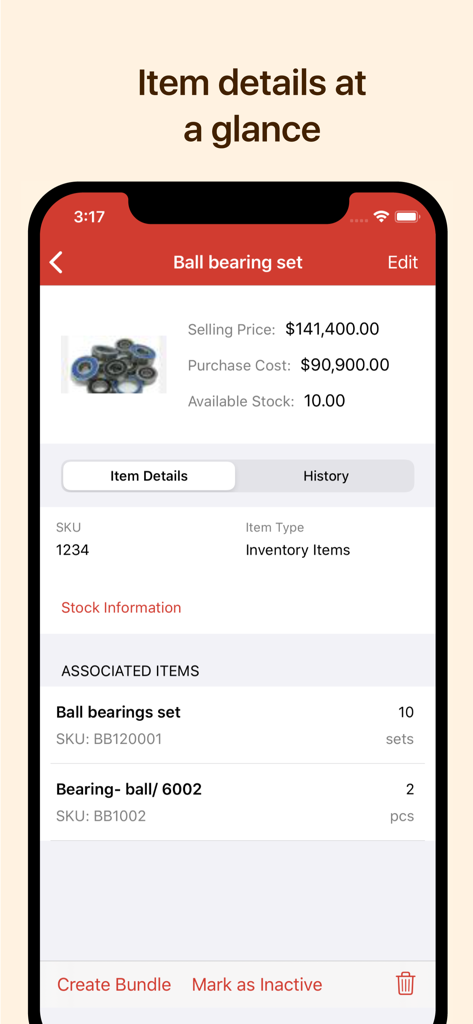
Zoho Inventory app showing product details including selling price and stock levels
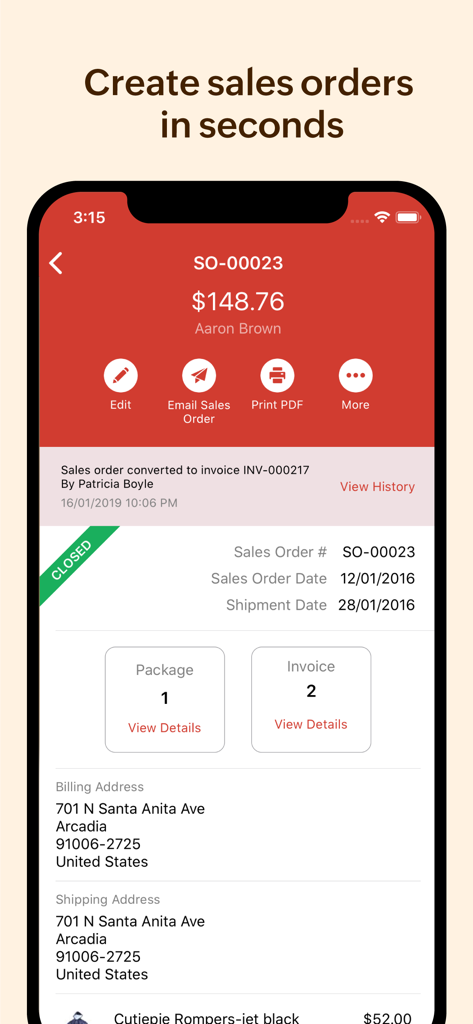
Zoho Inventory app interface showing a sales order detail screen with billing and shipping information on an iPhone.
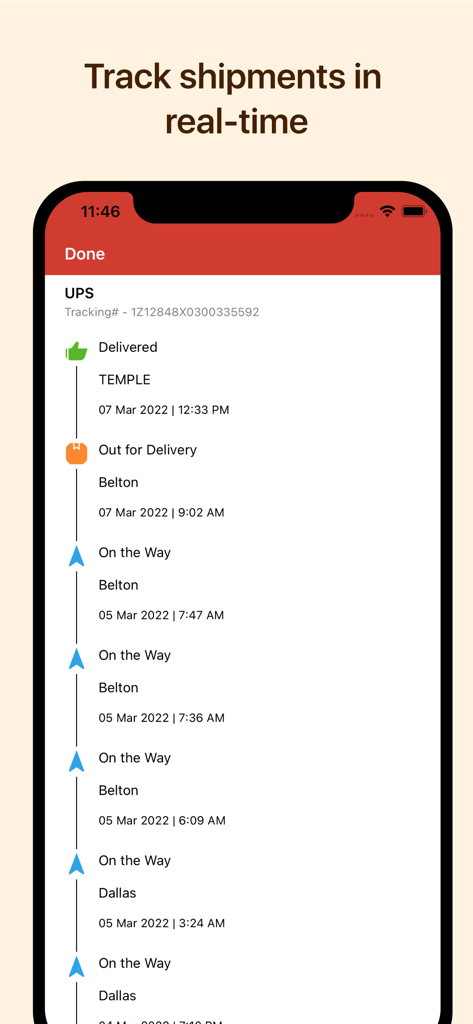
Zoho Inventory app screen showing real time shipment tracking with UPS status updates
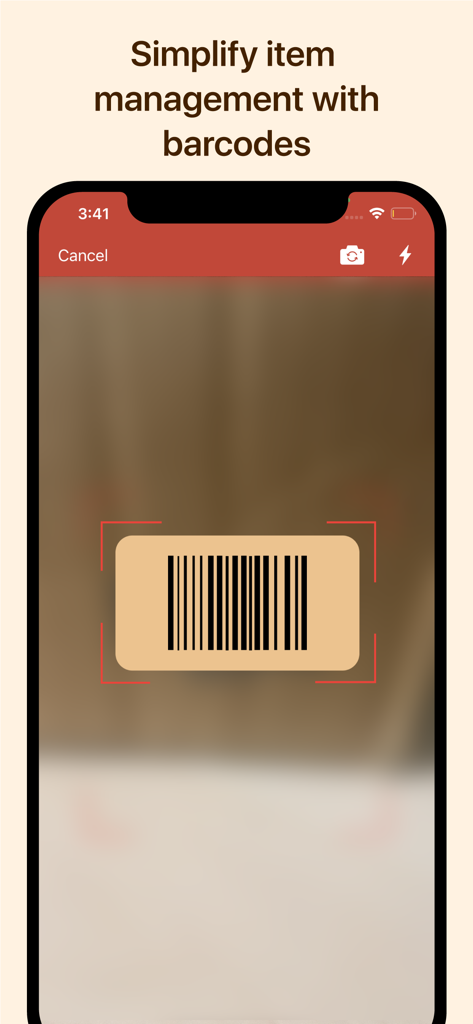
Zoho Inventory app barcode scanner interface on a smartphone
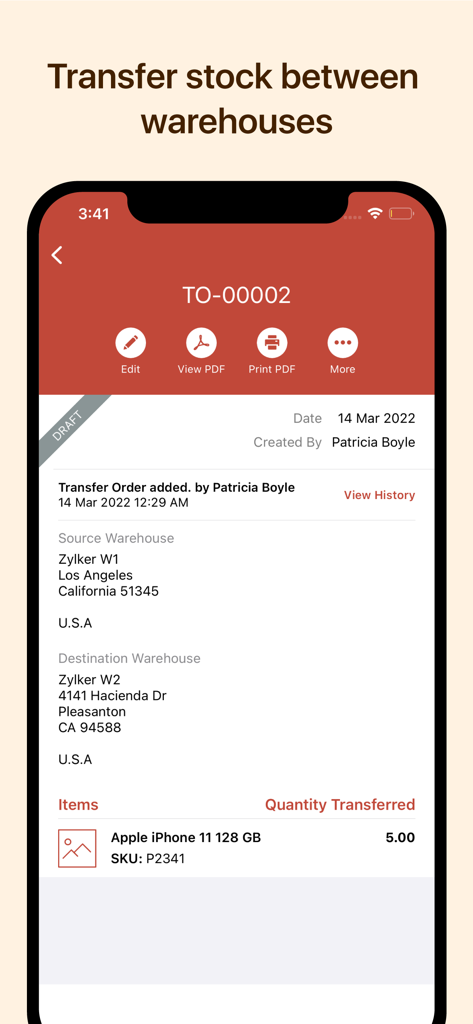
Zoho Inventory app screen showing a stock transfer order between two warehouse locations.
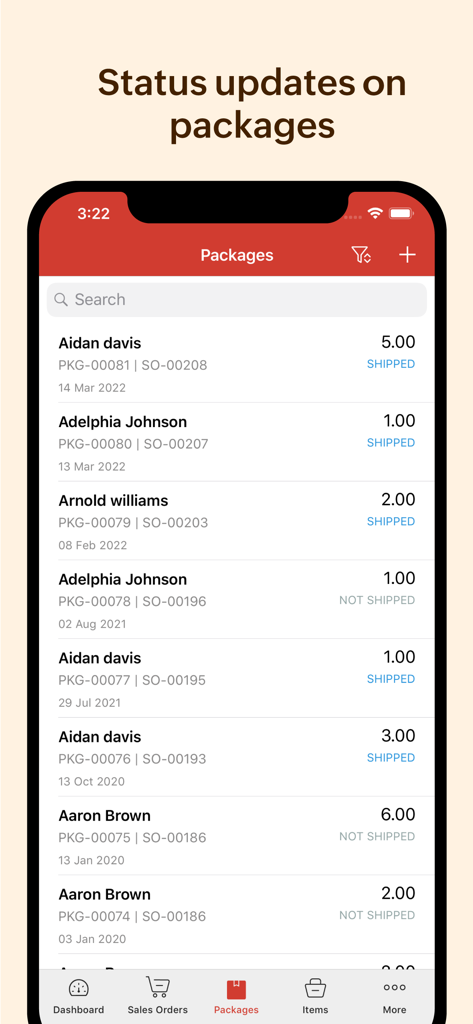
Zoho Inventory mobile app screen showing a list of packages with their respective shipping status such as shipped or not shipped
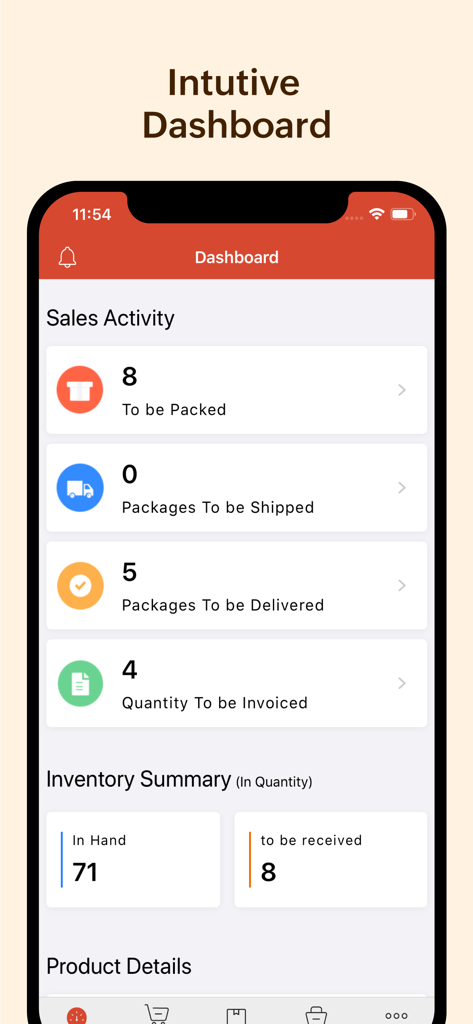
Dashboard view of the Zoho Inventory app showing sales activity and stock levels on an iPhone
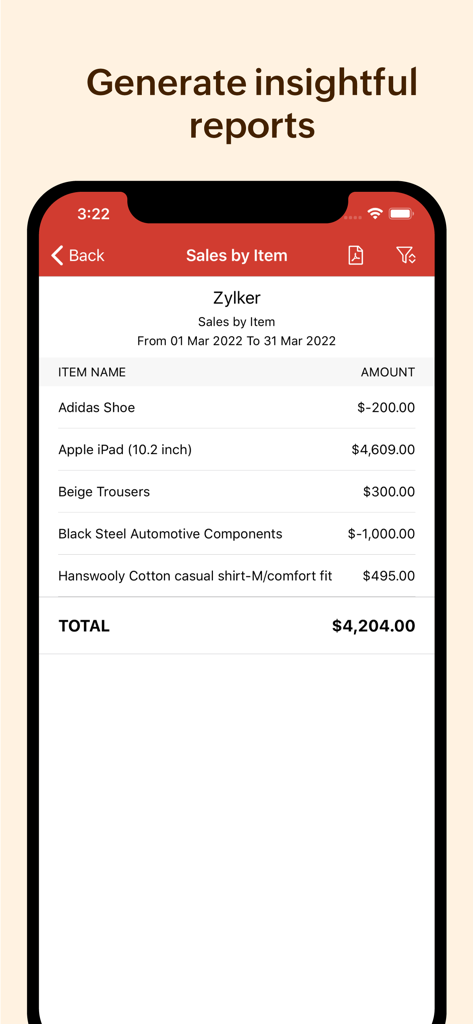
Zoho Inventory app displaying a sales by item report on an iPhone screen.
Description
Download
More Like This
Apps with similar features and user experience

Sortly: Inventory Simplified
Sortly Inc.
Barcode Scanner & Reader
Ryan Jackson

FееtFiηdеr Inventory app
Zimo Chen

Inventory for Business
Starkode Limited Company

Telesto: Inventory Management
RedTracker LLC

Stock Control Inventory
Pascal Meziat

云电脑专业版-设备管理
Shanghai Dalong Information Technology Co., Ltd.

Mobile Inventory: Scan & Track
NASTASIU HOLDING SRL

口腔耗材智管
Jawiyar Hazur
This page is not an official page of the app or its developer, but an independent editorial publication created for informational and commentary purposes. Unless expressly stated otherwise, neither the app nor its developer is affiliated with, endorsed by, sponsored by, authorized by, or otherwise officially connected with MWM, Apple, Google Play, the app publisher, or the app's developer, and nothing on this page implies that the app was developed using MWM's services. Any trademarks, logos, screenshots, and other content remain the property of their respective owners.