
This page is not an official page of the app or its developer, but an independent editorial publication created for informational and commentary purposes. Unless expressly stated otherwise, neither the app nor its developer is affiliated with, endorsed by, sponsored by, authorized by, or otherwise officially connected with MWM, Apple, Google Play, the app publisher, or the app's developer, and nothing on this page implies that the app was developed using MWM's services. Any trademarks, logos, screenshots, and other content remain the property of their respective owners.


Zoho Meeting - Online Meetings
Host secure, high-quality online meetings and interactive webinars on the go. Invite clients to join instantly with a single link—no account or app download required for participants.
Downloads
1M+User Rating
Total Ratings
4K+Publisher
Category
BusinessLocales
38Latest Version
1.7.8Size
113.5 MBFirst Released
Oct 2, 2017Built for the Modern Professional
Empower your team and impress your clients with a seamless, secure conferencing solution tailored for the agile American business landscape. From quick team huddles to lead-generating webinars, manage your professional communications directly from your mobile device.
Seamless Mobile Collaboration
Host or join HD video meetings and share your mobile screen while on the move, ensuring your business never misses a beat whether you are at the office or in transit.
Zero-Friction Client Meetings
Boost your professional image by allowing clients to join your sessions via a simple link. No account creation or app downloads required for participants, making your sales demos effortless.
Frequently Asked Questions
Everything you need to know about Zoho Meeting - Online Meetings
How many participants can join a Zoho Meeting?
Zoho Meeting allows up to 250 participants to join a secure online meeting or webinar. This feature ensures large-scale collaboration and communication for all users.
Can I share my mobile screen during a Zoho Meeting?
Yes, Zoho Meeting allows you to share your mobile screen during a meeting. This enables contextual collaboration with other participants.
Is an account required for participants to join a Zoho Meeting?
No, participants do not require an account to join Zoho Meeting. They can easily join a meeting using the invitation link or the meeting ID.
Does Zoho Meeting support recording of meetings?
Yes, the meeting host can record the screen, audio, and video from a computer or mobile device. Recorded videos are playable online and sharable.
Can Zoho Meeting participants engage in polls during webinars?
Yes, participants can interact by participating in polls during live webinars within Zoho Meeting. This allows for gathering opinions and feedback.
How does Zoho Meeting ensure secure online meetings?
Zoho Meeting secures online meetings using password protection. It also allows hosts to mute individuals or all participants and remove unwanted attendees to maintain privacy.
Can I host unlimited meetings with Zoho Meeting?
Yes, Zoho Meeting allows users to host unlimited meetings. This enables flexible and frequent online collaboration without restrictions.
Does Zoho Meeting offer a Q&A feature for webinars?
Yes, Zoho Meeting provides a Q&A feature for webinars. Attendees can interact with organizers by asking questions and receiving responses.
Can I chat with other participants during a Zoho Meeting?
Yes, Zoho Meeting includes a chat feature. You can send messages, emojis, images, and files to other participants during the meeting for contextual conversations.
Can co-organizers manage webinars from a mobile device using Zoho Meeting?
Yes, co-organizers can join webinars on the go with Zoho Meeting. They can engage attendees through audio and video directly from their mobile device.
The following screenshots and description are sourced directly from the app's official store listing and are the property of the app developer.
App Store
Screenshots
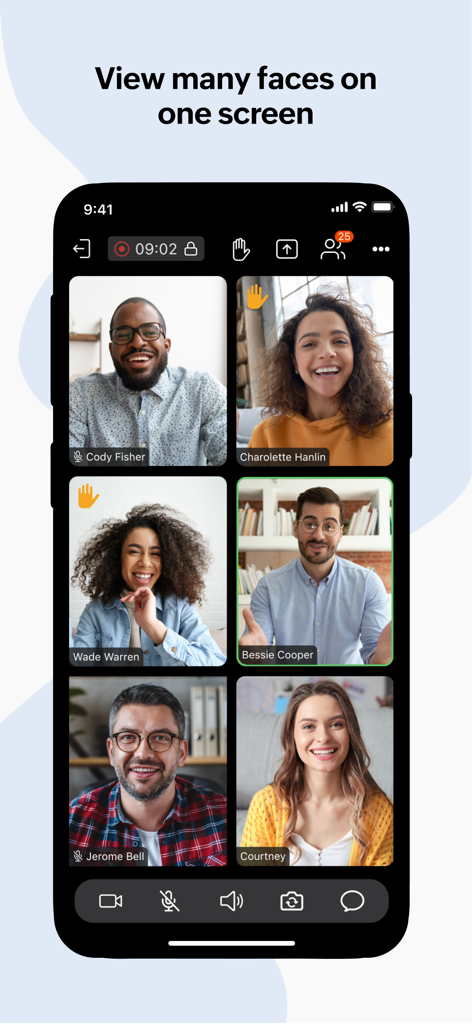
Zoho Meeting mobile app interface showing multiple participants in a video conference grid view.
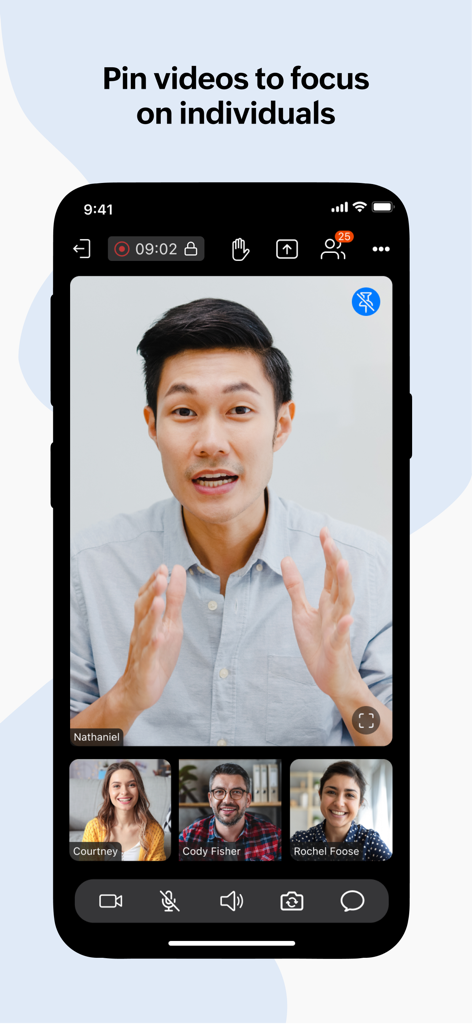
A video conference on the Zoho Meeting mobile app showing the pin video feature to focus on a specific participant
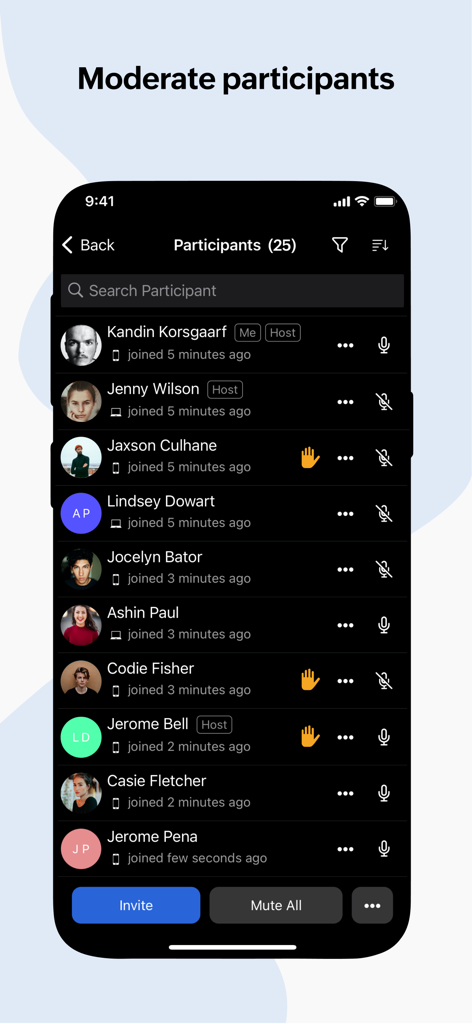
Zoho Meeting mobile app interface showing the participant list with moderation tools like mute all and raise hand icons.
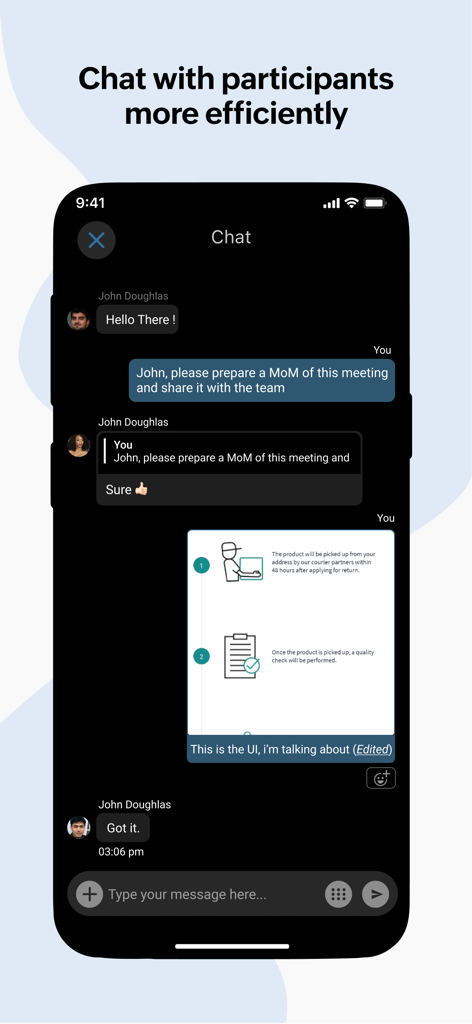
Zoho Meeting mobile chat interface showing real-time messaging and file sharing between participants
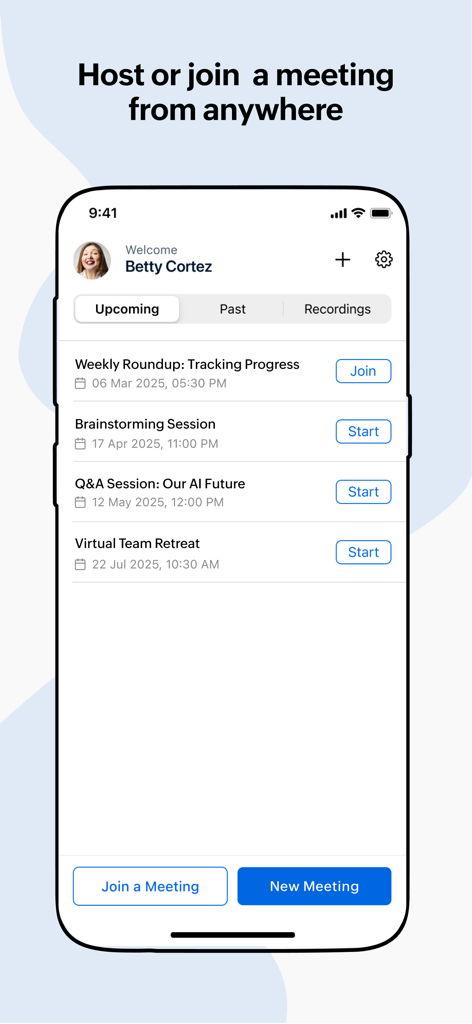
Zoho Meeting mobile dashboard showing a list of upcoming scheduled meetings with start and join buttons
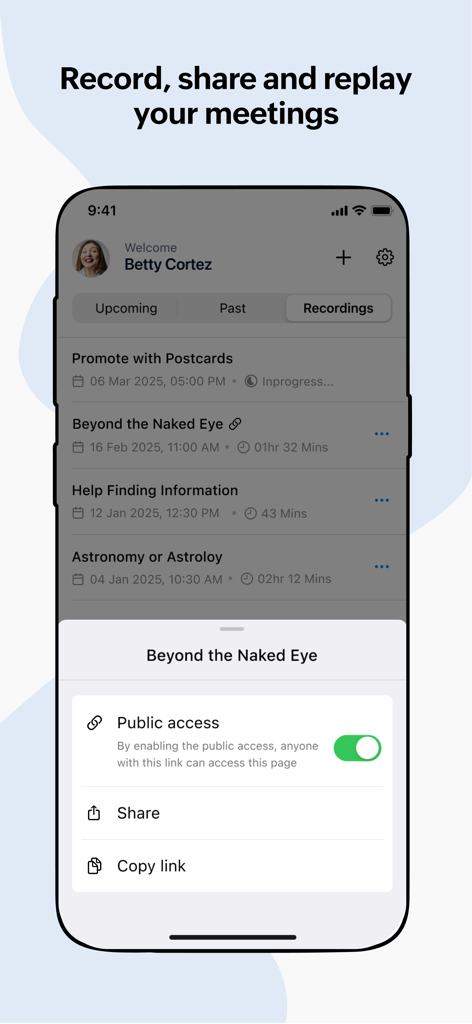
Zoho Meeting mobile interface showing a list of recorded meetings and options to enable public access and share links.
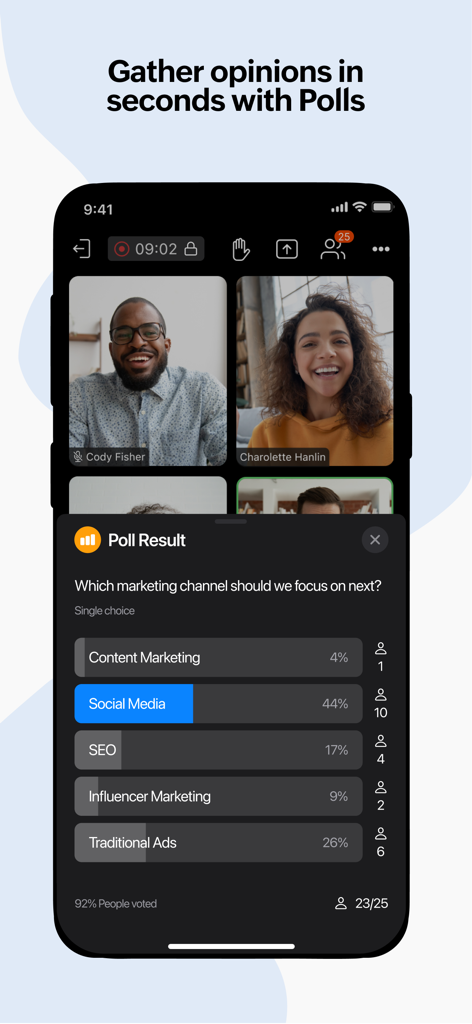
Zoho Meeting mobile app showing real-time poll results during a video conference.
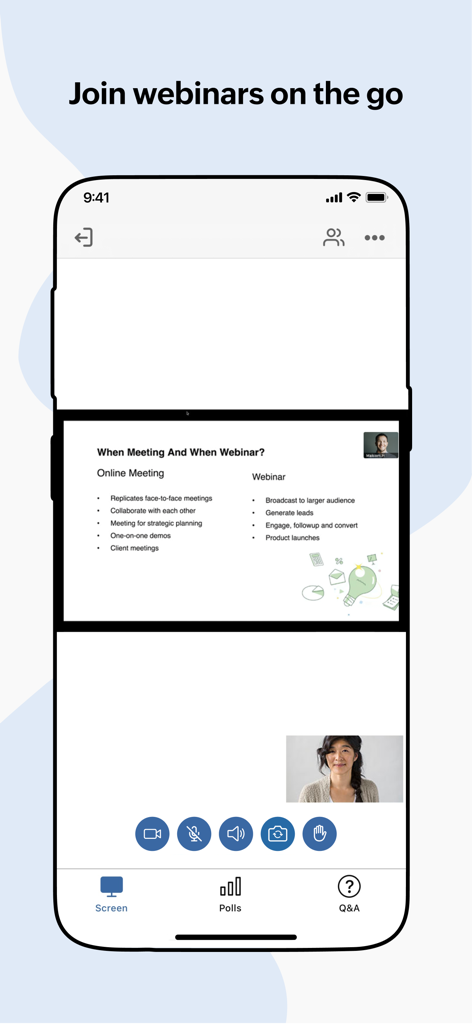
Zoho Meeting mobile interface showing a webinar presentation on an iPhone with interactive meeting controls
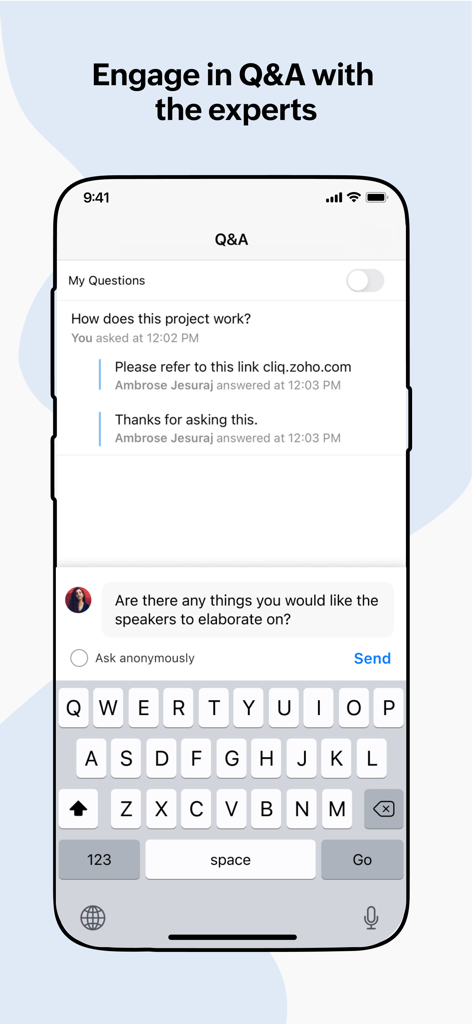
Smartphone screen showing the Q and A feature of Zoho Meeting app for interactive webinars
Description
Download
More Like This
Apps with similar features and user experience

GoTo
GoTo Group, Inc.

Lark - Team Collaboration
LARK TECHNOLOGIES PTE. LTD.

RingCentral
RingCentral, Inc

MTS Link
VEBINAR TEKHNOLOGII, OOO

Pronto Team Communication
Hit Labs, Inc.

Zoho Cliq - Team Communication
Zoho Corporation

Microsoft Teams
Microsoft Corporation

Zoom Workplace
Zoom Communications, Inc.

Google Meet
Google LLC
This page is not an official page of the app or its developer, but an independent editorial publication created for informational and commentary purposes. Unless expressly stated otherwise, neither the app nor its developer is affiliated with, endorsed by, sponsored by, authorized by, or otherwise officially connected with MWM, Apple, Google Play, the app publisher, or the app's developer, and nothing on this page implies that the app was developed using MWM's services. Any trademarks, logos, screenshots, and other content remain the property of their respective owners.