
This page is not an official page of the app or its developer, but an independent editorial publication created for informational and commentary purposes. Unless expressly stated otherwise, neither the app nor its developer is affiliated with, endorsed by, sponsored by, authorized by, or otherwise officially connected with MWM, Apple, Google Play, the app publisher, or the app's developer, and nothing on this page implies that the app was developed using MWM's services. Any trademarks, logos, screenshots, and other content remain the property of their respective owners.


Zolly - Perspective Models
Visualize extreme distortion and perfect your foreshortening with the ultimate 3D reference sandbox. Designed for artists who want to break the rules of perspective and create epic, professional-grade compositions.
Downloads
4K+User Rating
Total Ratings
0Publisher
Category
EducationLocales
1Latest Version
1.0Size
484.5 MBFirst Released
Jan 27, 2025Master Dynamic Perspective & Space
Stop struggling with flat drawings. Visualize complex angles, manipulate extreme distortion, and build a rock-solid foundation for your most ambitious compositions.
Cinematic Dolly Zoom Effects
Experiment with 'mind-bending' proximity and focal length to create the dramatic depth used by world-class cinematographers.
Interactive 3D Reference Models
Bridge the gap between theory and practice with models ranging from simple primitives to complex vehicles and architecture.
The following screenshots and description are sourced directly from the app's official store listing and are the property of the app developer.
App Store
Screenshots
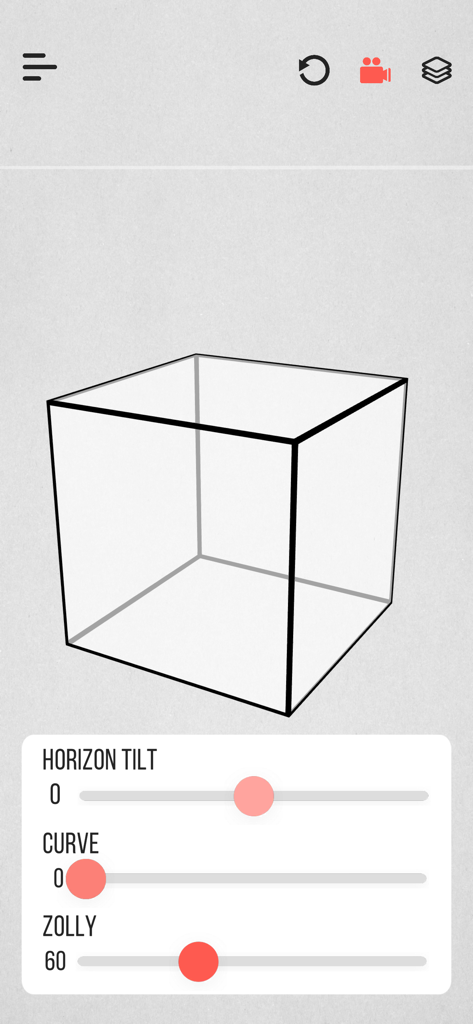
Interface of Zolly app showing a wireframe cube with perspective sliders for horizon tilt and zolly effect
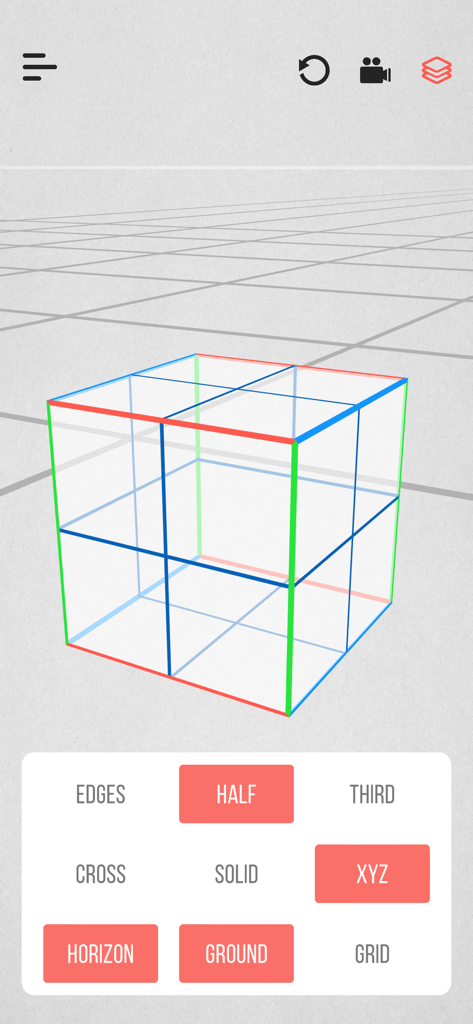
A 3D wireframe cube with colored axes on a perspective grid in the Zolly app interface
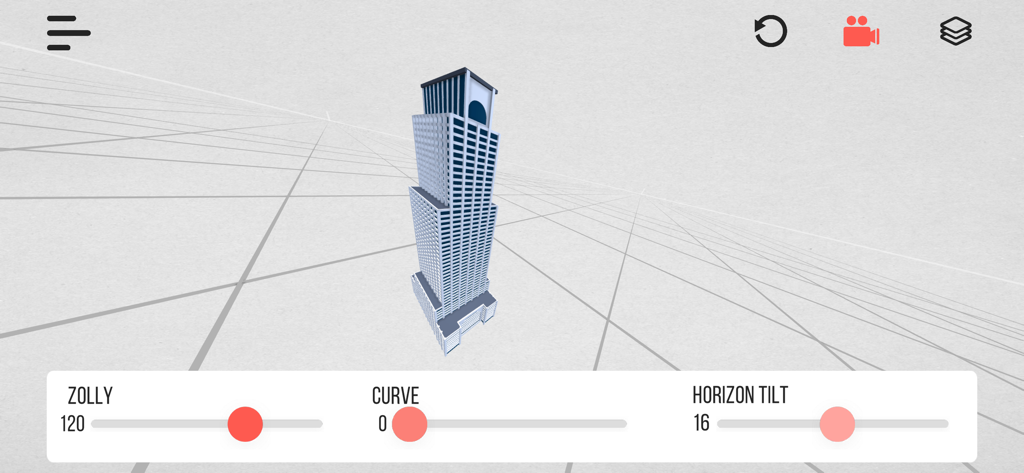
Interface of Zolly app showing a 3D skyscraper on a perspective grid with camera controls for distortion and horizon tilt
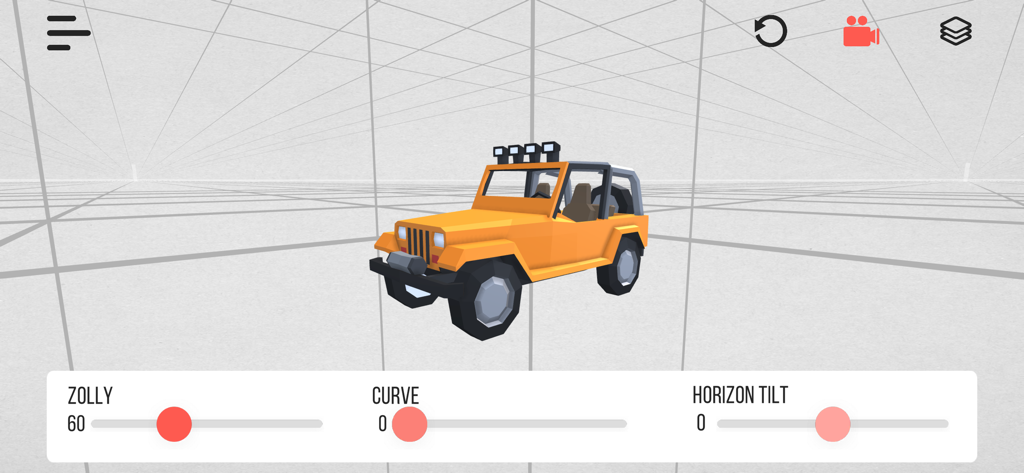
A 3D yellow jeep model in the Zolly perspective drawing app with perspective controls
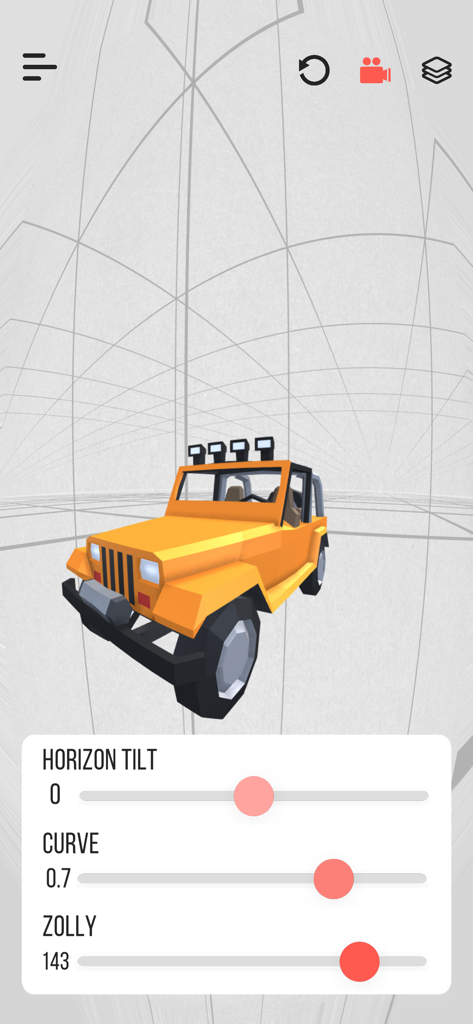
A 3D yellow jeep model in a perspective grid with camera distortion adjustment sliders
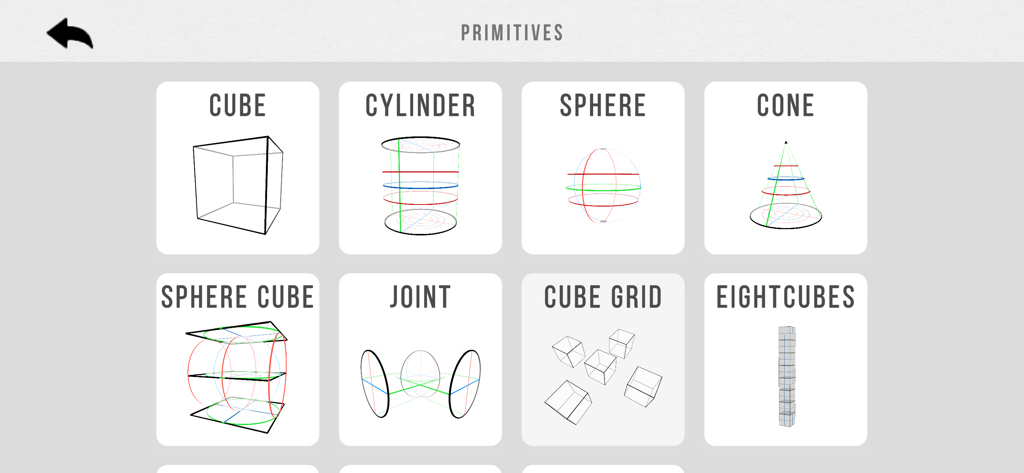
A grid of 3D primitive models including cubes cylinders and spheres in the Zolly perspective app interface
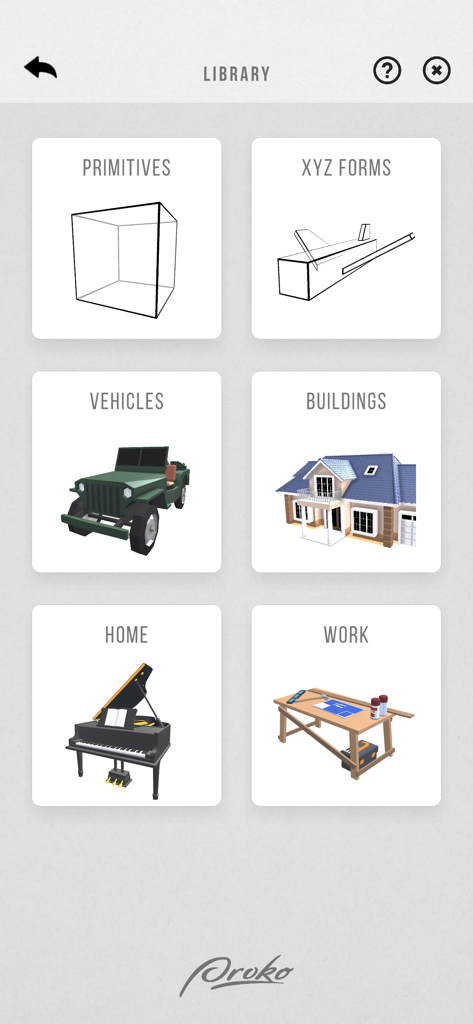
Zolly app library interface showing categories for 3D perspective models like primitives, vehicles, and buildings.
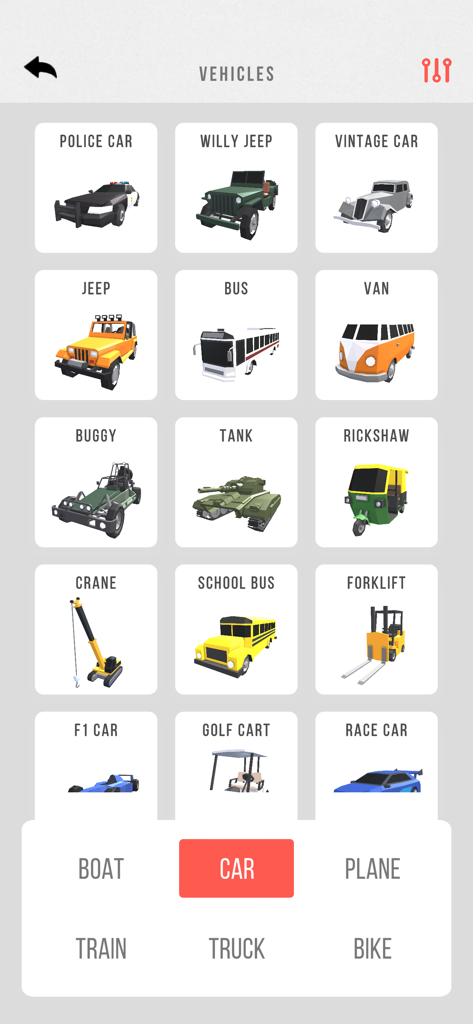
A menu in the Zolly app displaying various 3D vehicle models for perspective drawing practice
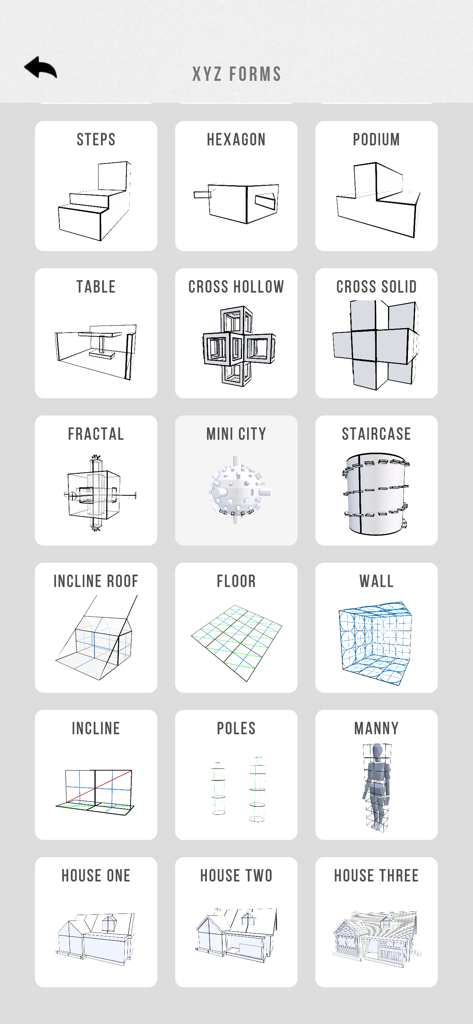
A selection of 3D primitive and complex models for perspective drawing within the Zolly app menu.
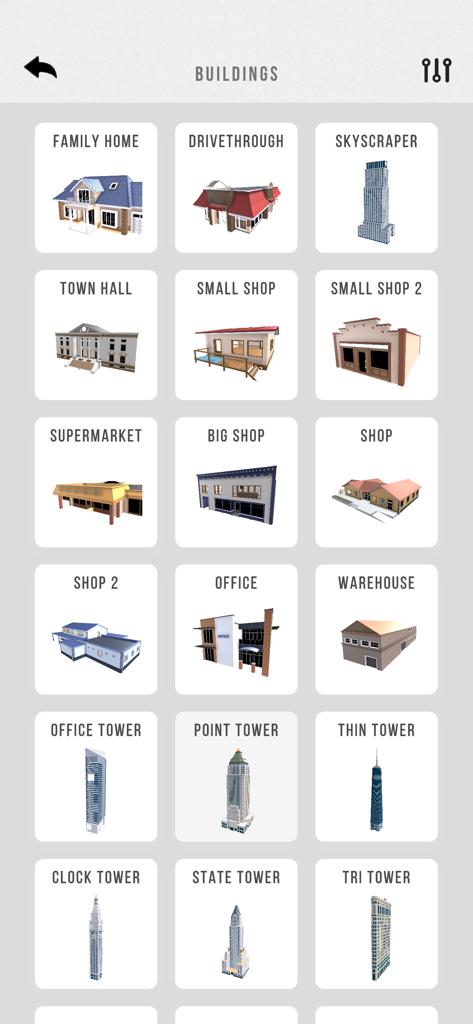
Selection of 3D building models in the Zolly perspective drawing app
Description
Download
More Like This
Top-ranked apps in the same category

Duolingo - Language Lessons
Duolingo, Inc

Speak & Learn English: Learna
DEEP FLOW SOFTWARE SERVICES - FZCO

驾考宝典-科一科四驾驶证考试驾考通
Wuhan Jiakaobaodian Information Service Co., Ltd.

Toca Boca World
Toca Boca AB

Google Classroom
Google LLC

作业帮-中小学家长作业检查和辅导工具
Guangzhou Polar Future Culture Technology Co., Ltd

学信网
Student Information Consultation Service Co., Ltd.

Gauth: AI Study Companion
GAUTHTECH PTE. LTD.

ArtWorkout: Learn How to Draw
Aleksandr Ulitin
This page is not an official page of the app or its developer, but an independent editorial publication created for informational and commentary purposes. Unless expressly stated otherwise, neither the app nor its developer is affiliated with, endorsed by, sponsored by, authorized by, or otherwise officially connected with MWM, Apple, Google Play, the app publisher, or the app's developer, and nothing on this page implies that the app was developed using MWM's services. Any trademarks, logos, screenshots, and other content remain the property of their respective owners.