
このページはアプリまたはその開発者の公式ページではなく、情報提供および論評を目的として作成された独立した編集出版物です。明示的に別段の記載がない限り、アプリおよびその開発者は、MWM、Apple、Google Play、アプリのパブリッシャー、またはアプリの開発者と提携、承認、後援、認可、またはその他の公式的な関係はなく、このページのいかなる内容も、アプリがMWMのサービスを使用して開発されたことを意味するものではありません。すべての商標、ロゴ、スクリーンショット、その他のコンテンツはそれぞれの所有者の財産です。

Adobe Illustrator: Graphic Art
Apple Pencilの精度で、スケッチを拡張可能なベクターアートに変換。シームレスなCreative Cloud同期により、外出先でも美しいロゴ、アイコン、イラストを作成できます。
ダウンロード
7M+ユーザー評価
評価数
101K+開発元
カテゴリ
Graphics & Design対応言語
5最新バージョン
3.0.10サイズ
856.2 MBリリース日
2020年10月19日プロのパワー、モバイルの自由
業界標準のベクターツールがiPad向けに再構築。デスクトップの精度とタブレットの柔軟性で、ハイエンドなロゴ、イラスト、タイポグラフィを作成。
直感的なペンシルの精度
紙にペンで書くように、ベクターの線や曲線を自然に描画。直感的なジェスチャーとApple Pencilを使用して、デスクに縛られることなくピンポイントの精度でデザインできます。
シームレスなクラウドワークフロー
iPadで開始し、デスクトップで仕上げる。プロジェクトはデバイス間で自動的に同期されるため、どこにいても中断したところから正確に再開できます。
よくある質問
について知っておくべきこと Adobe Illustrator: Graphic Art
Adobe Illustrator: Graphic ArtはCreative Cloudサブスクリプションで無料ですか?
はい、Adobe Illustrator: Graphic Artは、Illustratorが含まれるプランをお持ちのCreative Cloudメンバーは無料です。Adobe Creative Cloudアプリケーションスイートの一部です。
iPadでAdobe Illustrator: Graphic Artを使って何を作成できますか?
Adobe Illustrator: Graphic Artを使用すると、ロゴ、イラスト、さまざまなグラフィックを作成できます。ベクトル線、形状、タイプ、グラデーション、エフェクトを使用してデザインできます。
Adobe Illustrator: Graphic ArtはApple Pencilに対応していますか?
はい、iPad版Adobe IllustratorはApple Pencilと直感的に連携するように設計されています。これにより、紙とペンのように正確な描画と自然な操作が可能になります。
iPadでAdobe Illustrator: Graphic Artをオフラインで使用できますか?
はい、インターネット接続がない場所でも、オフラインでiPad版Adobe Illustrator: Graphic Artを使用してデザインできます。この機能により、インターネット接続なしでどこでもクリエイティブな作業が可能です。
Adobe Illustrator: Graphic Artはデザインをクラウドに同期しますか?
はい、iPadで作成したIllustratorの作業は自動的にCreative Cloudに同期されます。これにより、デスクトップとiPadデバイス間で、あなたとあなたのチームがプロジェクトにアクセスできるようになります。
Adobe Illustrator: Graphic Artではいくつのフォントが利用できますか?
Adobe Illustrator: Graphic Artでは、Adobe Fontsライブラリから18,000以上の高品質なフォントにアクセスできます。ユーザーは自身のライセンスを持つフォントをアップロードして使用することもできます。
Adobe Illustrator: Graphic Artはラスター画像をベクトルに変換できますか?
はい、iPad版Adobe Illustratorには「ベクター化」機能があり、ラスター画像や紙のスケッチをアプリ内で直接編集可能なベクトルグラフィックに変換できます。
Adobe Illustrator: Graphic ArtはPhotoshopファイルと互換性がありますか?
はい、Adobe Illustrator: Graphic Artでは、Photoshop画像をIllustratorデザインに直接インポートできます。Adobe Illustrator、Photoshop、Fresco間でのシームレスなワークフローをサポートします。
Adobe Illustrator: Graphic Artはどのようなエクスポートファイル形式をサポートしていますか?
Adobe Illustrator: Graphic Artは、SVG、PDF、PNG、PSDなどの一般的なファイル形式でデザインをエクスポートできます。これにより、プラットフォーム全体での品質と互換性が保証されます。
Adobe Illustrator: Graphic Artではライブストリーミングチュートリアルが提供されていますか?
はい、Adobe Illustrator: Graphic Artではアプリ内でライブストリーミングが提供されています。ユーザーは毎日、主要なデザイン業界のクリエイターから学び、新しいトレンドを発見できます。
以下のスクリーンショットと説明は、アプリの公式ストアリスティングから直接取得されたものであり、アプリ開発者の所有物です。
アプリストア
スクリーンショット
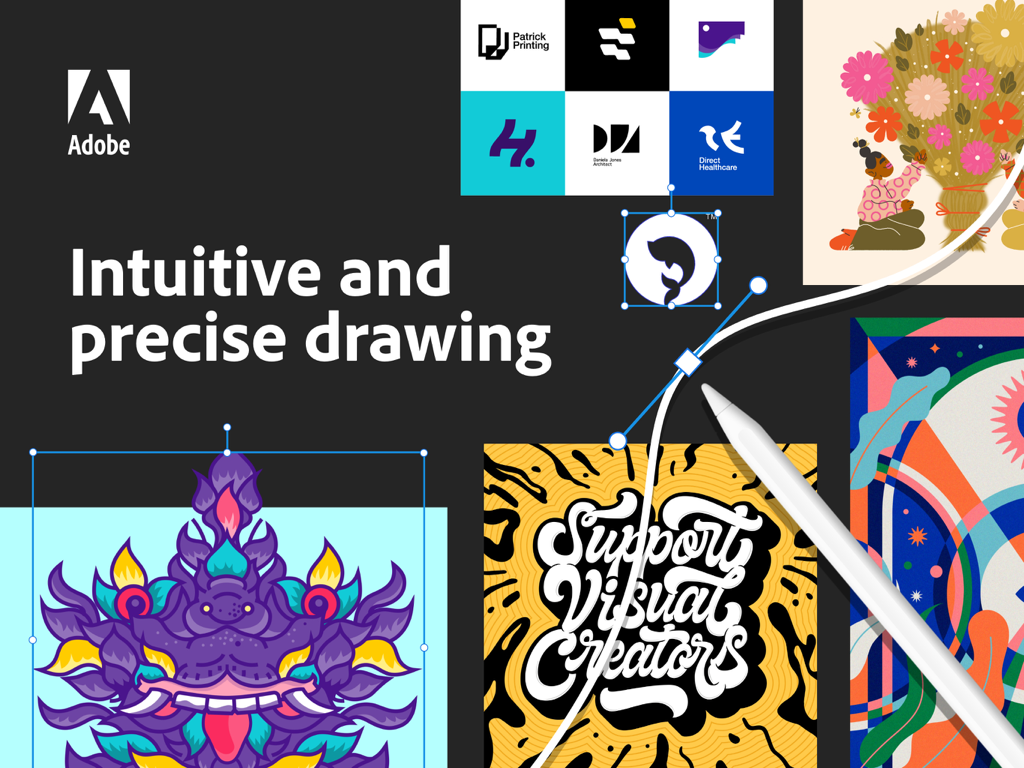
Apple Pencilを使ったベクター描画と様々なグラフィックデザインの例を表示するiPad上のAdobe Illustrator
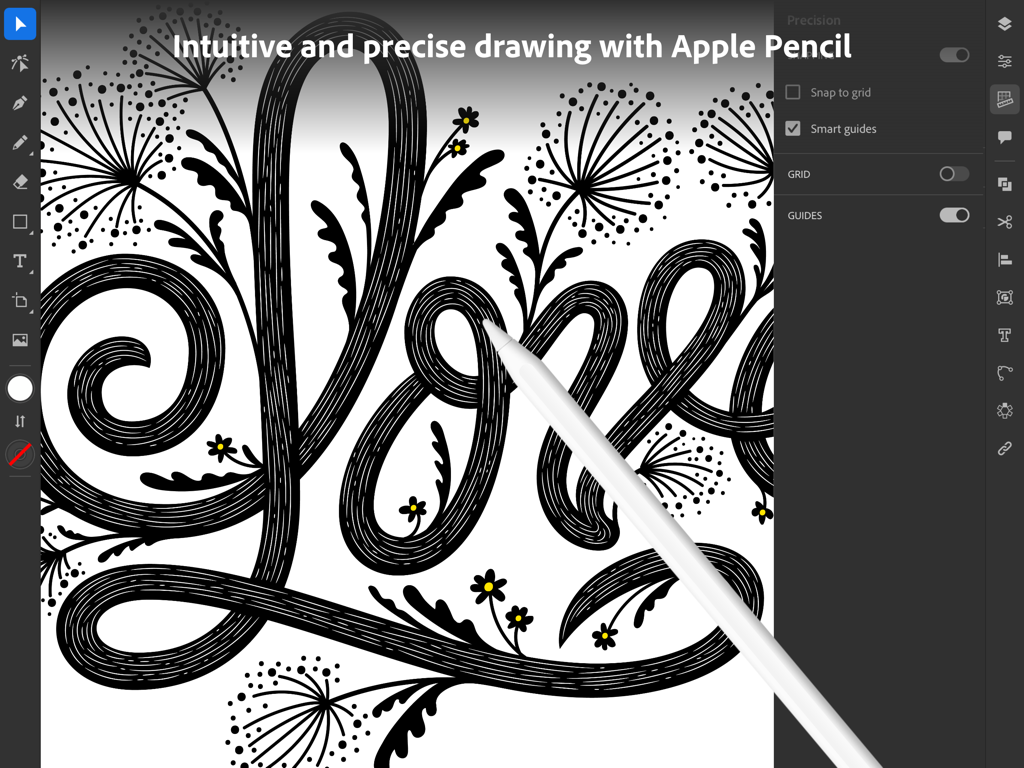
iPadのAdobe IllustratorでApple Pencilを使用して精密なベクターアートを作成するグラフィックデザイナー。
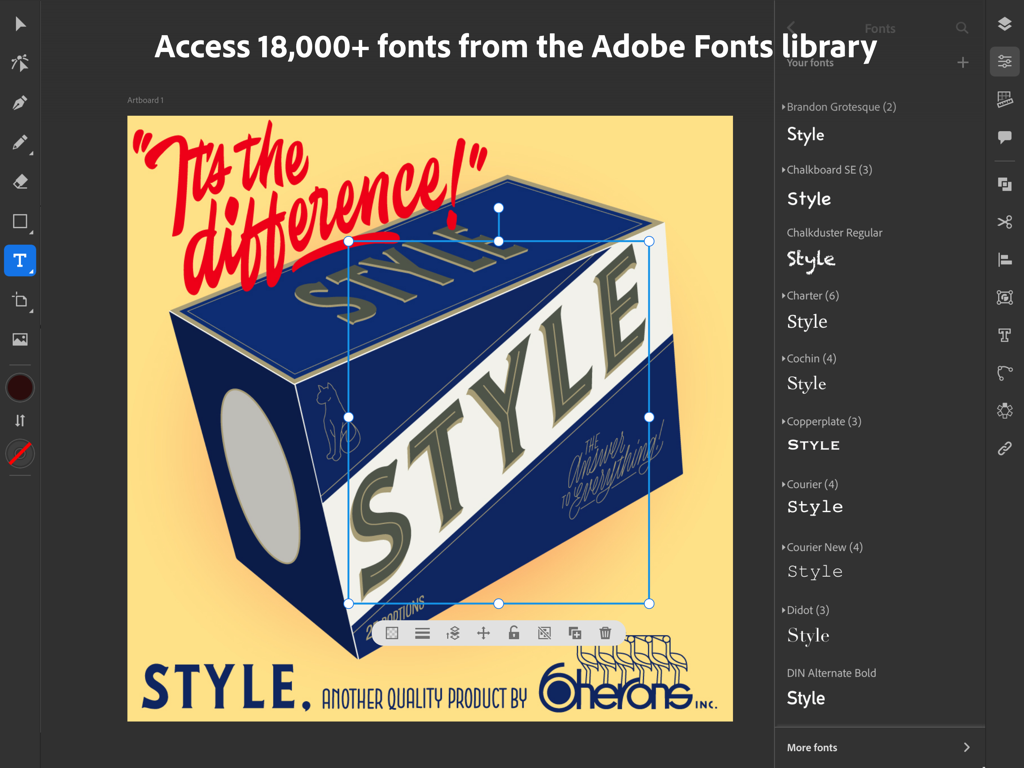
フォント選択メニューとレトロなグラフィックデザインプロジェクトを表示するAdobe Illustrator iPadアプリのインターフェース
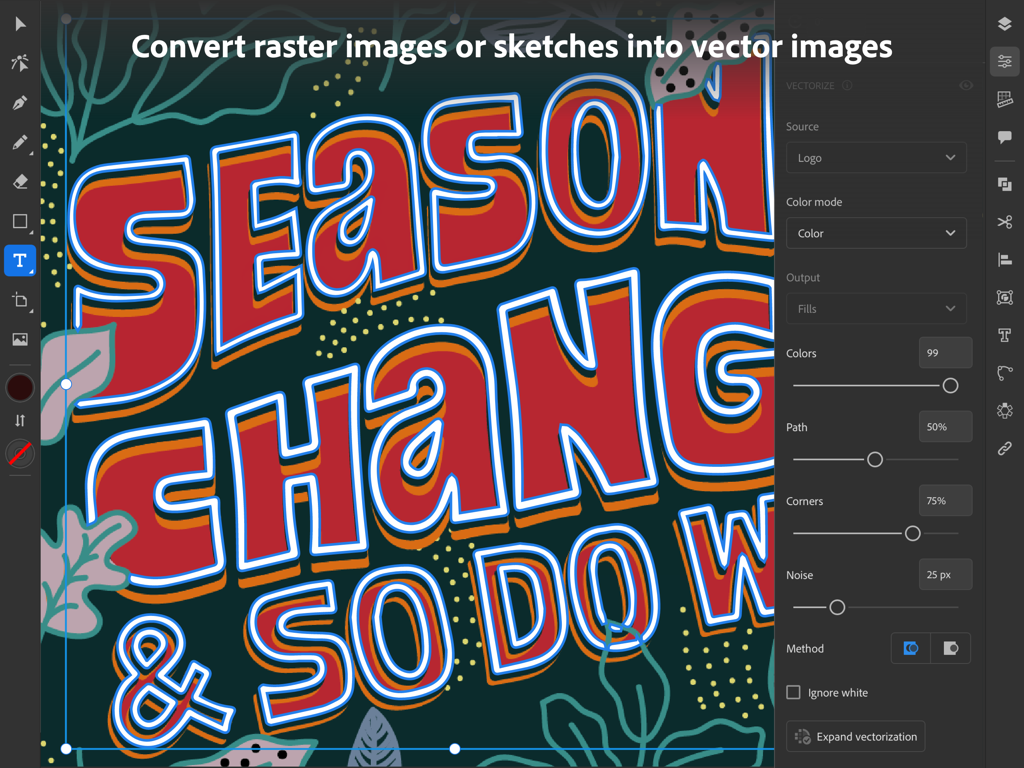
カラフルな手書きのタイポグラフィイラストを編集可能なベクターグラフィックスに変換する、iPad上のAdobe Illustratorのベクター化パネル。
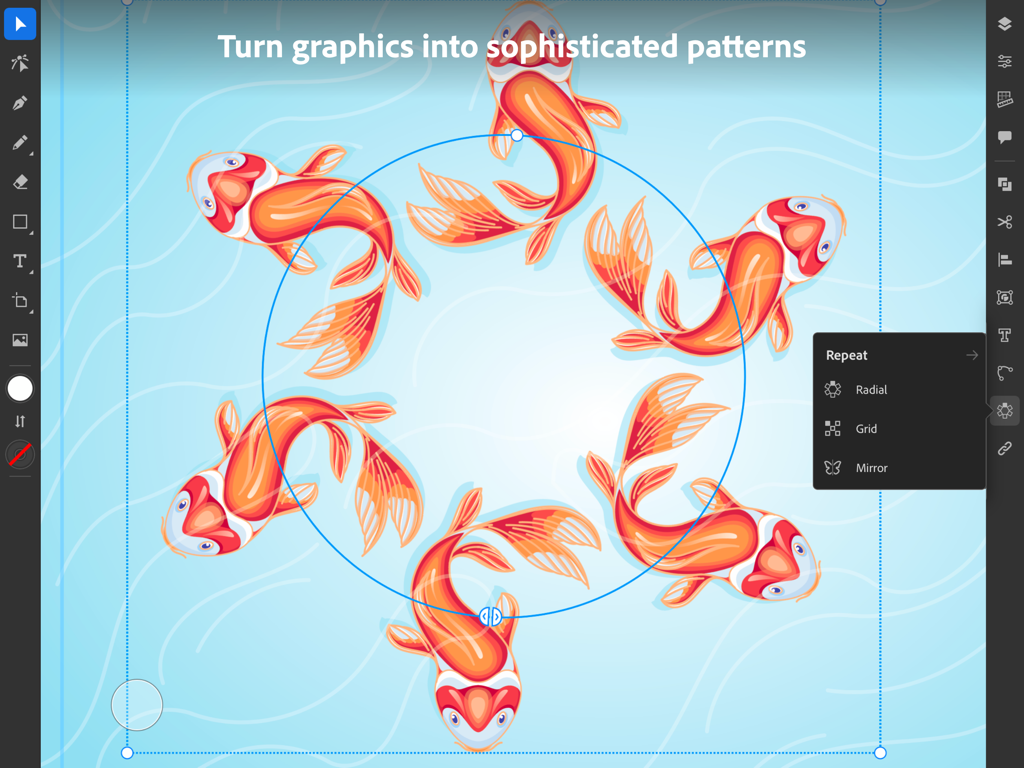
鯉のイラストとともにラジアルリピート機能を表示するAdobe Illustrator iPadアプリ
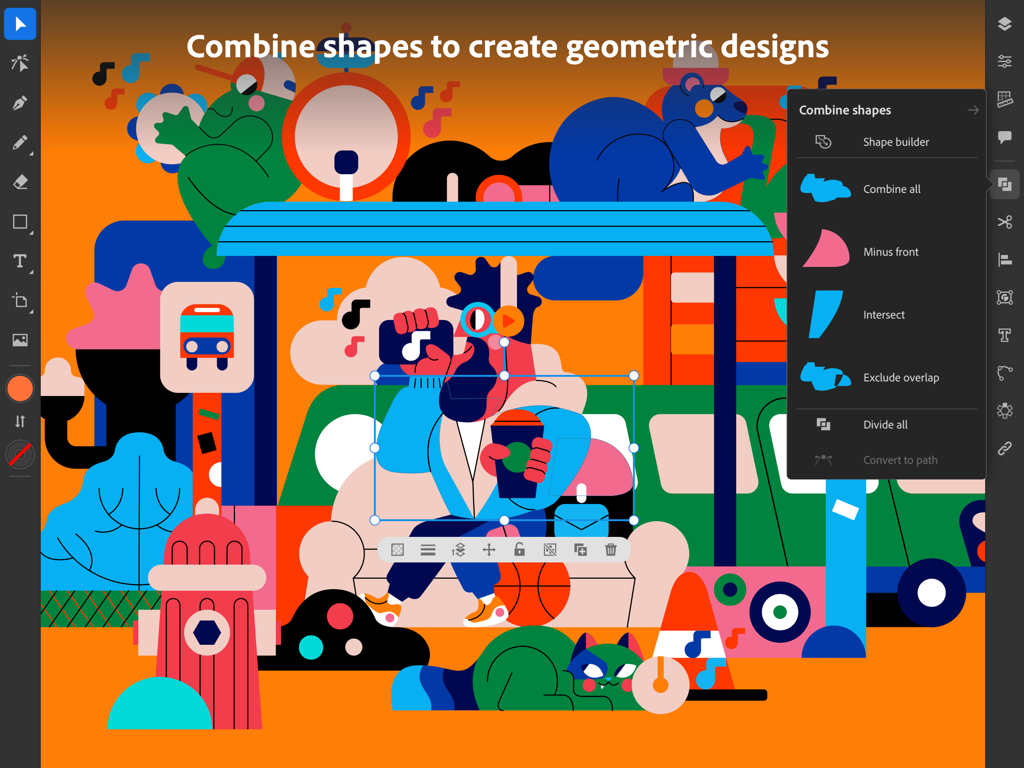
カラフルな幾何学模様のイラストと「シェイプを結合」メニューを表示するiPad向けAdobe Illustratorのインターフェース。
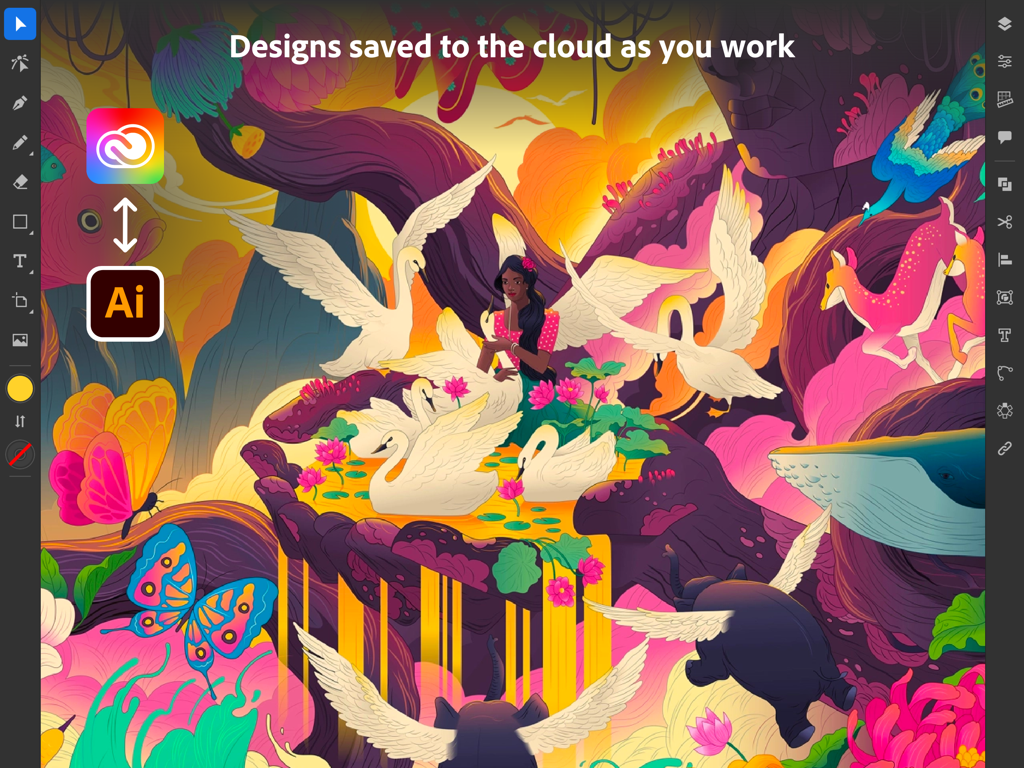
シュールなイラストとクラウド同期アイコンを表示するAdobe Illustrator iPadインターフェース
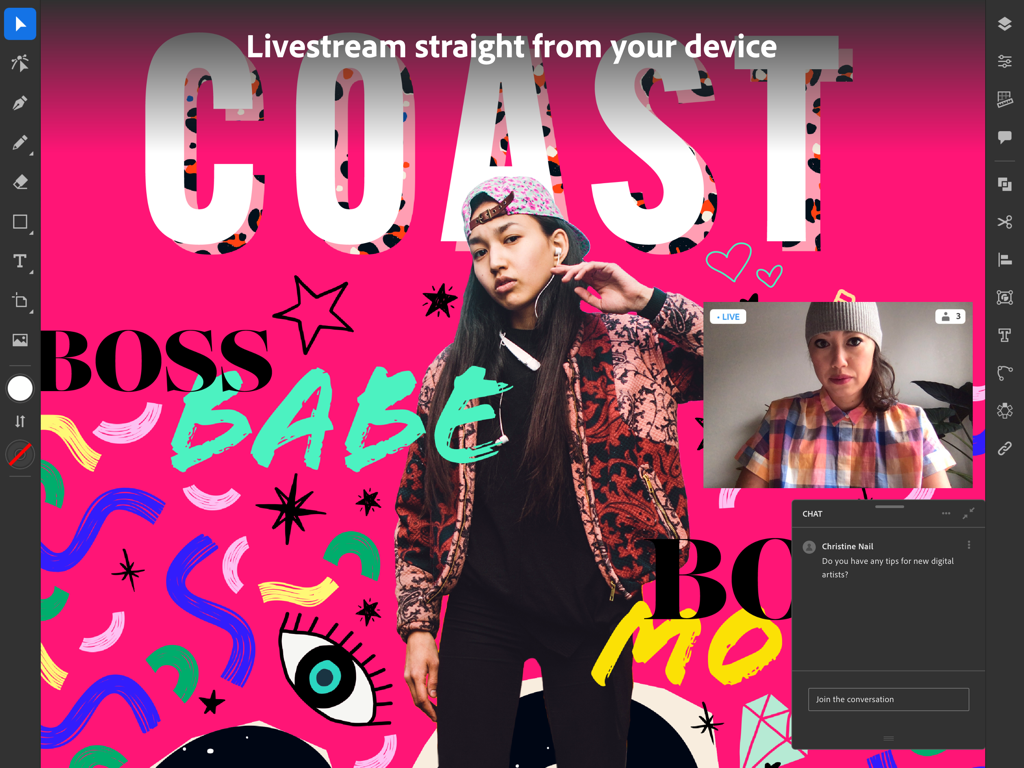
ライブストリームとコミュニティチャットを表示するAdobe Illustrator iPadアプリ。
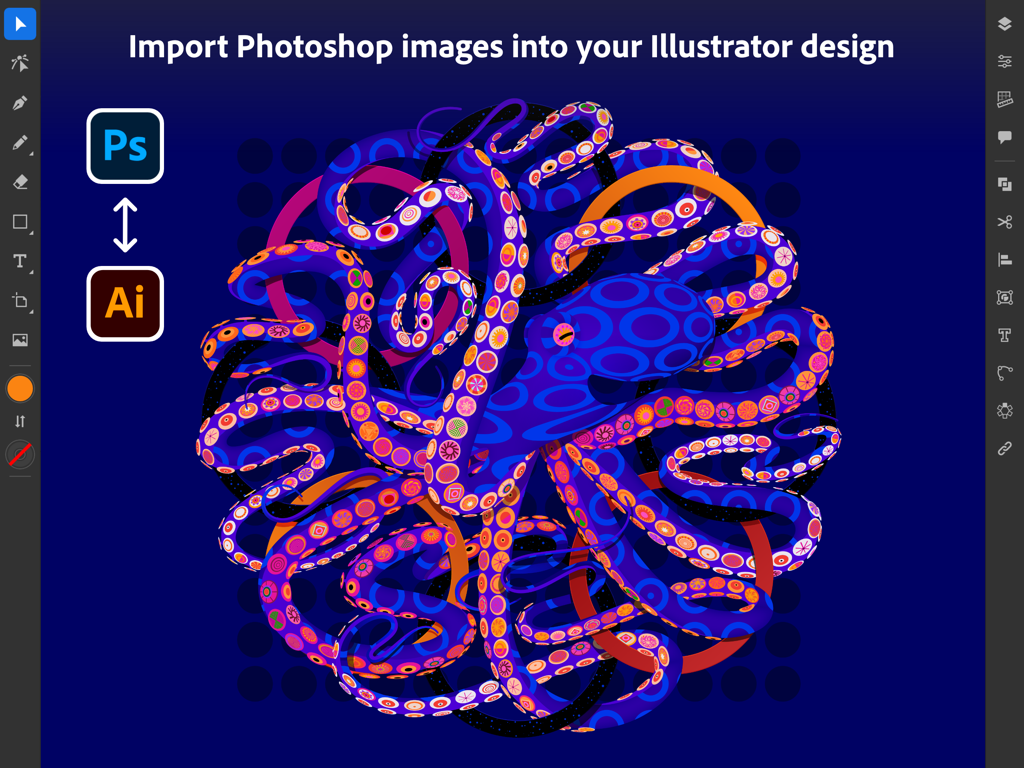
カラフルなタコのグラフィックとともにPhotoshop画像の読み込みを表示するAdobe Illustrator iPadインターフェース
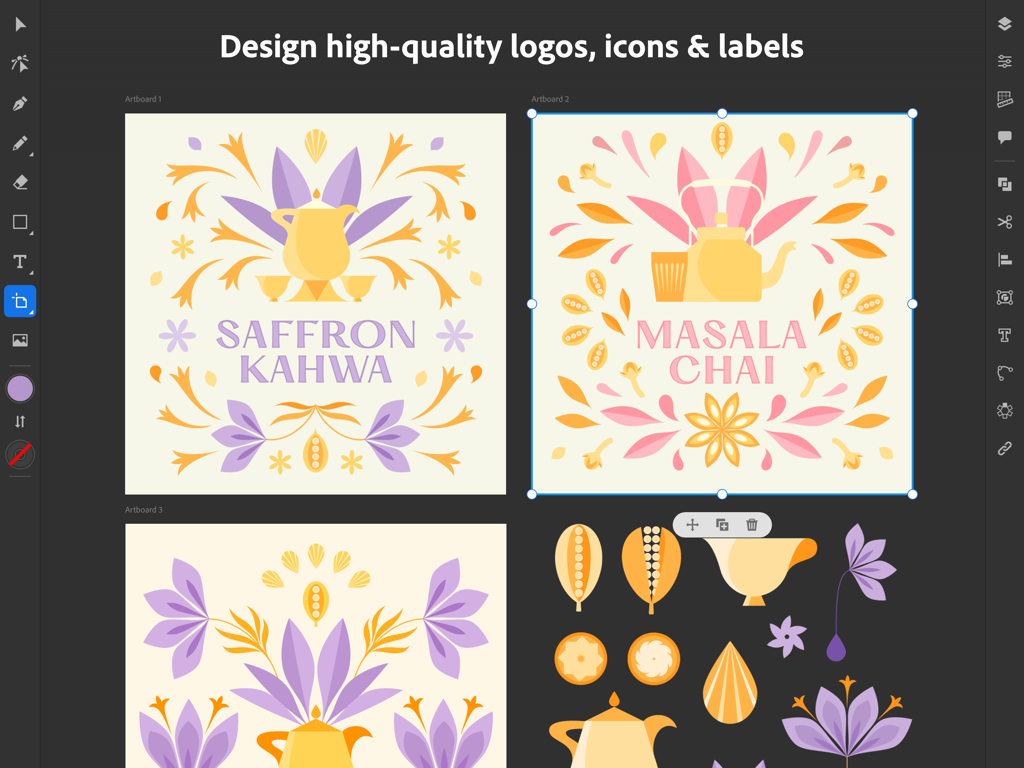
お茶ブランドのベクターロゴとラベルデザインを表示するAdobe Illustrator iPadインターフェース。
説明
Download
類似アプリ
似た機能とユーザー体験を持つアプリ

Affinity Designer 2 for iPad
Serif (Europe) Ltd.

Vector & SVG Maker - Assembly
Pixite Inc.

Logoist 5
Synium Software GmbH

Infinite Zoom Art - Canvas Max
Appycron Interactive e.K.

Inkpad - Graphic Design
Envoza Ltd

Amadine: Vector Design and Art
Belight Software, ltd

Graphic for iPad
Picta, Inc

Vector Drawing & Logo Design
Jonathan OFarrow

iDesign
TouchAware Limited
このページはアプリまたはその開発者の公式ページではなく、情報提供および論評を目的として作成された独立した編集出版物です。明示的に別段の記載がない限り、アプリおよびその開発者は、MWM、Apple、Google Play、アプリのパブリッシャー、またはアプリの開発者と提携、承認、後援、認可、またはその他の公式的な関係はなく、このページのいかなる内容も、アプリがMWMのサービスを使用して開発されたことを意味するものではありません。すべての商標、ロゴ、スクリーンショット、その他のコンテンツはそれぞれの所有者の財産です。