Logoist 5
Logoist 5
ダウンロード: App Store

このページはアプリまたはその開発者の公式ページではなく、情報提供および論評を目的として作成された独立した編集出版物です。明示的に別段の記載がない限り、アプリおよびその開発者は、MWM、Apple、Google Play、アプリのパブリッシャー、またはアプリの開発者と提携、承認、後援、認可、またはその他の公式的な関係はなく、このページのいかなる内容も、アプリがMWMのサービスを使用して開発されたことを意味するものではありません。すべての商標、ロゴ、スクリーンショット、その他のコンテンツはそれぞれの所有者の財産です。

ロゴ: Logoist 5
ダウンロード: App Store

Logoist 5

究極のロゴ&イラストレーションスタジオで、あなたのクリエイティブジャーニーを強化しましょう。スマートテンプレートから高度なベクターツール、3Dモックアップまで、Mac、iPad、iPhoneで何でもデザインできます。サブスクリプションは不要です。

主要数値

ダウンロード

62K+

ユーザー評価

4.6/5

評価数

400

開発元

Synium Software GmbH

カテゴリ

Graphics & Design

対応言語

9

最新バージョン

5.2

サイズ

371.6 MB

リリース日

2023年10月3日
機能

プロのデザインを、シンプルに

AIによるインスピレーションからピクセルパーフェクトなベクターツールまで、Logoist 5はサブスクリプションの煩わしさなしで、見事なブランドを構築するために必要なすべてを提供します。

オンデバイスベクターAI

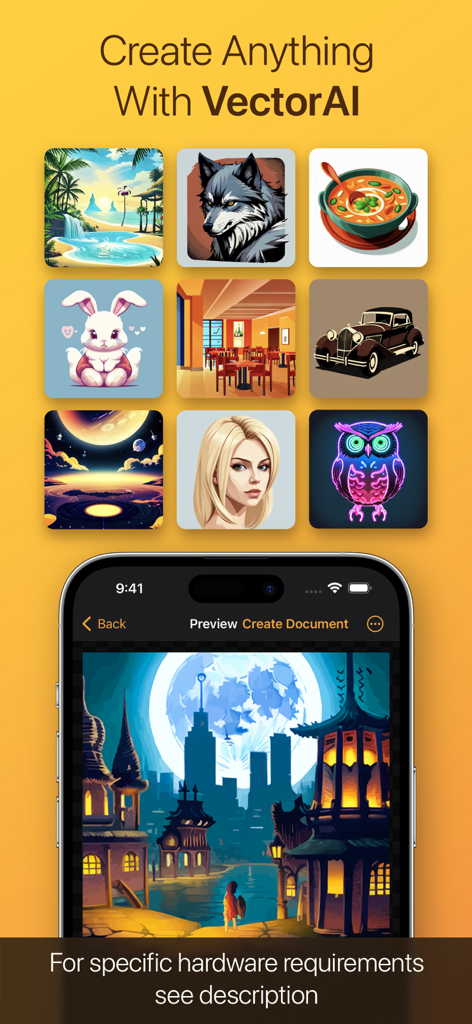
あなたのビジョンを説明するだけで、AIが編集可能なベクターアートワークを瞬時に生成します。クラウド不要、遅延なし、そしてあなたのクリエイティブなアイデアのプライバシーは100%保護されます。

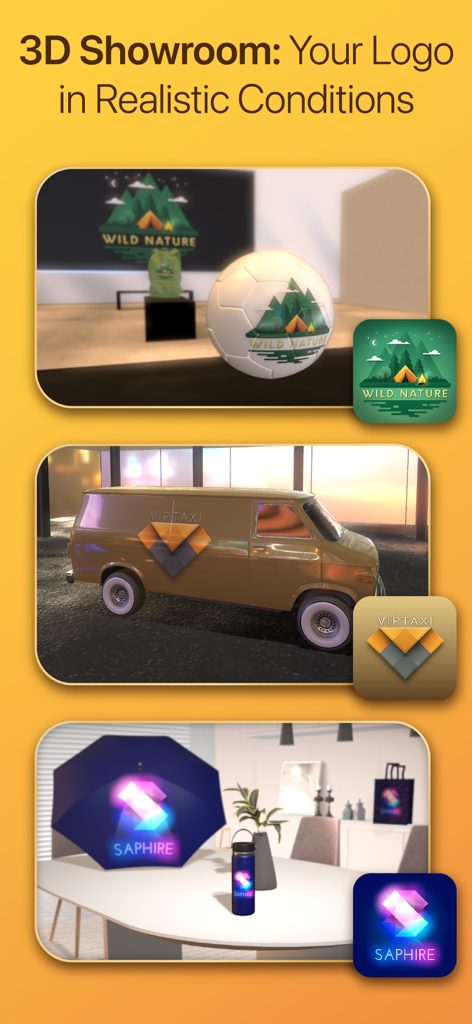
3Dショールーム

印刷する前に、コーヒーマグ、名刺、車などの実世界の商品でロゴがどのように見えるかを瞬時に視覚化できます。

以下のスクリーンショットと説明は、アプリの公式ストアリスティングから直接取得されたものであり、アプリ開発者の所有物です。

アプリストア

スクリーンショット
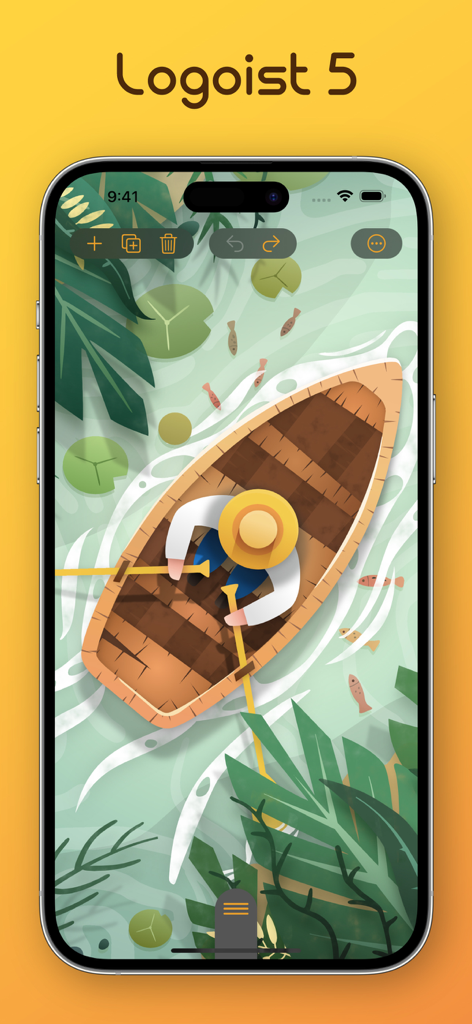
Logoist 5 - Logoist 5で作成された、池に浮かぶ手漕ぎボートのベクターイラストが表示されたiPhone画面
Logoist 5で作成された、池に浮かぶ手漕ぎボートのベクターイラストが表示されたiPhone画面

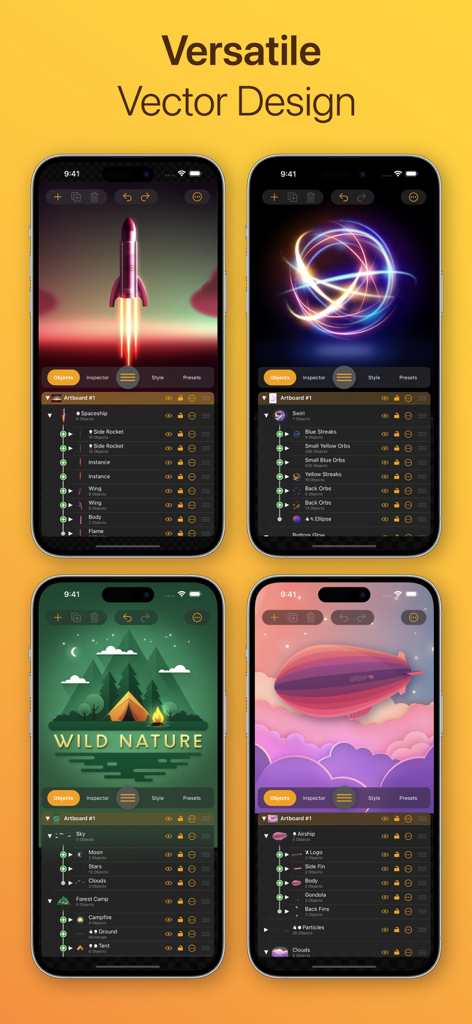
Logoist 5 - iPhone上のLogoist 5アプリインターフェース。様々なベクターグラフィックデザインとレイヤー管理ツールを表示
iPhone上のLogoist 5アプリインターフェース。様々なベクターグラフィックデザインとレイヤー管理ツールを表示

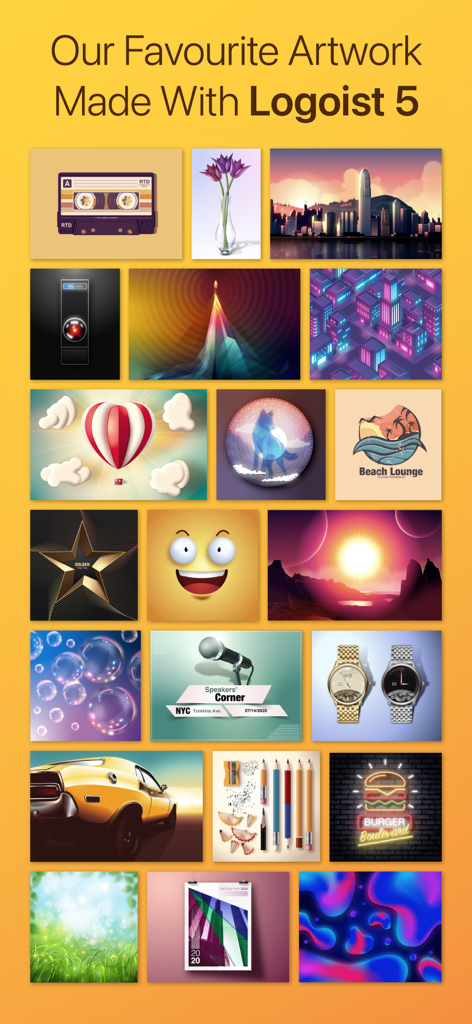
Logoist 5 - Logoist 5アプリで作成された、多様なプロフェッショナルデザインとベクターイラストのギャラリー
Logoist 5アプリで作成された、多様なプロフェッショナルデザインとベクターイラストのギャラリー

Logoist 5 - Logoist 5の3Dショールーム機能。バンのようなリアルな3Dオブジェクトやサッカーボールにロゴを表示
Logoist 5の3Dショールーム機能。バンのようなリアルな3Dオブジェクトやサッカーボールにロゴを表示

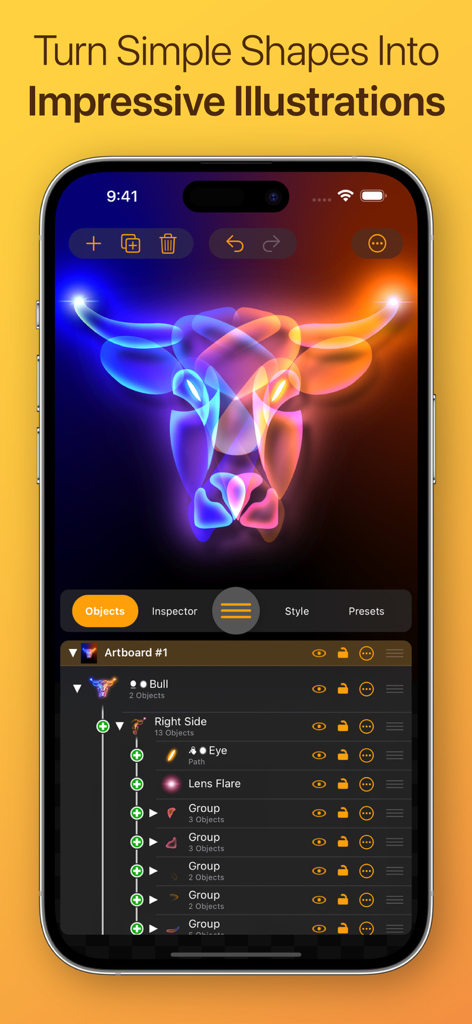
Logoist 5 - iPhone上のLogoist 5アプリインターフェース。光るネオンの雄牛のイラストと高度なレイヤー管理ツールを表示
iPhone上のLogoist 5アプリインターフェース。光るネオンの雄牛のイラストと高度なレイヤー管理ツールを表示

Logoist 5 - Logoist 5アプリインターフェース。VectorAIで生成されたグラフィックと詳細なベクターイラストをiPhone画面に表示
Logoist 5アプリインターフェース。VectorAIで生成されたグラフィックと詳細なベクターイラストをiPhone画面に表示

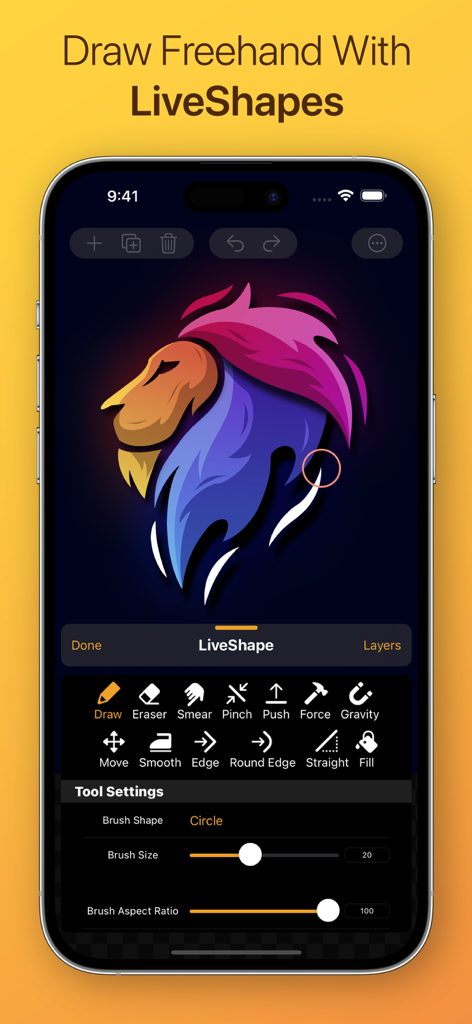
Logoist 5 - Logoist 5アプリのインターフェース。カラフルなライオンのベクターイラストがiPhoneに表示されたライブシェイプのフリーハンド描画ツールを表示
Logoist 5アプリのインターフェース。カラフルなライオンのベクターイラストがiPhoneに表示されたライブシェイプのフリーハンド描画ツールを表示

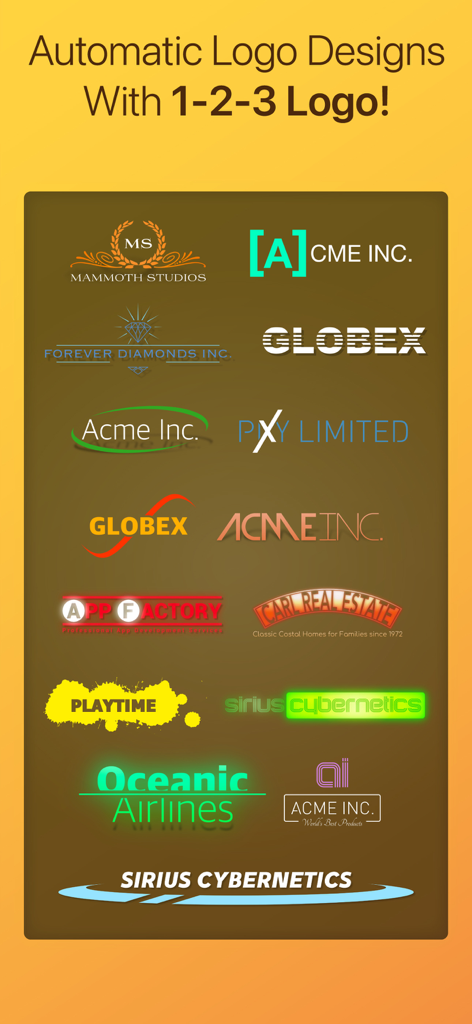
Logoist 5 - Logoist 5の1-2-3ロゴ機能で自動生成された様々なロゴデザインスタイル
Logoist 5の1-2-3ロゴ機能で自動生成された様々なロゴデザインスタイル

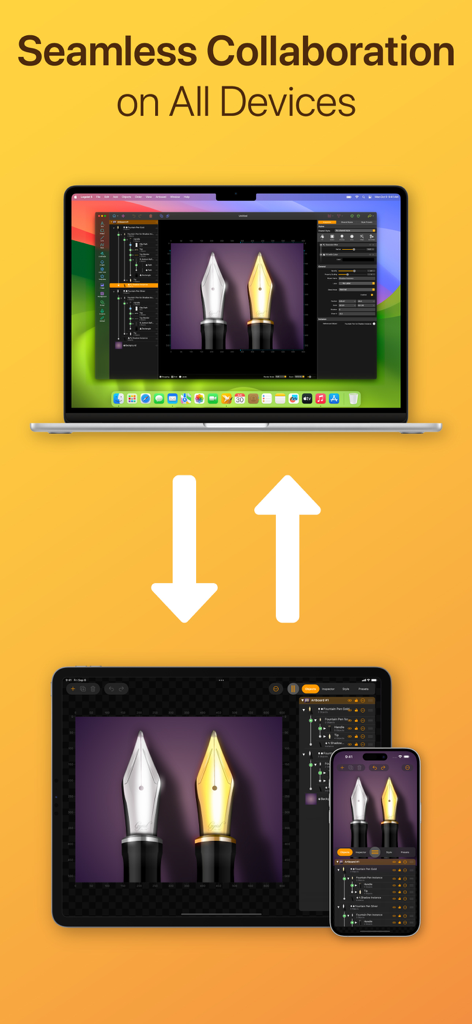
Logoist 5 - MacBook、iPad、iPhoneに表示されたLogoist 5グラフィックデザインアプリのインターフェース。シームレスなクロスプラットフォームワークフローを説明
MacBook、iPad、iPhoneに表示されたLogoist 5グラフィックデザインアプリのインターフェース。シームレスなクロスプラットフォームワークフローを説明

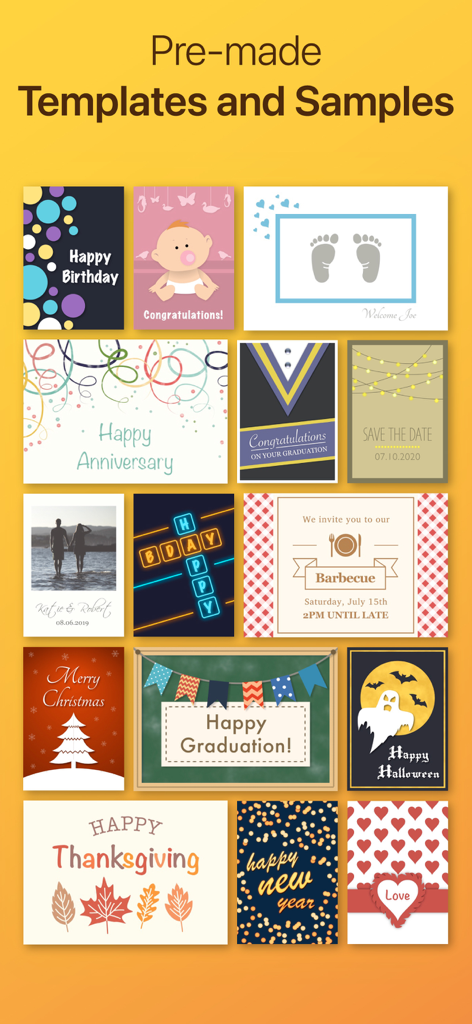
Logoist 5 - Logoist 5のカードや招待状の様々な既製グラフィックデザインテンプレートとサンプル

Logoist 5のカードや招待状の様々な既製グラフィックデザインテンプレートとサンプル

説明

Create impressive images and vector graphics with Logoist 5 – from simple layouts to sophisticated designs. Logoist 5 offers everything you’ll need to make your creative ideas come to life or to spark new inspiration. Developed for both professional designers and graphic artists as well as beginners, Logoist 5 provides not only a plethora of templates – ensuring an easy start for users without any prior experience with vector applications – but also offers powerful tools for professional users. The app’s large variety of comprehensive shape, style, preset, clip art and effects galleries are easy to appreciate. With a clean interface and powerful tools, including pre-made design elements that can be combined as desired, Logoist 4 offers incredible ease of use – even including versatile path editors useable to create any shape you want. New in Version 5.1: VectorAI Image Creator VectorAI is the first and only on-device AI vector image creator for Mac, iPhone and iPad. Describe what you want to see, and VectorAI creates stunning Vector artwork for you – thanks to Artificial Intelligence. Your new drawing companion comes included with Logoist 5.1, and after you have downloaded the provided vector styles, no server connection is required. All data stays on your device and is processed locally. Once you are happy with VectorAI's suggestions, simply create a new Logoist project to further refine your results or export it as image or vector file. New in Version 5.2: Whether you’ve created a logo quickly and easily using Logoist’s templates – or you’ve invested hours into a sophisticated design – one question always remains: How does my logo look in everyday use? Can it also be applied to a coffee mug, a car decal, or a large advertising banner?
The brand-new 3D Showroom in Logoist gives you exactly that answer: view your creation on virtually any object and literally walk around your design. This way, you’ll gain the best possible impression of how your logo or graphic will actually appear. Logoist for Mac has been around for 13 years. One of the most common customer requests has always been: Why isn't there an iPad version of Logoist? We are therefore excited to announce a breakthrough, because for the first time, Logoist is now available for iPad & iPhone. It's a fully-featured desktop-grade app, equipped with functionalities not available even in high-priced suites! Logoist 5 in a Nutshell: • Clean user interface (including Dark Mode) • Dozens of combinable styles, effects and filters • Thousands of clip art and hundreds of fully customizable style templates • Non-destructive boolean operations while preserving all vector information • VectorAI automatically creates stunning Vector artwork for you • Suitable for pixel graphics, web, and resolution-independent print products • X-ray mode for editing complex object and layer structures • Pixel mode to create pixel-accurate designs • Flexible group management and innovative layer management features • All filters and effects are non-destructive and can be modified anytime • Full support for Apple Pencil • Vectorizer: Converts any graphic element into a resolution-independent vector format • 1-2-3 Logo: Create logo ideas with a single click • Template wizard for business cards, collages, and more • Multipoint Gradients: Create smooth gradients along arbitrary points, lines and curves • Align text to any path or object • Export file formats: PDF, SVG, EPS, PNG, JPG, HEIF, layered Photoshop PSDs, layers as separate PNG files • Batch export: Export multiple formats and resolutions simultaneously

Download

ダウンロード: App Store

このページはアプリまたはその開発者の公式ページではなく、情報提供および論評を目的として作成された独立した編集出版物です。明示的に別段の記載がない限り、アプリおよびその開発者は、MWM、Apple、Google Play、アプリのパブリッシャー、またはアプリの開発者と提携、承認、後援、認可、またはその他の公式的な関係はなく、このページのいかなる内容も、アプリがMWMのサービスを使用して開発されたことを意味するものではありません。すべての商標、ロゴ、スクリーンショット、その他のコンテンツはそれぞれの所有者の財産です。








