
このページはアプリまたはその開発者の公式ページではなく、情報提供および論評を目的として作成された独立した編集出版物です。明示的に別段の記載がない限り、アプリおよびその開発者は、MWM、Apple、Google Play、アプリのパブリッシャー、またはアプリの開発者と提携、承認、後援、認可、またはその他の公式的な関係はなく、このページのいかなる内容も、アプリがMWMのサービスを使用して開発されたことを意味するものではありません。すべての商標、ロゴ、スクリーンショット、その他のコンテンツはそれぞれの所有者の財産です。


Vector & SVG Maker - Assembly
数分で素晴らしいロゴ、アイコン、イラストを作成。モバイルデバイスでデスクトップ級のベクターツールのパワーを活用し、ビジョンを簡単に構築、編集、エクスポートできます。
ダウンロード
2M+ユーザー評価
評価数
12K+開発元
カテゴリ
Graphics & Design対応言語
2最新バージョン
2.4.7サイズ
154.2 MBリリース日
2015年10月9日プロフェッショナルなベクターデザインをよりシンプルに
学習コストをかけずにハイエンドなクリエイティブツールを使いこなしましょう。カスタムロゴから複雑なイラストまで、Assemblyは高速で直感的なモバイルインターフェースでデスクトップ級のパワーを提供します。
スマートな図形構築
スケッチブックは不要です。1,000種類以上のプリセット図形を組み合わせたり交差させたりして、複雑でプロフェッショナルなグラフィックを数秒で構築できます。
精密なポイント編集
業界標準のベジェ曲線ですべてのディテールをマスター。プロ級のポイント編集により、芸術的なビジョンを完全にコントロールできます。
よくある質問
について知っておくべきこと Vector & SVG Maker - Assembly
アセンブリ(ベクター&SVGメーカー)とは何ですか?
Assemblyは、ロゴ、アイコン、イラスト作成のための革新的なベクターデザインツールです。プロフェッショナルなデスクトップソフトウェアで見られるような強力で使いやすい機能を備えており、効率的に質の高い作業を可能にします。
アセンブリはSVGファイルを作成・編集できますか?
はい、Assemblyはベクター&SVGメーカーであり、ユーザーはSVGファイルを作成・編集できます。SVG/PNG/JPGのインポートと、SVG、PDF、PNG、JPG形式でのデザインのエクスポートをサポートしています。
アセンブリはプロフェッショナルなベクターデザインツールを提供していますか?
はい、Assemblyは、ベジェ曲線によるポイント編集、シェイプの結合、完全なテキストエンジンなど、プロフェッショナル品質のベクターデザインツールを提供しています。これらの機能は、ハイエンドのグラフィックデザインスイートに搭載されているものです。
Assembly Proの料金はいくらですか?
Assembly Proは、週2.99ドル、月4.99ドル、年29.99ドルです。この自動更新サブスクリプションサービスは、プロフェッショナルな機能を提供します。価格は変更される場合があります。
Assembly Proには無料トライアルがありますか?
はい、Assembly Proでは7日間の無料トライアルを提供しています。この期間終了後、サブスクリプションは自動的に週次プランに更新されますが、ユーザーはいつでもキャンセルできます。
Assemblyアプリはどのファイル形式でエクスポートできますか?
Assemblyアプリは、高解像度のJPGおよびPNG、さらに最大8192 x 8192のベクター形式(SVGおよびPDF)でデザインをエクスポートします。Assemblyプロジェクトファイルも出力します。
カスタムフォントをAssemblyにインポートできますか?
はい、Assemblyの完全なテキストエンジンにより、ユーザーは独自のカスタムフォントをインポートできます。また、多様なデザインニーズに対応する25種類の汎用性の高い厳選されたフォントも含まれています。
Assemblyはデバイス間でプロジェクトを同期しますか?
はい、AssemblyはiCloud同期をサポートしており、複数のデバイス間でプロジェクトを同期できます。これにより、ユーザーはどこからでもデザインにアクセスして作業できます。
Assembly Proサブスクリプションをキャンセルするにはどうすればよいですか?
ユーザーは購入後、アカウント設定でAssembly Proサブスクリプションを管理し、自動更新をオフにすることができます。自動更新のキャンセルは、現在の期間が終了する少なくとも24時間前に行う必要があります。
Assemblyアプリは初心者にも使いやすいですか?
はい、Assemblyは強力でありながら直感的になるように設計されており、プロフェッショナルなベクターデザインをあらゆる背景やスキルレベルのアーティストに利用しやすくしています。シンプルなインターフェースを提供します。
以下のスクリーンショットと説明は、アプリの公式ストアリスティングから直接取得されたものであり、アプリ開発者の所有物です。
アプリストア
スクリーンショット
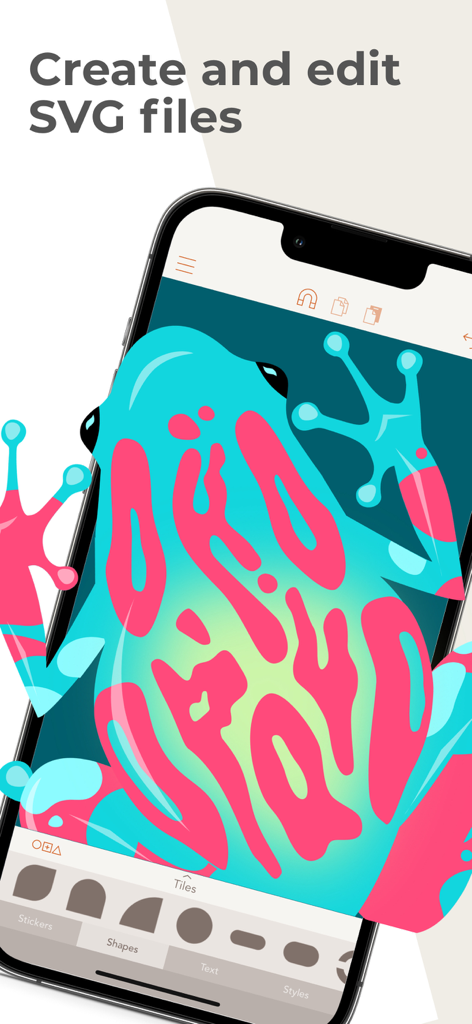
Assemblyアプリで編集されているカラフルなカエルのベクターイラスト
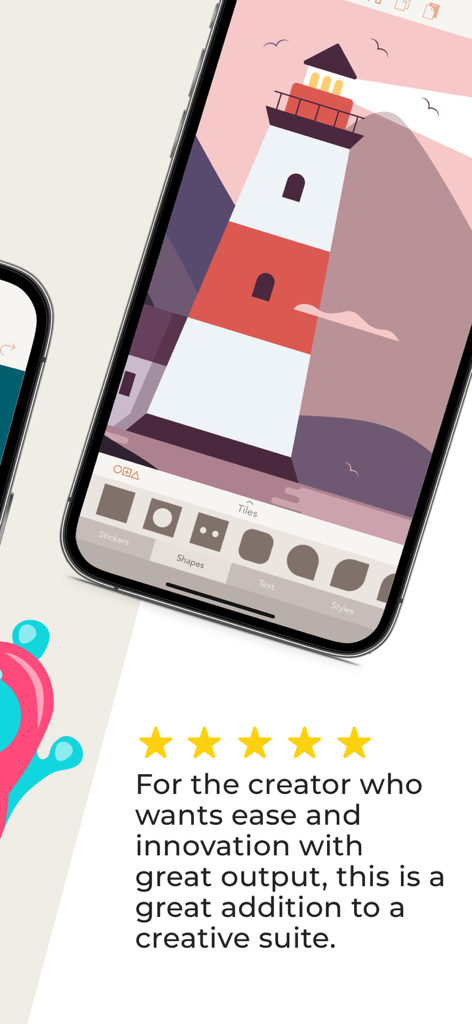
5つ星のレビューとともに、Assemblyベクターデザインアプリに表示された灯台のイラストのiPhone画面
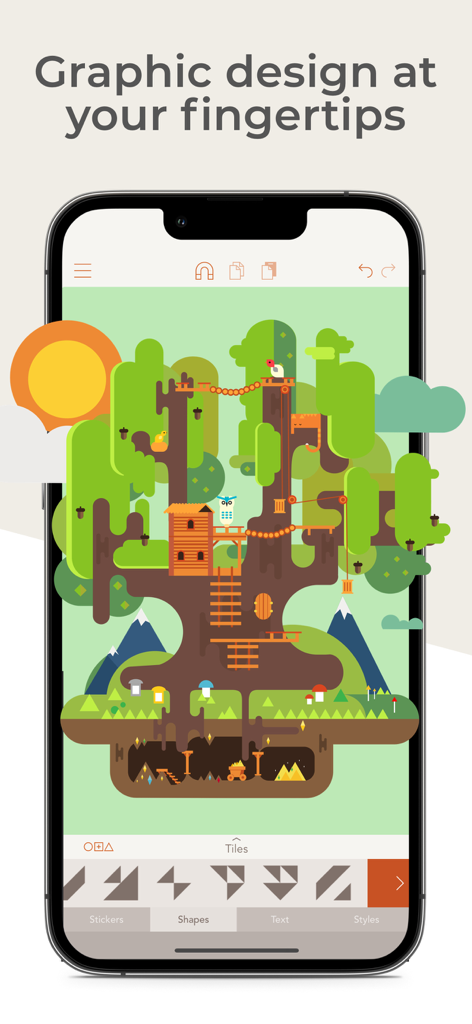
ツリーハウスの詳細なベクターイラストを表示しているAssemblyモバイルアプリのインターフェース
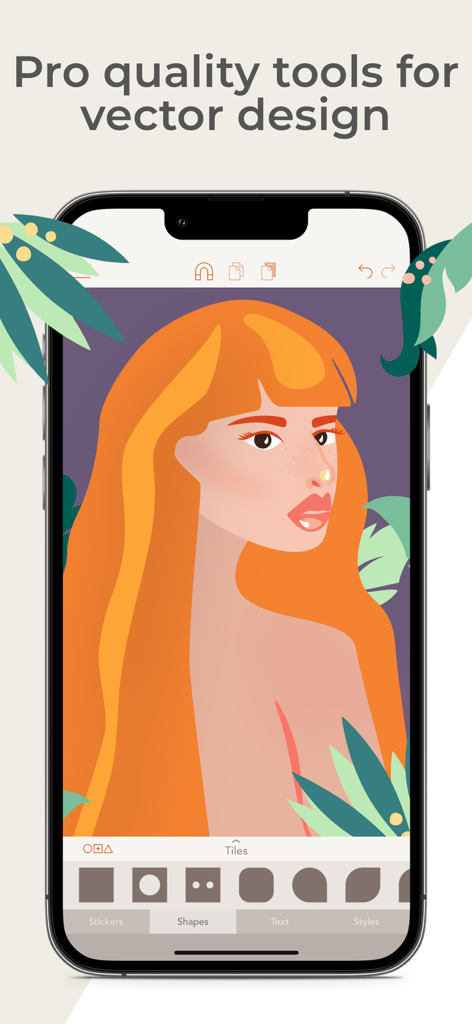
プロフェッショナルな女性のイラストが特徴のAssemblyベクターデザインアプリのモバイルインターフェース
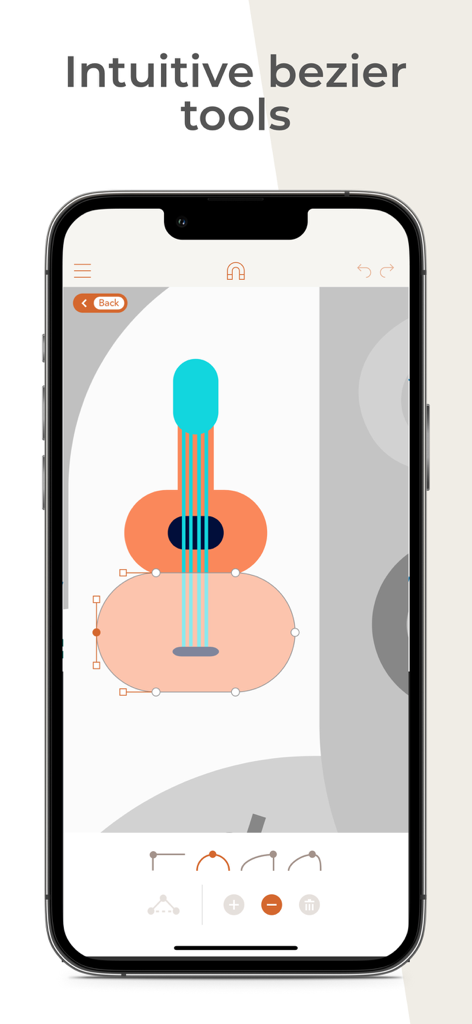
Assemblyアプリの直感的なベジェ曲線ツールを使用して編集されているギターのベクターイラスト
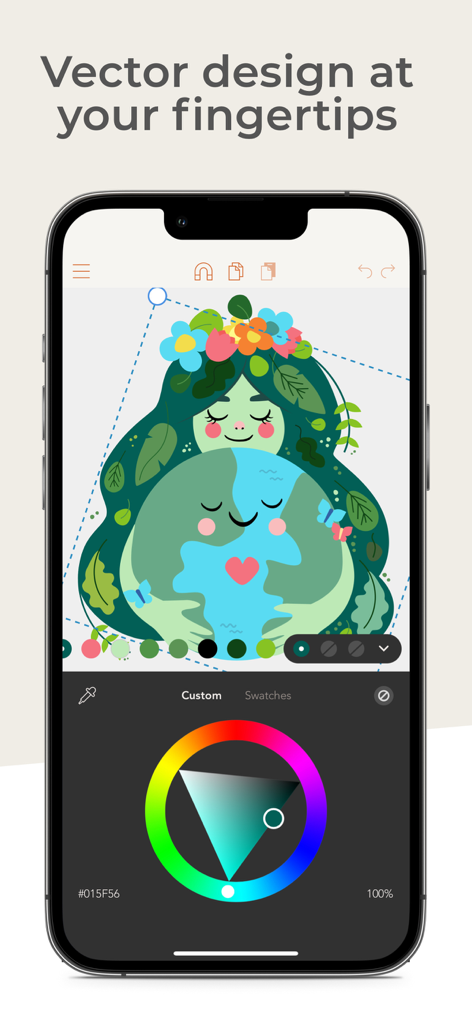
ベクターイラストとカラーホイールが表示された、Assemblyアプリを使用したiPhone上でのグラフィックデザイン
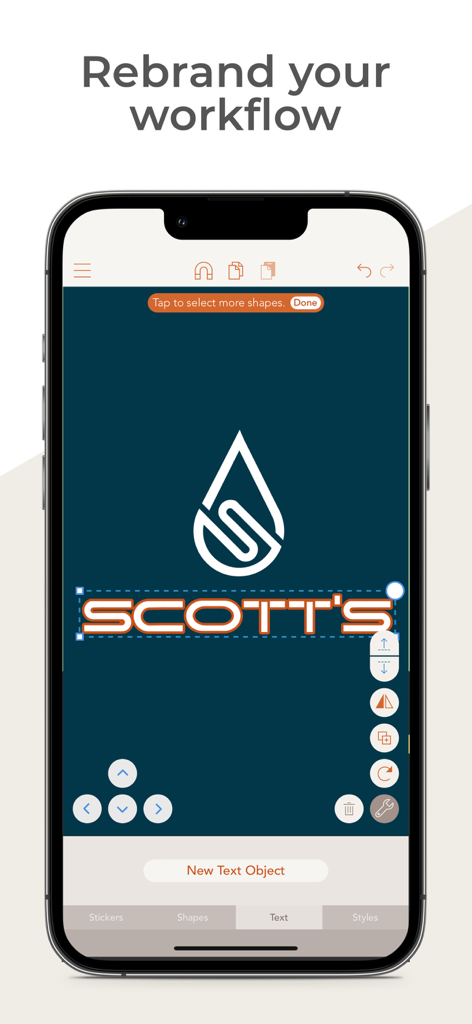
「Scotts」というブランドの水滴アイコンとテキスト編集を表示している、ベクターロゴデザイン用のモバイルアプリインターフェース
説明
Download
類似アプリ
似た機能とユーザー体験を持つアプリ

Affinity Designer 2 for iPad
Serif (Europe) Ltd.

Logoist 5
Synium Software GmbH

Adobe Illustrator: Graphic Art
Adobe Inc.

Infinite Zoom Art - Canvas Max
Appycron Interactive e.K.

Inkpad - Graphic Design
Envoza Ltd

Amadine: Vector Design and Art
Belight Software, ltd

Graphic for iPad
Picta, Inc

Vector Drawing & Logo Design
Jonathan OFarrow

iDesign
TouchAware Limited
このページはアプリまたはその開発者の公式ページではなく、情報提供および論評を目的として作成された独立した編集出版物です。明示的に別段の記載がない限り、アプリおよびその開発者は、MWM、Apple、Google Play、アプリのパブリッシャー、またはアプリの開発者と提携、承認、後援、認可、またはその他の公式的な関係はなく、このページのいかなる内容も、アプリがMWMのサービスを使用して開発されたことを意味するものではありません。すべての商標、ロゴ、スクリーンショット、その他のコンテンツはそれぞれの所有者の財産です。