
このページはアプリまたはその開発者の公式ページではなく、情報提供および論評を目的として作成された独立した編集出版物です。明示的に別段の記載がない限り、アプリおよびその開発者は、MWM、Apple、Google Play、アプリのパブリッシャー、またはアプリの開発者と提携、承認、後援、認可、またはその他の公式的な関係はなく、このページのいかなる内容も、アプリがMWMのサービスを使用して開発されたことを意味するものではありません。すべての商標、ロゴ、スクリーンショット、その他のコンテンツはそれぞれの所有者の財産です。

Amadine: Vector Design and Art
iPadとiPhoneでデスクトップクラスのパワーを解き放ちましょう。すっきりとしたインターフェース、Apple Pencilの精度、サブスクリプションなしで、すばらしいロゴ、UI、アートを作成できます。
ダウンロード
779K+ユーザー評価
評価数
500開発元
カテゴリ
Graphics & Design対応言語
3最新バージョン
1.7.2サイズ
64.7 MBリリース日
2020年12月8日どこでもプロのようにデザイン
Amadineは、モバイルのクリエイティブワークフローに最適化された、すっきりとした直感的なインターフェースでデスクトップベクターソフトウェアのパワーを提供します。
精密ベクターツール
クラシックなペンツールから、簡単なシェイプ作成のための革新的なフュージョンツールまで、30以上のプログレードツールにアクセスできます。
流れるようなiPad体験
圧力感度とネイティブジェスチャーでApple Pencilの可能性を最大限に引き出し、真に触覚的なクリエイティブプロセスを実現します。
よくある質問
について知っておくべきこと Amadine: Vector Design and Art
Amadineとは何ですか?
Amadineは、直感的で使いやすいベクターデザイン、描画、イラストレーションアプリです。イラスト、ロゴ、アイコン、UIデザイン、ブランドブック、アートなどの複雑なデザインを作成するためのクリーンなUIを提供し、初心者からプロフェッショナルまで対応します。
Amadineで何を作成できますか?
Amadineでは、イラスト、ロゴ、アイコン、UIデザイン、ブランドブック、アートなど、あらゆる複雑さのデザインを作成できます。1つのアプリケーションで包括的なベクターデザイン機能を提供します。
AmadineはApple Pencilに対応していますか?
はい、iPad版AmadineはApple Pencilに対応しています。筆圧感知機能を持つApple PencilとApple Pencil 2での描画が可能で、クリエイティブなアートワークのために応答性が高く自然なブラシを提供します。
Amadineはどのようなファイル形式のインポートとエクスポートをサポートしていますか?
AmadineはSVG、PDF、AI、JPEG、TIFF、PNG、HEICをインポートします。デザインを共有するための柔軟性を提供し、SVG、PDF、JPEG、TIFF、PNG、またはPDFファイル形式でグラフィックをエクスポートします。
Amadineは無料で利用できますか?
はい、Amadineアプリは無料でダウンロードでき、すべてのツールとワークフロー仕様を試すことができます。エクスポート機能には、生涯ライセンスまたはアプリ内購入によるサブスクリプションが必要です。
Amadineで利用できる強力なベクターツールは何ですか?
Amadineは、選択、描画、編集、タイピングのための30以上のツールを提供します。これには、ペン、描画、幅、グラデーション、長方形、楕円、自由変形、クリッピングマスクなどが含まれ、包括的なベクターデザインが可能です。
Amadineはテキスト編集機能を扱えますか?
はい、Amadineはプロレベルのテキスト編集を提供します。テキストツール、パス上のテキストツール、シェイプ内のテキストツール、インプレース編集、フォーマット、配置、配布、番号付きリストと箇条書きリストのサポートなどの機能があります。
AmadineにはFusionツールがありますか?
はい、AmadineにはFusionツールが搭載されています。このツールは、複数のオブジェクトをデザイン内で単一のまとまった形状に結合することで、ベクターオブジェクトを作成するためのユニークなアプローチを提供します。
MacコンピューターでAmadineを使用できますか?
はい、AmadineはMacで利用できます。Amadineアプリの別のバージョンがMac用に存在し、ユーザーはさまざまなAppleプラットフォームでベクターデザイン機能を利用できます。
AmadineはCMYKカラーモードをサポートしていますか?
はい、AmadineはRGBとCMYKの両方のカラーモードを完全にサポートしています。また、カラースペースプロファイルもサポートしており、プロフェッショナルなデザイン作業のためにさまざまなデバイスで正確な色の表示を保証します。
AmadineのRecolorパネルはどのように機能しますか?
AmadineのRecolorパネルを使用すると、アートワークの色を大規模かつ簡単に変更できます。ユーザーは既存の色スキームを迅速に変更でき、デザインの効率的な色調整機能を提供します。
Amadineでカスタムベクターシェイプライブラリを作成できますか?
はい、Amadineではカスタムベクターシェイプライブラリを作成できます。組み込みライブラリが含まれていますが、Amadineシェイプを独自のライブラリに保存して、パーソナライズされたオブジェクトセットを作成できます。
以下のスクリーンショットと説明は、アプリの公式ストアリスティングから直接取得されたものであり、アプリ開発者の所有物です。
アプリストア
スクリーンショット
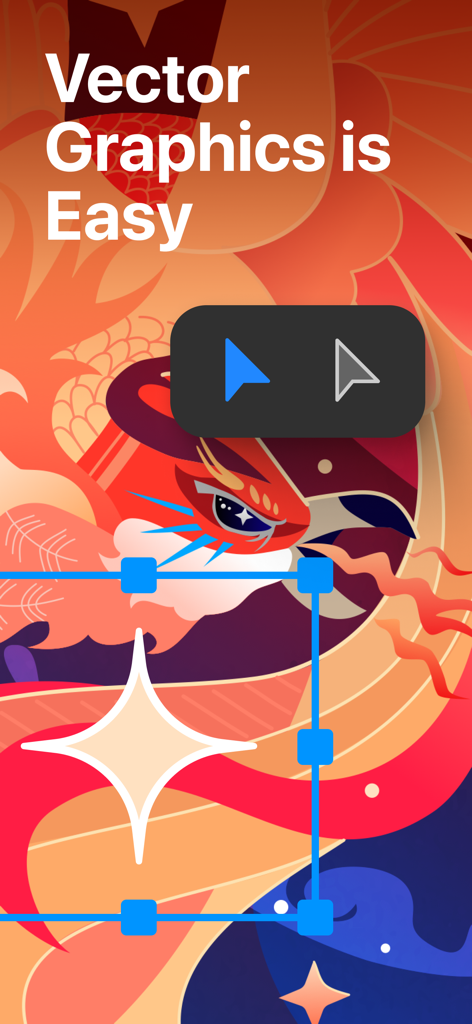
Amadineアプリでの鳥のカラフルなベクターイラストと、「ベクターグラフィックスは簡単」というテキストとデザインツール

Amadineアプリの想像力豊かなグラデーションツールを示すベクターイラスト
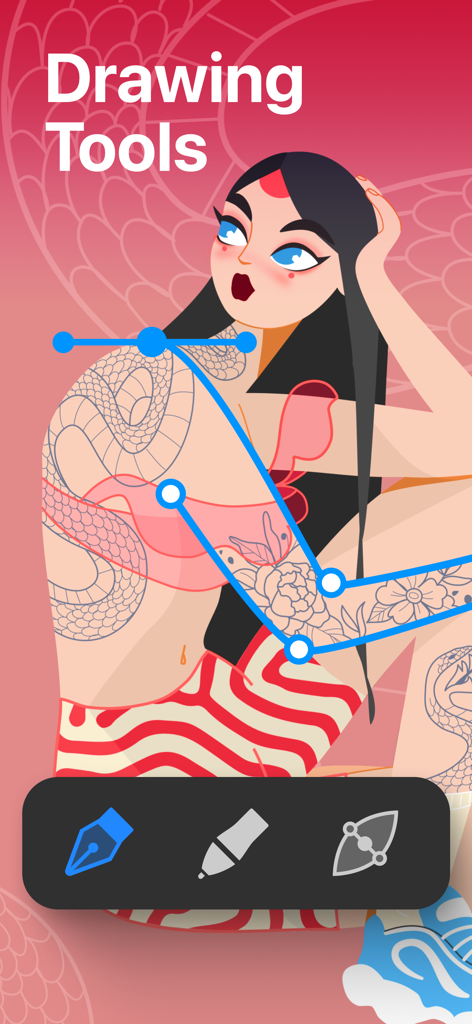
キャラクターイラストの上にベクターパス編集ツールを示すAmadineアプリのインターフェース
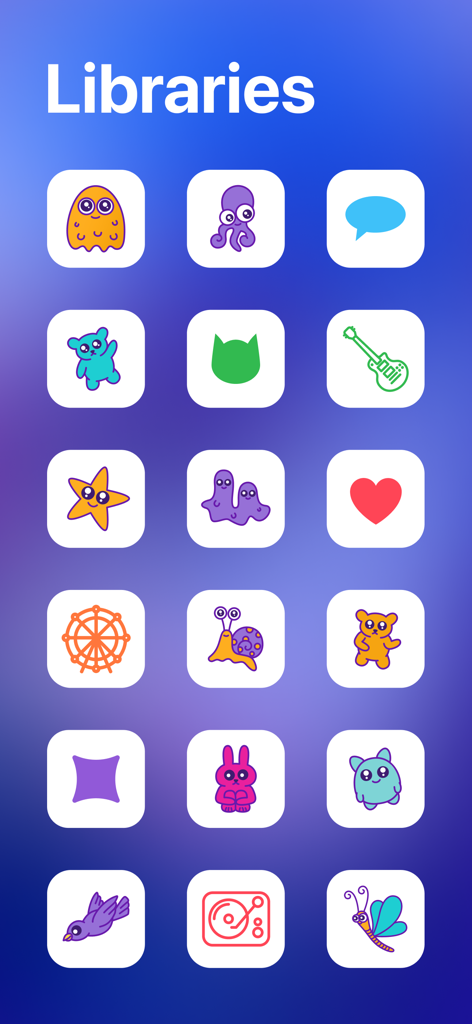
さまざまなカラフルなアイコンとキャラクターが掲載されたAmadineベクターデザインアプリのライブラリ
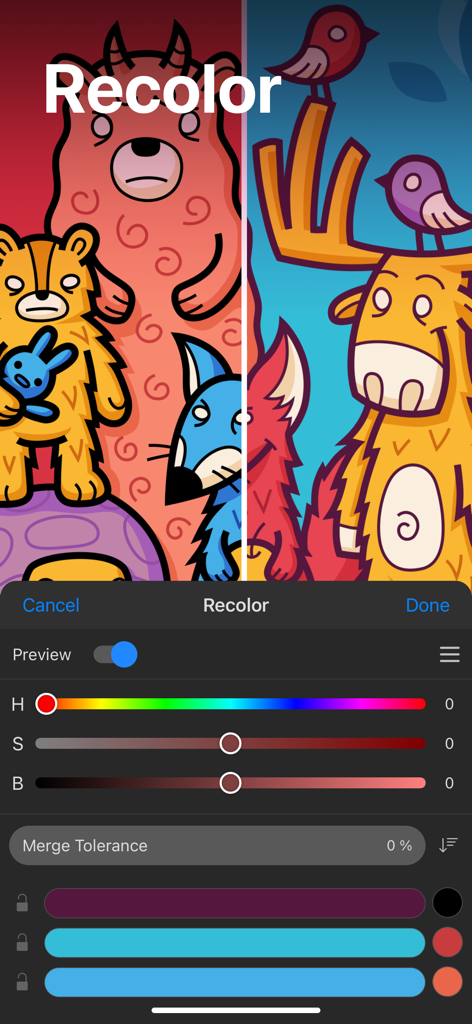
カラー sliders と2つの異なるカラーで描かれたカートゥーン動物のベクターイラストを示すAmadineアプリの recolor パネル
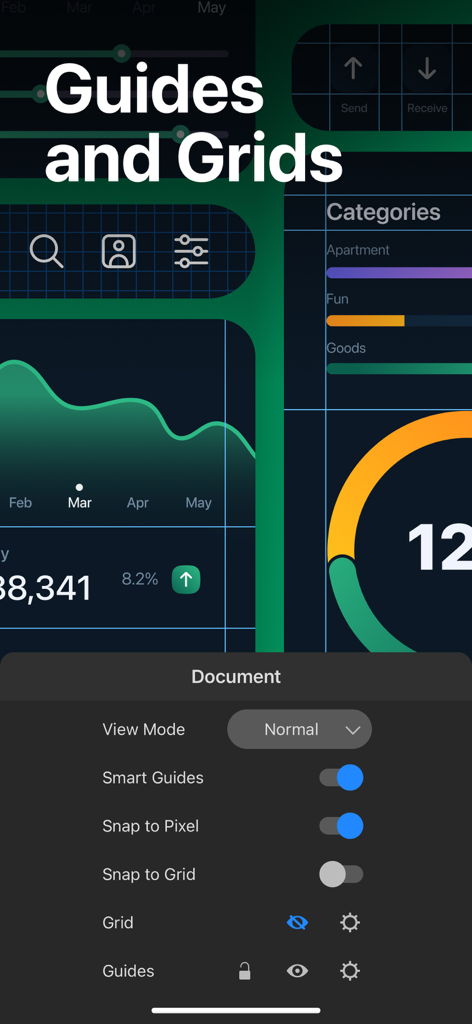
Amadineアプリのインターフェースで、ベクターUIデザインのための guides および grids 設定を表示
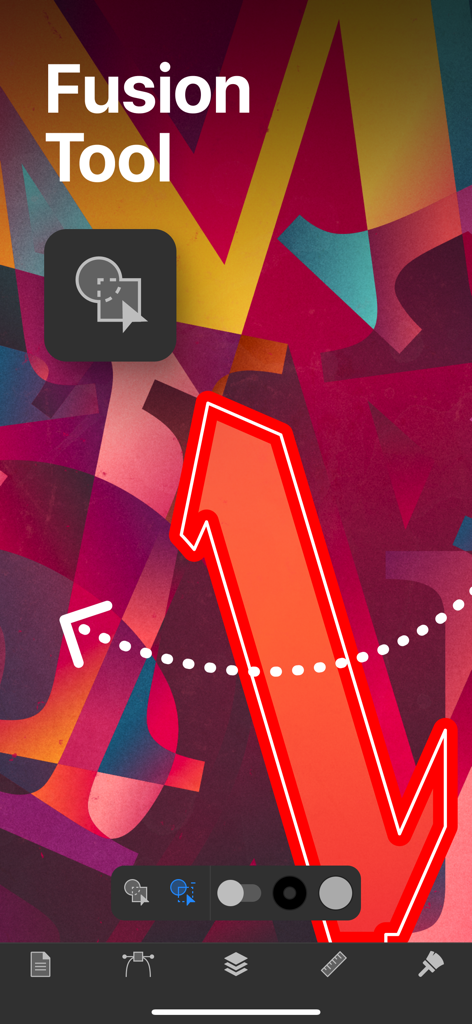
Amadineアプリのインターフェースで、ベクターデザインのためのフュージョンツール機能を表示
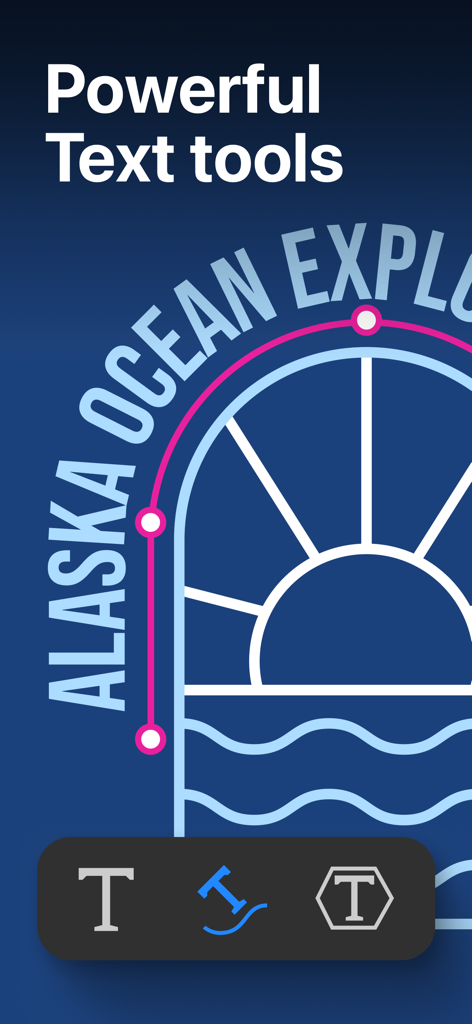
パス上のテキストとテキスト編集ツールを備えたベクターイラストを表示するAmadineアプリのスクリーンショット
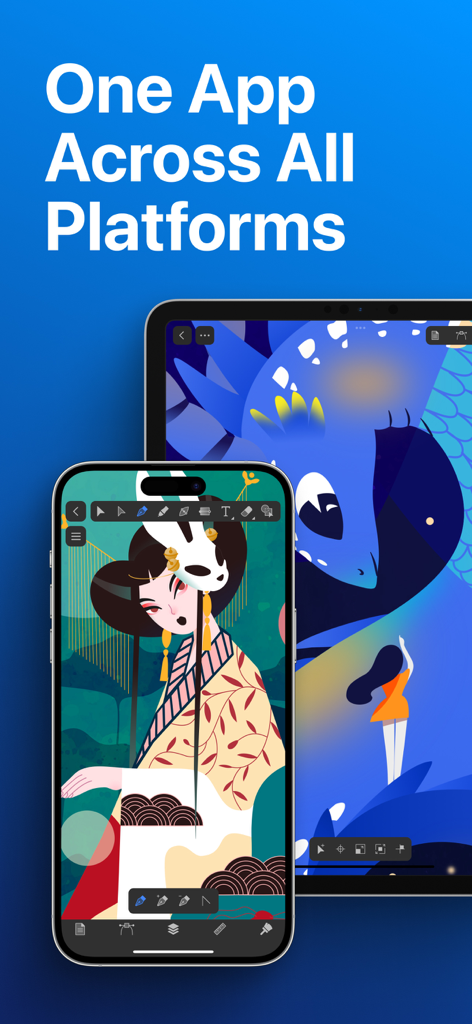
Amadineベクターデザインアプリが、画面上のイラストとともにiPhoneとiPadに表示されている様子
説明
Download
類似アプリ
似た機能とユーザー体験を持つアプリ

Affinity Designer 2 for iPad
Serif (Europe) Ltd.

Vector & SVG Maker - Assembly
Pixite Inc.

Logoist 5
Synium Software GmbH

Adobe Illustrator: Graphic Art
Adobe Inc.

Infinite Zoom Art - Canvas Max
Appycron Interactive e.K.

Inkpad - Graphic Design
Envoza Ltd

Graphic for iPad
Picta, Inc

Vector Drawing & Logo Design
Jonathan OFarrow

iDesign
TouchAware Limited
このページはアプリまたはその開発者の公式ページではなく、情報提供および論評を目的として作成された独立した編集出版物です。明示的に別段の記載がない限り、アプリおよびその開発者は、MWM、Apple、Google Play、アプリのパブリッシャー、またはアプリの開発者と提携、承認、後援、認可、またはその他の公式的な関係はなく、このページのいかなる内容も、アプリがMWMのサービスを使用して開発されたことを意味するものではありません。すべての商標、ロゴ、スクリーンショット、その他のコンテンツはそれぞれの所有者の財産です。