
このページはアプリまたはその開発者の公式ページではなく、情報提供および論評を目的として作成された独立した編集出版物です。明示的に別段の記載がない限り、アプリおよびその開発者は、MWM、Apple、Google Play、アプリのパブリッシャー、またはアプリの開発者と提携、承認、後援、認可、またはその他の公式的な関係はなく、このページのいかなる内容も、アプリがMWMのサービスを使用して開発されたことを意味するものではありません。すべての商標、ロゴ、スクリーンショット、その他のコンテンツはそれぞれの所有者の財産です。

Agenda: Notes meets Calendar
あなたの行動とそれをいつ行うかのギャップを埋める、Apple Design Award受賞アプリ。ノートをカレンダーイベントにシームレスにリンクして、プロジェクトを推進し、すべての会議で完全に準備を整えましょう。
ダウンロード
2M+ユーザー評価
評価数
12K+開発元
カテゴリ
Productivity対応言語
15最新バージョン
21.1サイズ
106.7 MBリリース日
2018年5月29日あなたのスケジュールを中心に構築されたノート
カレンダーとノートの間を行き来するのはやめましょう。Agendaはあなたの思考をタイムラインにシームレスにリンクし、すべての会議とプロジェクトのマイルストーンの準備を整えるのに役立ちます。
日付連携コンテキスト
ノートをカレンダーイベントに直接接続します。会議の議事録、プロジェクト概要、アクションアイテムを、スケジュール上で本来あるべき場所に正確に配置します。
プロジェクトの勢い
過去の決定から将来の目標まで、仕事の進化を追跡します。独自のタイムラインビューは、進捗状況のパンくずリストを提供します。
よくある質問
について知っておくべきこと Agenda: Notes meets Calendar
What is Agenda: Notes meets Calendar?
Agendaは、ノート作成とカレンダーイベントを組み合わせたApple Design Award受賞アプリです。ノートをイベントに直接リンクすることで、プロジェクトの計画、会議の準備、日々のタスクの整理を支援します。
Does Agenda app support calendar integration?
はい、Agendaはノート作成にカレンダーイベントをシームレスに統合します。ユーザーは個々のノートをカレンダーのイベントに直接リンクでき、予定されているあらゆることに完全に備えることができます。
Can I organize notes by date in Agenda: Notes meets Calendar?
はい、Agendaでは個々のノートに日付を付けることができます。また、過去、現在、未来のノートを整理するユニークなタイムラインアプローチを備えており、特別なステータスを持つノートを「Agendaに載せる」ことができます。
What text formatting options are available in Agenda notes?
Agendaのテキストエディタは、見出し、リスト、テーブル、インデントブロック、整形済みテキストなど、さまざまなスタイルをサポートしています。これにより、ユーザーはコンテンツに集中でき、アプリが外観を処理します。
Does Agenda: Notes meets Calendar allow file attachments?
はい、Agendaはノートへのファイル添付をサポートしています。これらの添付ファイルはすべてのデバイスで同期され、ファイルはプレビューでき、画像はサムネイルまたはフルサイズで表示されます。
Can I use Agenda on multiple Apple devices?
はい、AgendaにはMac、iPad、iPhone用の専用アプリがあります。ノートとデータはiCloudまたはDropbox経由でこれらのすべてのデバイス間で同期され、データがサイロ化されないことが保証されます。
Is Agenda: Notes meets Calendar free to use?
はい、Agendaは制限時間なしで無料で使用できます。アプリ内購入を通じて、年間のサブスクリプションまたは一度限りの生涯購入で解除できる追加のプレミアム機能を提供しています。
How do premium features work in Agenda: Notes meets Calendar?
Agendaのプレミアム機能は、アプリ内購入を通じて解除されます。年間のサブスクリプションにより、すべてのデバイスでアクセスできるようになり、サブスクリプション中に解除された機能は永久に保持されます。一度限りの生涯購入も利用可能です。
Can I collaborate with others on notes in Agenda?
はい、Agendaでは共有ノートで他のユーザーと共同作業ができます。参加した人は誰でもノートの編集を手伝うことができ、家族の買い物リストやチーム会議に便利です。
How does Agenda help with project planning?
Agendaは、今後の会議のためにノートを設定し、カレンダーイベントにリンクし、プロジェクトをカテゴリに整理することで、プロジェクト計画を支援します。過去の決定を保持し、プロジェクトを前進させます。
Does Agenda allow for task management within notes?
はい、Agendaはタスク管理をサポートしています。ユーザーはノート内にチェックボックス付きのタスクリストを作成できます。また、アプリではノートインターフェースから直接特定のタスクのリマインダーを追加することもできます。
以下のスクリーンショットと説明は、アプリの公式ストアリスティングから直接取得されたものであり、アプリ開発者の所有物です。
アプリストア
スクリーンショット
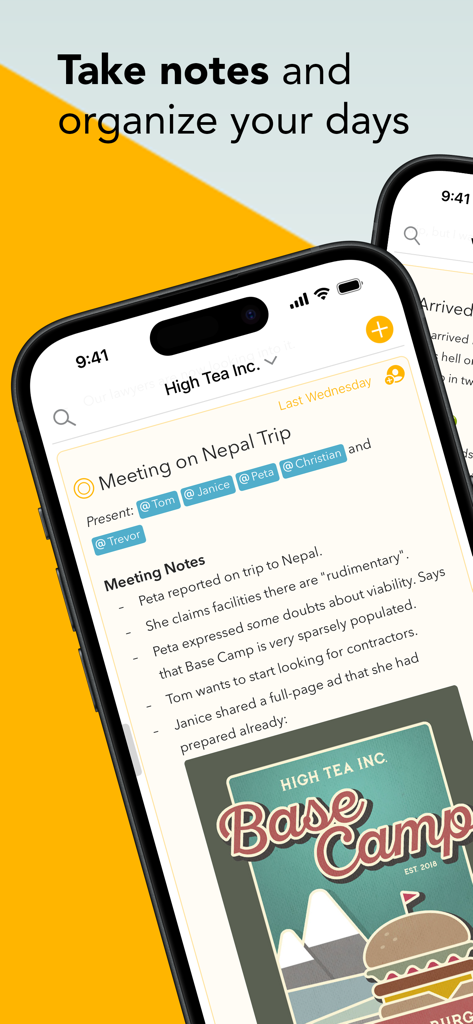
プロジェクトの会議ノート、タグ付けされた参加者、日付連携タイムラインを表示するAgendaアプリのiPhoneスクリーンショット
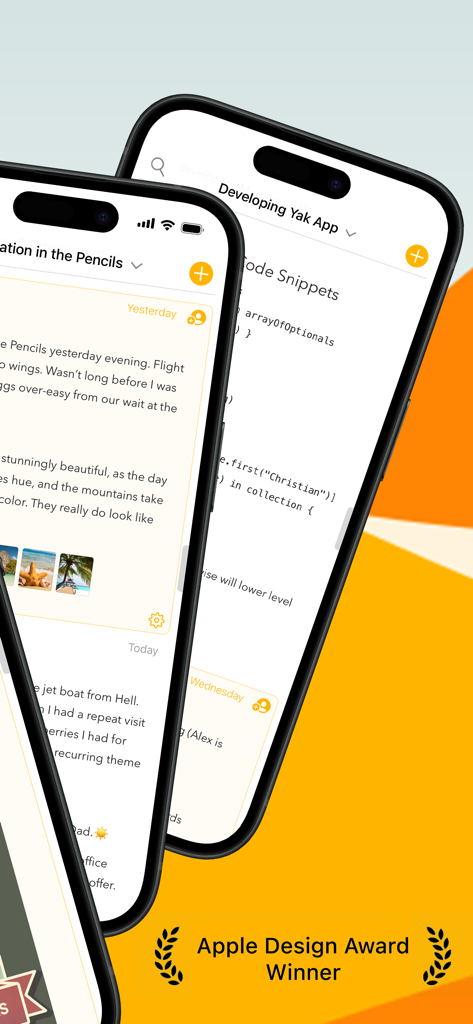
ノートとコードスニペットをApple Design Awardバッジの隣に表示するAgendaアプリのインターフェイスを表示する2台のiPhone
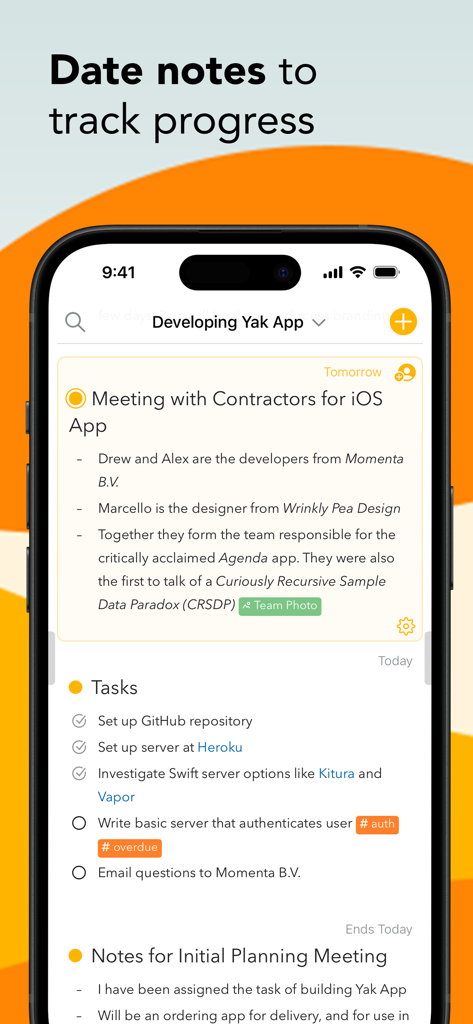
プロジェクトの進捗を追跡するために日付別に整理されたノートとタスクを示すAgendaアプリのインターフェイス
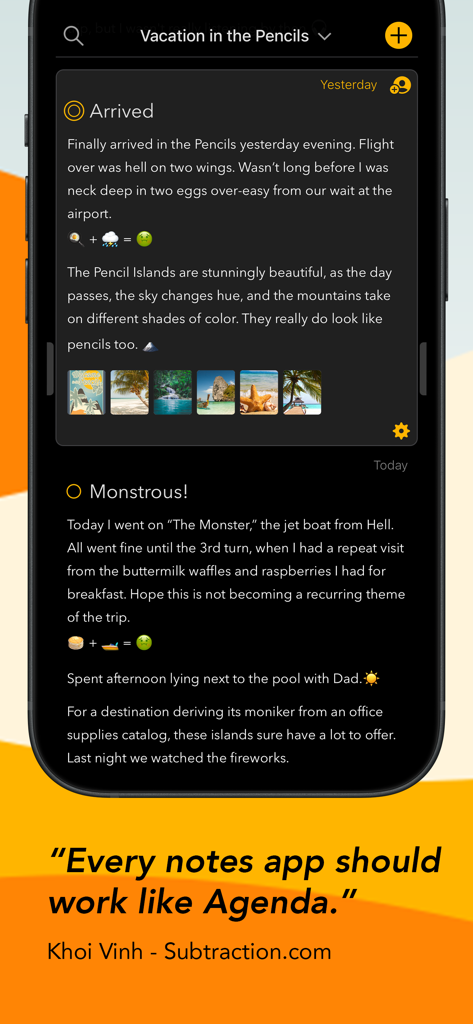
埋め込み画像とKhoi Vinhからの証言を含む、暗いモードのノートを示すiPhoneのAgendaアプリのインターフェイス
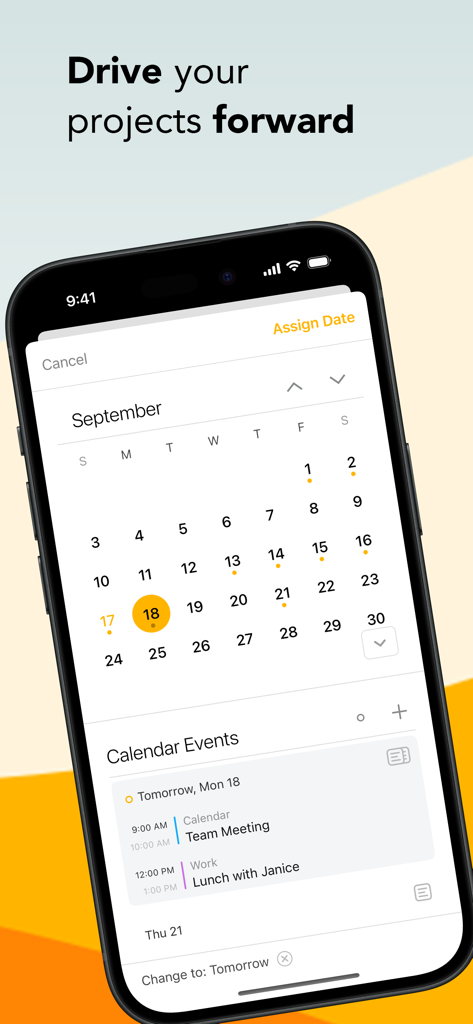
プロジェクト計画と日々のイベントスケジューリングのためのカレンダーを示すiPhoneのAgendaアプリのインターフェイス。
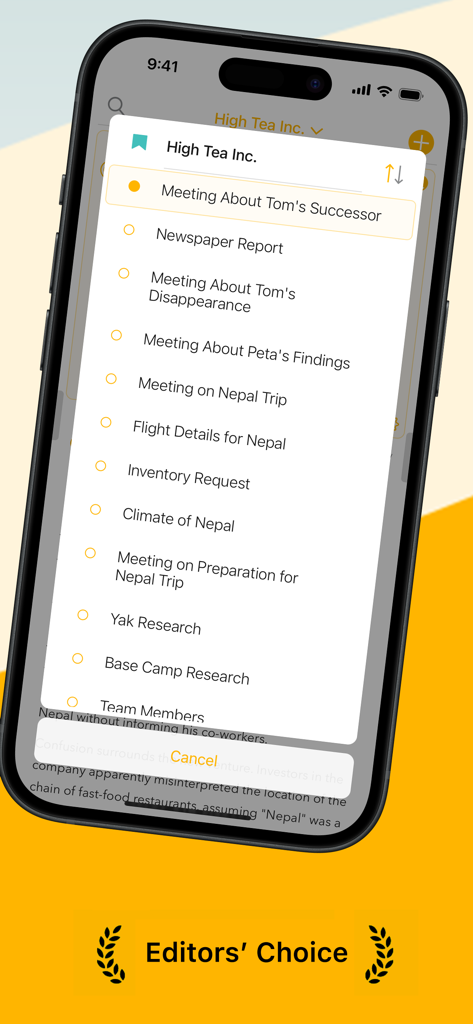
プロジェクト会議とノートのリストを表示するiPhoneのAgendaアプリのインターフェイス
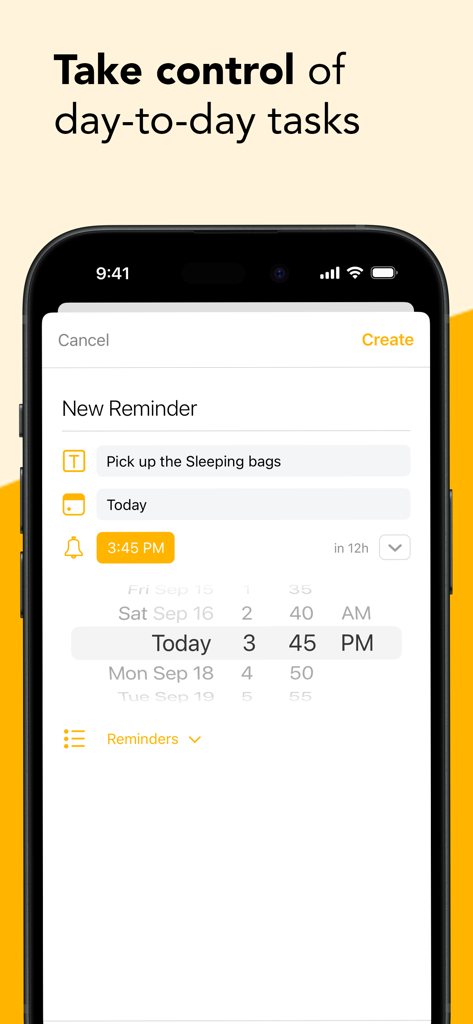
時間と日付ピッカーを使用して新しいタスクリマインダーを作成するAgendaアプリのスマートフォンスクリーン
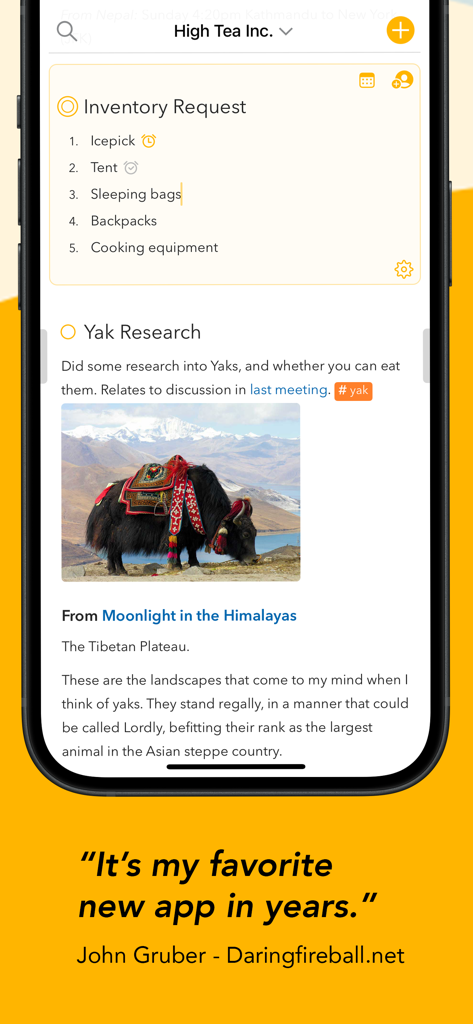
チェックリストと画像を含む整理されたプロジェクトノートを表示するiPhoneのAgendaアプリのインターフェイス。
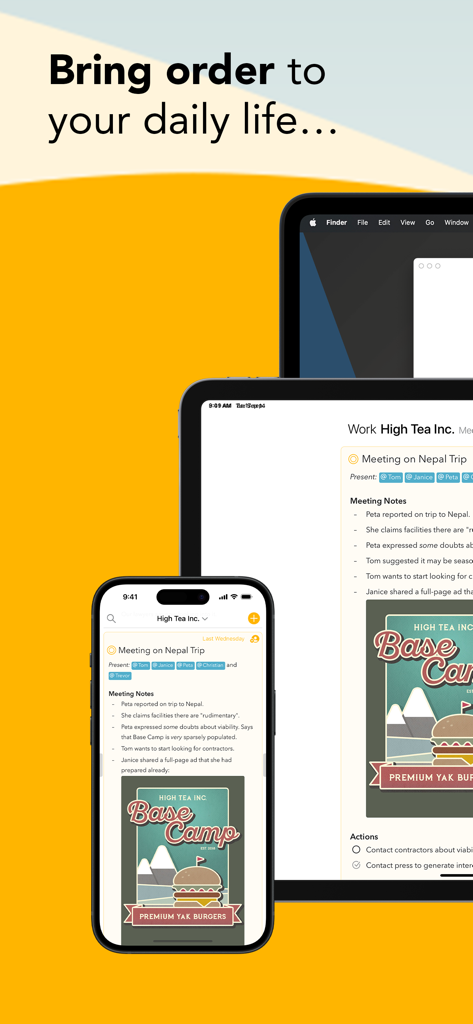
iPhone、iPad、MacデバイスのAgendaノートとカレンダーアプリのインターフェイス
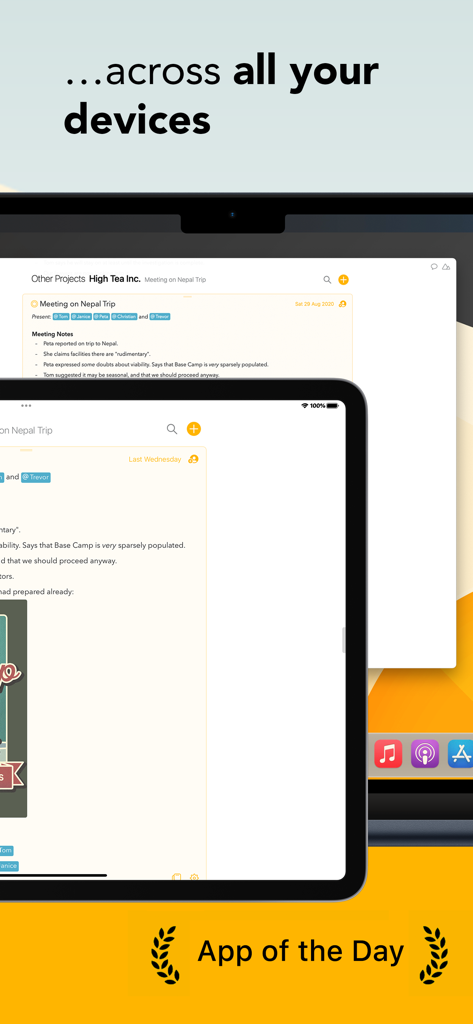
App of the Dayバッジと共にMacとiPad間で同期されたプロジェクトノートを示すAgendaノートテイキングアプリ
説明
Download
類似アプリ
似た機能とユーザー体験を持つアプリ

Notion: Notes, Tasks, AI
Notion Labs, Incorporated

Freenotes®: AI Notes Taking
Hangzhou Free Notes Technology Co., Ltd

Structured - Daily Planner
unorderly GmbH

Google Tasks: Get Things Done
Google LLC

TickTick:To-Do List & Calendar
Appest Limited

Noteful: Notes & PDF Markup
Noteful Technologies Ltd

Todoist: To Do List & Calendar
Doist Inc.

To do list MinimaList & Widget
Inner Grow Limited

monday.com - Work Platform
monday.com Ltd.
このページはアプリまたはその開発者の公式ページではなく、情報提供および論評を目的として作成された独立した編集出版物です。明示的に別段の記載がない限り、アプリおよびその開発者は、MWM、Apple、Google Play、アプリのパブリッシャー、またはアプリの開発者と提携、承認、後援、認可、またはその他の公式的な関係はなく、このページのいかなる内容も、アプリがMWMのサービスを使用して開発されたことを意味するものではありません。すべての商標、ロゴ、スクリーンショット、その他のコンテンツはそれぞれの所有者の財産です。