
このページはアプリまたはその開発者の公式ページではなく、情報提供および論評を目的として作成された独立した編集出版物です。明示的に別段の記載がない限り、アプリおよびその開発者は、MWM、Apple、Google Play、アプリのパブリッシャー、またはアプリの開発者と提携、承認、後援、認可、またはその他の公式的な関係はなく、このページのいかなる内容も、アプリがMWMのサービスを使用して開発されたことを意味するものではありません。すべての商標、ロゴ、スクリーンショット、その他のコンテンツはそれぞれの所有者の財産です。

Animation Creator: Flipbook 2D
外出先でフレームバイフレームのアニメーションを作成する最も簡単な方法。学生やクリエイターが、スケッチをTikTok、Reelsなどに最適な共有可能なGIFや動画に変換するのに最適です。
ダウンロード
478K+ユーザー評価
評価数
31K+開発元
カテゴリ
Entertainment対応言語
8最新バージョン
2.1.2サイズ
118.2 MBリリース日
2024年7月6日あなたの内なるアニメーターを解き放つ
Gen Zクリエイターや意欲的なアーティストが、数分でスケッチをバイラル対応の2Dアニメーションに変換するための最も簡単な方法。
直感的なフリップブック描画
複雑なソフトウェアは不要です。ユーザーフレンドリーなインターフェースで、伝統的なフリップブックのようにフレームバイフレームでスケッチできますが、最新のデジタルパワーを備えています。
オニオンスキンで動きをマスター
どこから来て、どこへ向かっているのかを正確に把握できます。前のフレームを重ねることで、キャラクターの動きがスムーズでプロフェッショナルであることを保証します。
よくある質問
について知っておくべきこと Animation Creator: Flipbook 2D
Animation Creator: Flipbook 2Dとは何ですか?
Animation Creator: Flipbook 2Dは、アニメーターやアーティストがアニメーションを作成するためのモバイルアプリケーションです。初心者からプロフェッショナルまで、アイデアを簡単に形にできるツールを提供します。
Animation Creator: Flipbook 2Dはフレームバイフレームアニメーションをサポートしていますか?
はい、Animation Creator: Flipbook 2Dはフレームバイフレームアニメーションをサポートしています。ユーザーは各フレームを個別に描画することで詳細なアニメーションを作成し、従来のフリップブックをシミュレートします。
Animation Creator: Flipbook 2Dでオニオンスキン機能を使用できますか?
はい、Animation Creator: Flipbook 2Dにはオニオンスキン機能が含まれています。この機能により、ユーザーは描画中に前後のフレームを確認でき、アニメーションの滑らかな動きを保証します。
Animation Creator: Flipbook 2Dで利用可能なエクスポートオプションは何ですか?
Animation Creator: Flipbook 2Dでは、アニメーションをGIFまたはビデオファイルとしてエクスポートできます。ユーザーは作成した作品を友人、家族、またはソーシャルメディアのフォロワーと共有できます。
Animation Creator: Flipbook 2Dは初心者でも使いやすいですか?
はい、Animation Creator: Flipbook 2Dは使いやすさを重視して設計されています。クイックスタート、シンプルなコントロール、および内蔵チュートリアルを備えており、初心者でも学習曲線が急になることなくアニメーション技術を習得できます。
Animation Creator: Flipbook 2Dは誰向けですか?
Animation Creator: Flipbook 2Dは、意欲的なアニメーター、プロフェッショナル、アーティスト、教育者、学生、ソーシャルメディアインフルエンサー、ゲームデザイナー、マーケティング担当者向けです。クリエイティブな作品に動きを追加したいすべての人に適しています。
Animation Creator: Flipbook 2Dにサブスクライブするにはどうすればよいですか?
Animation Draw Pulseのすべての機能にサブスクライブすることで、無制限にアクセスできます。サブスクリプションは、選択したプランに応じて、週次、月次、または年次で請求されます。
Animation Creator: Flipbook 2Dのサブスクリプションはどのようにキャンセルできますか?
Animation Creator: Flipbook 2Dのサブスクリプションは、提供されているURL(https://support.apple.com/en-us/HT202039)からキャンセルできます。このリンクは、Appleのサブスクリプション管理サポートページに移動します。
Animation Creator: Flipbook 2Dのプライバシーポリシーはどこで見られますか?
Animation Creator: Flipbook 2Dのプライバシーポリシーは、https://cemsoftwareltd.com/privacyPolicy.htmlで確認できます。すべての個人データはこのポリシーに従って保護されます。
Animation Creator: Flipbook 2Dにはアニメーションテンプレートが含まれていますか?
はい、Animation Creator: Flipbook 2Dには、簡単から難しいものまで、多くのテンプレートが含まれています。ユーザーは専用のタブからこれらのテンプレートにアクセスして、アニメーションプロジェクトを支援できます。
Animation Creator: Flipbook 2Dでアニメーションに背景を追加できますか?
はい、ユーザーはAnimation Creator: Flipbook 2Dでアニメーションに背景を追加できます。このアプリは、クリエイティブなプロジェクトを強化するために、選択できる複数のテンプレートとシーンを提供します。
Animation Creator: Flipbook 2Dでフレームレート(FPS)を調整できますか?
はい、Animation Creator: Flipbook 2Dでは、ユーザーはフレームレート(FPS)を選択および制御できます。この設定は、アニメーションの動きの滑らかさに直接影響します。
以下のスクリーンショットと説明は、アプリの公式ストアリスティングから直接取得されたものであり、アプリ開発者の所有物です。
アプリストア
スクリーンショット
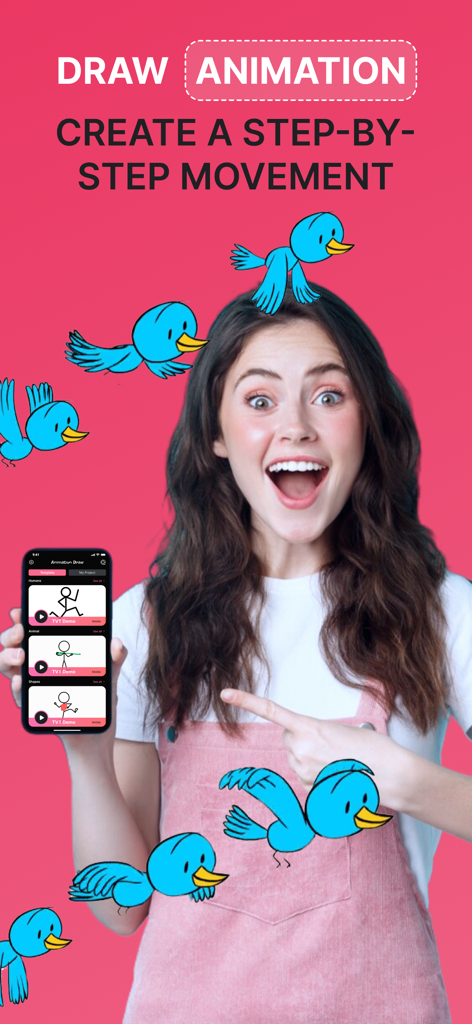
青いカートゥーンの鳥が描かれたアニメーションクリエイターフリップブック2Dアプリのインターフェースを表示したスマートフォンを持つ若い女性
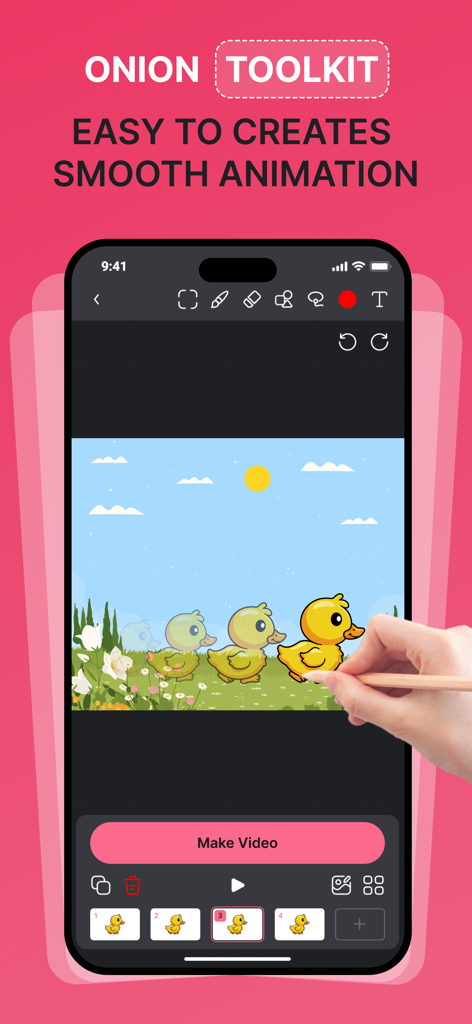
スムーズなキャラクターの動きのためのオニオンスキンツールキットを示すアニメーションクリエイターのモバイルインターフェース
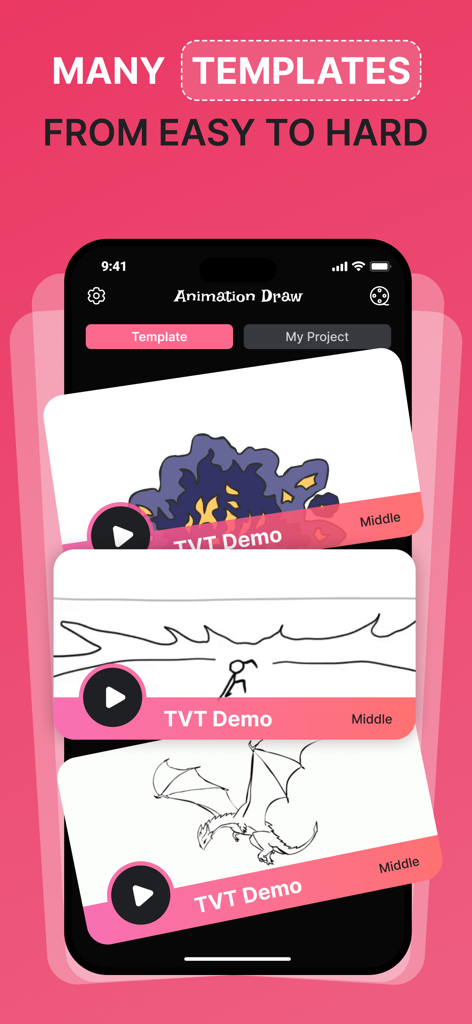
簡単から難しいまで、さまざまな2Dアニメーションテンプレートのセレクションを示すアニメーションクリエイターアプリのインターフェース
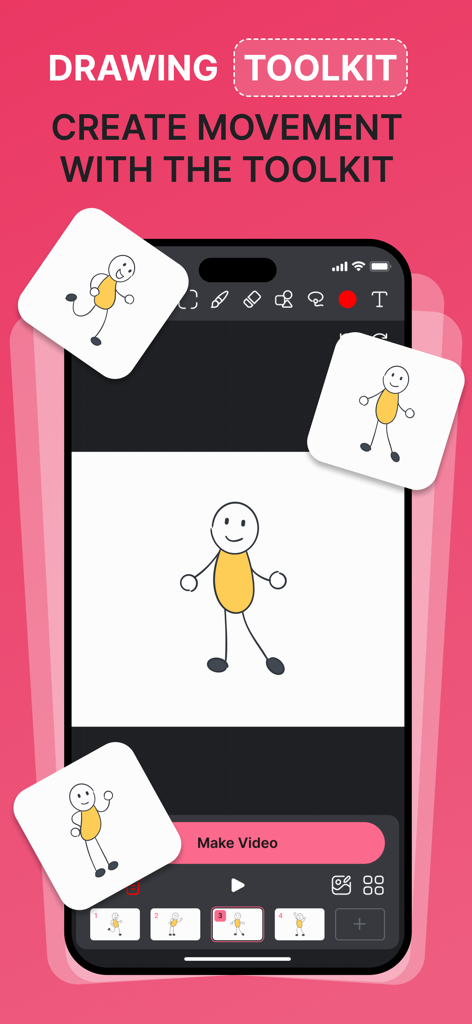
スティックフィギュアの描画とアニメーションフレームを備えたアニメーションクリエイターフリップブック2Dアプリのインターフェースを示すスマートフォン
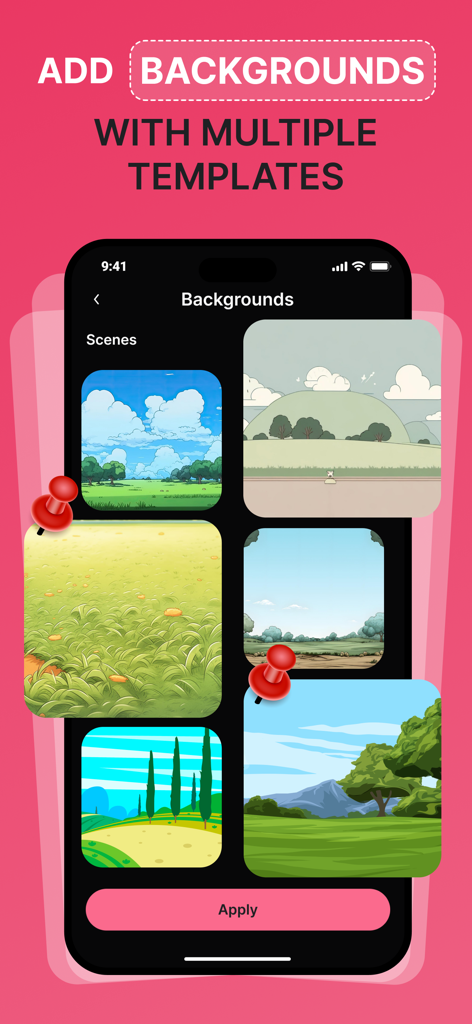
アニメーションクリエイターアプリで背景用のさまざまな風景テンプレートを表示する画面
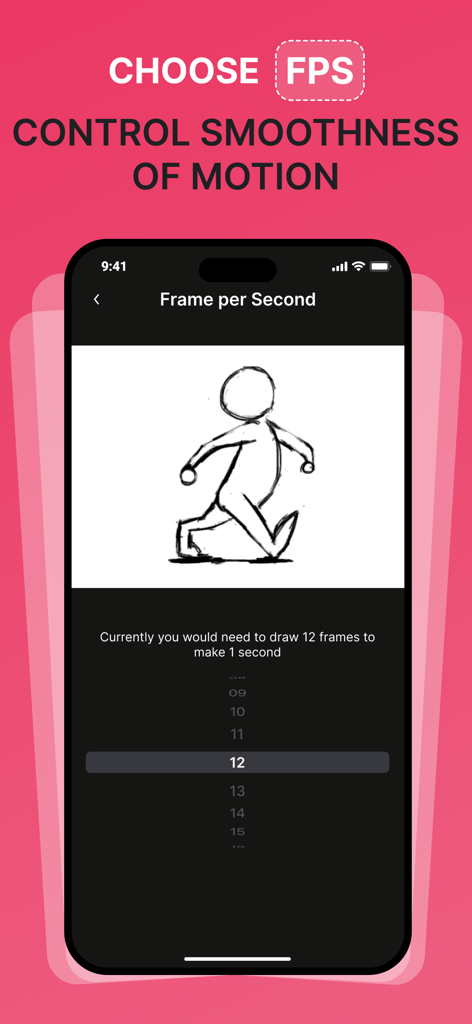
動きの滑らかさを制御するためのフレームレート設定を表示するアニメーションクリエイターアプリのインターフェース
説明
Download
類似アプリ
似た機能とユーザー体験を持つアプリ
Stick Nodes Pro - Animator
ForTheLoss Games, Inc
FlipaClip: Create 2D Animation
Visual Blasters, LLC

Stop Motion Studio
CATEATER, LLC
Stick Nodes - Animator
ForTheLoss Games, Inc

Stop Motion Studio Pro
CATEATER, LLC

2d animation creator, stickman
Trang Phi Thi

Stop Motion Factory
壮 董

FlipArtify - 2D Draw Animation
CEM SOFTWARE COMPANY LIMITED

MotionBook - Draw & Animate
亮 彭
このページはアプリまたはその開発者の公式ページではなく、情報提供および論評を目的として作成された独立した編集出版物です。明示的に別段の記載がない限り、アプリおよびその開発者は、MWM、Apple、Google Play、アプリのパブリッシャー、またはアプリの開発者と提携、承認、後援、認可、またはその他の公式的な関係はなく、このページのいかなる内容も、アプリがMWMのサービスを使用して開発されたことを意味するものではありません。すべての商標、ロゴ、スクリーンショット、その他のコンテンツはそれぞれの所有者の財産です。