Authenticator App: 2FA Code

Authenticator App: 2FA Code

Logo of Authenticator App: 2FA Code

Authenticator App: 2FA Code – The All-in-One Encrypted Vault for Your Digital Life

Instantly secure unlimited accounts with biometric-locked 2FA codes, a professional password manager, and encrypted iCloud backups. Experience total privacy with no registration, no tracking, and local data sovereignty.

Publisher

VNSolution AI Limited

Category

Productivity

Downloads

1K+

User Rating

1.0/5

Total Ratings

0

Locales

54

Security at a Glance

Discover the interface used by 1K+ users.
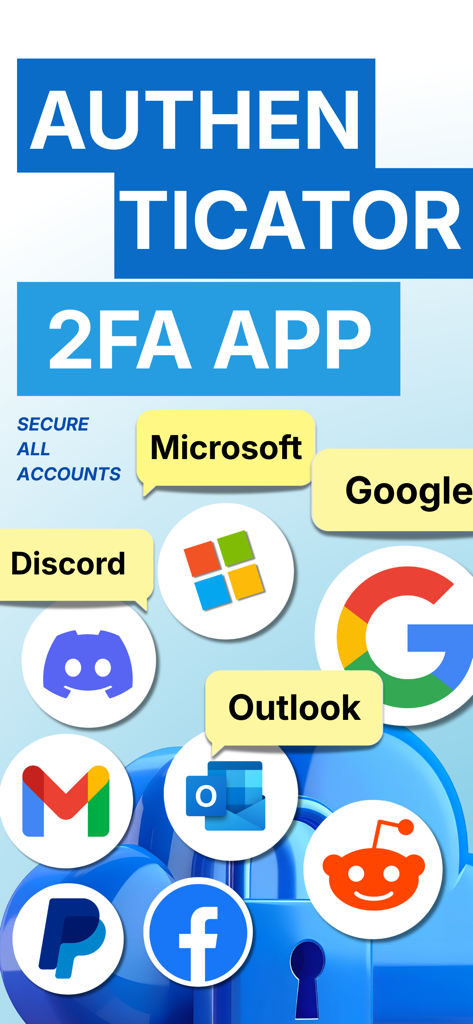
Authenticator 2FA App banner showing multi account security for Google Microsoft Discord and more

Authenticator 2FA App banner showing multi account security for Google Microsoft Discord and more

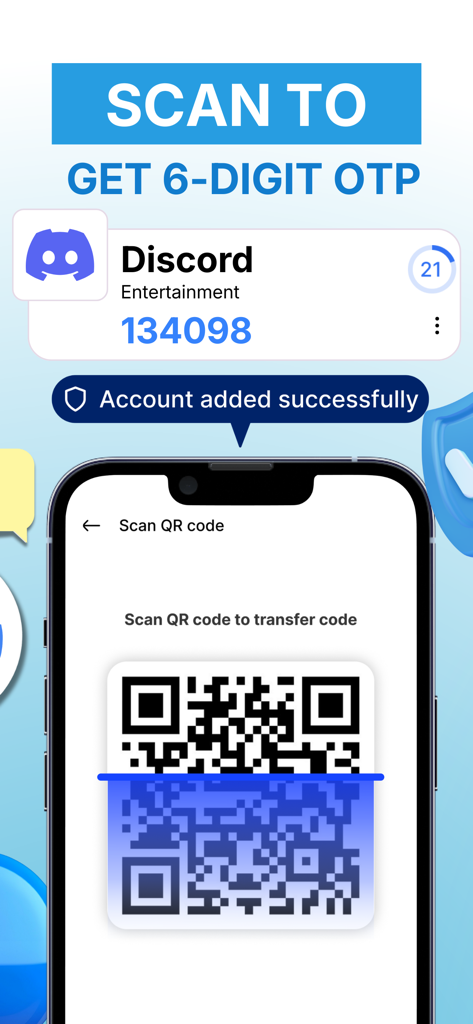
A smartphone interface scanning a QR code to generate a 2FA code for a Discord account

A smartphone interface scanning a QR code to generate a 2FA code for a Discord account

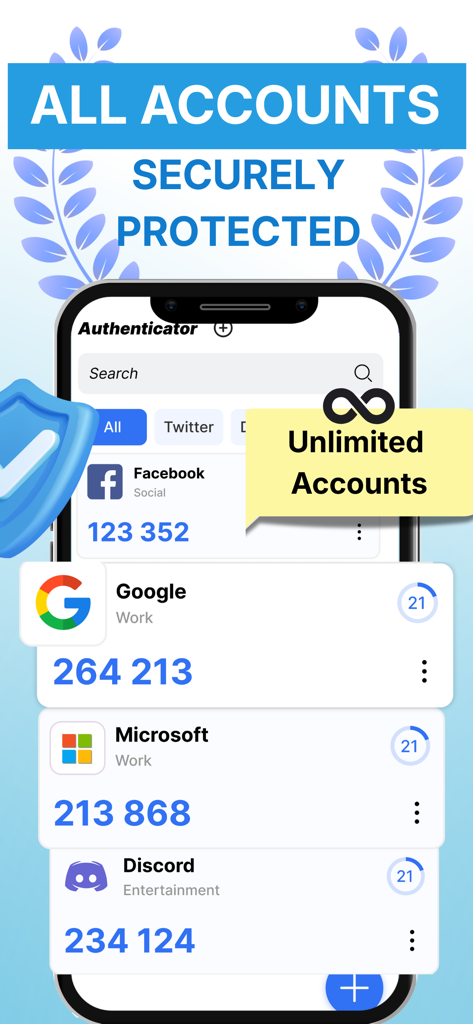
Authenticator app interface displaying 2FA codes for multiple accounts including Google and Microsoft

Authenticator app interface displaying 2FA codes for multiple accounts including Google and Microsoft

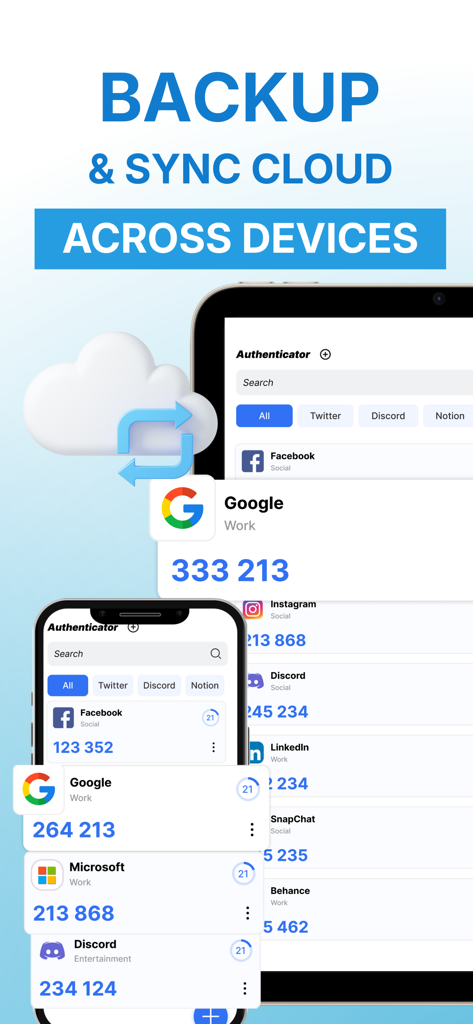
Cloud backup and sync for 2FA codes across smartphone and tablet devices

Cloud backup and sync for 2FA codes across smartphone and tablet devices

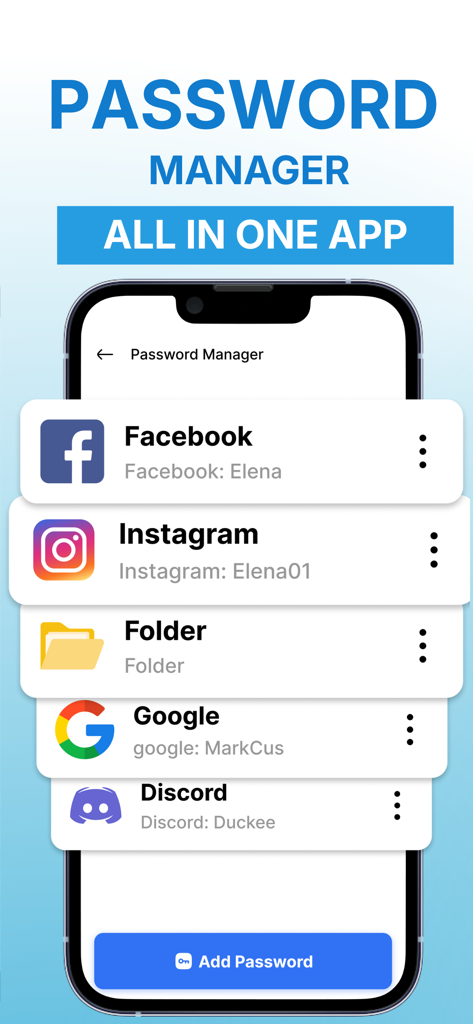
Interface of the password manager feature showing a list of saved accounts for social media and productivity apps

Interface of the password manager feature showing a list of saved accounts for social media and productivity apps

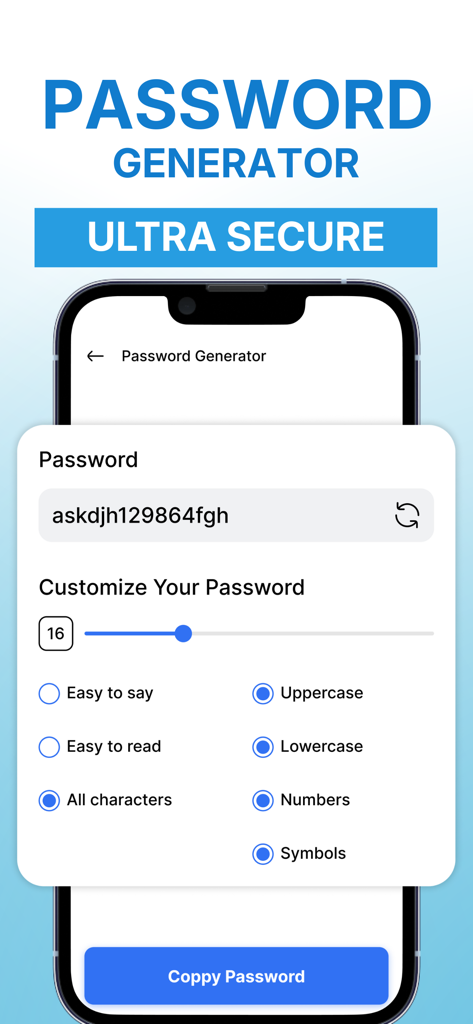
A secure password generator interface with customization options for length and character types.

A secure password generator interface with customization options for length and character types.

Fortify Your Digital Identity

The tools that make this app stand out, trusted by 1K+ users.

🛡️

Universal 2FA Security

Instantly secure unlimited accounts including work tools, social media, and crypto wallets using standard TOTP codes and easy QR scanning.

☁️

Automatic Secure Sync

Never lose access to your life. Safeguard your data with encrypted iCloud backups and seamless transfer tools for your next iPhone upgrade.

🔐

Encrypted Private Vault

Consolidate your security. Store passwords and sensitive recovery phrases behind biometric FaceID locks in a single, local-first encrypted environment.

About the app

Everything you need to know about Authenticator App: 2FA Code.

Description

Instantly secure your logins with trusted 2FA/MFA OTP codes for UNLIMITED ACCOUNTS. Authenticator App: 2FA & Vault helps protect your online accounts with two-factor authentication (2FA). By generating time-based one-time passwords (TOTP), the app adds an extra verification step during sign-in to reduce the risk of unauthorized access. Designed to be simple and reliable, the app lets you manage authentication codes for multiple services in one place. It can be used to secure email, social networks, work tools, and other accounts that support 2FA. Your data stays under your control with a privacy-focused design. CORE AUTHENTICATOR FEATURES - Generate authentication codes using standard TOTP - Add accounts by scanning QR codes or entering setup details manually - Transfer authenticator data to a new device using a transfer code - Support for Dark Mode for comfortable use in low light SECURE BACKUP & RESTORE - Protect your accounts with encrypted iCloud backup - Restore your authentication codes instantly on a new device - Never lose access to your accounts again ADVANCED SECURITY TOOLS - Built-in password manager to store login details safely - Strong password generator for better account protection - Secure notes to save sensitive information and backup codes - Encrypted vault for private data SECURITY CONTROLS - App lock with PIN or biometric authentication - Screenshot protection for sensitive screens - Simple privacy and security settings WHEN TO USE AN AUTHENTICATOR APP - Signing in to services that require two-factor authentication (2FA) - Managing multiple accounts that use authentication codes - Moving to a new device and transferring authenticator data - Keeping backup codes or security information in one secure place PRIVACY AND DATA PROTECTION - Data is encrypted and stored locally on your device - No account registration required - No tracking or personal data collection Get started with a reliable authenticator app for two-factor authentication. Generate secure codes, strengthen account security, and manage your data with confidence. SUBSCRIPTION INFORMATION (Apple-compliant) Payment will be charged to your Apple ID account at the confirmation of purchase. Subscriptions automatically renew unless auto-renew is turned off at least 24 hours before the end of the current subscription period. Your account will be charged for renewal within 24 hours prior to the end of the current period, at the price of the selected plan. You can manage your subscription and turn off auto-renewal at any time by going to your Apple ID account settings in the App Store after purchase. Links Privacy Policy: https://vnsolutionailimited.net/privacy.html Terms of Use (EULA): https://vnsolutionailimited.net/terms-of-service.html

Latest Version

2.1.9

Size

43.8 MB

First Released

Nov 10, 2025

Secure Your Entire Digital World with One Encrypted Vault

Join the security-conscious professionals who trust our zero-tracking 2FA and password manager to protect their accounts, notes, and peace of mind.

App information, icons, screenshots, and descriptions displayed on this page are sourced from the Apple App Store and are the property of their respective developers. Download estimates and rankings are based on MWM's proprietary models and may not reflect actual figures. This page is provided for informational and analytical purposes only.

Believe this page infringes your intellectual property? File a dispute