Authenticator App ‘

Authenticator App ‘

ダウンロード: App Store
ロゴ: Authenticator App ‘

Authenticator App ‘: プロフェッショナルな2FAでデジタルライフを保護

クラウドバックアップとシームレスな同期で、最も機密性の高いアカウントを保護しましょう。内蔵プライベートブラウザで完全に匿名でブラウジングしながら、Google、Discord、および暗号プラットフォーム全体で資産を保護します。

ダウンロード: App Store

開発元

FLEXI TECH LIMITED

カテゴリ

Utilities

ダウンロード

447K+

ユーザー評価

3.6/5

評価数

3K+

対応言語

8

一目でわかるセキュリティ

このインターフェースを利用する 447K+ 人のユーザー.

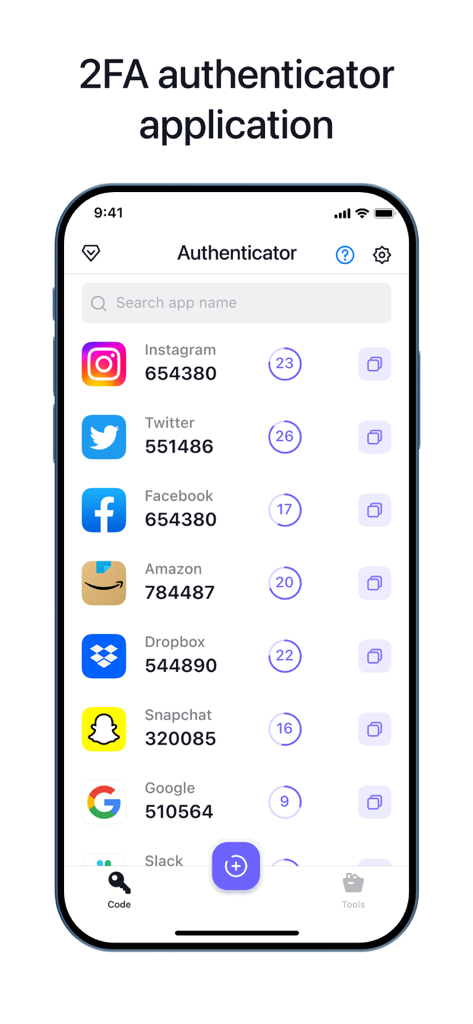
さまざまなオンラインアカウントの2要素認証コードを表示する認証アプリのインターフェイス。
さまざまなオンラインアカウントの2要素認証コードを表示する認証アプリのインターフェイス。

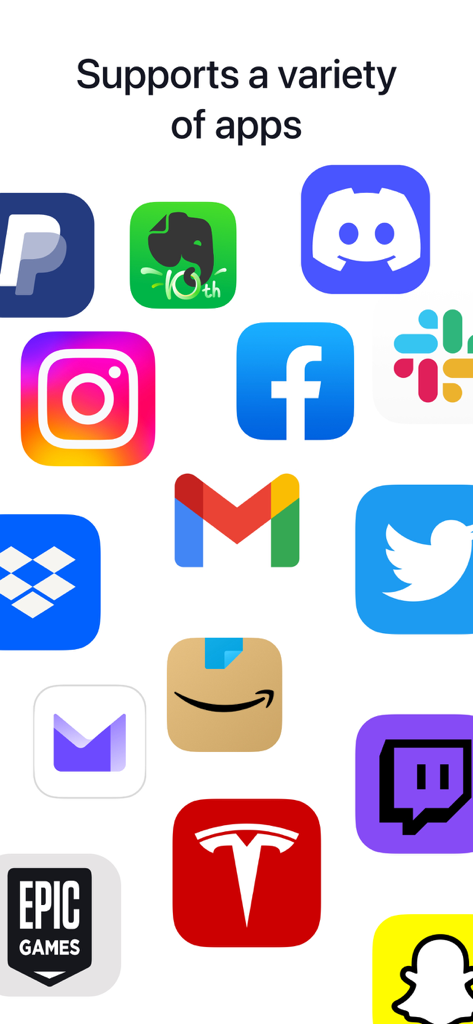
Facebook、Gmail、Amazonなどの人気アプリのアイコンのコレクション。Authenticator Appがサポートするアカウントの多様性を示しています。
Facebook、Gmail、Amazonなどの人気アプリのアイコンのコレクション。Authenticator Appがサポートするアカウントの多様性を示しています。

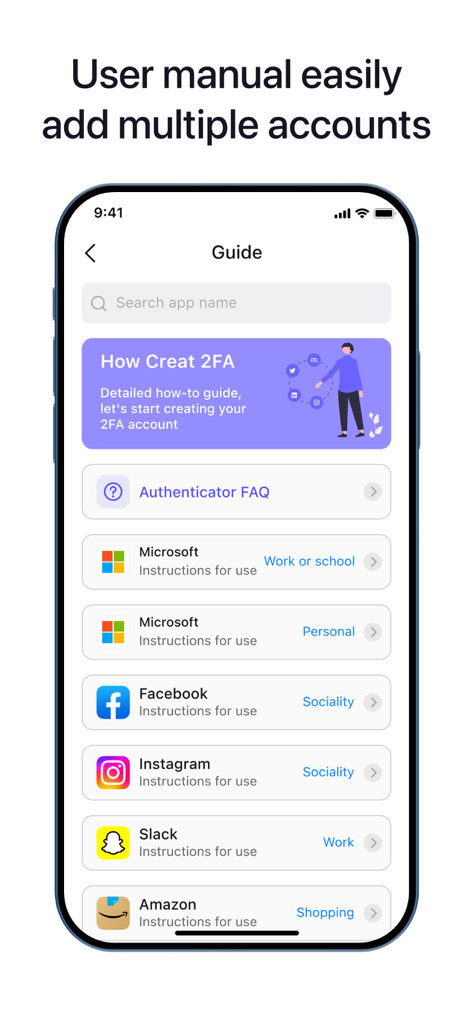
Authenticatorアプリのセットアップガイド画面。Microsoft、Facebook、Instagramなどのサポートされているプラットフォームのリストが2要素認証用に表示されています。
Authenticatorアプリのセットアップガイド画面。Microsoft、Facebook、Instagramなどのサポートされているプラットフォームのリストが2要素認証用に表示されています。

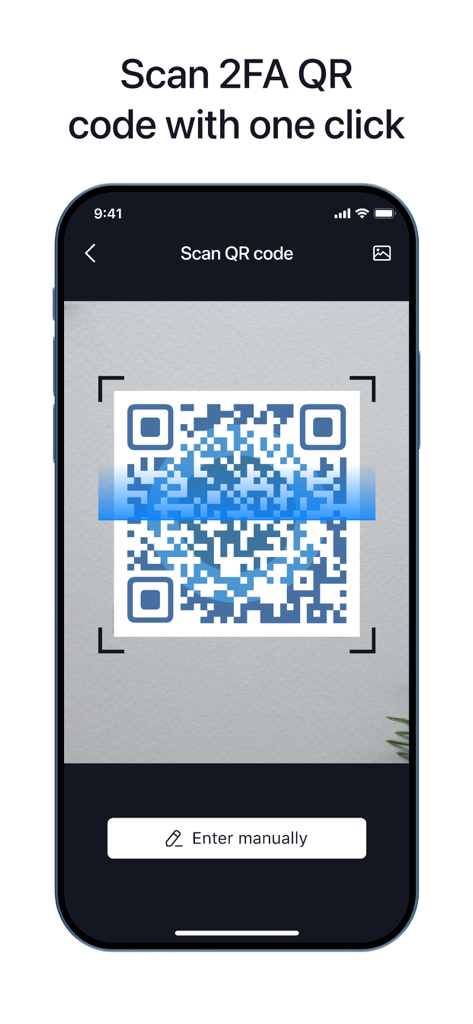
2FAセットアップのためにQRコードをスキャンしているAuthenticator Appを示すスマートフォンの画面。
2FAセットアップのためにQRコードをスキャンしているAuthenticator Appを示すスマートフォンの画面。

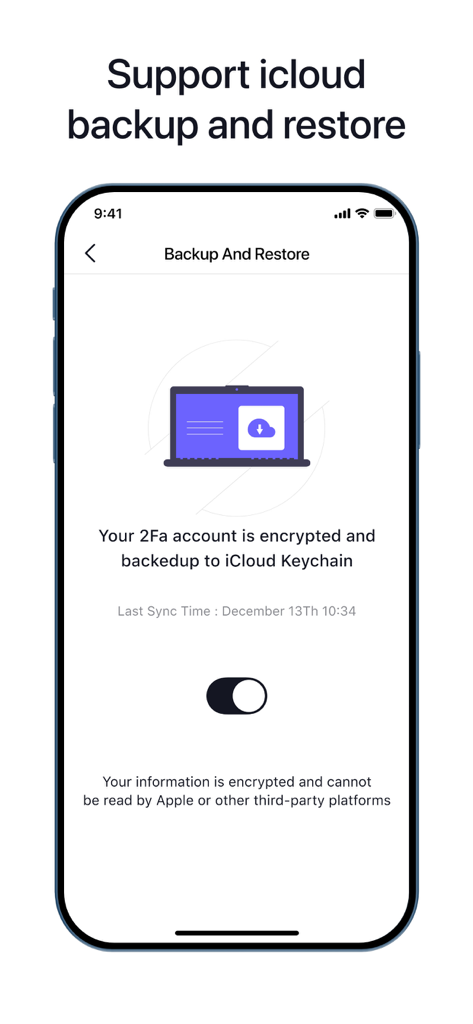
iPhone上のiCloudバックアップおよび復元設定ページを示すAuthenticator Appのスクリーンショット。
iPhone上のiCloudバックアップおよび復元設定ページを示すAuthenticator Appのスクリーンショット。

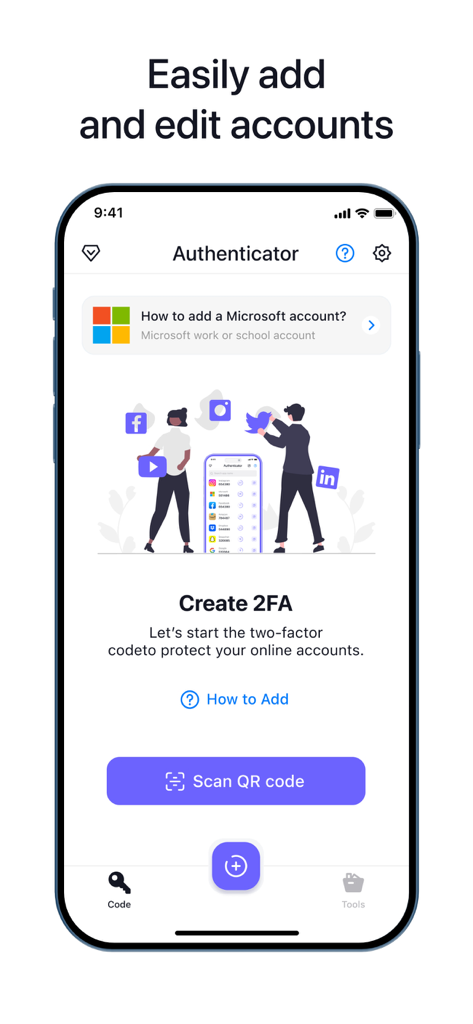
QRコードスキャンボタンを備えた2要素認証を設定するためのAuthenticatorアプリインターフェイス。

QRコードスキャンボタンを備えた2要素認証を設定するためのAuthenticatorアプリインターフェイス。

デジタルワールドを強化する

このアプリを際立たせるツール、 447K+ 人のユーザーが選択.

🔄

クラウドバックアップと同期

アカウントへのアクセスを失うことはありません。暗号化されたクラウドバックアップで、すべてのiOSデバイス間で2FAトークンを安全に同期します。

ユニバーサルインスタントセットアップ

銀行からソーシャルメディアまで、すべてを数秒で保護します。QRコードをスキャンするだけで、複雑なログインなしで任意のアカウントを追加できます。

🛡️

ステルスモードブラウジング

終了した瞬間にすべての履歴とデータを自動的に消去する統合プライベートブラウザで、デジタルフットプリントを保護します。

アプリについて

について知っておくべきこと Authenticator App ‘.

説明

Authenticator' App can generate two-factor authentication code to protect your online accounts. It help’s you protect your account secure. FEATURES: - Easy to Setup No login required, just scan QR code to add your accounts - Backup & Sync: Store and generate secure two-factor and multi-factor (2FA & MFA) authentication tokens - All Popular Accounts: Supports the most popular services including Google, Facebook, Discord, Twitch, Bitwarden, Instagram, Roblox and thousands of other providers. - Secure Private Browser No data is saved, when you exit the app, all data and history is removed. Everything that goes on in the browser is removed when you leave. TERMS & PRIVACY * Terms of Use: https://www.greyshapps.com/terms.html * Privacy Policy: https://www.greyshapps.com/privacy.html SUPPORT You can help us by reporting bugs and requesting features via Email:support@greyshapps.com SUBSCRIPTION PRICING AND TERMS: The App offers an auto-renewing monthly subscription at USD 7.99/month (or currency equivalent) and an auto-renewing yearly subscription at USD 39.99/year (or currency equivalent) to provide you with unlimited access to all PRO Features while you maintain an active subscription. Payment will be charged to the credit card connected to your iTunes Account when you confirm the initial subscription purchase. Subscriptions automatically renew unless auto-renew is turned off at least 24-hours before the end of the current subscription period. Your account will be charged for renewal within 24-hours prior to the end of the current period, and the cost of the renewal will be identified. You may manage your subscription and auto-renewal may be turned off by going to your Account Settings after the purchase. Any unused portion of a free trial period, if offered, will be forfeited when you purchase a subscription, where applicable.

最新バージョン

1.9.1

サイズ

75.8 MB

リリース日

2022年10月31日

今日、あなたのデジタルアイデンティティを保護しましょう

シームレスな2FA保護と完全なプライバシーのために私たちを信頼する447,000人以上のユーザーに参加しましょう。最も重要なアカウントへのアクセスを失うことがないように、今すぐダウンロードしてください。

ダウンロード: App Store

App information, icons, screenshots, and descriptions displayed on this page are sourced from the Apple App Store and are the property of their respective developers. Download estimates and rankings are based on MWM's proprietary models and may not reflect actual figures. This page is provided for informational and analytical purposes only.

Believe this page infringes your intellectual property? File a dispute