
このページはアプリまたはその開発者の公式ページではなく、情報提供および論評を目的として作成された独立した編集出版物です。明示的に別段の記載がない限り、アプリおよびその開発者は、MWM、Apple、Google Play、アプリのパブリッシャー、またはアプリの開発者と提携、承認、後援、認可、またはその他の公式的な関係はなく、このページのいかなる内容も、アプリがMWMのサービスを使用して開発されたことを意味するものではありません。すべての商標、ロゴ、スクリーンショット、その他のコンテンツはそれぞれの所有者の財産です。


Bear - Markdown Notes
集中力を大切にするクリエイティブなプロフェッショナルのための、数々の賞を受賞したMarkdownアプリ。アイデアを書き留め、自分だけのWikiを構築し、すべてのAppleデバイスで邪魔されることなく執筆できます。
ダウンロード
4M+ユーザー評価
評価数
31K+開発元
カテゴリ
Productivity対応言語
11最新バージョン
2.6.4サイズ
143.5 MBリリース日
2016年11月2日デジタルワークを洗練させる
クリエイティブなミニマリストのために作られたBearは、エレガントなデザインと強力なMarkdownツールを組み合わせ、余計なものに惑わされず最高の仕事に集中できるようサポートします。
集中を妨げない執筆
テクニカルなMarkdown構文を隠す、美しくクリーンなキャンバス。素晴らしいタイポグラフィとテーマで、フロー状態に入ることができます。
柔軟なタグベースの整理
硬直したフォルダ構造を、柔軟なネスト(入れ子)タグとWikiリンクに置き換えましょう。アイデアと共に成長する個人のナレッジベースを構築できます。
よくある質問
について知っておくべきこと Bear - Markdown Notes
Bear - Markdown Notesとは何ですか?
Bearは、生活をキャプチャ、作成、整理するための、パワフルでシンプルなMarkdownアプリです。メモを取ったり、計画を立てたり、日記を書いたり、リストを作成したり、アイデアをスケッチしたり、メモをリンクしたりすることができます。
Bearアプリを使用するためにアカウントは必要ですか?
いいえ、Bearにはサインアップやアカウントは必要ありません。ユーザーはアプリを開いて、初期設定なしで直ちに書き始めることができます。
BearでApple Pencilを使ってアイデアをスケッチできますか?
はい、BearはiPadで、拡張可能なキャンバスとApple Pencil、およびその他のスタイラスを使用してアイデアをスケッチすることをサポートしています。
BearアプリはフォーマットにMarkdownを使用していますか?
はい、Bearは柔軟なMarkdownを使用しています。ユーザーはプレーンテキストで作業し、太字、斜体、取り消し線、リンク、テーブルなどのフォーマットを適用できます。Markdownは、クリーンな読書体験のために非表示になります。
Bearアプリでメモを整理するにはどうすればよいですか?
Bearでは、#タグ、#複数単語タグ#、#ネストされた/タグ#で整理できます。ユーザーは重要なタグをピン留めしたり、メモに直接タスクを追加したりして、管理を容易にすることもできます。
Bear - Markdown Notesアプリはプライベートですか?
はい、Bearは本質的にプライベートです。開発者は、ユーザーのメモ、タグ、その他のコンテンツを見ることができないことを確認しており、ユーザーのプライバシーを確保しています。
Bear Proの料金プランはありますか?
Bear Proは月額2.99ドルまたは年額29.99ドルです。価格は場所によって異なり、App Storeアカウントを通じて請求されます。
Bear Proは無料トライアルを提供していますか?
はい、Bear Proには14日間の無料トライアルが含まれています。ユーザーがサブスクリプションを購入した場合、トライアルの未使用部分は失効します。
Bear Proは複数のデバイス間でメモを同期できますか?
はい、Bear ProはiCloud経由でiPhone、iPad、Mac間でメモの同期を可能にし、すべてのデバイスでメモにアクセスできるようにします。
Bearアプリで個々のメモをロックするにはどうすればよいですか?
Bear Proでは、ユーザーはプライベートパスワードで個々のメモを暗号化できます。また、Face IDまたはTouch IDでBearアプリ全体をロックして、セキュリティを強化することもできます。
Bear Proで利用できるエクスポート形式は何ですか?
Bear Proは、HTML、DocX、PDF、JPG、ePub形式へのメモのエクスポートをサポートしています。無料バージョンは、プレーンテキスト、Markdown、TextBundle、Bear note、リッチテキストにエクスポートします。
Bearアプリは画像やPDF内のテキストを検索できますか?
はい、Bear Proでは、Bearメモ内の写真やPDF内のテキストを検索できます。この高度な検索機能にはBear Proサブスクリプションが必要です。
Bear Proサブスクリプションをキャンセルするにはどうすればよいですか?
ユーザーは購入後、App Storeアカウント設定でBear Proサブスクリプションを管理します。自動更新は、現在の期間が終了する少なくとも24時間前にキャンセルする必要があります。
Bearアプリは右から左(RTL)の言語をサポートしていますか?
はい、Bearはアラビア語、ヘブライ語、ペルシャ語などの右から左(RTL)言語を含むすべてのスクリプトをサポートしており、幅広い言語の互換性を確保しています。
Bearでテーマやアプリのアイコンをカスタマイズできますか?
はい、Bear Proは、ライトモードとダークモードの両方で、執筆スペース用の約30のテーマを提供し、ユーザーがアプリのアイコンを選択してエクスペリエンスをパーソナライズできるようにします。
以下のスクリーンショットと説明は、アプリの公式ストアリスティングから直接取得されたものであり、アプリ開発者の所有物です。
アプリストア
スクリーンショット
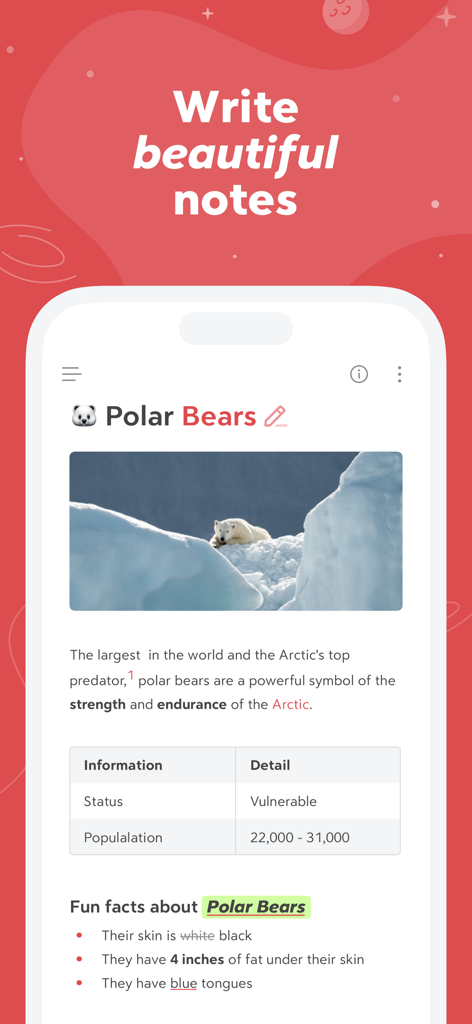
画像と表を含むホッキョクグマに関するフォーマット済みノートが表示された、Bearアプリのスマートフォン画面
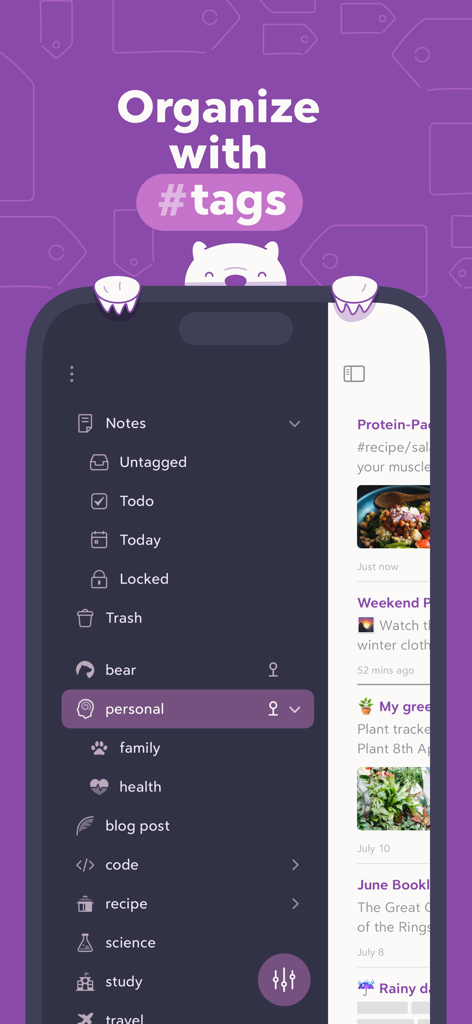
ダークモードのサイドバーで、ネストされたハッシュタグを使用してノートを整理しているBearアプリのインターフェース
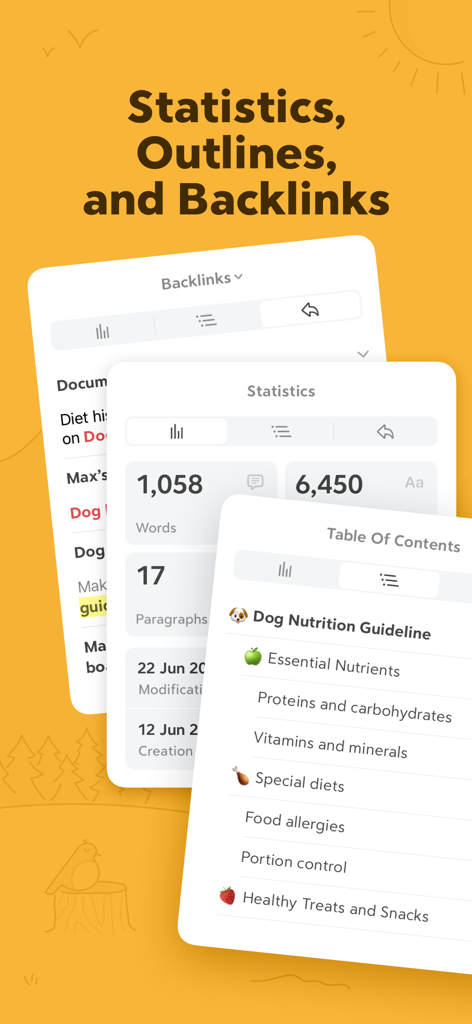
文字数統計、目次、バックリンクパネルが表示されたBearアプリのインターフェース
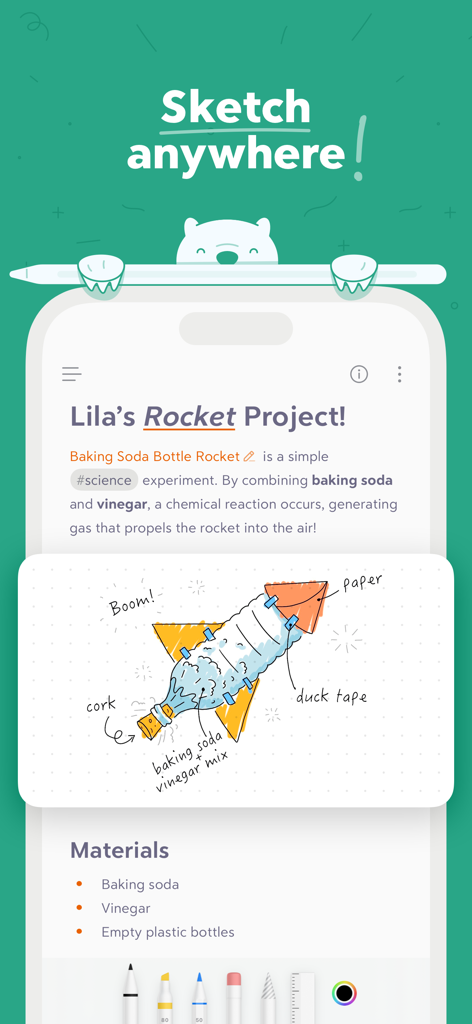
手書きのロケットのイラストが添えられた、科学プロジェクトのノートを表示するBearアプリのインターフェース
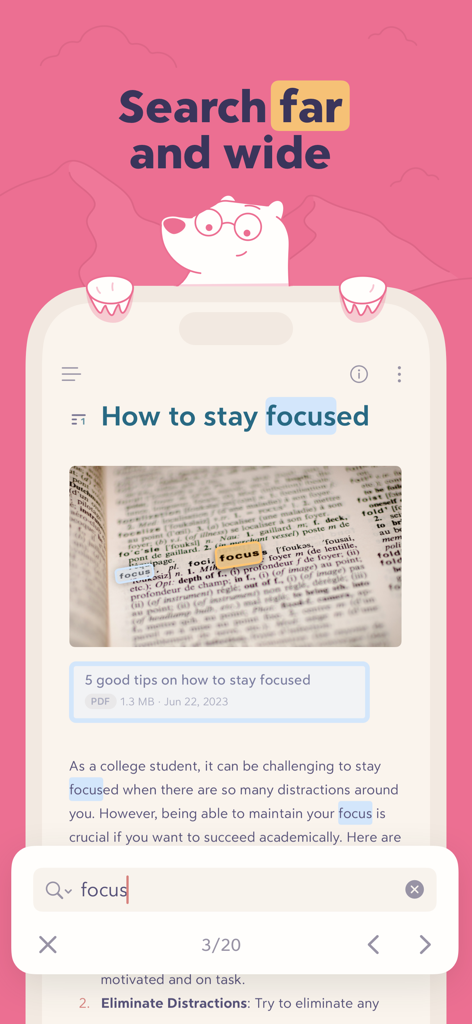
テキストや画像内でハイライトされた「focus」という単語の検索結果を示すBearアプリのインターフェース
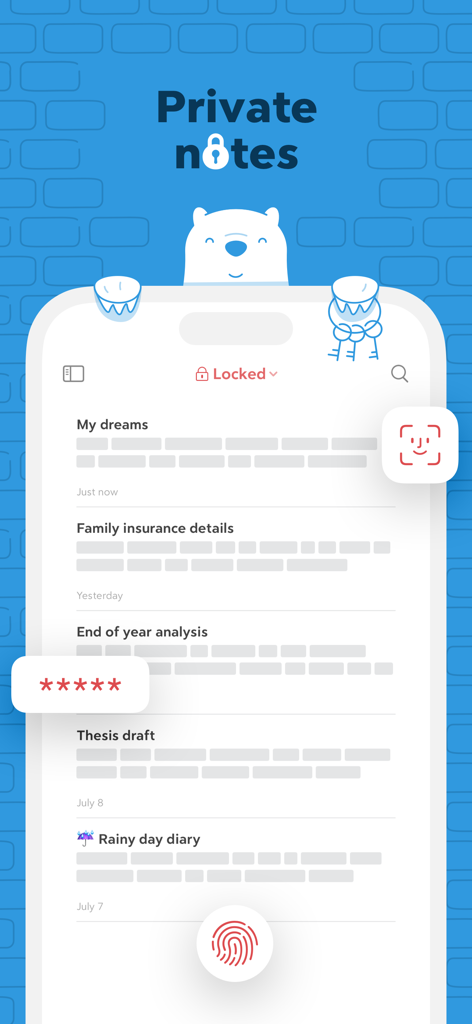
Face ID、Touch ID、およびパスワード暗号化によって保護されたプライベートノートを表示するBearアプリのインターフェース
説明
Download
類似アプリ
似た機能とユーザー体験を持つアプリ

Notion: Notes, Tasks, AI
Notion Labs, Incorporated

Freenotes®: AI Notes Taking
Hangzhou Free Notes Technology Co., Ltd

Structured - Daily Planner
unorderly GmbH

Google Tasks: Get Things Done
Google LLC

TickTick:To-Do List & Calendar
Appest Limited

Noteful: Notes & PDF Markup
Noteful Technologies Ltd

Todoist: To Do List & Calendar
Doist Inc.

To do list MinimaList & Widget
Inner Grow Limited

monday.com - Work Platform
monday.com Ltd.
このページはアプリまたはその開発者の公式ページではなく、情報提供および論評を目的として作成された独立した編集出版物です。明示的に別段の記載がない限り、アプリおよびその開発者は、MWM、Apple、Google Play、アプリのパブリッシャー、またはアプリの開発者と提携、承認、後援、認可、またはその他の公式的な関係はなく、このページのいかなる内容も、アプリがMWMのサービスを使用して開発されたことを意味するものではありません。すべての商標、ロゴ、スクリーンショット、その他のコンテンツはそれぞれの所有者の財産です。