Book Writer One
Book Writer One
ダウンロード: App Store

このページはアプリまたはその開発者の公式ページではなく、情報提供および論評を目的として作成された独立した編集出版物です。明示的に別段の記載がない限り、アプリおよびその開発者は、MWM、Apple、Google Play、アプリのパブリッシャー、またはアプリの開発者と提携、承認、後援、認可、またはその他の公式的な関係はなく、このページのいかなる内容も、アプリがMWMのサービスを使用して開発されたことを意味するものではありません。すべての商標、ロゴ、スクリーンショット、その他のコンテンツはそれぞれの所有者の財産です。


ロゴ: Book Writer One
ダウンロード: App Store

Book Writer One

学生、教育者、クリエイターのための究極のストーリーテリングツール。写真、動画、ボイスレコーディングをドラッグ&ドロップして、数分でプロフェッショナルな電子書籍やペーパーバックを作成できます。

主要数値

ダウンロード

37K+

ユーザー評価

3.1/5

評価数

100

開発元

Good Effect

カテゴリ

Productivity

対応言語

5

最新バージョン

4.924

サイズ

72.7 MB

リリース日

2014年10月21日
機能

アイデアをプロの本に

学生、教師、趣味を持つ人が、インタラクティブなストーリーを簡単にデザイン、ナレーション、出版できるオールインワンのクリエイティブスタジオ。

直感的なマルチメディアビルダー

プロのデザイ​​ンスキルがなくても、写真、動画、スケッチをドラッグ&ドロップして、リッチでインタラクティブなページを作成できます。

インタラクティブな音声・オーディオ

ナレーションを録音したり、音楽を追加したりして、本をよりアクセスしやすく、若い学習者にとって魅力的なものにし、ストーリーに命を吹き込みましょう。

以下のスクリーンショットと説明は、アプリの公式ストアリスティングから直接取得されたものであり、アプリ開発者の所有物です。

アプリストア

スクリーンショット
Book Writer One - Book Writer Oneアプリのウェルカムスクリーン。ピンクと白のロゴと紹介文が表示されています。
Book Writer Oneアプリのウェルカムスクリーン。ピンクと白のロゴと紹介文が表示されています。

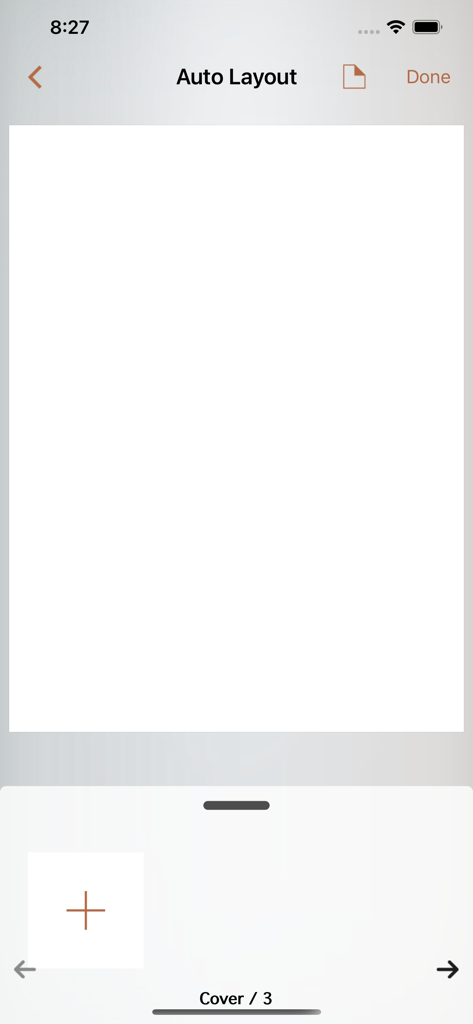
Book Writer One - Book Writer Oneアプリの自動レイアウトインターフェース。空白の本の表紙とページナビゲーションが表示されています。
Book Writer Oneアプリの自動レイアウトインターフェース。空白の本の表紙とページナビゲーションが表示されています。

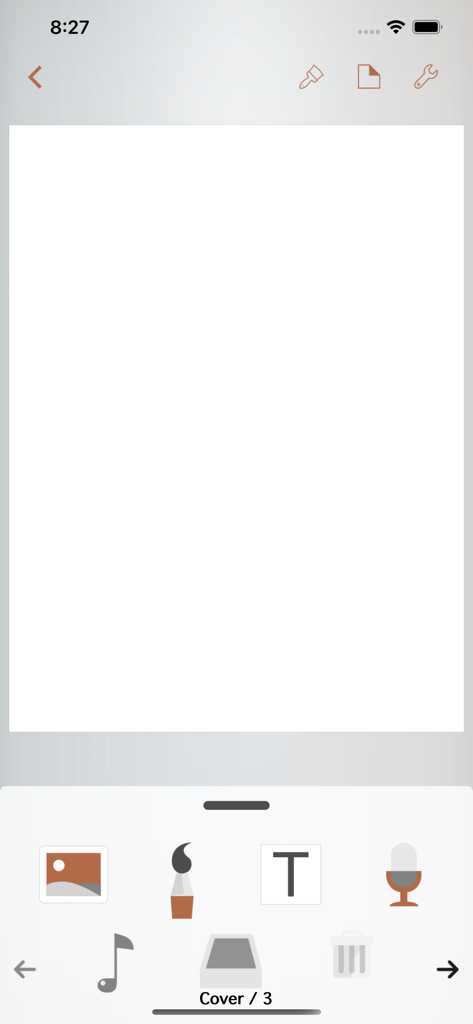
Book Writer One - Book Writer Oneのエディタインターフェース。空白の本の表紙と、テキスト、画像、オーディオ用のドラッグ&ドロップアイコンが表示されています。

Book Writer Oneのエディタインターフェース。空白の本の表紙と、テキスト、画像、オーディオ用のドラッグ&ドロップアイコンが表示されています。

説明

Take Note, Organize Thoughts, Make a Book. Share with the World. Make your own book with Book Writer. Anyone can easily make a book. Make an interactive book and enjoy making and reading the books you made! You can use it in school, work, and at home to make all types of books such as photo book, recipe book, diary, PR booklet, PDF documents, and etc. Making a multimedia book You can add pictures, text, voice recordings, songs, and videos on the page. You can use the camera to take pictures or videos and add them right on to the book. You can draw image and edit image using Pen Tool. Provides interactive functions such as item connection and auto play to make your book more fun. Easy and intuitive interface Children of all ages can easily use the interface. Use the Item Bar to add items to the page by drag&drop. All text are shown on the page in real time with the In-Page text editor that is provided. Use the Undo function to return to the previous work. Share your books You can share your book with others using Book World. Join the Book World and upload your book to Book World, and follow your favorite author. Books in Book World can be read on diverse smartphone, PC and Mac. You can share your book with Book Writer on Dropbox, iTunes or via E-mail. Read through iBooks The books made with Book Writer can be read through iBooks. You can read your book in Book Writer directly, or Book World web reader. Paperbook publish service You can publish your book to paperbook using Paperbook publish service. Published books can also be seen in Book World via smartphone, PC, Mac. In Class Book Writer is being used in many countries by thousands of people for educational use. Book Writer helps students to make a book by organizing their thoughts. With an intuitive interface, anyone can easily express and organize their thoughts. Book Writer One is limited version. You can release limit by upgrade to unlimited using in-app purchase or purchase paid version of Book Writer. The paid version is available with a 50% discount under App Store Volume Purchase Program. Main Functions Templates are provided to make books of different styles and formats. Choosing a layout style automatically relocates your items. Use drag & drop to easily add items. You can use the photos from Photo Library to add to the book, or can add pictures taken directly from camera. Pictures can be moved, the size can be adjusted, and you can rotate or crop the pictures by touching. Supports fonts and styles of various types. You can draw image and edit image using Pen Tool. You can add videos from your album or you can directly record videos with your camera to add them. Use recorder to record your voice and add to the book, or add music from Music Library to your book. Bring any music from Music Library to add as your background music. Use the auto play function to automatically play the media at the time you want. Item connection function is provided to connect your pictures or text to sound items. The Undo function allows you to return to your previous work. Use the Page Editor to add or delete pages or change the order of the page by using drag & drop. You can combine two books together. The completed book can be read in ‘Reading Mode’. Books that have been created can be shared via Book World, iTunes, E-mail, Dropbox, etc. Share your book with others using Book World. And can be read on many smartphone, PC, Mac. You can publish your book to paperbook using Paperbook publish service. Save your book as a PDF document or you can use AirPrint or use Export to print the books The standard E-book format, epub, is supported to read the made books with iBooks and you can register your books on iBookstore. Book Writer supports the fixed-layout format of iBooks. The fixed-layout format is not ideal for books with long text like novels. Online support is included. Please visit our homepage - http://goodeffect.com

Download

ダウンロード: App Store

このページはアプリまたはその開発者の公式ページではなく、情報提供および論評を目的として作成された独立した編集出版物です。明示的に別段の記載がない限り、アプリおよびその開発者は、MWM、Apple、Google Play、アプリのパブリッシャー、またはアプリの開発者と提携、承認、後援、認可、またはその他の公式的な関係はなく、このページのいかなる内容も、アプリがMWMのサービスを使用して開発されたことを意味するものではありません。すべての商標、ロゴ、スクリーンショット、その他のコンテンツはそれぞれの所有者の財産です。








