Brushes
Brushes
ダウンロード: App Store

このページはアプリまたはその開発者の公式ページではなく、情報提供および論評を目的として作成された独立した編集出版物です。明示的に別段の記載がない限り、アプリおよびその開発者は、MWM、Apple、Google Play、アプリのパブリッシャー、またはアプリの開発者と提携、承認、後援、認可、またはその他の公式的な関係はなく、このページのいかなる内容も、アプリがMWMのサービスを使用して開発されたことを意味するものではありません。すべての商標、ロゴ、スクリーンショット、その他のコンテンツはそれぞれの所有者の財産です。

ロゴ: Brushes
ダウンロード: App Store

Brushes

ミニマリストなインターフェースでプロ仕様のイラスト制作を体験。高度なレイヤー、カスタマイズ可能なブラシ、シームレスなApple Pencilの精度で、あなたのアートを極めましょう。

主要数値

ダウンロード

150K+

ユーザー評価

4.4/5

評価数

800

開発元

Envoza Ltd

カテゴリ

Graphics & Design

対応言語

1

最新バージョン

4.2.6

サイズ

12.6 MB

リリース日

2018年11月20日
機能

現代のアーティストのためのプロ仕様ツール

Brushes 4は、ミニマリストなインターフェースと強力なクリエイティブ機能を融合させ、インスピレーションが湧いた場所でどこでも高品質なデジタルアートを描ける自由を提供します。

ストロークを極める

Apple Pencilへの完全な最適化と、独自のスタイルに合わせたカスタマイズ可能な筆圧曲線により、比類のない精度を体験してください。

高度なレイヤー管理

プロ仕様のブレンドモード、アルファロック、無制限のやり直しシステムを使用して、複雑なビジョンを形にし、完全な創造の自由を手に入れましょう。

以下のスクリーンショットと説明は、アプリの公式ストアリスティングから直接取得されたものであり、アプリ開発者の所有物です。

アプリストア

スクリーンショット
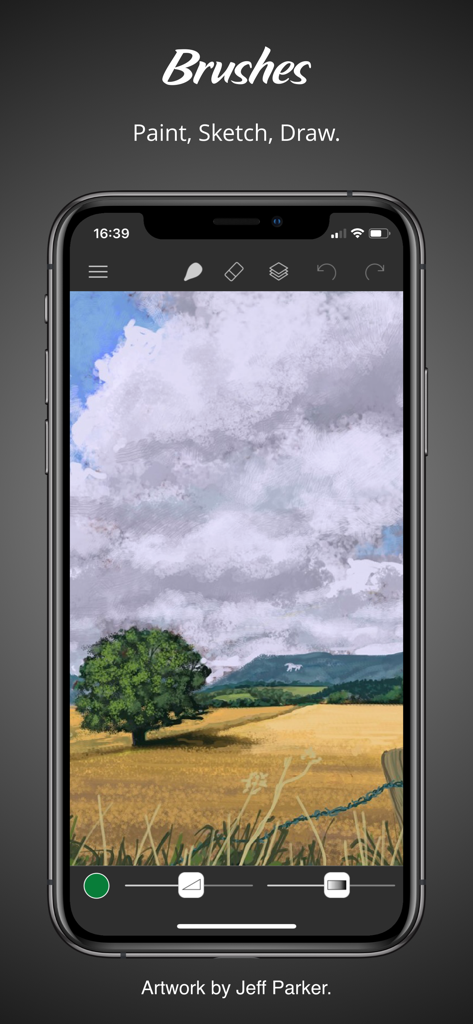
Brushes - 描画ツールを使ってデジタルの風景画を表示しているiPhone上のBrushesアプリのインターフェース
描画ツールを使ってデジタルの風景画を表示しているiPhone上のBrushesアプリのインターフェース

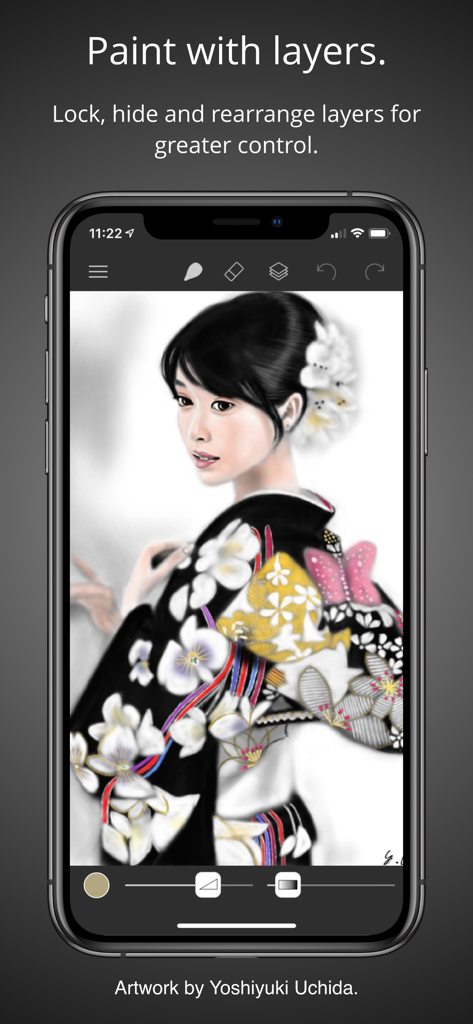
Brushes - 詳細な女性のデジタル肖像画でレイヤー管理を実演しているBrushes 4モバイルアプリのインターフェース
詳細な女性のデジタル肖像画でレイヤー管理を実演しているBrushes 4モバイルアプリのインターフェース

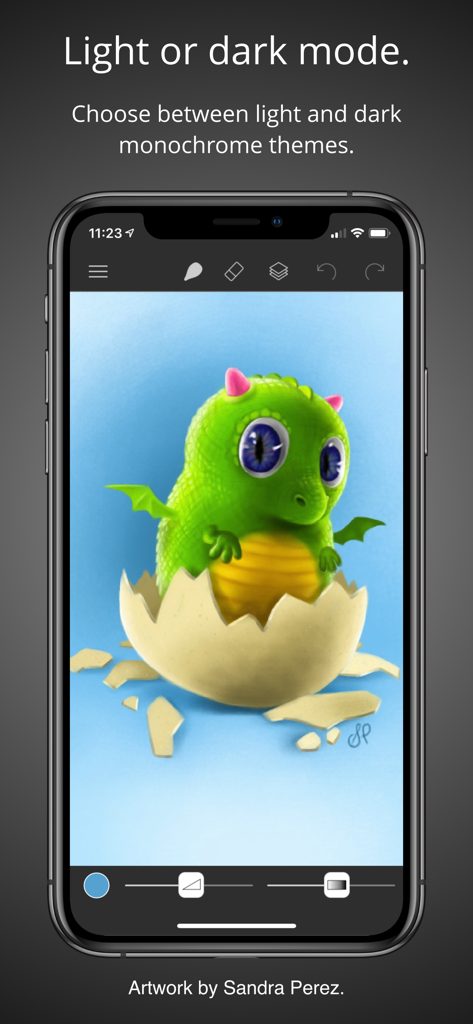
Brushes - 卵から孵化する緑のベビードラゴンのデジタルイラストをフィーチャーした、ダークモードのBrushes 4アプリのインターフェース
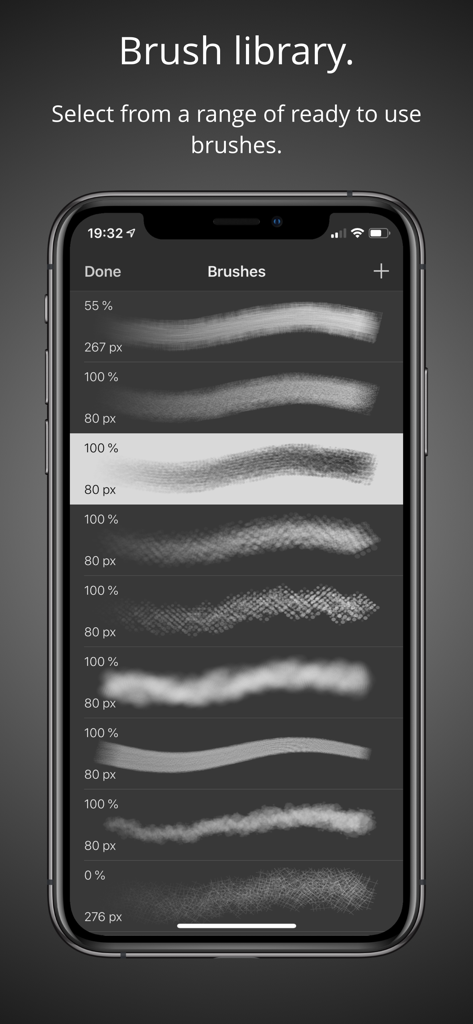
卵から孵化する緑のベビードラゴンのデジタルイラストをフィーチャーした、ダークモードのBrushes 4アプリのインターフェース

Brushes - デジタルブラシのスタイルとサイズのメニューを表示しているBrushes 4モバイルアプリのインターフェース
デジタルブラシのスタイルとサイズのメニューを表示しているBrushes 4モバイルアプリのインターフェース

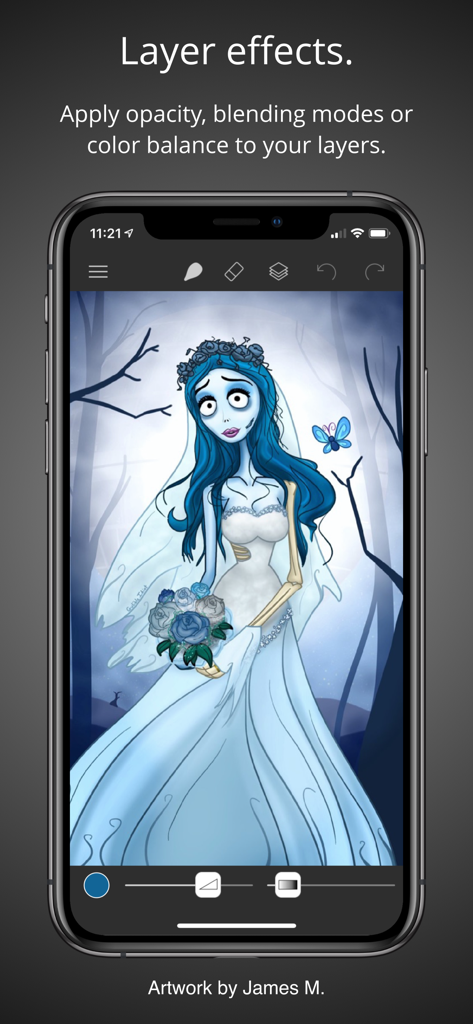
Brushes - Brushes 4アプリのレイヤーエフェクトを紹介している、iPhone画面上のゴシックな花嫁のデジタルイラスト
Brushes 4アプリのレイヤーエフェクトを紹介している、iPhone画面上のゴシックな花嫁のデジタルイラスト

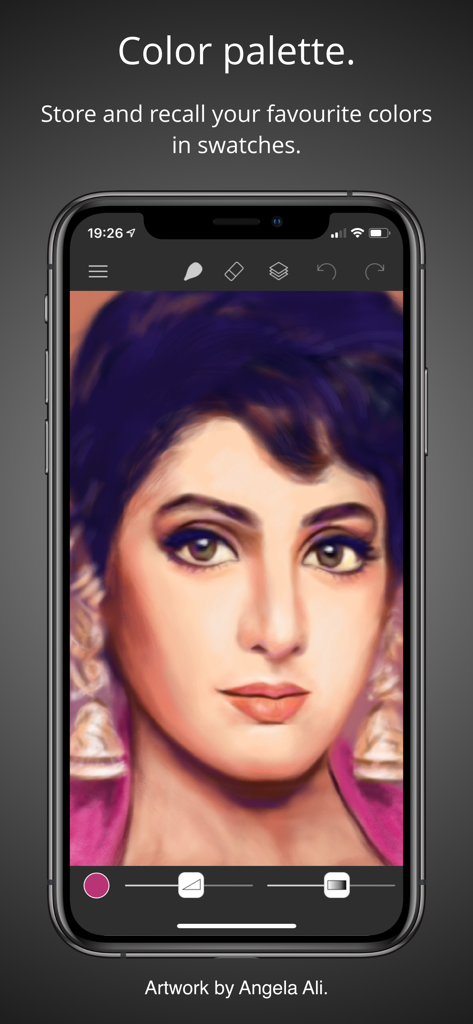
Brushes - カラーパレット機能を表示しているiPhone上のBrushes 4アプリのインターフェースでの女性のデジタル肖像画
カラーパレット機能を表示しているiPhone上のBrushes 4アプリのインターフェースでの女性のデジタル肖像画

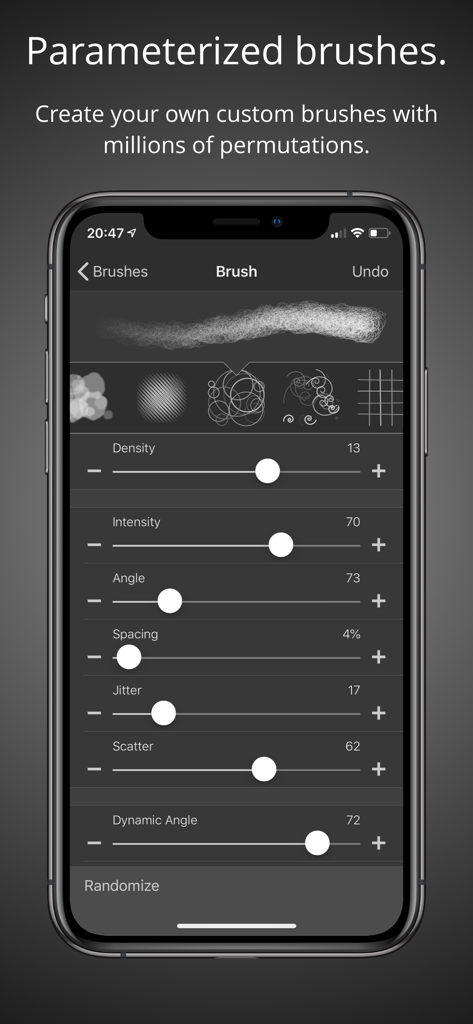
Brushes - Brushes 4アプリでカスタマイズ可能なブラシパラメータと設定を表示しているスマートフォンの画面
Brushes 4アプリでカスタマイズ可能なブラシパラメータと設定を表示しているスマートフォンの画面

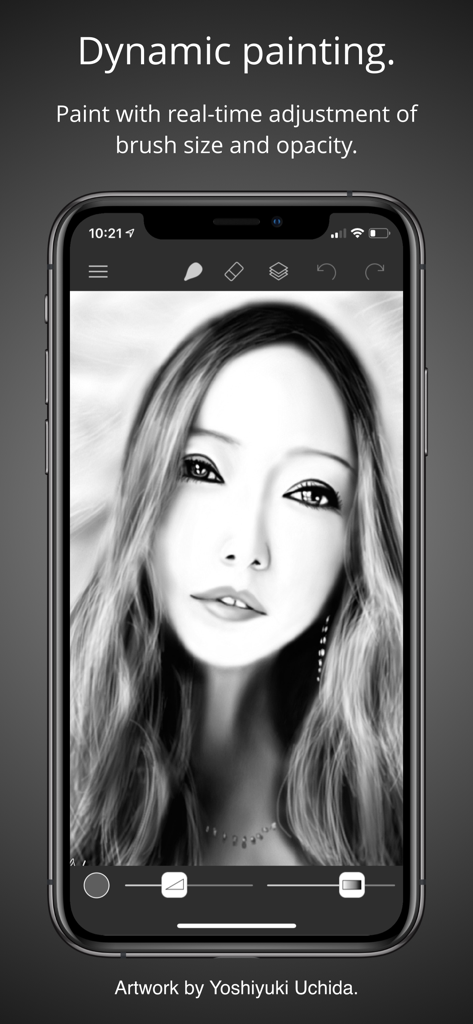
Brushes - ブラシ調整スライダー付きのデジタルの白黒肖像画を表示しているiPhone上のBrushes 4アプリのインターフェース
ブラシ調整スライダー付きのデジタルの白黒肖像画を表示しているiPhone上のBrushes 4アプリのインターフェース

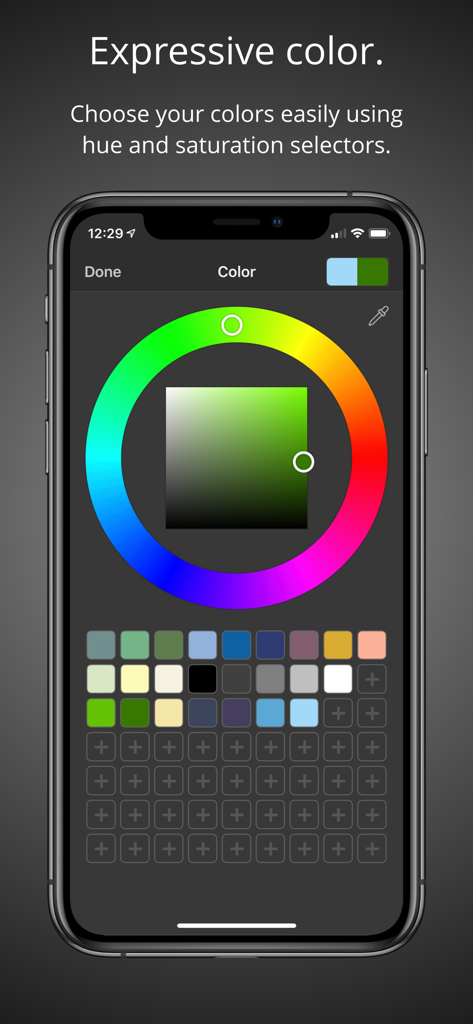
Brushes - 色相環、彩度正方形、カラースウォッチを備えたBrushes 4アプリのカラーピッカー画面
色相環、彩度正方形、カラースウォッチを備えたBrushes 4アプリのカラーピッカー画面

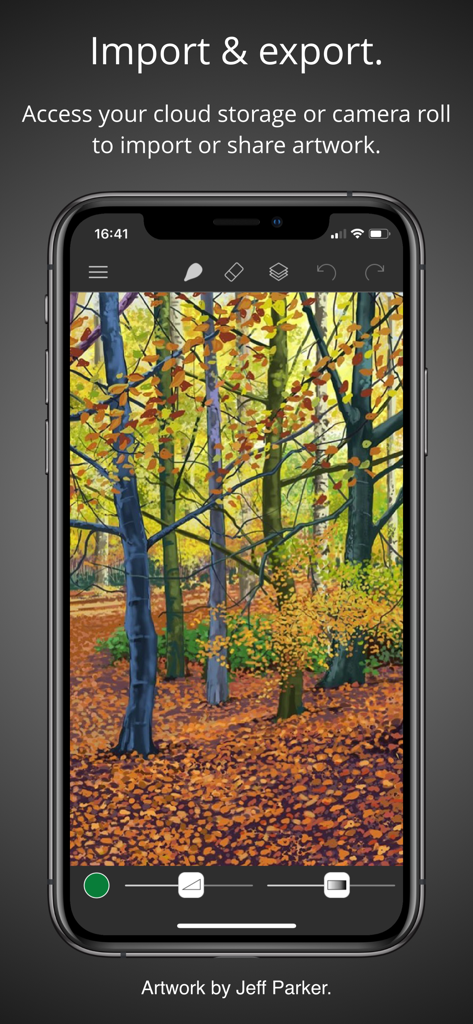
Brushes - デジタルの森の絵とインポート・エクスポートオプションを表示しているiPhoneのBrushes 4アプリ画面

デジタルの森の絵とインポート・エクスポートオプションを表示しているiPhoneのBrushes 4アプリ画面

説明

Brushes 4 is the latest iteration of the app that started the iPhone and iPad painting revolution. Redesigned with a clean and modern user interface, Brushes supports iPhone and iPad with optimisation for the iPhone X, iPhone XS, iPhone Pro and iPad with Apple Pencil. • Highlights: - Clean and modern user interface with light and dark modes. - Files based painting gallery. - New canvas interface. - Apple Pencil support with pressure curve. – Unlimited undo and redo. - Continuous auto-save. - Cloud Drive import and export. • Parameterized Brushes: - Selection of ready to use brushes with customisable settings. - Create your own custom brushes from millions of permutations. - Generate random brushes for inspiration. - Dynamic adjustment of brush size and opacity. • Layers: - Layer your artwork for greater control. – Lock and hide layers. – Use alpha lock to only paint where pixels already exist. – Adjust individual layer opacity. – Duplicate, rearrange and merge layers. – Apply layer blending modes: normal, multiply, screen, exclude. - Color fill any layer. – Invert layer color and desaturate. – Flip and arbitrarily transform layers. – Adjust the color balance per layer. – Adjust layer hue, saturation and brightness. • Colors: - Colour picker with hue ring and saturation square. - Store and recall your favourite colors in swatches. - Sample painting colors with the eyedropper tool. • Apple Pencil: - Intuitive and powerful pressure curve to match your style. - Configurable realtime pressure based adjustment of brush size and opacity. • Creation: - Preset canvas sizes for paper, photographs, iPhone and iPad screens, film and television displays. - Custom canvas size. • Import, export and sharing: - Import images directly from your camera roll. - Import PNG and JPEG images from cloud services. - Export your paintings for sharing or importing into other apps as PNG and JPEG to all cloud storage services or as photos directly to your camera roll. - Compatible with paintings created by Brushes 3 and Brushes Redux. • Light and dark appearances: - Choose between light and dark monochrome appearances, or current system setting. - Minimal use of user interface color so that tints in the user interface do not distract from or influence your artwork color choices. Acknowledgements. Thank you to Angela Ali, Jason M., Jeff Parker, Sandra Perez and Yoshiyuki Uchida for contributing artwork to the App Store screenshots. Please visit our website to see more of their artwork and for links to their portfolios. History. Brushes was originally created by Steve Sprang for iPhone in 2009 and for iPad in 2010. His last version, Brushes 3 was released in 2012, but was removed from the App Store in 2015. I took over development to modernise and support an app that has continued to be enjoyed by so many artists.

Download

ダウンロード: App Store

このページはアプリまたはその開発者の公式ページではなく、情報提供および論評を目的として作成された独立した編集出版物です。明示的に別段の記載がない限り、アプリおよびその開発者は、MWM、Apple、Google Play、アプリのパブリッシャー、またはアプリの開発者と提携、承認、後援、認可、またはその他の公式的な関係はなく、このページのいかなる内容も、アプリがMWMのサービスを使用して開発されたことを意味するものではありません。すべての商標、ロゴ、スクリーンショット、その他のコンテンツはそれぞれの所有者の財産です。







