
このページはアプリまたはその開発者の公式ページではなく、情報提供および論評を目的として作成された独立した編集出版物です。明示的に別段の記載がない限り、アプリおよびその開発者は、MWM、Apple、Google Play、アプリのパブリッシャー、またはアプリの開発者と提携、承認、後援、認可、またはその他の公式的な関係はなく、このページのいかなる内容も、アプリがMWMのサービスを使用して開発されたことを意味するものではありません。すべての商標、ロゴ、スクリーンショット、その他のコンテンツはそれぞれの所有者の財産です。
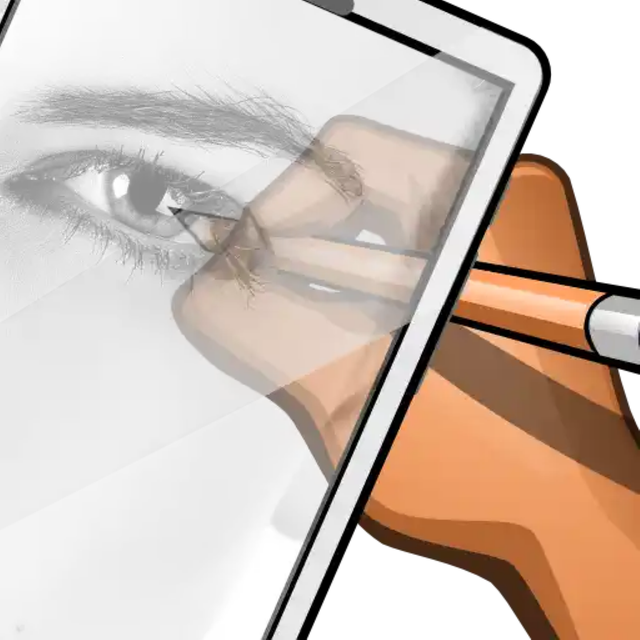

Calca app
iPhoneやiPadを最新のカメラ・ルーダに変身させましょう。画像、ウェブキャプチャ、1,550以上のカスタムフォントを紙、ジャーナル、壁に簡単に転写し、見事な壁画やプロ品質のアートを作成できます。
ダウンロード
493K+ユーザー評価
評価数
300開発元
カテゴリ
Graphics & Design対応言語
1最新バージョン
222サイズ
76.5 MBリリース日
2021年6月19日トレースアートをマスターしよう
Calcaアプリは、デジタルインスピレーションと物理的な創造のギャップを埋め、デバイスを壁画、ジャーナル、DIYプロジェクトのための強力なカメラ・ルーダに変えます。
いつでもどこでもトレース
ギャラリーの画像を紙や壁に投影し、プロの精度で見事なスケッチや壁画を作成できます。
1,550以上のカスタムフォント
バレットジャーナリングやハンドレタリングに最適。美しいタイポグラフィやスクリプトをトレースして、パーソナルクラフトをレベルアップさせましょう。
よくある質問
について知っておくべきこと Calca app
CalcaAppとは何ですか?
CalcaAppは、デバイスやカメラから紙に画像を転送するためのカスタマイズ可能なツールです。カメラ・ルシダやプロジェクターとして機能し、芸術的な作品制作を支援します。
CalcaAppで壁に絵を描くことはできますか?
はい、CalcaAppを使えば壁に絵を描くことができます。スマートフォンを直立させて、壁に投影された選択した画像を通して見ながら描画します。
CalcaAppはどのようにして描画に3D効果を作成しますか?
CalcaAppは、スタンドを使用してデバイスを45度の傾斜で支えることで、3D効果を可能にします。デモンストレーションビデオはCalcaApp.comでご覧いただけます。
CalcaAppは無料のアプリケーションですか?
はい、CalcaAppはすべてのユーザーにとって完全に無料です。すべての機能は、制限なしで無料で利用できます。
ユーザーはCalcaAppで広告を削除するにはどうすればよいですか?
ユーザーは、ポイントシステムを使用してCalcaAppの広告を無料で削除できます。アクティブなサブスクリプションでは、広告削除を含むすべてのロック解除された機能へのアクセスも提供されます。
CalcaAppはサブスクリプションを提供していますか?
はい、CalcaAppは年間のサブスクリプションを提供しています。このサブスクリプションにより、アプリの継続的な開発を反映した、すべてのロック解除された機能にアクセスできます。
CalcaAppはどの言語をサポートしていますか?
CalcaAppは、英語、スペイン語、ポルトガル語、イタリア語、ロシア語、フランス語、インドネシア語、ドイツ語、アラビア語をサポートしています。ユーザーは好みの言語でアプリを楽しめます。
CalcaAppで利用可能なカスタマイズオプションは何ですか?
CalcaAppは、テキストとデザインのカスタマイズのために1550以上のフォントを提供しています。ユーザーのインスピレーションを高めるために、さまざまな色でアプリをカスタマイズすることもできます。
CalcaAppはウェブページをキャプチャできますか?
はい、CalcaAppには改善されたウェブキャプチャ機能が含まれています。ユーザーは、お気に入りのウェブサイトをワンタップで画像に変換できます。
CalcaAppのチュートリアルはどこで見られますか?
CalcaAppのチュートリアルはCalcaApp.Comで利用できます。これらのリソースは、ユーザーがアプリケーション内のすべての機能とツールを最大限に活用するのに役立ちます。
CalcaAppはカメラの許可が必要ですか?
はい、CalcaAppはデバイスのカメラ許可を必要とします。これにより、ユーザーは描画エリアでカメラを通して選択した画像を表示できます。
CalcaAppは初心者にとって使いやすいですか?
CalcaAppで良い結果を得るには練習が必要です。CalcaApp.comでデモンストレーションビデオが提供されており、ユーザーのスキル向上をガイドします。
CalcaAppが正しく機能するために不可欠なものは何ですか?
CalcaAppが正しく機能するためには、デバイスは紙、壁、または床を含む描画エリアに焦点を合わせる必要があります。
CalcaAppは表面に画像を投影しますか?
いいえ、CalcaAppは表面に画像を投影しません。画像投影には別途プロジェクターが必要です。
CalcaAppの使用中にオートフォーカスの問題を回避するにはどうすればよいですか?
CalcaAppでオートフォーカスの問題を回避するために、ユーザーはカメラの下に手をかざさないようにする必要があります。視覚的な説明はCalcaApp.comで入手できます。
CalcaAppを使用するために登録は必要ですか?
いいえ、CalcaAppを使用するために登録は必要ありません。ユーザーはアカウントを作成せずに、アプリの機能に直接アクセスできます。
ユーザーはCalcaAppのフィードバックをどのように提供できますか?
ユーザーはerbolamm.comまたはapliarte.comにアクセスして、CalcaAppのフィードバックや提案を提供します。アプリは継続的に開発されています。
CalcaAppで描画するための画像ソースをどのように選択できますか?
CalcaAppでは、デフォルトオプション、ローカルファイル、またはデバイスのカメラから直接画像を選択できます。
CalcaAppは描画プロセスをどのように支援しますか?
CalcaAppは、選択した画像をライブカメラフィードにオーバーレイします。これにより、ユーザーはデバイスの下にある紙やその他の表面に画像をトレースまたは描画できます。
CalcaAppで予定されている今後の機能は何ですか?
CalcaAppでは、クラウドからの画像選択、アプリ内画像エディタ、キャプチャ履歴の導入を計画しています。
以下のスクリーンショットと説明は、アプリの公式ストアリスティングから直接取得されたものであり、アプリ開発者の所有物です。
アプリストア
スクリーンショット
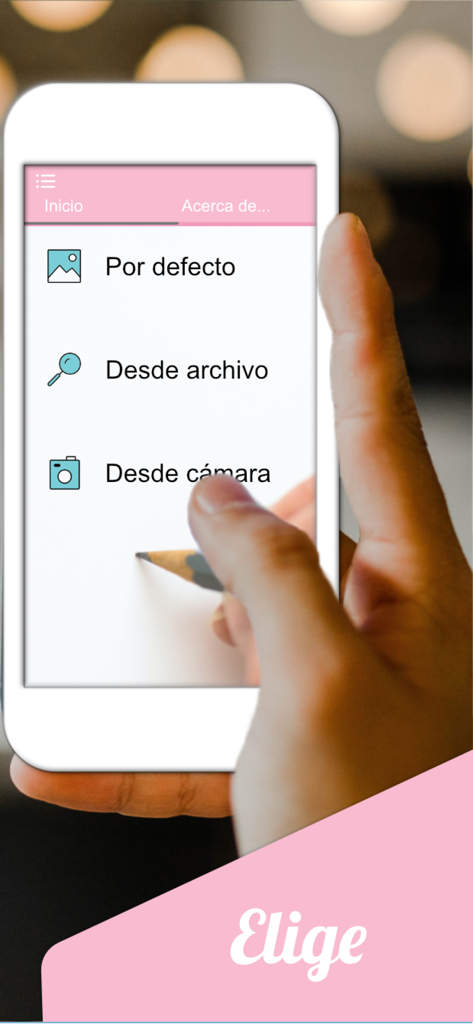
Calcaアプリのインターフェース。紙や壁に描画するための画像のインポートオプションを表示
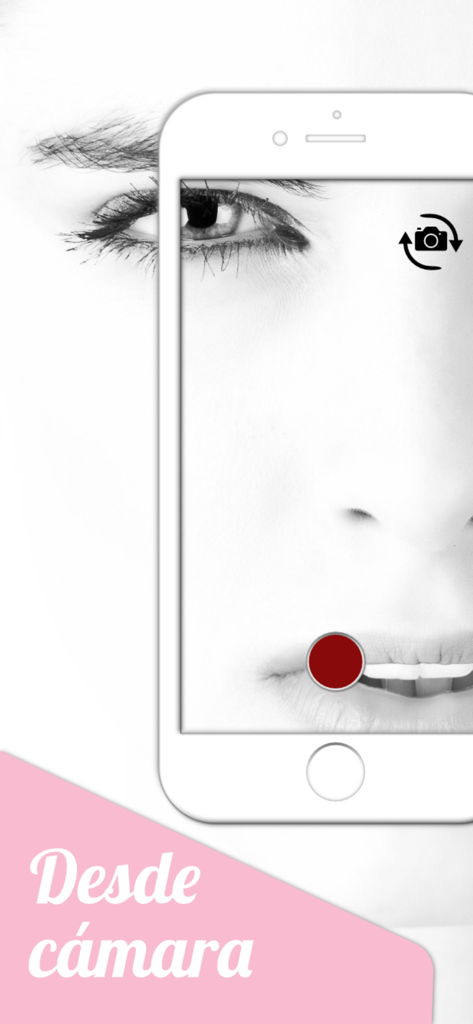
トレースと描画のために顔写真を映し出すCalcaアプリのカメラモード
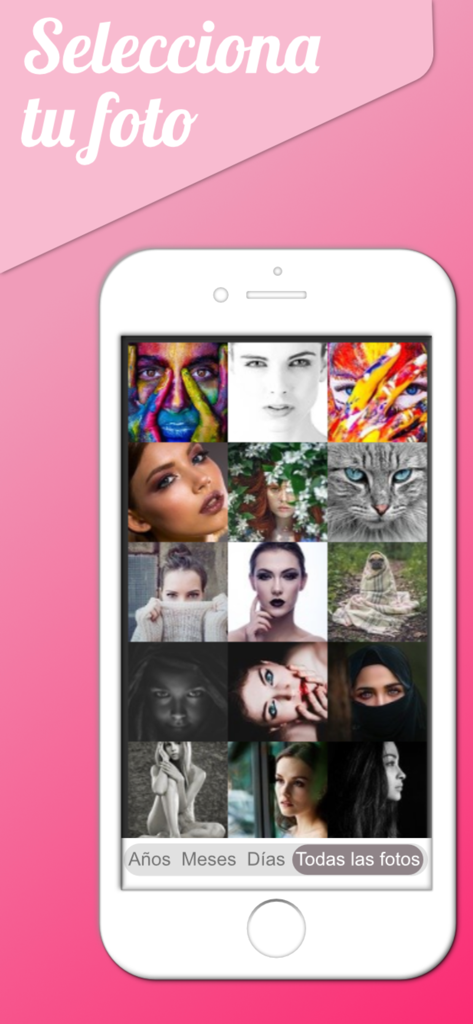
Calcaアプリのスマートフォンの画像ギャラリー選択画面。様々なポートレート写真や猫の画像が表示されている

Calcaアプリを使って顔写真を紙にトレースする様子を映し出すスマートフォン
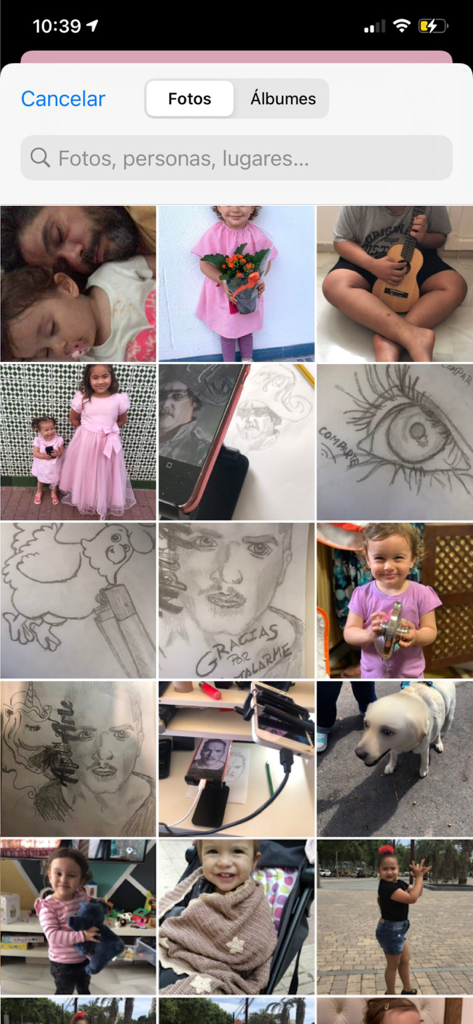
Calcaアプリのインターフェース。iOSの写真ギャラリーグリッドに、トレース用の個人の写真やスケッチが表示されている
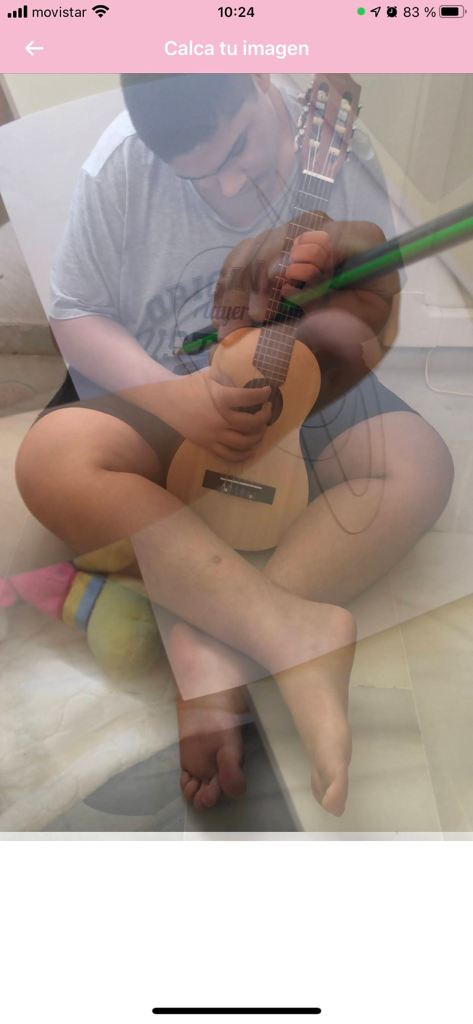
カメラ・ルーダの透明機能を使って、ギターを弾く少年の写真をトレースするためにCalcaアプリを使用している人
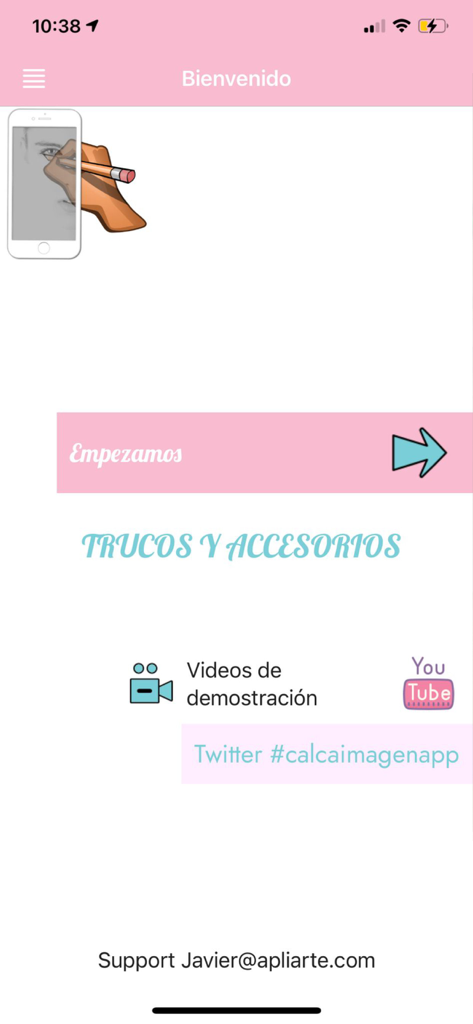
Calcaアプリのウェルカムスクリーン。スタートボタンと描画チュートリアルへのリンクが表示されている
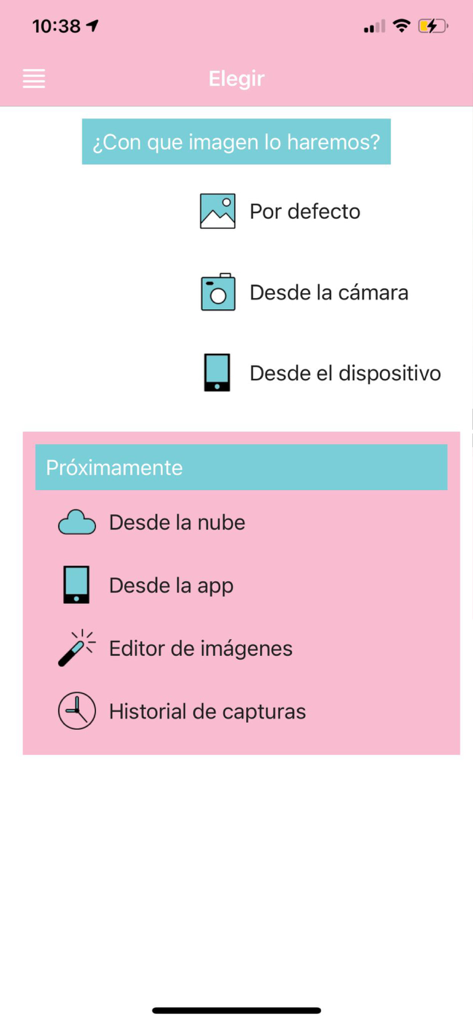
Calcaアプリの画像選択画面。カメラ・ルーダ機能を使ってトレースする画像を選択
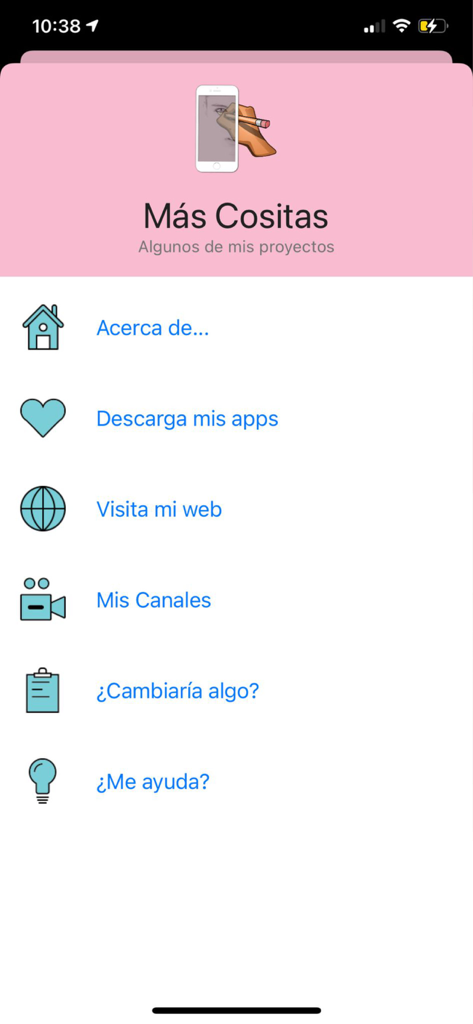
Calcaアプリの設定とその他のプロジェクトメニュー画面(スペイン語)
説明
Download
類似アプリ
似た機能とユーザー体験を持つアプリ

AR Drawing Paint Sketch Trace
DROIDFUN LIMITED

Camera Lucida™: AR Drawing
Big Idea Design LLC

AR Drawing Sketch App: ArtEasy
SMDA GROUP SP Z O O SP KOMANDYTOWA

PicTrace: AR Drawing & Sketch
ANDROID VIETNAM TECHNOLOGY CORPORATION

AR Draw: Sketching & Painting
EIGEN SOFTWARE LIMITED

AR Drawing How to Draw Sketch
Magomed Dzhamalov

Da Vinci Eye: AR Trace & Draw
Da Vinci Eye LLC

AR Drawing - AR Sketch
Ketanbhai Khokhani

HEY CLAY®
HEY CLAY LTD
このページはアプリまたはその開発者の公式ページではなく、情報提供および論評を目的として作成された独立した編集出版物です。明示的に別段の記載がない限り、アプリおよびその開発者は、MWM、Apple、Google Play、アプリのパブリッシャー、またはアプリの開発者と提携、承認、後援、認可、またはその他の公式的な関係はなく、このページのいかなる内容も、アプリがMWMのサービスを使用して開発されたことを意味するものではありません。すべての商標、ロゴ、スクリーンショット、その他のコンテンツはそれぞれの所有者の財産です。